






LM Studio
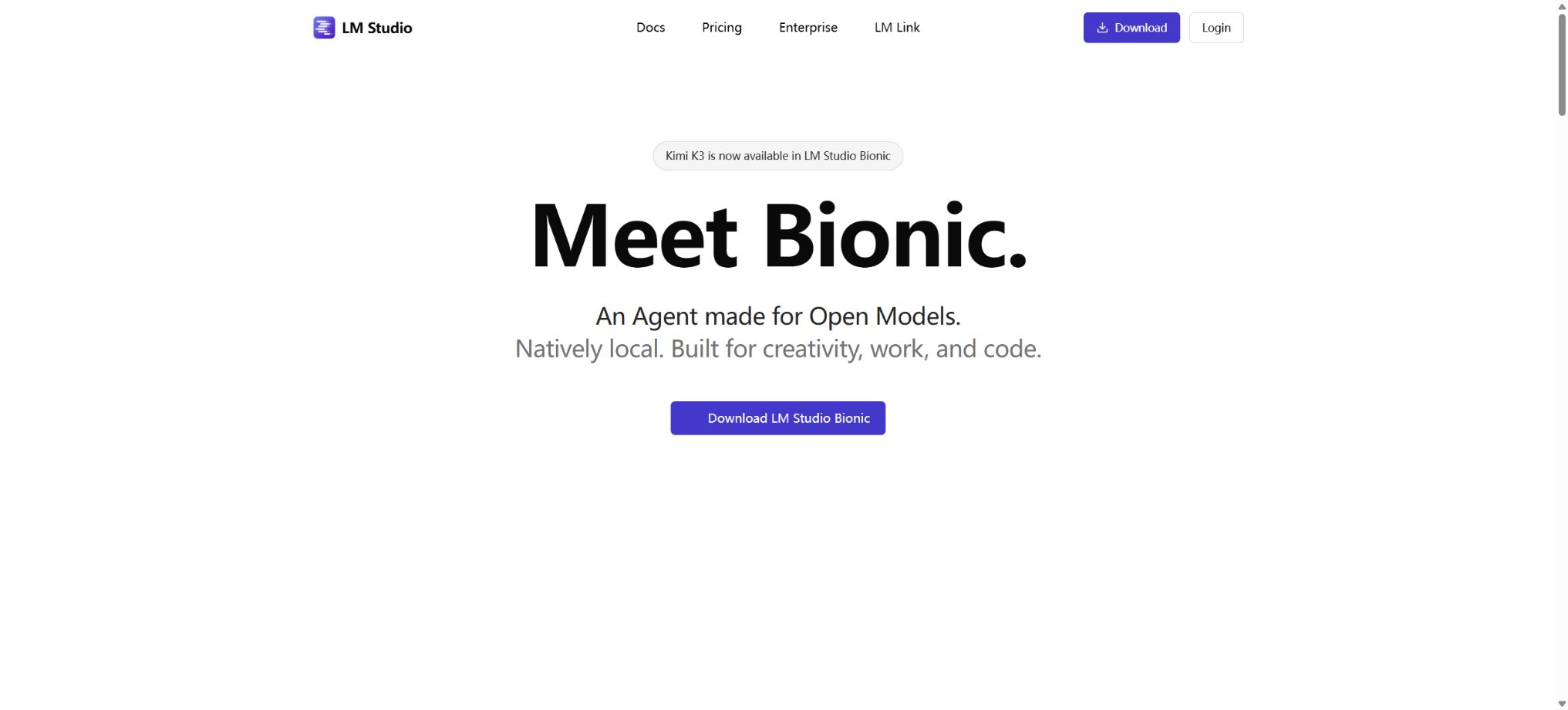
Discover, run, and invoke local large models and speech models on the desktop.
Tags:AI development frameworksWhat is LM Studio?
LM Studio is a graphical tool for running and developing large local models. Users can search the model community for GGUF or MLX models that are suitable for their devices; after downloading them, they can use these models on their own computers to conduct conversations, process documents, or launch local services that can be utilized by coding tools, editors, and AI applications.
It brings model selection, quantization versions, memory estimation, parameter loading, and service interfaces into a desktop interface, making it more user-friendly for those who are not familiar with the command line; at the same time, it retains the capabilities of the command line, SDKs, and APIs.
LM Studio currently also offers a cloud model. When this cloud model is selected, the prompts and inferences are processed by LM Studio’s hosting services;
When a local model is selected, the main computations are carried out on the user’s device.
The two modes utilize similar chat and development interfaces, but they differ in terms of privacy boundaries, costs, speed, and the available models; therefore, Cloud should not be mistaken for local offline inference.
Core functions
- Model discovery and download:Search the model repository, select versions based on the number of parameters, quantization level, architecture, and file size, and receive guidance regarding feasibility based on the current memory availability.
- Local chat:Create multiple rounds of conversations, set system prompts and sampling parameters, to test the speed and quality of responses of different models side by side.
- Document Q&A:Add PDFs, text files, and other materials to the session so that the model can summarize and respond based on these local files; the quality of the results depends on the model’s understanding of the context, its ability to parse documents, and the scope of its search.
- Developer mode:It starts a local HTTP service that provides OpenAI-compatible interfaces, as well as Python and JavaScript SDKs, to facilitate the migration of existing chat, structured output, and tool invocation applications.
- Multi-model service:Multiple models can be loaded and switched as needed; it supports runtime environments such as llama.cpp and Apple MLX.
- MCP and tools:It is possible to connect MCP servers or tools to the model, but such tools may have access to files, networks, and business systems; therefore, the permissions must be reviewed.
- LM Link:Other devices are allowed to connect to the host on which LM Studio is running; the free version supports up to 5 connected devices at a time.
- Teams and enterprises:The team Hub is used for sharing private organizations, models, and artifacts; the enterprise version adds SSO, model access controls, management reports, customized deployment options, and priority support.
Price
| Package or version | Prices, quotas, and core benefits |
|---|---|
| Free | The desktop application is available for free and can be used in personal as well as internal work environments; features such as local model-based chatting, voice transcription, operation with llama.cpp and MLX, and local services all come without any subscription fees and require no login. |
| Pay-as-you-go cloud services | After purchasing Cloud Credits, the cost is calculated separately for the input tokens, cached input tokens, and output tokens of each model. In the example given, DeepSeek V4 Flash costs $0.13 per million input tokens, $0.028 for cached input tokens, and $0.26 for output tokens; DeepSeek V4 Pro costs $1.74, $0.15, and $3.48 respectively. The rates for other models vary, and the actual cost will be displayed before generation. |
| Team and Enterprise | For team collaboration and corporate governance services, no unified self-service pricing is available on the public page; registration or contact with sales is required. The price for Bionic Pass still indicates that it will be announced soon. |
While no inference fees are payable to LM Studio when using the local version, costs related to the computer, storage, electricity, and maintenance must still be covered. Cloud Credits and the free local option represent two different cost structures; generating long texts is usually more expensive than processing shorter texts.
Platform, privacy, and open-source status
LM Studio is compatible with Windows, macOS, and Linux. Apple chips can use MLX, while other devices typically run it via llama.cpp along with available CPU and GPU backends.
The larger the model, the greater the demands on memory and video memory; just because a file can be downloaded does not mean that the device will be able to load the entire context smoothly.
Local models, documents, and conversations can remain on the device, which is suitable for users who place a high priority on data control; when web search, login synchronization, Cloud models, remote connections, or third-party MCPs are enabled, the relevant data moves beyond the purely offline environment. Companies should examine the rules regarding data transmission and storage before using these features.
The LM Studio desktop application is proprietary software; it is not an open-source project.The runtime components it integrates, such as llama.cpp and MLX, may be open source, but this does not mean that the entire product can be labeled as open source.
Each downloaded model comes with its own license, which may impose restrictions on commercial use, redistribution, creation of derivative models, or specific applications; it is necessary to check the model details and licenses individually before releasing a product.
LM Studio Usage Guide
Complete a basic task.
- Register for LM Studio and create an API Key intended solely for the testing environment;
- Select a model based on input type, context, quality, speed, and price;
- First, invoke the model to perform the minimal request for discovery and download, and then check the returned structure;
- Use local chat to test streaming output, parameters, and error responses;
- Record Tokens, number of calls, latency, error rate, and cost per call;
- Move the key to the server-side key manager before integrating it into the actual application;
Create reusable professional workflows
- Different keys and quotas are used for development, testing, and production environments;
- Based on the model, representative evaluation sets are created for model discovery and downloading, as well as for local chat and document Q&A.
- Set timeout, concurrency, retry, throttling, and budget limits;
- Perform checks on the output regarding facts, security, format, and sensitive information;
- Monitor changes in model version, price, latency, and failure rate;
- Prepare plans for downgrading the model, implementing circuit breaking, and taking manual control;
Which users are it suitable for
- Ordinary users who wish to experience open-source weight models on their personal computers when they are offline
- Developers who need local APIs, structured output, and tool calls
- Teams that need to test document-based Q&A without the data leaving the device
- Researchers who compare different quantization models, hardware usage, and inference speed
Usage restrictions
- The knowledge, reasoning capabilities, and quality of the Chinese language processing in local models depend on the specific model used; it cannot be assumed that the answers provided are reliable just because they are generated locally.
- Document Q&A may still fail to process tables, images, and scanned documents;
- Important information needs to be checked against the original text.
- Local services should not be exposed to the public internet without authentication; for remote access, firewalls, authentication mechanisms, and the principle of least privilege should be implemented.
Frequently Asked Questions
Is LM Studio free?
Desktop and local inference are free; Cloud models require Credits to be purchased on a usage-based basis, while team and enterprise features have separate pricing.
Is an internet connection required?
An internet connection is required to download applications and models; once the models have been downloaded, it is possible to conduct chat sessions offline as well as use local APIs. Cloud models, web searches, and online model libraries all require an internet connection.
What is the difference between LM Studio and Ollama?
LM Studio places more emphasis on the graphical interface, model browsing, and desktop-based experiments; Ollama focuses more on the command line, model services, and development integration.
Both can provide local APIs; the choice depends on interface preferences, automation requirements, and the operating environment.
Tools similar to LM Studio





 Guigong Network Security Registration No. 45132202000164