






Ollama
Quickly run and invoke open large language models on local computers or in the cloud.
Tags:AI development frameworksWhat is Ollama?
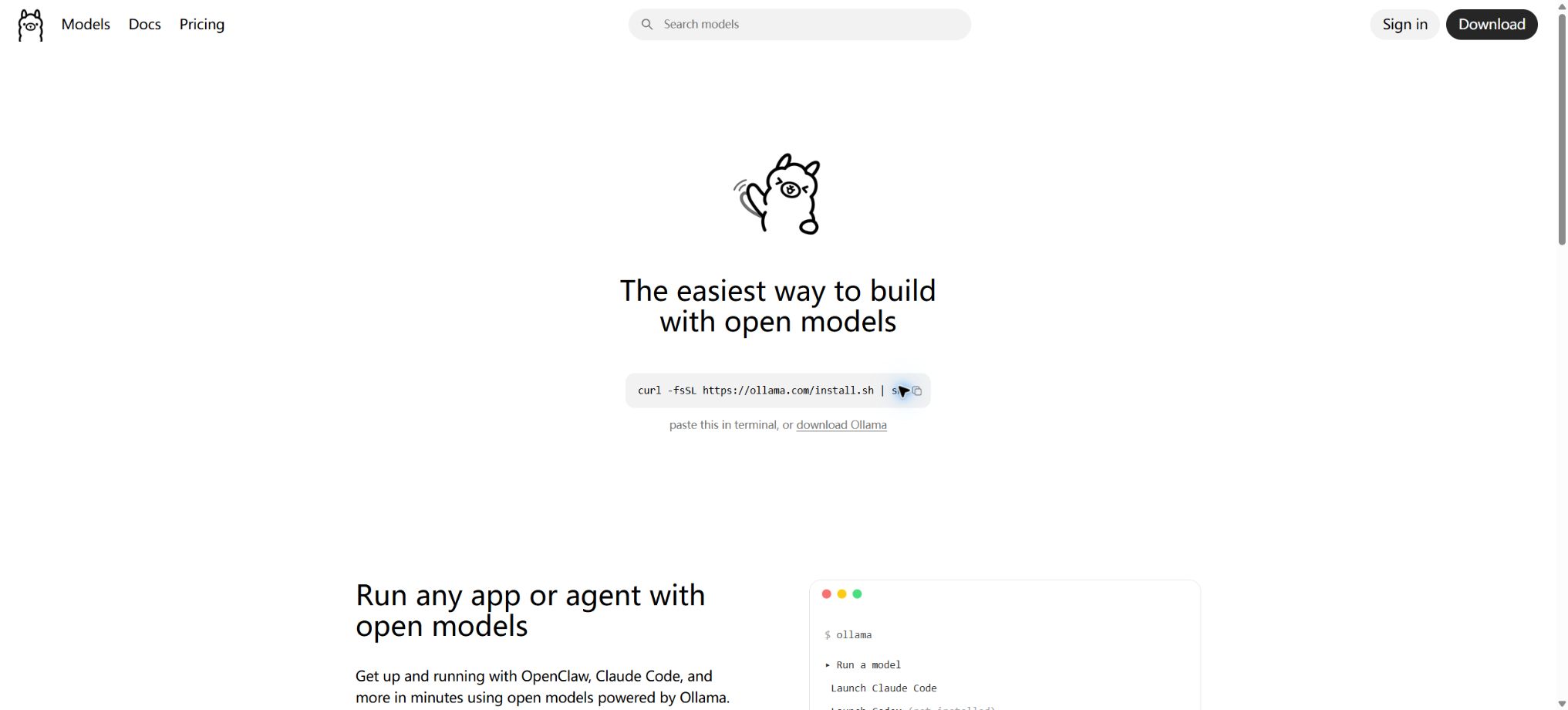
Ollama is a local inference tool used for downloading, running, and managing large language models. After installation, it allows users to retrieve models such as Qwen, Gemma, DeepSeek, gpt-oss, and Llama using simple commands, so as to use them for chatting or to provide APIs on their Windows, macOS, or Linux devices.
It is responsible for handling model files, quantized versions, GPU memory loading, context management, and local services, thereby allowing developers to avoid the need to manually configure complex inference frameworks. Ollama also offers cloud models: the commands and APIs used are similar to those for local models, but the actual inference process is automatically transferred to Ollama’s cloud infrastructure, enabling the use of large models that cannot fit on local devices.
Core functions
- Local model management:Models can be downloaded, executed, viewed, and deleted using commands such as pull, run, list, show, and remove; it supports models with different numbers of parameters as well as quantized versions.
- Local API:Upon installation, it provides functions for generation, chatting, embedding, as well as interfaces for managing models; access from the local machine usually does not require an API key.
- OpenAI-compatible interface:Common approaches such as Chat Completions facilitate integration with existing applications, IDEs, and Agent tools.
- Modelfile:Define System Prompt, templates, parameters, Adapters, and license information based on the basic model to create reusable custom models.
- Tools and structured output:It supports Tool Calling, JSON Schema, visual input, and Embedding; the specific capabilities depend on the model.
- Cloud model:By using models labeled with the cloud identifier or by directly invoking cloud APIs, it is possible to take advantage of full context and the capabilities of large models without having a local GPU.
- Development tool integration:It can be connected to Claude Code, Codex, OpenCode, OpenClaw, Zed, and various chat interfaces, with simplified configuration through ollama launch.
- Web Search and Fetch:The cloud provides search and web-content reading APIs to supply real-time data for local or cloud-based models.
Price
| Package or version | Prices, quotas, and core benefits |
|---|---|
| For local use / Free | $ |
| Pro | 20 dollars per month or 200 dollars per year; the cloud usage is about 50 times that of the Free version, it allows for the execution of 3 cloud models simultaneously, and it supports the uploading and sharing of private models. |
| Max | $ |
| Team | During the introductory period, the cost is 25 dollars per seat per month; a minimum of 5 seats are required, with a monthly fee of at least 125 dollars. Sharing billing options and team balances are available, but currently one must be on the waiting list to take advantage of them. |
| Enterprise | Custom quotes available, including bulk pricing, contracts, secure procurement support, and deployment planning. |
Cloud is not based on a fixed set of tokens; instead, usage is measured in terms of the model level, input data, as well as input and output tokens. Different models consume different amounts of resources, ranging from the low-cost Level 1 to the high-cost Level 4.
The individual plan has limits of 5 hours per session and 7 days per week; Pro and Max versions allow for the purchase of additional credits.
The team first uses up its allocated quota; any excess usage is charged at the model’s rate based on the shared balance.
Hardware and local costs
The fact that local software is free does not mean that there are no costs associated with inference. Model files can range in size from a few GB to several hundred GB, and the speed as well as the amount of context available depend on memory, video memory, GPU architecture, and quantization.
Small models can run on CPUs or unified memory devices, while larger models require substantial video memory or multiple GPUs. The longer the context, the more memory the KV Cache consumes.
For formal deployment, power supply, servers, concurrency, monitoring, backup, and access control also need to be taken into account.
Privacy, open source, and licenses
When running locally, the official statement is that no user prompts or data are visible; it is possible to turn off the Cloud function and switch to Local-only mode.
When using Cloud, prompts and responses are processed to deliver the service; however, the official statement is that no such content is saved or recorded, nor is it used for training – only limited metadata related to accounts and usage is collected.
Cloud is primarily hosted in the United States, and it may also be routed to Europe and Singapore.
The core command-line tools and server-side repositories of Ollama are licensed under the MIT license. It should be noted that model files have their own licenses: some permit commercial use, while others impose restrictions on usage, the number of users, or redistribution.
The fact that Ollama is open source does not mean that all models downloaded from it can be used for commercial purposes freely; companies must examine each model card and its license individually.
The scope of open source for desktop GUIs, Cloud, and web services cannot be simply equated with that of the core repositories.
Ollama usage tutorial
Complete a basic task.
- Register for Ollama and create an API Key intended solely for the testing environment;
- Select a model based on input type, context, quality, speed, and price;
- First, invoke the local model manager to handle the minimal request and check the returned structure;
- Use the local API to test stream output, parameters, and error responses;
- Record Tokens, number of calls, latency, error rate, and cost per call;
- Move the key to the server-side key manager before integrating it into the actual application;
Create reusable professional workflows
- Different keys and quotas are used for development, testing, and production environments;
- A representative evaluation set is created using local model management, local APIs, and OpenAI-compatible interfaces;
- Set timeout, concurrency, retry, throttling, and budget limits;
- Perform checks on the output regarding facts, security, format, and sensitive information;
- Monitor changes in model version, price, latency, and failure rate;
- Prepare plans for downgrading the model, implementing circuit breaking, and taking manual control;
Which users are it suitable for
- Developers who want the data to remain on their own device and users who are sensitive to privacy.
- Teams for building local RAG, chat, programming assistants, and Agents
- Application developers who need to use a unified API to switch between local and cloud models
- Research on different open-source models and their quantization effects, as well as education for users.
Safety and restrictions
- Local APIs generally do not require authentication by default; they should only be connected to trusted networks and must not be exposed directly to the public internet.
- Reverse proxies, TLS, authentication, and rate limiting should be implemented for containers, remote servers, and team environments;
- When an agent connects to a terminal or file system, it must use a sandbox and minimal permissions;
- The model’s output may include hallucinations, generate unsafe code, or reveal sensitive data from the prompts;
- The quality of small models is usually lower than that of state-of-the-art cloud models;
- The source of the model, the integrity of the files, and the license also need to be verified;
- For critical operations, evaluation, content filtering, and manual review should be implemented;
Frequently Asked Questions
Is Ollama completely free?
Local clients and local inference are free; advanced Cloud usage, team services, as well as one’s own hardware and power consumption incur costs.
Does Ollama require an internet connection?
The first time the model is downloaded, an internet connection is required; once downloaded, the local model can be used offline. Cloud and Web Search, however, require an internet connection.
Can it be used without a graphics card?
It is possible to run some smaller models, but the speed will be lower. For larger models that require too much memory, it is possible to use quantized versions or Cloud-based models.
Tools similar to Ollama





 Guigong Network Security Registration No. 45132202000164