






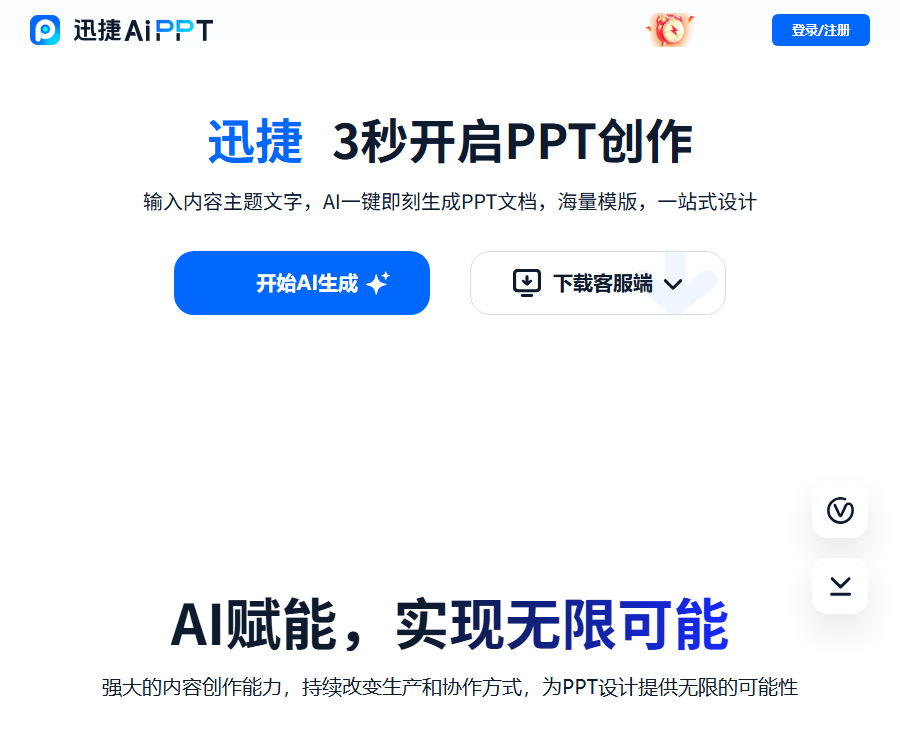
What is Xunjie AiPPT?
Xunjie AiPPT is an AI-powered tool for creating and editing presentations, developed by Shanghai Hudun.
Users can enter a topic or import content, allowing the AI to generate an outline, select a suitable template, and produce a PPT.
Core functions
| Functions | Main function | Suitable scenarios |
|---|---|---|
| Theme generation | Generate an outline and page based on a single sentence. | Create a PPT quickly from scratch |
| File generation | Organize the content in the imported document. | Convert reports and materials into presentations |
| Generated with Markdown | Convert structured text into slides | Technical documentation and course outlines |
| Free input | Use the complete content provided by the user. | Automatic layout for existing copy is available. |
| Outline editing | Modify directory and page hierarchy | Control the presentation logic |
| Template matching | Select or upload a presentation template | Uniform visual style |
| File export | Export in formats such as PPT or PDF. | Demonstration, sharing, and archiving |
Four ways of entering content
- Topic input generation: Suitable for users who only have a title and do not yet have complete material.
- File import for generation: suitable for organizing reports, plans, or course materials into PPTs.
- Import Markdown: Suitable for structured content that already has a clear hierarchy of headings.
- Free input generation: suitable for providing the key points page by page or a complete script.
- In any case, facts, figures, and citations need to be verified manually.
Which to choose: DouBao or DeepSeek?
The page currently available offers two model options: DouBao and DeepSeek; the platform makes a distinction between speed and the way of thinking.
| Model | Page description | Selection suggestions |
|---|---|---|
| Doubao | It generates at a fast speed. | Daily reports and quick drafts |
| DeepSeek | Slower speed, but supports deep thinking. | Sorting out complex plans and structures |
The name of the model does not guarantee accurate results; important materials should be generated separately and compared manually.
Automatically generate an outline
AI first creates an editable outline, allowing the user to verify the logic before generating the complete slides.
- The outline includes the topics, table of contents, and the main content of each page.
- Press Enter to add content at the same level, and press Backspace to delete a node.
- If unsatisfied, you can change the outline or modify it manually.
- A presentation designed for reporting should highlight conclusions, evidence, issues, and actions.
- A teaching-oriented PPT should also include objectives, interactive elements, exercises, and a summary.
Templates and visual design
The template library allows filtering by category, style, and color; it is also possible to upload one’s own local templates.
- Before selecting a template, clarify the audience, scenario, and presentation device.
- Business users can upload brand templates to standardize fonts, colors, and footers.
- Random templates are suitable for quickly exploring visual directions.
- The blank template is suitable for professional users who have clear formatting guidelines.
- Even after applying the template, it is still necessary to check for text overflow, cropped images, and contrast.
Online editing
The generated result can be further edited online; there is no need to accept everything that the AI produces in its initial output.
- Modify the title and text so that each page conveys only one main idea.
- Remove duplicate pages and merge content that contains too little information.
- Replace images that are not relevant to the theme or for which the licensing is unclear.
- Standardize the format of numbers, dates, proper nouns, and punctuation.
- Add notes for the speaker, but do not put the entire speech on the page.
Quick AiPPT Usage Guide
- Log in to Xunjie AiPPT, and choose from themes, files, Markdown, or free text input.
- Explain the demonstration topic, audience, purpose, number of pages, and desired style.
- Choose DouBao or DeepSeek as the current model for content generation.
- Check the outline generated by AI, and adjust the order of chapters as well as the objectives for each page.
- Select a template, color, and style, or upload a custom corporate template.
- Create a complete PPT and check the content and layout page by page.
- Replace the incorrect images with accurate data, charts, and source information.
- Compress the text and standardize headings, fonts, colors, and page spacing.
- Export the PPT or PDF, and preview it again in Office or WPS.
- Check the compatibility of animations, fonts, videos, and devices before the official demonstration.
Process for preparing work reports
- First, clarify the recipient of the report, the time frame, and the decision you hope to obtain.
- Organize the goals, progress achieved, key figures, issues, and next steps.
- Let AI generate an outline by prioritizing conclusions.
- Replace all example numbers and placeholders with actual business data.
- Convert complex tables into charts that highlight only the key trends.
- Add a clear conclusion to each page, rather than just listing information.
- Delete irrelevant template pages and add responsible persons and deadlines.
- After exporting, conduct a five-minute trial lecture, and continue to remove content based on the time taken.
Process for creating teaching materials
- Determine the student’s grade level, duration of the course, and measurable learning objectives.
- Enter the key points, difficulties, examples, and requirements for classroom interaction.
- Check whether the outline includes introduction, explanation, exercises, and summary.
- Choose a high-contrast template suitable for projection and a larger font size.
- Replace inaccurate knowledge, question answers, and teaching images.
- Control the number of animations to prevent visual distractions from interfering with learning.
- Include in-class questions, exercises, and homework tasks.
- Test the layout and media on the actual classroom equipment before giving the lecture.
Export format
| Format | Primary uses | Key points of inspection |
|---|---|---|
| PPT | Continue editing and live demonstration | Font, animation, and software compatibility |
| Share and print in a fixed layout | Pagination, clarity, and links | |
| Other page formats | Follow the real-time export menu. | Resolution and watermark rights |
Number of free uses and price
As of August 30, 2026, the official website states that registered users can download PPT files for free once per day.
| Project | Public price or quota | Explanation |
|---|---|---|
| Generated online | Free trial available | The specific generation restrictions are as indicated on the account page. |
| PPT download | Free, once a day | Login is required; the rules may change. |
| Time-limited member offer | The page shows 89 yuan. | The package duration and all included benefits must be confirmed on the settlement page. |
| Original price for members and renewal price | The public page does not display everything fully. | Check the order and auto-renewal rules before purchasing. |
The countdown to the event and the prices may vary depending on the channel; the final details are specified on the payment page, in the order confirmation, and in the current service agreement.
Pre-payment checklist
- Confirm whether the 89-yuan offer entails monthly, annual, or lifetime benefits.
- Check whether auto-renewal is enabled and the actual amount charged during renewal.
- Check daily download limits, template usage, watermark-free options, and export permissions.
- Verify whether the benefits available on Windows, Mac, and the web are interoperable.
- Understand the number of devices, restrictions on logging in with different devices, and account sharing limitations.
- First, use the free trials to test the quality of the template and its compatibility with export functions.
Supported platforms
- Web version: Supports online creation, outline generation, template use, and editing.
- Windows client: A free download link is available on the official website.
- Mac client: The official website provides a link for free download.
- Mobile version: Pages can be viewed through a browser; a full editing experience requires actual testing.
- Core AI generation relies on networks, and the exported PPTs can be further edited locally.
API, SDK, and open-source status
- API: As of the time of verification, no public developer API documentation was found.
- SDK: No verifiable official SDK has been found.
- GitHub: No official repository that corresponds specifically to Xunjie AiPPT was found.
- Open source: The platform, generation systems, and template services do not come with publicly available open source licenses.
- For enterprise integration: If batch processing or system integration is required, contact the official authorities for confirmation.
- The fact that a client can be downloaded does not mean that its source code is available.
Which users are it suitable for
- Working professionals: Prepare weekly reports, summaries, plans, and data presentations.
- Teacher: Create course materials, training content, and class exercises.
- Student: Create class presentations, defense materials, and study plans.
- Sales staff: Organize product descriptions, customer proposals, and competition-related materials.
- Startup team: Prepare the draft business plan and pitch deck.
- Enterprise users: Use custom templates to standardize brand presentation guidelines.
Usage restrictions and precautions
- AI may generate incorrect facts, figures, citations, and conclusions.
- Automatically generated images may not be relevant to the topic or may pose copyright issues.
- Keys, customers, and confidential information should be removed before uploading the enterprise template.
- A complete outline does not guarantee a sufficient argument; real evidence still needs to be added.
- After export, font replacement, loss of animations, or changes in layout may occur.
- The activity prices and member benefits should be confirmed again before settlement.
- AI-generated PPTs cannot replace the preparation for a presentation or manual design and review.
Frequently Asked Questions
What can Xunjie AiPPT do?
It can generate outlines based on topics, files, Markdown, or free text input, match templates, and export PPTs.
Which models is Xunjie AiPPT compatible with?
The current page offers DouBao and DeepSeek; you can choose based on speed and the complexity of the content.
Can Xunjie AiPPT be used to upload one’s own templates?
Yes, the template selection page offers the ability to upload local templates and create new blank templates.
Is Xunjie AiPPT free?
A free trial is available; the official website states that after logging in, users get one chance per day to download PPTs for free.
How much does a Quick AiPPT membership cost?
The official website shows a limited-time offer of 89 yuan, but the duration of the package and all its benefits need to be confirmed on the payment page.
What export formats does Xunjie AiPPT support?
The official website explicitly supports formats such as PPT and PDF; the specific formats and watermark permissions are determined by the export menu.
Does Xunjie AiPPT provide APIs or open-source code?
As of the time of verification, no public APIs, official SDKs, code repositories, or open-source licenses were found.
Tools similar to Xunjie AIPPT





 Guigong Network Security Registration No. 45132202000164