






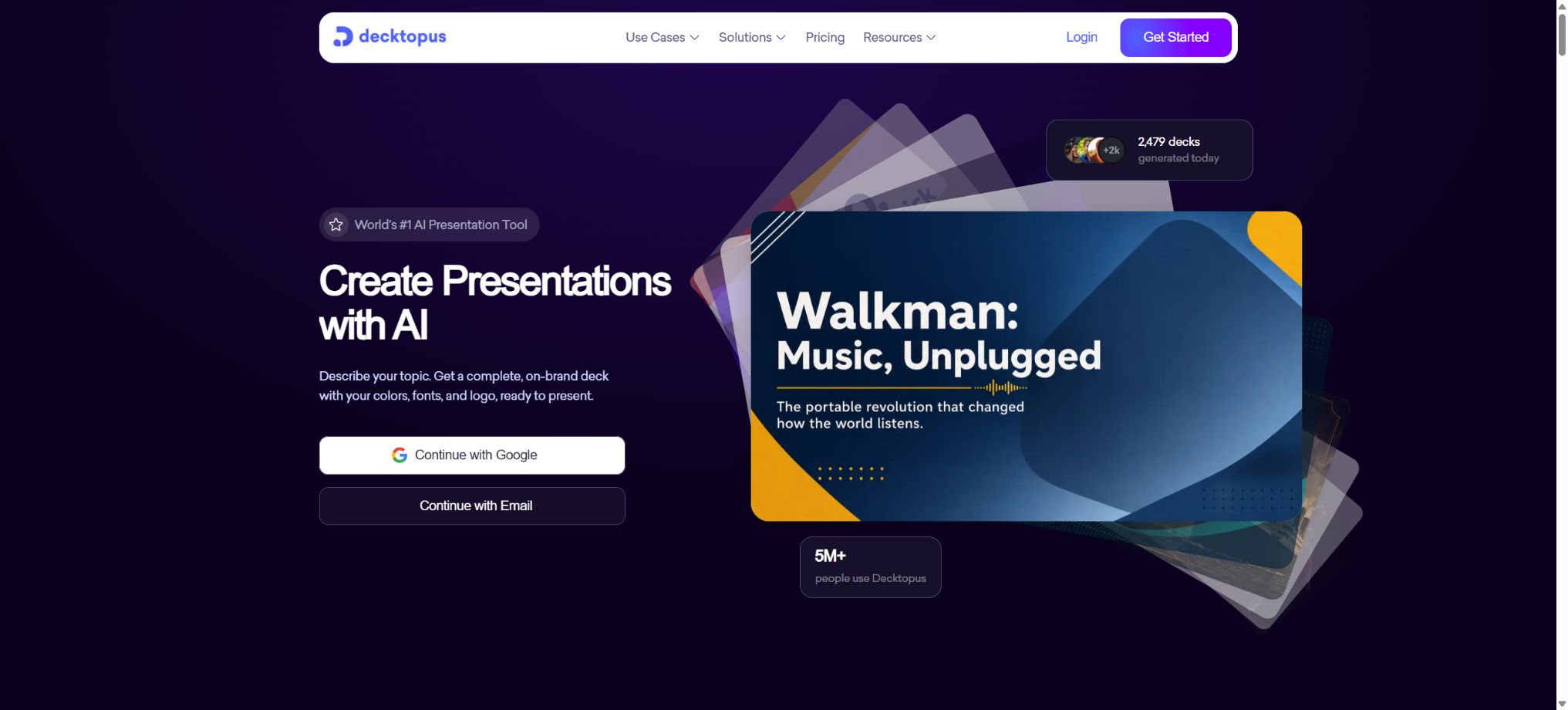
Decktopus
A one-stop AI presentation assistant that handles everything from the theme to the complete presentation slides and script.
Tags:AI slides and presentationsWhat is Decktopus AI?
Decktopus AI is an online AI tool specialized in handling presentations; it can generate outlines, content, and complete slides based on themes, text, notes, or uploaded files. Users can further modify the layout, colors, fonts, images, logos, and speaker notes.
It also offers forms, voice recording, online sharing, and a branding system, making it suitable for sales proposals, courses, training materials, consulting reports, and asynchronous presentations. Once completed, the content can be exported as PPT, PDF, or PNG files page by page, depending on the package chosen.
Main functions of Decktopus AI
- Prompt generation for PPT:Enter the topic, audience, and objectives, and an outline and pages will be generated automatically.
- Converting text and documents into slides:Paste notes or upload materials, extract the key points, and organize them into a presentation.
- Redesign of the old PPT:Upload the existing presentation, keeping the content while updating the layout, colors, and visuals.
- AI content assistance:Add subtitles, key points, suggestions for narration, and page content.
- Theme and Brand:Apply color, font, logo, and organizational visual guidelines.
- Media elements:Insert images, icons, videos, GIFs, and other presentation elements.
- Interactive form:Collect clues, questionnaires, votes, and feedback on slides.
- Voice Recorder:Record voice narration for pages, with asynchronous delivery supported.
- Share online:A demonstration link is generated, allowing viewers to watch it without the need to download anything.
- File export:The paid package allows downloading PDFs, editable PPTs, and PNG files per page.
- Team space:The Business and Enterprise editions support members and shared workspaces.
- Automated connection:Demo generation can be triggered from a CRM or form using workflows such as Zapier.
Common input and output methods
| Input method | Processing results | Suitable scenarios |
|---|---|---|
| Theme prompt words | Generate outlines, content, and pages | Create proposals or courses from scratch |
| Texts and notes | Extract the key points and transform them into a narrative structure. | Meeting, research, and training materials |
| Document or PDF | Read the content and create a presentation. | Report, white paper, and plan conversion |
| PPT is already available. | Redesign the layout and brand style | Upgrade of old presentations and unified visual design |
| Online editing results | PPT, PDF, PNG, or a share link | On-site reporting, printing, and asynchronous dissemination |
Prices for the Decktopus AI package
The following are the reference prices in USD as shown on the official price page during verification. Taxes, exchange rates, promotions, and corporate contracts may vary; the details on the settlement page should be taken as the reference before making a purchase.
| Package | Price | Monthly Credits | Key capabilities |
|---|---|---|---|
| Pro annual | $ | 750/month | Demonstration, slideshow, PPT/PDF export, online sharing |
| Pro for three months | $ | 750/month | Same as the core annual benefits of Pro. |
| Business | Contact sales | According to the current plan or contract | Brands, members, team collaboration, and organizational capabilities |
| Enterprise | Customized by seat | Organizational shared pool | Shared workspaces, role permissions, onboarding, and custom settings |
The official documentation stated that the Business plan includes 1,000 Credits per month, but the current pricing page directs users to contact sales for organizational plans. Enterprise users should refer to the number of seats, Credits, and features specified in the sales contract.
Price for additional Credits
The monthly Credits included in the subscription are refreshed and do not carry over, while the Top-up Credits purchased separately do not expire. Official estimates suggest that one page is generated for every 5 Credits, but complex editing tasks and AI operations can affect the actual amount of Credits used.
| Credits package | Reference page number | Price |
|---|---|---|
| 40 | About 8 pages | 4.99 dollars |
| 100 | About 20 pages | 8.99 dollars |
| 300 | About 60 pages | 19.99 dollars |
| 700 | About 140 pages | 34.99 dollars |
| 1500 | About 300 pages | 59.99 dollars |
| 3000 | About 600 pages | 99.99 dollars |
| 8000 | About 1600 pages | 249 dollars |
| 18000 | About 3,600 pages | 529 dollars |
| 36000 | About 7,200 pages | 999 dollars |
Tutorial on creating AI presentations
- Define clear goals:Specify the audience, duration of the presentation, key points, and actions you wish to drive.
- Select input:Enter a topic, paste notes, or upload existing documents and presentations.
- Setup requirements:Describe the language, tone, number of pages, depth of content, and visual style.
- Check the outline:First, confirm the order of introduction, questions, evidence, solutions, and conclusion.
- Generate page:After selecting a theme, a demonstration is generated, and the estimated amount of Credits that will be used is shown.
- Fact-checking:Check numbers, citations, images, and AI-generated conclusions.
- Manual polishing:Shorten the text, standardize the brand, and add real cases and data.
Redesign old PPT tutorials
- First, save a copy of the original file, and delete the hidden pages and sensitive notes that are no longer in use.
- Upload a PPT or a supported document, and choose between redesigning it or converting its content.
- Set the logo, brand colors, font, and target audience.
- Compare the original content page by page to ensure that numbers, charts, and information have not been altered.
- Adjust the heading hierarchy, spacing, images, and the density of content per page.
- Export an editable PPT to check the fonts and layout in PowerPoint or Keynote.
Tutorials for exporting and sharing
- Check completed:Preview all pages to verify the flow, links, and forms.
- Select format:Continue editing with PPT, use PDF for a fixed layout, and use PNG for sharing on social media.
- Select quality:Compressed files are smaller, while Standard offers a higher resolution.
- Test export:Check the fonts, line breaks, images, and proportions in the target software and device.
- Set sharing options:Before publishing an online link, verify the access scope and check whether it contains sensitive information.
- Record narration:Asynchronous presentations allow for recording page by page, with volume and playback tested first.
Who is Decktopus AI suitable for?
- Salesperson:Quickly create proposals and product demos, and collect leads through forms.
- Entrepreneur:Organize roadshows, business plans, and updates for investors.
- Teachers and trainers:Generate course and lecture structures along with narrated presentations.
- Consultant:Convert research, recommendations, and customer data into professional pages.
- Marketing Team:Create brand presentations, event content, and social media sliders.
- Human Resources:Create onboarding, policy, culture, and internal training materials.
- Corporate team:Unify the brand, member permissions, and shared presentation space.
Product advantages
- Focused on presentations, offering a comprehensive approach ranging from the outline and design to the delivery process;
- It is possible to start from various sources such as prompts, notes, documents, and existing PPTs;
- The output can be further edited; it is not limited to static AI images.
- Forms and voiceovers are suitable for sales and asynchronous presentation scenarios;
- It supports online links as well as various file formats such as PPT, PDF, and PNG;
- Top-up Credits do not expire, making them suitable for users with variable usage levels;
- It can be connected to Zapier to integrate presentation generation into business automation.
Usage restrictions and precautions
- Monthly subscription Credits are not carried over, and users who use the service infrequently may waste their unused credits.
- Free or unsubscribed accounts cannot be used to export files in full PPT, PDF, and PNG formats;
- The number of pages generated by AI is only an estimate; repeated editing and regeneration will consume additional Credits.
- After exporting to PPT, the fonts, animations, and complex layouts may differ from those in the online version;
- Enterprise sharing and collaboration do not involve real-time co-editing, and permissions as well as workflows must be verified in advance.
- AI may generate false facts, generic content, or irrelevant images, which must be verified manually;
- Decktopus requires an internet connection and is not suitable for editing in completely offline environments.
Copyright, Data, and Open Source Information
- Before uploading customer files, financial data, and unpublished plans, it is necessary to remove sensitive information and ensure compliance with organizational policies.
- For AI-generated images, citations, and brand materials, it is necessary to check the copyright status and the permitted scope for commercial use.
- Online sharing links may be forwarded, so access to sensitive presentations should be restricted and such links revoked promptly;
- When forms collect personal information, a privacy statement should be provided and access to the data should be controlled;
- The exported PPT still needs to undergo final verification on the actual presentation device.
Decktopus AI is a commercial online service; no official open-source repository containing the complete source code of the platform has been found. Third-party projects on GitHub with similar names are not part of Decktopus’ official products.
Frequently Asked Questions
Is Decktopus AI free?
It is possible to register and try out some of the features, but full export capabilities and the main AI benefits are available in the Pro and Business versions. The actual free quota and trial privileges are specified on the account page.
How much is the Decktopus Pro?
The official annual plan costs $9.99 per month, for a total of $119.88; the three-month plan costs $19.99 per month, amounting to $59.97 per installment.
Both options show 750 Credits per month.
Can PowerPoint be exported?
Yes, Pro and Business versions allow for the export of editable PPT files; it is also possible to download PDFs or PNG files of each page individually. After exporting, it is necessary to check the fonts, layout, and charts.
Are monthly Credits carried over?
No, the subscription quota is refreshed on a monthly basis and does not carry over to the following month. Top-up Credits purchased separately do not expire.
Is Decktopus AI open source?
It is not open-source; the core editor, AI systems, and cloud services are commercial products. There is no official public repository that contains the source code for the entire platform.
Tools similar to Decktopus





 Guigong Network Security Registration No. 45132202000164