






Gamma
Use AI to quickly create presentations, web pages, and social media content.
Tags:AI slides and presentationsWhat is Gamma?
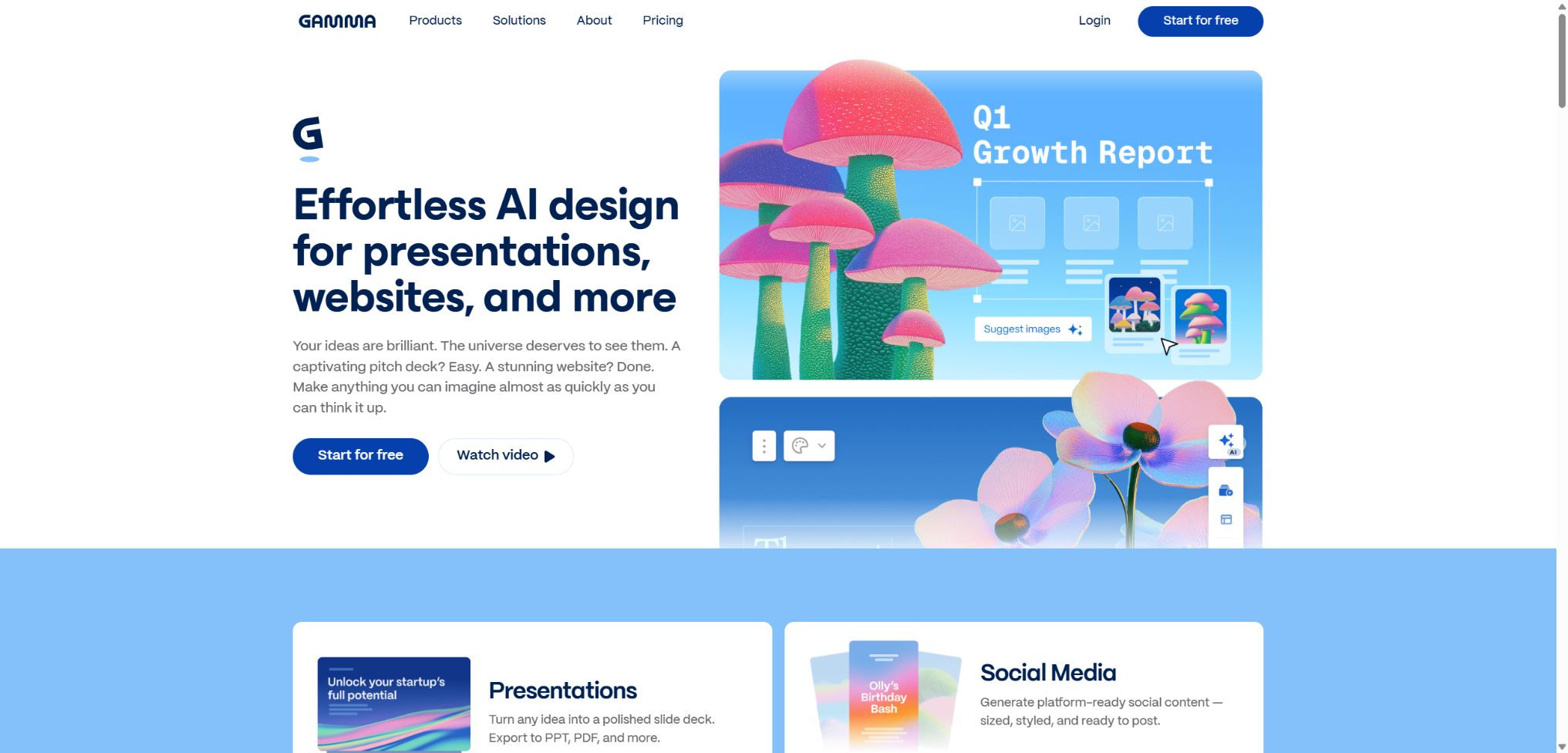
Gamma is an AI-based visual creation platform designed for presentations, documents, websites, and social media content. Users can enter a topic, paste text, import files, or use connected data sources; the system then generates an outline, copywriting, card layouts, and accompanying images.
Unlike traditional slides that use a fixed layout, Gamma organizes content in responsive cards; it allows for scrolling while reading, as well as page-by-page presentation in demo mode. Once completed, the content can be shared online, used for collaboration and analysis, or exported to PowerPoint, PDF, PNG, and Google Slides.
Main functions of Gamma
- Generate presentations, documents, web pages, and social media posts based on prompts;
- Import content from text, web pages, PDFs, Word, and PowerPoint;
- First, create an outline, then choose the topic, tone, length, and source of images.
- Use smart cards and layouts to automatically maintain visual consistency;
- Use AI Agents to add pages, rewrite text, search for and edit images;
- Use various AI image models to create or modify accompanying images;
- Embed videos, tables, charts, web pages, and other interactive content;
- Real-time collaboration, with options to set views, comment, and edit permissions;
- Publish a website using the Gamma subdomain or connect to a custom domain name;
- Content is automatically generated through MCP, connectors, and the Generate API.
AI generation and Agent editing
When creating new content, one can choose to generate it directly, paste text, use templates, or import files; in paid workspaces, it is also possible to use Create with Agent to combine multiple sources. Agent allows for the addition of executive summaries, rewriting of paragraphs, extraction of information from images, adjustment of the structure, and further generation of visual elements.
AI is suitable for quickly creating a first version, but it does not guarantee the accuracy of facts, figures, and citations. When the content is intended for customers, educational purposes, or public dissemination, it is necessary to check each piece of information to ensure that it is accurate with respect to the original sources.
Card layout and visual design
Gamma automatically adjusts the height of the cards and their layout based on the length of the content; users can change the layout, move content elements around, modify the theme, and apply brand-specific fonts and colors. Interactive elements allow presentations to include videos, applications, forms, and real-time content.
Custom themes can be imported from PowerPoint or Google Slides; it is also possible to upload fonts, accent colors, and brand elements. For complex brand guidelines, it is still necessary to create templates and manually check the appearance on different devices, as well as in various export formats and screen resolutions.
AI images and Studio Mode
Gamma offers basic, advanced, Premium, and Ultra versions of image models, with different ranges of capabilities for each package. The Ultra Studio Mode is designed for full-page image slideshows and social media content, offering a stronger cinematic feel and visual storytelling capability.
Website publishing and analysis
All users can publish content on the free Gamma subdomain; the platform handles hosting and SSL. Users at the Pro level and above can use their own domain names and benefit from more detailed analysis of visits and audience engagement.
The Gamma website is suitable for event pages, personal profiles, resource hubs, and simple landing pages. When complex backends, membership systems, transaction functions, or advanced technical SEO are required, it is advisable to consider professional website development platforms.
Connectors, MCPs, and APIs
The inbound connector allows the Agent to read-only access to the data in Notion, Slack, Granola, Linear, HubSpot, Stripe, and other platforms that the user has been authorized to use. The administrator first approves the connector, after which members can connect their personal accounts; Gamma then only reads the content to which the user has access.
Users on the Pro plan and above can use the official Gamma Generate API to create presentations, documents, web pages, social media posts, and standalone images. The official API version 1.0 is now available; it supports API keys or OAuth, and is suitable for integration with Zapier, Make, n8n, as well as custom systems.
Content type and use cases
| Content type | Suitable uses | Core output | Publication method |
|---|---|---|---|
| Presentation | Proposals, training, reporting, and courses | Card-based slides | Online demonstrations, PPTX, PDF, Google Slides |
| Document | Reports, manuals, plans, and one-page documents | Scrollable text and image content | Share links, PDFs, PNGs |
| Website | Activity page, portfolio, and resources page | Responsive multi-page site | Gamma subdomain or custom domain name |
| Social content | LinkedIn, Instagram, and promotional materials | Multi-size visual cards | Export images or share them online |
| API batch content | Personalized sales, reporting, and automation | Programmatically generated Gamma | Links, files, or subsequent workflows |
Gamma price
Gamma offers Free, Plus, Pro, and Ultra plans for individuals, while it provides Teams and Business plans for teams. The table below shows the typical monthly subscription prices in dollars; these prices can vary depending on region, taxes, promotions, and annual discount offers. The final amount will be determined according to the details on the account settlement page.
| Package | Refer to the monthly price. | AI points | Primary interests |
|---|---|---|---|
| Free | $ | 400 for a new account, in one payment | Basic creation, editing, sharing, and export with Gamma brand branding |
| Plus | About $8 per user per month | 1,000 per month | Remove the brand, increase the generation length, add more image models, and include basic paid features. |
| Pro | About $18 per user per month | 4,000 per month | API, custom fonts, headers and footers, password protection, custom domain names, and detailed analytics |
| Ultra | Approximately $100 per user per month | 20,000 per month | State-of-the-art models, Ultra images, Studio Mode, early features, and higher website quotas |
| Teams and Business | Settled based on seats and scale | Each seat is allocated according to the plan. | Centralized billing, shared brand identity, team control, and enterprise security capabilities |
Gamma subscriptions are billed on a per-user basis; each paid member in a multi-user workspace incurs a fee for their own seat. Paid users can purchase additional seats at a rate of $6 per 1,500 points, with these points belonging to the individual rather than being shared among team members.
Differences in integration and functionality
| Project | Free | Plus | Pro | Ultra |
|---|---|---|---|---|
| Integral refresh | One-time starting score | 1,000 per month | 4,000 per month | 20,000 per month |
| Export brand | Retain the Gamma identifier. | Removable | Removable | Removable |
| Generate API | Not included | Not included | Includes | Includes |
| Custom domain name | Not included | Not included | Up to 10 multi-page sites | Up to 100 multi-page sites |
| Advanced analytics | Finite | Finite | Includes | Includes |
| Image model | Foundation | Expansion | Includes Premium | Includes Ultra and Studio Mode |
Unused monthly points can be carried over, although the maximum balance is usually twice the monthly quota; points purchased do not expire during the validity period of the subscription.
After cancellation and return to Free, any remaining monthly credits, carried-over credits, and purchased points will become invalid at the end of the current billing period.
Gamma Usage Guide
Create a presentation from data
- Identify the audience, the purpose of the presentation, its duration, and the conclusions that must be drawn;
- Choose to import a file, paste text, or Create with Agent;
- Only include reliable sources that are directly related to the topic;
- Check and rearrange the outline generated by AI;
- Choose the theme, language, tone, image source, and page size;
- After generation, verify each card for facts, figures, citations, and action items;
- Conduct a trial broadcast and share or export based on the final medium selection.
Publish a website with a custom domain name
- Use Pro or higher plans to create website content;
- Organize the navigation, page titles, buttons, and the reading order on mobile devices;
- Add your own domain name in Site Settings;
- Follow the instructions to add verification and DNS records with your domain name provider;
- Wait for the domain name to be propagated and the SSL certificate to be issued;
- Check forms, links, analyses, and search previews;
- After publishing, update the content regularly and check the access data.
Generate content in bulk via API
- Confirm that the account is of the Pro, Ultra, Teams, or Business type;
- Create an API Key in the settings or configure OAuth;
- Select a fixed theme, folder, and output format;
- Prepare the cleaned input text, images, and variables;
- Submit an asynchronous generation request and poll the task status;
- Record the points actually deducted in each instance and the reasons for the failure;
- Add manual review and access control before publishing or sending.
Which users are it suitable for
- Sales and consulting: Creating client proposals and customized presentations;
- Marketing team: Creates event pages, social media content, and product launch materials;
- Teachers and students: Organizing courses, conducting research, and preparing reports on learning outcomes;
- Startup team: Quickly create financing materials, product descriptions, and a website;
- Human resources and training: Creating employee handbooks and interactive training materials;
- Content team: Convert long articles, interviews, and reports into visual summaries;
- Developers and operators: Generate content in bulk through APIs and automation.
The advantages of Gamma
- A set of tools that covers presentations, documents, websites, and social media content;
- The responsive layout of cards reduces the need for manual formatting page by page;
- Content can be extracted from various files and authorized business tools;
- Interactive embedding offers more richness than traditional static slides;
- Complete functionality for online sharing, collaboration, website hosting, and analysis;
- PowerPoint, PDF, PNG, and Google Slides are convenient for delivery;
- The official API and MCP are suitable for scalable content workflows.
Usage restrictions and precautions
- Once the initial Free points are used up, they are not automatically recharged on a monthly basis.
- Agents, AI-generated images, APIs, and advanced models all consume points.
- AI may fabricate data, as well as quote and provide product information;
- There may be differences in layout when exporting to PPTX, Google Slides, and PDF.
- Gradient titles and certain special effects may change in third-party software;
- The imported file mainly restructures the content; it does not guarantee a pixel-perfect replication of the original document.
- The Gamma website is not suitable for complex backends and highly customized applications;
- Subscribing by seat and using individual points increase the management costs for large teams.
Privacy, security, and copyright
Gamma uses HTTPS and secure communication protocols to protect data transmission, and users can manage whether the content should be used to improve AI functions through Data Control. The personal workspace allows such use by default, while the Teams and Business workspaces automatically disable this option.
Inbound connectors operate in a read-only mode with individual authorization, but the data they reference still enters the AI generation process. Before processing customer information, financial data, and internal communications, it is necessary to check the connector settings, sharing options, retention rules, and organizational policies.
- Only connect to the data sources that are necessary to complete the current task;
- Set the public link to read-only and disable unnecessary editing permissions;
- Disable AI-driven data improvement when sensitive content is involved;
- Before using AI-generated images, check for permissions regarding people, trademarks, and third-party materials;
- The API Key is stored only on the server and is rotated regularly.
API, GitHub, and open-source information
The Gamma Generate API 1.0 is now officially available; it can be used to create demonstrations, documents, web pages, social media posts, and standalone images. It supports the use of themes, folders, email sharing, as well as longer input texts. The API charges fees based on the user’s points, and the actual amount deducted from those points should serve as the basis for determining the cost.
The Gamma core editor, hosting services, and AI design system are not open-source products. The official GitHub repository provides some general components and internal tools, but the third-party Open Gamma project is not the complete official source code for Gamma.app.
Frequently Asked Questions
Can Gamma be used for free?
Yes, Free offers 400 points to be used once, as well as basic functions for creating, sharing, and exporting content. Once these points are used up, they are not renewed on a monthly basis; exports done in this free tier will include the Gamma identifier.
How much is Gamma Pro?
The reference price for a monthly subscription in dollars is around $18 per user; this includes 4,000 points per month, API access, a custom domain name, detailed analytics, and advanced branding features. The actual price will be indicated on the payment page.
Can Gamma export PPT?
It is possible to export in PowerPoint format; PDF, PNG, and Google Slides are also supported. Fonts are usually embedded, but gradients and certain special effects may still change when using third-party software.
Can Gamma create websites?
Yes, all users can publish content on the Gamma subdomain, while those with a Pro plan or higher can use a custom domain name. It is more suitable for content-focused websites and those that use light marketing strategies.
Is Gamma open source?
No, the core product is not fully open-source. The official version provides the Generate API and MCP; third-party projects with similar names on GitHub do not represent the official Gamma platform.
Tools similar to Gamma





 Guigong Network Security Registration No. 45132202000164