






Cratecode
Cratecode – makes AI programming more efficient and simpler.
Tags:AI programming toolsWhat is Cratecode?
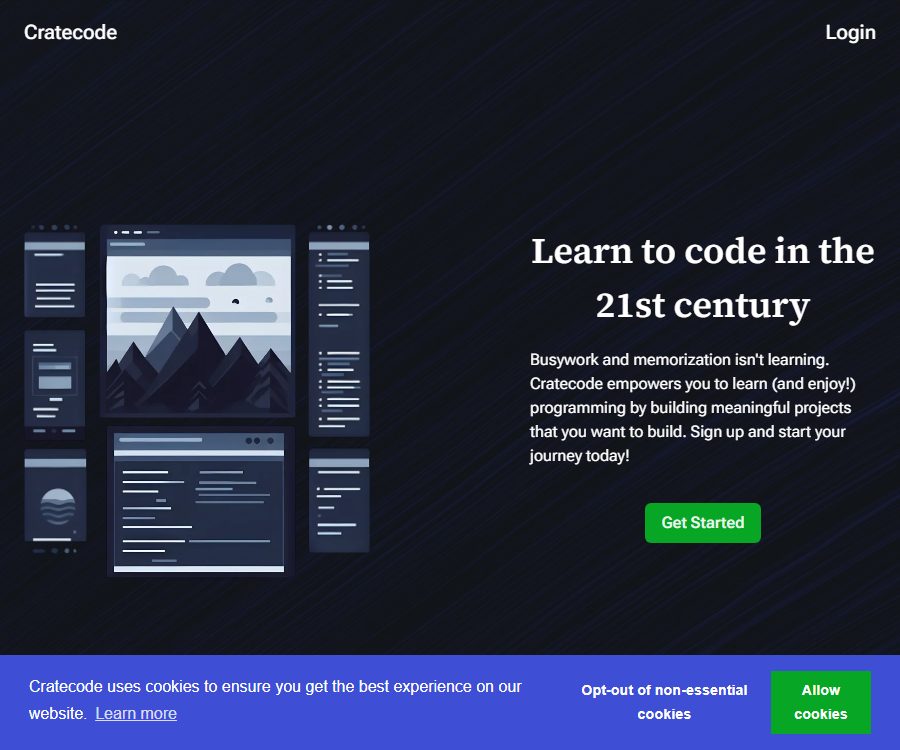
Cratecode is a web programming learning platform operated by Cratecode LLC; it helps users learn by doing, through nonlinear courses, real-world projects, and a browser-based development environment.
Its AI Assistant is not merely a simple tool for having text written on one’s behalf; rather, it provides solutions to problems, analyzes errors, and offers step-by-step guidance by taking into account the current course content and the relevant code.
Main functions
Project-based nonlinear courses
- The courses are structured around projects with practical applications, enabling users to learn grammar, debugging, and software architecture as they work on completing the programs.
- The learning path allows for branching and choices, while still maintaining prerequisite conditions and a structured progression, making it suitable for exploration based on interests.
- The platform emphasizes the progress that has been made, rather than only showing the remaining tasks, thereby reducing the sense of frustration that comes from a long list of tasks.
Browser code editor
- The course page includes a text editor, a file manager, a run button, and a terminal; users do not need to install a local development environment first.
- The file manager allows for creating, deleting, renaming, and moving files; course content and code examples can be viewed on the same page.
- Users can modify the examples and run them immediately, then observe the output in the console; this is suitable for testing small changes in the code.
AI Assistant code tutoring
- The AI Assistant can answer programming questions and analyze the code of a current project to identify errors or areas for improvement.
- The system will provide explanations, code examples, and step-by-step guidance; users can also refrain from specifying a particular problem and let the assistant examine the code directly.
- To use the AI features, it is necessary to register an account. The platform claims that these features are available to learners free of charge, but it does not specify any fixed limits on the number of requests or the rate at which they can be made.
- AI suggestions may overlook context or produce code that cannot be executed; learners should run the code themselves, examine any errors that occur, and understand why changes are necessary.
Course preview and learning progress
- Visitors can preview public courses and sample executions, but the preview mode does not save progress and some features are unavailable.
- After registering an account, you can save your progress in learning, use the AI Assistant, participate in discussions, and manage your own content.
- Registration can be done using an email address, or you can log in through OAuth services such as Google, LinkedIn, or GitHub.
Course upload and branching
- The platform allows users to upload, view, and fork courses; forking creates a new copy on the site that can be further edited.
- A course can be composed of units, sub-units, tutorials, activities, projects, and challenges, with its structure described through a list file.
- Creators can upload courses using the official CLI or GitHub Action, but they need to obtain a key from the account’s API page.
Programming articles and learning paths
- The informational articles cover topics such as language selection, learning pathways, web development, game development, and tool concepts, and can serve as a supplement to courses.
- The current introductory content covers topics such as JavaScript, HTML, the backend, React, Next.js, recursion, file reading and writing, and calculator projects.
- The article mentions languages such as Python, Rust, and Java, but it does not mean that each of these languages has equally comprehensive interactive courses; it is necessary to check the actual course units before selecting a course.
Learning interface and input/output
| module | User input | System feedback or output | Suitable for tasks |
|---|---|---|---|
| Course readings | Select the path and read the instructions. | Tutorials, examples, and subsequent steps | Establishing concepts and the order of learning |
| Code editor | Code and project files | The content of the project after it has been saved | Modify examples and complete exercises |
| Run terminal | Programs and console commands | Execution results and error messages | Verification, debugging, and experimentation |
| AI Assistant | Current code, task description, optional questions | Error analysis, explanation, examples, and step-by-step guidance | Issue diagnosis and code review |
| Course creation | Course documents, lists, and API keys | Units, courses, or projects after upload | Publish teaching content |
Usage tutorial
- First, open the introductory course as a visitor to determine whether the difficulty level of the content, the language used, and the direction of the project are suitable.
- Register an account and select the learning units; when third-party login is required, check the scope of permissions for that account.
- Read the course instructions, open the code examples in the file manager, and then use the run button to view the output in the console.
- Modify a small section of the code and run it again; determine the changes by examining the output and any errors that occur. Do not copy the final answer directly.
- When encountering issues, open the AI Assistant to have it examine the current code and provide information on the goal, any errors, and the methods that have already been tried.
- Break down the suggestions into small steps for verification; make sure you can explain each change before moving on to the next stage of the course.
- Regularly check the progress and project outcomes, and back up important code separately in your version control tool.
Suitable for users and scenarios
- Beginners in programming: Use a browser to go from concepts and examples to a functional project, completing the entire process.
- Self-learners: Jump to topics of interest via nonlinear paths, and use AI to help overcome obstacles.
- Teachers and course authors: Create course units, activities, projects, and challenges, and publish them through upload tools.
- Front-end learners: Practice JavaScript, HTML, React, Next.js, and basic back-end concepts.
- Users who need a lightweight experimental environment: to quickly modify files, run programs, and view terminal output.
Access methods and costs
At present, Cratecode offers free learning options; there is no public page indicating pricing, any subscription plans, payment amounts, or billing cycles. Although the terms mention transaction processing, this does not indicate that a paid membership service is already available.
| Package or version | Price | Billing cycle | Core benefits or quota | Suitable for users |
|---|---|---|---|---|
| Visitor preview | 0 dollars | No subscription required | Browse public courses and sample runs; progress is not saved; some features are unavailable | Experience the course first |
| Register an account | 0 dollars | No subscription required | Save progress, use the AI Assistant, comment on and manage content; the maximum amount of AI usage has not yet been disclosed. | Ongoing learning and creation |
At present, there are no confirmed rules regarding paid refunds. If payment features are introduced in the future, it will be necessary to check the price, the method of renewal, the conditions for refunds, and the limitations on AI use before making a payment.
API, CLI, and open-source status
- The official GitHub organization has made public repositories such as client, cli, upload-unit, intro, provided, and run-protobuf.
- The CLI is intended for course creators; it allows them to upload courses and units, as well as to extract audio from specific video files or replace the audio tracks.
- upload-unit is a GitHub Action used to upload course units to the platform, while client provides the auxiliary code needed to invoke the platform’s interfaces via CLI.
- client, cli, upload-unit, provided, and run-protobuf are currently licensed under the Apache 2.0 license, while intro and the rust repository do not have a specified license.
- The account API key is primarily used for the process of uploading courses; it should not be considered an API for public AI tutoring or code generation.
- The fact that some tools and clients are open source does not mean that the entire website’s backend, the AI Assistant, or all courses are made available under the same licensing terms.
Content copyright and commercial usage notes
- Users should ensure that the projects, courses, comments, and feedback they upload do not violate copyright, privacy, or other rights.
- Submitting or forking user content grants the platform and other users a permanent, irrevocable, global, royalty-free, and sublicensable license.
- This license permits copying, modifying, publicly displaying, and re-licensing, and can be used for commercial or non-commercial purposes.
- After the original content is deleted, the platform will stop distributing that version, but the courses or projects that other users have forked earlier may still exist.
- Code, courses, answers, and trade secrets that are not intended to be made public, copied, or reused for commercial purposes should not be uploaded to public projects.
Privacy and security
- During registration, name, email address, username, nickname, profile picture, and third-party login account numbers may be collected.
- The platform keeps track of views, times spent, and duration of engagement with courses, projects, comments, and feedback, and it also collects information such as IP address, browser type, time zone, and cookies.
- User-generated content may be displayed publicly and associated with a name, username, nickname, and profile picture.
- Google Analytics and Microsoft Clarity are used to understand visits and interactions; users can refuse unnecessary cookies.
- Personal information will be retained for as long as the platform deems it useful for providing services or as required by law; archived data that is necessary to fulfill legal obligations or resolve disputes may still remain even after the account is deleted.
- The service is not intended for children under 13, and no guarantee is provided regarding the absolute security of any data transmission or storage methods.
- The platform provides channels for reporting vulnerabilities, a testing environment, and PGP public keys, but it does not offer any rewards or monetary compensation for identifying vulnerabilities.
Platform and capability boundaries
- Cratecode mainly operates via a web interface, and its course layout is adapted for mobile use; however, there are no official iOS or Android apps, desktop applications, or browser extensions available at this time.
- The browser environment is suitable for course examples and small to medium-sized exercises, but it cannot replace a full local development environment, a deployment platform, or team code reviews.
- Courses are provided jointly by the platform and users, and their depth, update frequency, accuracy, and maintenance status may vary.
- The AI Assistant can examine the current code and provide guidance, but it cannot guarantee security, accuracy, performance, or full alignment with the course objectives.
- Key learning outcomes should be rewritten, tested, and explained by one’s own efforts, to avoid mistaking the generated answers for knowledge that has actually been mastered.
Frequently Asked Questions
Is Cratecode now charged?
At present, the platform offers free learning as its main option; there are no published prices for viewing content as a visitor or for creating an account. No paid plans, payment cycles, or uniform refund policies have been introduced yet.
Is it possible to learn without registering?
You can preview public courses and run some examples, but your progress will not be saved; features such as AI Assistant and comments require an account.
Will the AI Assistant write my homework for me?
It can display the code, identify errors, provide explanations and step-by-step examples, but learners should still run the code themselves and understand each change; the responses provided should not be regarded as the final guarantee of correctness.
Which programming languages is Cratecode compatible with?
The current introductory path focuses on topics related to JavaScript and web development; informational articles also cover languages such as Python, Rust, and Java. The completeness of the interactive courses for each language needs to be checked based on the individual units.
Is Cratecode an open-source product?
The authorities have made some clients, CLI tools, and course-upload tools available to the public; several of these repositories use the Apache 2.0 license. The backend of the entire website, the AI Assistant, and all courses do not have an open-source licensing specification specified for them.
Can the course be completely removed after it has been uploaded?
It cannot be guaranteed that the funds will be fully recovered. Distribution will cease once the original copy is deleted, but projects or courses that have been forked by other users may still exist, and the license granted at the time of submission is permanent and irrevocable.
Tools similar to Cratecode



 Guigong Network Security Registration No. 45132202000164