






AIHUG.APP
AIHUG.APP – makes AI programming more efficient and simpler.
Tags:AI programming toolsWhat is AIHUG.APP?
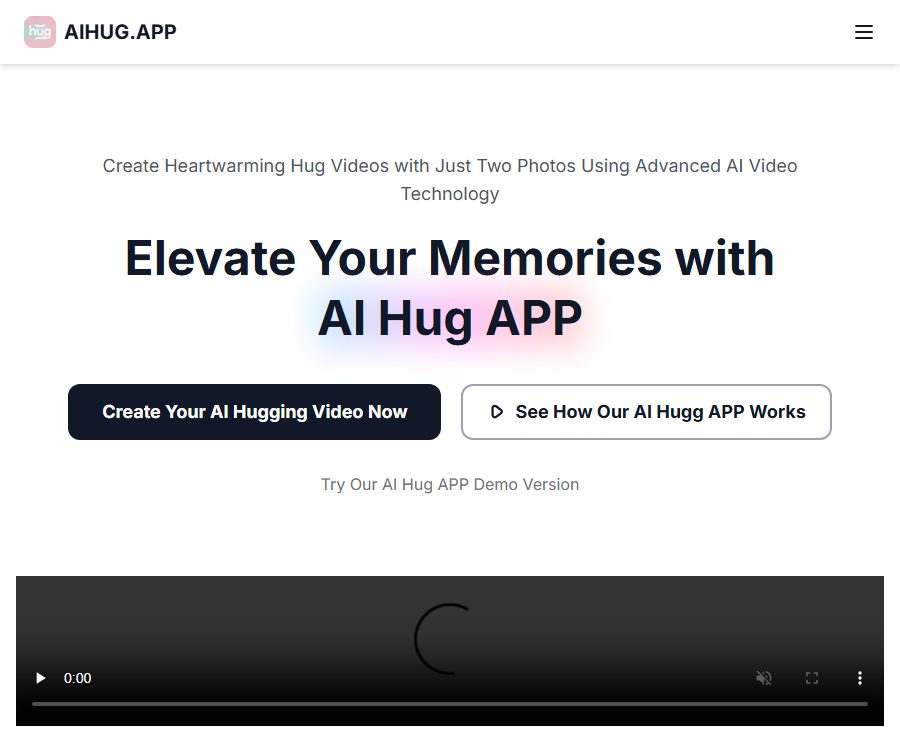
AIHUG.APP is an online AI video tool that converts static photos into animated virtual hugs. Users can upload pictures of people, relatives, friends, or pets, and create short videos using textual descriptions.
The official website states that its processing relies on technologies such as Vidu AI, Luma AI, and Pixverse AI. It is an independently operated commercial website, and should not be confused with other video-related services that share similar names, such as AI Hug.
Main functions
Generate a video of an embrace from a photo
After the user uploads a clear photo of a person, the system analyzes the face, posture, and position in the image to enable the two subjects to move closer to each other and embrace. The demo area on the home page shows that one task requires 10 points.
Text to video generation
The creation area allows for the entry of video descriptions, and images can also be added as references. Users can specify the relationships between characters, their actions, the setting, and the atmosphere of the scene in the accompanying notes.
Customize styles and backgrounds
The official website allows users to choose different hug styles, backgrounds, and personal information, and it is also possible to adjust the duration of the hug. Whether certain customization options are available for all plans depends on the actual interface displayed in the account.
Scenes with people and pets
This tool can be used to create video content showing interactions between couples, families, friends, as well as between humans and pets. Regardless of the people involved, it is necessary to verify the rights to the photos before uploading them and to respect the wishes of the persons being filmed.
Preview, download, and share
Once created, it can be previewed, downloaded, or shared on social media. The paid packages available on the official website indicate that commercial use is permitted, but it is still necessary to check the copyright of the material, any permissions related to portraits, and the platform’s rules before publishing it.
Suitable for which scenarios
- Create virtual hug videos for birthdays, anniversaries, and holidays
- Create heartfelt interactive videos by combining photos of relatives and friends who are far away.
- Create gentle animations for old photos or commemorative images.
- Content featuring fun hugs between producers and pets
- Generate emotional content for social media and short-video accounts
- Create commercial promotions or creative ads after obtaining authorization.
AIHUG.APP Usage Guide
- Prepare photos with a clear facial image, appropriate lighting, and no obstructions.
- Go to the creation area, enter a brief description for the video or upload reference images.
- Explain how the characters approach each other and embrace, as well as the background and mood desired.
- The first creation should describe only one main action, avoiding the use of complex transitions.
- Confirm the account points and the resources used for this task before submitting.
- Wait for the generation to complete, and preview the changes in the face, hands, body, and background.
- In case of abnormalities, replace with clear materials or simplify the prompts; do not attempt repeated attempts without a plan.
- Download the video and obtain permission from the relevant individuals before sharing it publicly.
Methods to improve generation quality
- Choose high-quality photos with a frontal or slightly side-facing pose, and a clear face.
- The two characters should maintain similar proportions, angles, and lighting.
- Use a simple background to prevent other people or objects from blocking the body.
- The prompt set describes a particular way of hugging and a specific camera effect.
- Leave some space around the character for movement; do not place them right at the edges of the image.
- First, test with ordinary materials, and then process the photos that have commemorative value.
Prices and packages
The prices listed below were verified on August 25, 2026, based on the information displayed on the official website; the page was in annual billing view, and the average monthly price is shown in US dollars. Taxes, exchange rates, the annual total amount, the renewal cycle, and any discounts may vary, and the details shall be as indicated on the settlement page.
| Package | Average monthly price for annual billing | Video quota | Primary interests |
|---|---|---|---|
| Basic | $ | Up to 20 hug videos | Fast processing, video generation from images, text-based scenes, commercial use |
| Pro | $ | Up to 60 hug videos | Fast processing, more image-to-text scenarios, for commercial use |
| Unlimited | $ | Generate unlimited times | Private sharing, fast processing, suitable for any scenario, commercial license available |
The official website offers the option to switch between monthly and annual payment plans, with promotions indicating that annual payment saves 30%. The amounts mentioned represent the average monthly cost when paying annually; they do not mean that it is possible to pay only for one month. It is necessary to check the total amount that will be deducted in a single transaction before making the payment.
The creation page indicates that 10 points are required to generate a video each time, while the package page shows the quota in terms of the number of videos. The specific conversion rate between points and the number of videos included in a package, as well as the rules regarding refunds in case of failure and the carryover of points, can be found in the bill after logging in.
Free trial status
The official website states that a limited number of free trials are available, but it does not specify on the public pages how many points or videos are given to new users. Whether content can be created for free immediately depends on what is displayed in the account after registration.
Free trials may include watermarks, waiting times, limitations on the models available, or a limit on the number of uses. The term “free generator” should not be interpreted as meaning permanent free access or unlimited use.
Photo privacy and authorization
Video hugs require the processing of images of people, and the official website states clearly that multiple third-party AI video technologies will be used. The content uploaded may go through third-party processing systems; it is not suitable for use with identity documents, private images, or information related to sensitive locations.
- Obtain explicit permission before using someone else’s photos.
- Content intended for minors must be evaluated and approved by a guardian.
- Do not upload private, nude, or highly sensitive photos.
- Add an AI identifier to the generated files to prevent them from being mistaken for real events.
- Download it as soon as it’s completed, and remove the items that are no longer needed.
- Keep records of the authorization for using portraits and the source of the materials for commercial purposes.
Copyright and commercial use
All three paid plans available publicly specify commercial usage rights, but these only represent a license at the platform level. Users still need to have the appropriate rights to upload photos, backgrounds, characters, and other materials.
When using celebrities, film and television characters, anime figures, or commercial photography, AI generation does not automatically eliminate the risks related to copyright, trademarks, and portraits. Human review is necessary in cases involving advertisements or client projects.
Product advantages
- The generation process is intuitive, with a design focused on the embracing scene.
- It supports both image reference and textual description as input methods.
- It allows adjustment of the style of embrace, as well as the background and atmosphere of the scene.
- Suitable for various subjects such as people, family and friends, and pets.
- All paid packages indicate commercial use.
- The Unlimited plan offers private sharing and unlimited generation.
Usage restrictions and precautions
- AI may change a person’s facial features, hands, clothing, and identity traits.
- In couple photos with large angle differences, the bodies of the individuals tend to overlap and their movements appear unnatural.
- The packages on the official website are measured in terms of the number of videos, while the creation page shows points; the rules can be found within the account.
- The annual payment page shows the average monthly cost, but in reality the full annual fee may be charged at once.
- The amount of the free trial is not disclosed, and it cannot be guaranteed that all new users will be able to obtain it.
- Commercial use does not automatically grant rights to third-party materials and characters.
Open-source status
As of the time of verification, no official documentation indicating that the AIHUG.APP platform or its generation services are released under an open-source license was found. Code repositories with names similar to AIHub or AI Hug do not have any verifiable connection to this website.
The fact that a platform calls upon Vidu AI, Luma AI, or Pixverse AI does not mean that AIHUG.APP itself is open-source; it should be classified as a commercial online service.
Frequently Asked Questions
How many points are consumed per generation
The creation area on the official website indicates that 10 points are required for each video. Whether different models, functions, or campaigns have different cost requirements depends on what is shown when submitting a task.
Can it be used for free?
The official website mentions a limited free trial period, but it does not specify the exact number of trials. Users need to register and check their account balance to determine whether they still have a free quota available.
Can I use photos of pets?
Yes, the official website explicitly lists pets and their owners as one of the applicable scenarios. The photos must be clear, and it is necessary to avoid any images that could cause discomfort or misrepresentation.
Which version supports commercial use?
The Basic, Pro, and Unlimited public plans all indicate that commercial use is permitted. Users must also ensure that the photos, people, characters, and backgrounds have commercial usage rights.
Is Unlimited really unlimited in terms of the number of times?
The package page states that generation is possible unlimited times, but it may still be subject to restrictions related to reasonable use, concurrency, queues, and security rules. It is advisable to check the latest terms of service before using the service frequently.
Is AIHUG.APP an open-source project?
No official open-source repository or documentation for self-deployment was found. It should be regarded as a commercial tool that requires online use and a paid subscription.
Summary
AIHUG.APP is suitable for turning photos of people or pets into virtual hug videos; it offers support for adding textual descriptions, customizing scenes, and using the videos for commercial purposes. Before subscribing, it is important to understand the price associated with annual payments, how points relate to the number of videos that can be created, and to address issues related to portrait licensing and photo privacy.
Tools similar to AIHUG.APP



 Guigong Network Security Registration No. 45132202000164