






No-Code AI Chatbot, Voice & Agent Builder
No-Code AI Chatbot, Voice & Agent Builder – intelligent tools focused on AI programming
Tags:AI programming toolsTool Introduction
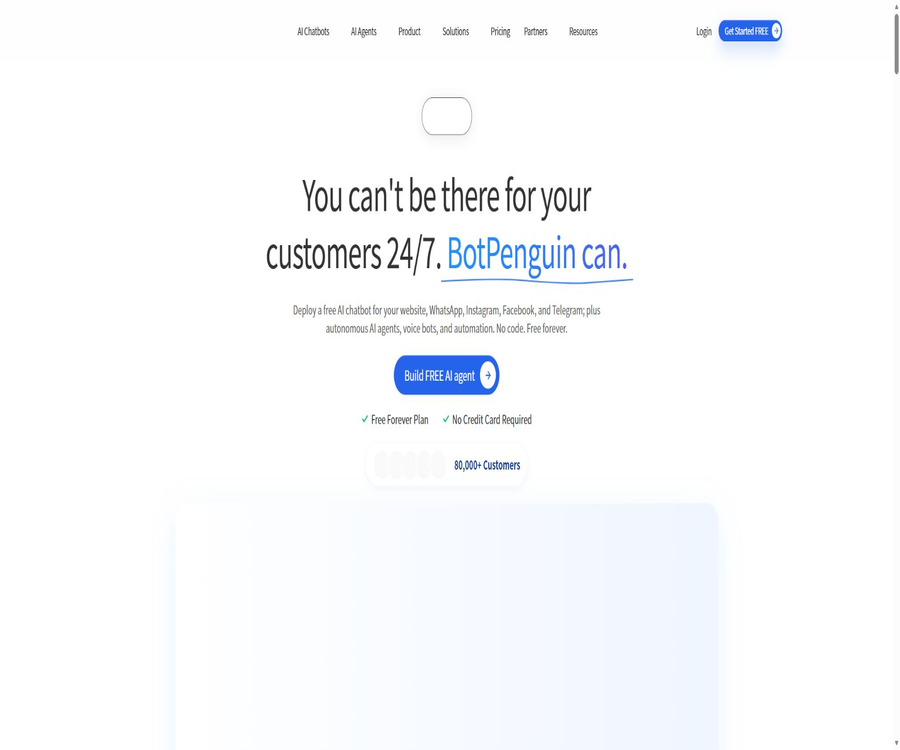
BotPenguin is a code-free platform designed for automating corporate conversations; it enables the creation of rule-based chat flows, AI bots based on knowledge bases, task agents, and voice agents, with human customer service staff able to take over through a unified inbox.
It covers websites and various messaging channels, and it also offers mobile capabilities, APIs, Webhooks, as well as integration options; it is suitable for scaling from a free robot to a multi-channel team operation.
Main functions
Code-free chatbots and AI agents
Users can define problems, conditions, branches, and actions through a visual chat interface; they can also integrate language models and use websites, PDFs, FAQs, or tables to train the knowledge base.
- Automatically answers common questions, collects contacts, schedules appointments, assigns departments, and triggers subsequent workflows.
- It supports setting the robot’s personality, intent-based routing, real-time chatting, and manual escalation.
- The higher-tier plans allow for the creation of an unlimited number of chatbots, AI agents, and voice agents, as well as the integration of custom models.
Multi-channel and business integration
The same workspace allows for the management of sessions across different channels, and it enables the sending of leads, orders, or tickets to CRM systems, e-commerce platforms, and automation tools.
- The main channels include websites, WhatsApp, Instagram, Facebook Messenger, Telegram, and Microsoft Teams.
- Enterprise solutions can also be extended to channels such as WeChat, LINE, Viber, SMS, Slack, and Google Business Profile.
- It offers API, Webhook, and SDK functionalities that enable the management of robots, contacts, conversations, and activities, as well as the reception of real-time events.
Usage tutorial
- Register for a free account, create a bot, and select a website, WhatsApp, or another target channel.
- Use templates or blank chat flows to add welcome messages, questions, conditional branches, clue fields, and manual takeover nodes.
- When an AI response is needed, import the cleaned knowledge data, and set the tone, boundaries for responses, as well as rules for routing requests to a human agent when a response cannot be provided.
- Connect to CRM, calendars, e-commerce platforms, or automation tools to verify field mapping and trigger actions in a testing environment.
- After going live, check the conversation records, resolution rate, upgrade rate, and message usage; correct incorrect responses and purchase additional credits as needed.
Which users are it suitable for
- Small and medium-sized enterprises that wish to offer round-the-clock basic customer support via their website and social media messages.
- Marketing and sales teams that need to automatically collect leads, schedule appointments, send bulk messages, and segment customers.
- Businesses that operate Shopify, WooCommerce, or other e-commerce platforms and need automated handling of customer inquiries and shopping processes.
- Development teams that need to integrate conversation data into their internal systems must do so through APIs, Webhooks, or custom integrations.
Prices and packages
| Package | Monthly price | Main limit | Suitable for users |
|---|---|---|---|
| Baby | Permanently free | 1 robot, 1,000 messages; a knowledge base along with 1,000 AI-generated response messages | First experience and low-volume scenarios |
| Little | $ | 3,000 messages, 5 bots, 5 team members; scheduling, batch messaging, analysis, and over 30 integrations | Small sales and customer service team |
| King | $ | 12,000 messages; unlimited use of chatbots, AI agents, and voice agents; 10 members along with over 50 integration options | High-volume and deeply integrated services |
| Emperor | $ | Message volume as required; unlimited robots, agents, voice agents, and members; custom channels, security, and integration | Large enterprises and custom projects |
The paid plan offers a 7-day trial of the King feature without the need for a credit card; the annual fee is calculated on a basis of 10 months. WhatsApp’s Meta session fees, custom integrations, and additional data allowances may incur extra charges, so it’s not sufficient to consider only the price of the platform subscription.
The public add-ons include regular messages, AI messages, training data storage, team members, white-label windows, Teams channels, and voice minutes. The help center states that there is no refund policy; for questions regarding pricing, it is recommended to contact a customer manager. Therefore, it is necessary to verify the settlement and contract terms before making a purchase.
Product advantages
- Rule-based chat flows, generative AI, voice services, and human customer service are all available on the same platform, enabling a gradual increase in automation.
- It covers multiple consumer messaging channels and provides unified handling of conversations and leads on mobile devices.
- It offers a large number of native integrations, and it also allows the use of APIs and Webhooks to extend internal processes.
Usage restrictions and precautions
- Once the message quota is exhausted, the robot may pause the conversation; it is therefore necessary to set up alerts for when this limit is reached and to prepare plans for expanding the capacity.
- WhatsApp uses Meta’s rules for session classification and pricing; the BotPenguin package does not cover the costs associated with all channels.
- Knowledge base robots may still give incorrect answers; for issues related to healthcare, finance, refunds, and contracts, human review or transfer to a human operator should be implemented.
- The platform handles the data of the robot creators and the users with whom the robot communicates; prior to deployment, it is necessary to carry out privacy disclosures, obtain approvals, and set rules regarding data retention.
Platforms, APIs, and open-source status
BotPenguin offers a web console as well as iOS and Android mobile apps, and it supports websites, popular messaging platforms, enterprise collaboration tools, and e-commerce channels. The development capabilities include APIs, Webhooks, and SDKs; however, the specific permissions depend on the package chosen and the type of partnership in place.
The authorities have not made the complete source code of the platform available to the public, nor have they declared the product to be open source. The availability of development documentation and SDKs for integration does not mean that the chatbot platform itself is licensed under an open source license.
Frequently Asked Questions
Is BotPenguin truly free forever?
Baby is a permanently free option, but it is limited to one robot and a certain amount of messages per day. For multiple robots, teams, more integrations, and higher usage levels, Little, King, Emperor, or additional packages are required.
What is the difference between a free trial and a free plan?
Baby is a permanent low-cost free plan; the King package is available on a temporary basis for a 7-day trial, intended to assess the user’s willingness to pay, and all benefits associated with it are not retained after the trial period ends.
Tools similar to No-Code AI Chatbot, Voice & Agent Builder



 Guigong Network Security Registration No. 45132202000164