






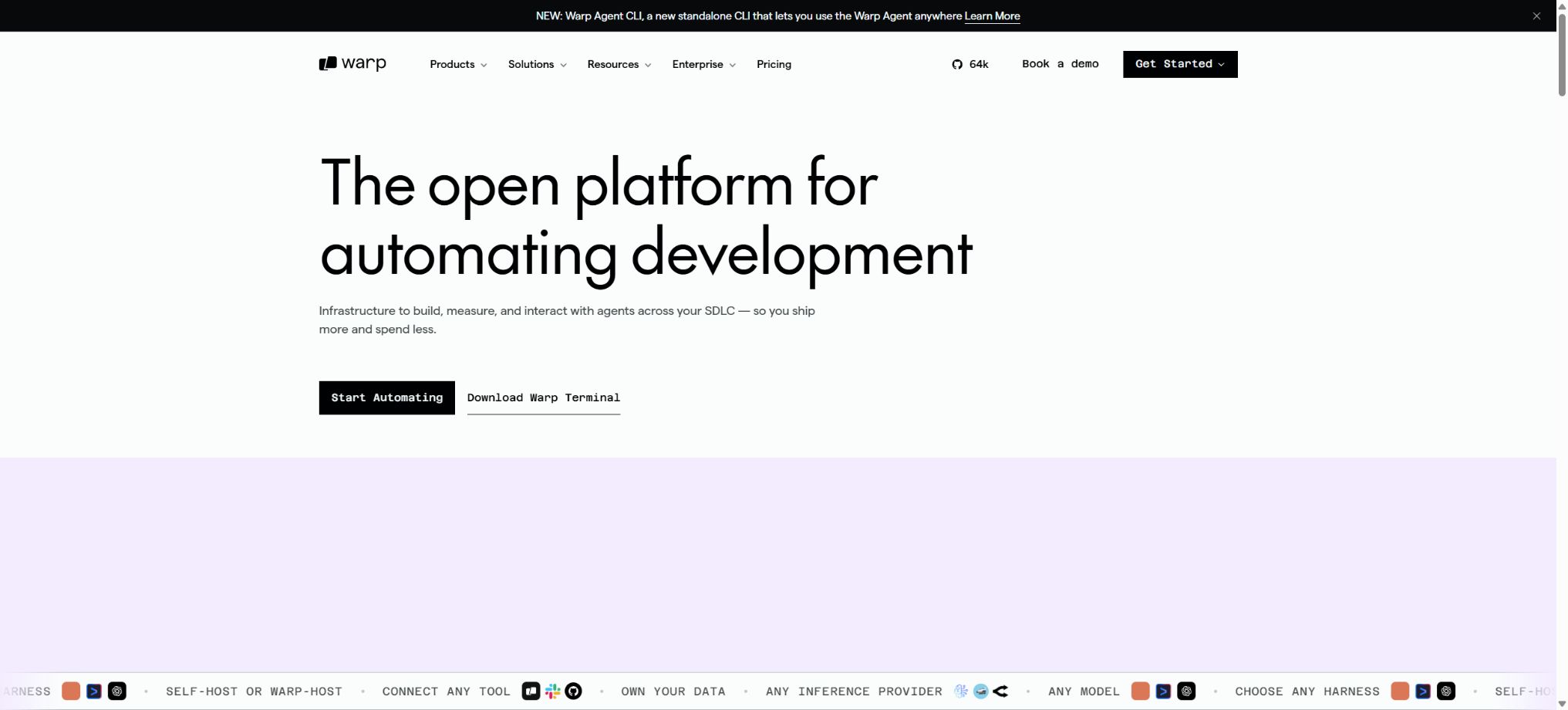
Warp
A modern AI terminal platform that integrates agents, command lines, and development automation.
Tags:AI programming toolsWhat is Warp?
Warp is an Agentic Development Environment that evolved from a terminal; it combines a modern command line, AI programming agents, code repository context, and team collaboration within a single application. Developers can use the built-in Warp Agent, or they can run external CLI agents such as Codex, Claude Code, and Gemini CLI within Warp.
Warp supports local, interactive development; it is also possible to run Agent tasks in the cloud backend, execute them on a scheduled basis, or trigger them via APIs. The client code is available on the official GitHub repository, is licensed under AGPLv3, while the UI framework is licensed under the MIT license.
Main functions of Warp
- Modern terminals:It offers command blocks, editable inputs, historical search, autocompletion, and high-performance rendering.
- Warp Agent:Read code, edit files, run commands, and conduct tests to complete multi-step development tasks.
- Multi-model selection:Use cutting-edge or open-source models from multiple providers as needed for specific tasks.
- Code repository context:It indexes items and provides the Agent with cross-file search capabilities as well as information on the project structure.
- Multi-Agent management:Start tasks in parallel, monitor their progress, and take over or provide additional instructions as needed.
- Cloud Agents:Run tasks in a remote environment, without the need to keep the local machine online at all times.
- External CLI Agent:Run tools such as Codex, Claude Code, and Gemini CLI within a unified interface.
- Warp Drive:Save and share commands, workflows, tips, rules, and team knowledge.
- Task scheduling:It automatically breaks down complex requests and continuously updates task and execution statuses.
- BYOK and custom endpoints:Connect your own model API Key or inference service using a package.
- Self-hosted cloud agent:Companies can run remote Agent Workers within their own infrastructure.
- Cross-platform:Versions for macOS, Linux, and Windows are available to accommodate various development environments.
Use cases of Warp
| Scene | Recommendation capability | Example task |
|---|---|---|
| Daily terminals | Command blocks, history, and intelligent completion | Run Git, build, test, and deploy commands |
| Code modification | Local Warp Agent | Fix bugs, add features, and refactor modules |
| Parallel development | Multi-Agent and Task List | Process tests, documentation, and multiple issues simultaneously |
| Long-duration tasks | Cloud Agent | Large-scale migration, continuous diagnostics, and backend implementation |
| Agent tools are already available. | Support for external CLI Agent | Run Codex or Claude Code uniformly |
| Team standardization | Warp Drive and Rules | Share commands, standards, and project workflows |
Price of the Warp package
The following are the reference monthly pricing in USD as shown on the official price page. The annual payment option displays a discount of around 10%; Credits, models, cloud Agents, and promotional benefits may vary, and the final amount will be determined according to the account settlement page.
| Package | Monthly reference | Includes AI usage amount | Key capabilities |
|---|---|---|---|
| Free | $ | Reload Credits can be purchased on a pay-as-you-go basis. | Modern terminals, Agent CLI, BYO inference, and limited cloud agents |
| Build | $ | 1500 Credits per month, worth 20 dollars | Complete Warp Agent, higher indexing, unlimited Drive and session storage |
| Max | $ | 18,000 Credits per month | All Build capabilities along with 12 times the amount included in the usage. |
| Business | $ | 1500 Credits per seat | Up to 25 seats, team metrics, management data, BYOK, and SAML SSO |
| Enterprise | Customization | Shared Credits pool and contract rules | Advanced governance, Analytics API, BYOLLM, and self-hosted cloud agents |
When checking the reference prices for annual payment, the cost is $18 per month for Build and $180 per month for Max; the Business plan also follows the same discounted rates for annual payments. The package prices are only a starting point – once the allocated amount is exceeded, it is still possible to continue paying based on actual usage by reloading credits.
How to choose among the different packages
| Demand | Recommended package | Reason for selection |
|---|---|---|
| Modern terminals are primarily used. | Free | The core terminal is free; you can use built-in inference capabilities or purchase AI resources as needed. |
| Individuals continue to use the Warp Agent. | Build | Includes 1500 Credits along with full Agent, indexing, and Drive capabilities |
| Individual high-intensity AI programming | Max | 18,000 Credits, suitable for a large number of advanced model tasks |
| Development team of up to 25 members | Business | Centralized billing, SSO, team metrics, and Credits per seat |
| Large scale and strict compliance | Enterprise | Shared pool, governance, BYOLLM, and self-hosted remote agents |
How are Warp Credits calculated?
- Agent interaction:Agent requests that use the Warp hosting model will incur Credits based on the actual AI resource consumption.
- Model differences:Different models, context lengths, and reasoning depths result in different amounts of Credits being consumed.
- Included Credits:The monthly quotas for Build, Max, and Business are deducted first.
- Reload Credits:It includes the option to purchase additional packages when the quota is insufficient; paid packages usually come at better prices.
- Automatic replenishment:Auto-reload can be enabled, along with a team Spend cap to limit unexpected expenses.
- Personal scope:The additional Credits in the self-service package are usually assigned to an individual user, rather than being shared across the entire team.
- Enterprise sharing:Enterprise allows for the setup of a team-level shared Credits pool according to the contract terms.
- BYOK:When a model request is settled using its own Key, no corresponding Warp AI Credits are consumed; however, certain cloud or enterprise platform capabilities may require the use of Platform Credits.
- Cloud Agent:Running in the cloud also involves the Warp platform coordinating resources, and official rules may require separate calculation of Platform Credits.
Installation and Terminal Getting Started Tutorial
- Download and install:Select the official installation package according to macOS, Linux, or Windows.
- Login account:After logging in, synchronize the settings, sessions, and required team resources.
- Select Shell:Verify that the default shell, startup scripts, environment variables, and font display are working properly.
- Familiarize yourself with command blocks:Execute common Git and project commands, using block-level copying, rerunning, and sharing.
- Configure privacy:Go to the Privacy settings to check the options related to telemetry, crash reporting, and data collection.
- Open project:Start from the repository directory and execute the commands for verifying dependencies, building, and testing.
- Gradual migration:Keep the original terminal as a backup first, then migrate the shortcut keys, aliases, and team workflows.
Warp Agent Usage Guide
- Specify the problem, the desired outcome, relevant documents, the commands to reproduce it, and the unmodifiable constraints.
- Have the Agent first read the project rules and the current implementation, and explain the plans and potential risks.
- Select the appropriate model and level of autonomy; for high-risk warehouses, approve tool calls on a gradual basis as a priority.
- The Agent is required to modify the code and then run the most relevant tests, as well as perform type checking and formatting.
- Check the task list and command output; if an incorrect direction is detected, make the necessary corrections or terminate the process promptly.
- Check the full diff in the Changes view, focusing on permissions, data, and abnormal paths.
- After local retesting and passing the normal code review, the changes can then be submitted or deployed.
Tutorial for Using Cloud Agents
- Connect to warehouse:Only grant access to the required items and within the minimum read/write scope.
- Prepare the environment:Define dependency installation, build commands, testing, and required services.
- Save Secrets:Use controlled key management to avoid including production credentials in the code or prompts.
- Issue tasks:Define clear acceptance criteria, time boundaries, and the operations that are permitted to be carried out.
- Parallel execution:Assign mutually exclusive Issues to different Agents to prevent simultaneous modifications of the same core file.
- Observation and takeover:View logs, task status, and diffs; provide information or stop operations when there is a deadlock.
- Verification before merging:Run tests in an isolated environment, conduct security checks, and preview the application.
Who is Warp suitable for?
- Command-line developers:I hope to maintain the traditional way of working with terminals, while also gaining AI programming skills.
- Full-stack engineer:Run services, debug, modify code, and view results on the same interface.
- Multi-Agent users:It is necessary to manage both the Warp Agent and other CLI Agents simultaneously.
- Technical Lead:Unify engineering practices through team Rules, Drive, and data control.
- Platform team:Use cloud Agents, APIs, BYOLLM, and self-hosted Workers.
- Open-source developers:View, build, and contribute to Warp client code.
- Corporate R&D organization:SSO, centralized billing, usage analysis, and security management are required.
Product advantages
- Integrate modern terminals, AI Agents, and team knowledge bases within a single development environment;
- It can run the Warp Agent, as well as being compatible with mainstream external CLI programming Agents.
- It supports parallel operation of multiple agents, task tracking, and execution in a cloud backend;
- It can start with Free, and be expanded progressively for individuals, power users, teams, and enterprises;
- Options include BYOK, custom inference endpoints, and enterprise BYOLLM;
- The official client has been made open source, which facilitates security audits and community contributions;
- Works on macOS, Linux, and Windows, making it suitable for teams with mixed devices.
Data privacy and security
Warp specifies that its contracted model providers adhere to a Zero Data Retention policy; these providers do not store nor use customer data for training models. As for Warp’s own telemetry, UGC collection, code indexing, and session storage, the current settings and plan rules applicable to them must be checked separately.
When indexing a code repository, the code is sent to the Warp service to generate Embeddings; according to the official guidelines, the original code is not saved, only the Embeddings. When using one’s own model key or a corporate BYOLLM solution, it is also necessary to comply with the data policies of the respective cloud service and model provider.
- In Settings, check the options related to telemetry, crash reporting, and the collection of user-generated content;
- The telemetry conditions for using AI under the Free plan may differ from those of the paid plan;
- Do not paste the production key directly into commands, chats, or shareable sessions;
- Set an appropriate level of autonomy for the Agent, and restrict operations such as deletion, publishing, and production.
- Team administrators should uniformly set data policies, models, BYOK, and spending limits;
- Share the command block and, before starting the session, check whether the output contains tokens, paths, or customer data.
Usage restrictions and precautions
- The amount of Agent usage is determined by the actual consumption of the model and the tasks; complex requests can quickly deplete the monthly Credits.
- In addition to the model costs, Cloud Agent may also incur Platform Credits, which should be checked separately;
- Without a spend cap, automatic Reload may lead to abnormal cycles that result in expenses exceeding expectations.
- AI-generated commands and code can damage the environment or introduce vulnerabilities, so human review cannot be skipped;
- Code indexing, cloud-based tasks, and session sharing all expand the scope of data processing.
- The preview feature, list of models, and prices will be updated; small-scale testing should be carried out before deploying the solution to the team.
- Using a custom API key only transfers the costs related to the models; it does not automatically eliminate the fees associated with the Warp platform layer.
Open-source license details
The official Warp GitHub repository makes the client code available. According to the repository’s documentation, the warpui_core and warpui UI frameworks are licensed under the MIT license, while the code in the other repositories is licensed under AGPLv3; modifications, distribution, or provision of these codes over the network must comply with the requirements of the respective licenses.
The open-source client does not mean that all of Warp’s cloud agents, managed models, accounts, billing options, and enterprise services can be deployed on one’s own. It is necessary to distinguish between the source code of the local client and the official commercial cloud services before using them.
Frequently Asked Questions
Is Warp free?
The Free plan allows free use of modern terminals, the Agent CLI, and limited cloud capabilities; it is also possible to purchase Reload Credits. To make use of the full Warp Agent and higher quotas, a Build or higher plan is required.
How much is Warp Build?
The official monthly reference price is $20, which includes 1,500 Credits per month; the annual rate is approximately $18 per month.
After reaching the limit, you can purchase more Reload Credits.
Can Warp run Codex and Claude Code?
Yes. Warp positions itself as an open agent development environment that allows external CLI agents such as Codex, Claude Code, and Gemini CLI to run in a terminal.
Does Warp support Windows?
It supports Windows, and versions for macOS and Linux are also available. Compatibility with different Shells, WSL, and local toolchains still needs to be tested in actual projects.
Is Warp open source?
The Warp client code has been made public; it is licensed under AGPLv3, while some of the UI frameworks are licensed under MIT. The cloud agents, hosting services, and all enterprise features do not equate to an open-source backend that can be deployed on one’s own.
Tools similar to Warp



 Guigong Network Security Registration No. 45132202000164