






Amp
Autonomous AI programming agents for complex coding tasks
Tags:AI programming toolsWhat is Amp?
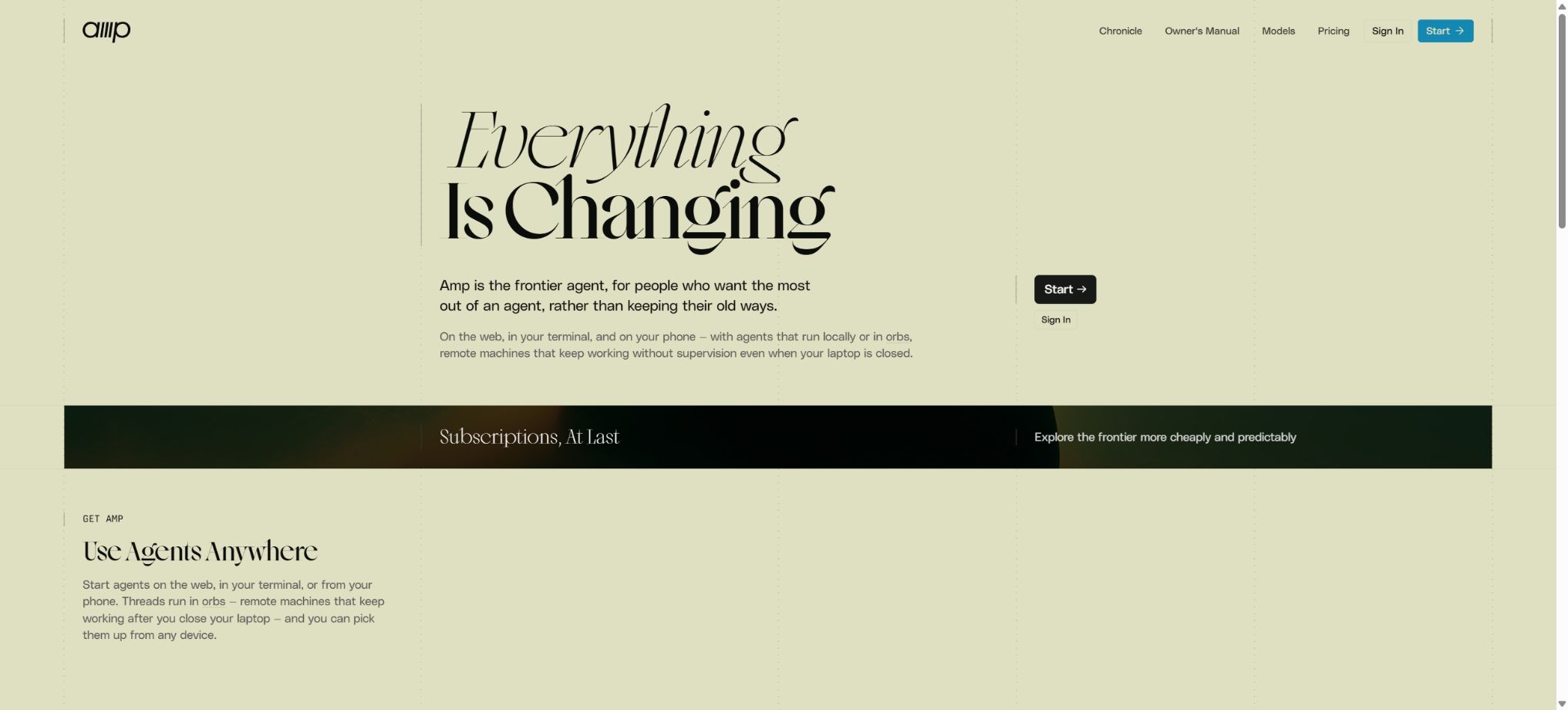
Amp is an AI programming agent designed for professional developers; it can read code repositories, modify files, execute commands, run tests, and carry out multi-step development tasks. It assigns different models, Oracle agents, and sub-agents based on the complexity of the task, rather than requiring users to choose a single model upfront.
At present, Amp’s focus has shifted from the editor sidebar to CLI, web and mobile threads, as well as Orbs that run in remote computing environments. The older VS Code and Cursor extensions will cease to be available by March 2026; Amp CLI should be used as the primary interface for continued use.
Main functions of Amp
- Code repository understanding:Search for files, symbols, history, and dependencies to answer questions regarding project structure and implementation.
- Multiple file modifications:Edit multiple files based on tasks, and handle cross-module references as well as configuration changes.
- Terminal tools:Execute commands such as building, testing, formatting, type checking, and Git.
- Four modes:Use low, medium, high, and ultra to control speed, cost, and processing depth.
- Oracle:Leverage stronger reasoning capabilities for complex design, debugging, and code review tasks.
- Sub-agents:Divide tasks such as searching, researching, or working independently among multiple Agents and aggregate the results.
- Remote Orbs:Agents can be run in a cloud computing environment without the need to keep the local terminal online at all times.
- Multi-terminal threads:View, continue, or share the same work thread on web pages, via CLI, and on mobile devices.
- File attachment:Add images, logs, PDFs, datasets, and other supported content to threads.
- Skills and Plugins:Reuses task descriptions, tools, commands, and custom Agent capabilities.
- MCP:Connect to local or remote MCP servers, and control tool loading and permissions.
- SDK and automatic execution:Automation can be achieved through CLI execution mode, streaming JSON, Python SDK, and other methods.
Comparison of the four Agent patterns
Amp’s mode is based on predefined capabilities and costs; it is not a fixed model selector. The actual model chosen is determined by the connected subscriptions, workspace constraints, and the availability of models.
| Pattern | Features | Suitable for tasks |
|---|---|---|
| low | Fast speed, low cost | Minor modifications, simple queries, and format adjustments |
| medium | Balance between quality, speed, and cost | Most daily development, testing, bug fixes, and feature updates |
| high | Deeper reasoning and longer processing | Complex bugs, architecture analysis, and cross-module refactoring |
| ultra | Give priority to using the strongest capabilities. | Difficult, open-ended, and high-value engineering tasks |
Amp subscription price
The figures shown below are the prices in USD as displayed on the official pricing page. The amount of Agents and Orbs included in the subscription, as well as the availability of third-party models and the rules applicable to promotions, may change; the final details will be indicated on the account settlement page.
| Plan | Reference price | Includes usage amount | Suitable for |
|---|---|---|---|
| Megawatt | $ | A minimum of 20 dollars for the use of agents, and 750 hours of Orbs. | Individual developers and everyday parallel agents |
| Gigawatt | $ | A minimum usage of $200 for agents, along with 1,000 hours of usage for xxlarge Orbs. | Intensive development and large-scale remote tasks |
| Unconstrained | Based on actual usage | Model Tokens and Orbs are billed based on API costs. | Teams for which the usage volume is not suitable for fixed monthly plans |
| Enterprise | Add enterprise services to the usage plan. | Enterprise functions and model usage are determined in accordance with the agreement. | Organizations that require SSO, directory synchronization, and data control |
Megawatt supports low and medium modes, and additional high-mode capabilities become available once a compatible ChatGPT subscription is connected. Gigawatt covers all modes, including high and ultra.
The usage limits for third-party subscriptions remain in effect.
Subscription, Credits, and Rules for Free Use
| Project | Rules | Precautions |
|---|---|---|
| The subscription includes usage volume. | The amount of Agent usage per month should be at least equal to the subscription fee. | It becomes invalid at the end of the cycle, with no carryover. |
| Excessive use | Add paid Credits to continue running. | Deduction is made based on the actual costs of the models and tools. |
| Buy Credits | It can be purchased without the need for a subscription. | Valid for 12 months after purchase |
| Third-party subscription | It is possible to connect to subscriptions that support ChatGPT and other services. | Amp does not charge any additional fee for the corresponding token, but it is subject to restrictions imposed by third parties. |
| Individuals and ordinary teams | In principle, the model cost is transferred without any additional charge. | Some tools such as Web Search may also incur charges. |
| Enterprise | The official manual states that the usage rate is 50% higher for individuals and teams. | It also provides governance, data, and support capabilities. |
| Educational discounts | $ | It is necessary to declare eligibility following the official procedures. |
The amount of free credits available under Amp Free, as well as the eligibility to receive them, are adjusted dynamically; not all accounts receive the same amount on a permanent basis. Automated operations via CLI, SDKs, and other programs that do not have an interactive interface typically consume paid Credits only, and production tasks should not be carried out relying on these free credits.
How to choose between Megawatt and Gigawatt?
| Demand | Suggested solution | Reason |
|---|---|---|
| Daily single-warehouse development | Megawatt | Starting at $20, includes an Agent and a large number of standard Orbs hours. |
| Already subscribed to ChatGPT | Megawatt plus linked subscription | Model usage with scalable support modes |
| A large number of high or ultra tasks | Gigawatt | Includes a higher Agent quota and xxlarge Orbs |
| Monthly fluctuations are significant. | Unconstrained | Payment is based on the actual model usage and remote computing volume. |
| Unified identity and compliance requirements | Enterprise | Add SSO, directory synchronization, management policies, and MDR |
Amp CLI Installation and Getting Started Guide
- Confirm the environment:It supports macOS, Linux, and Windows WSL; first, prepare Git and the dependencies required for running the project.
- Install CLI:Use the official installation script, Homebrew, or the current package provided by npm to carry out the installation.
- Login account:Run Amp and complete the login and workspace authorization in the browser.
- Enter the warehouse:Start from the project’s root directory; first have the Agent explain the technology stack, the testing commands, and the key directories.
- Give the task:Define the objectives, relevant documents, the areas that cannot be modified, and the acceptance criteria.
- Selection mode:Use ‘low’ for simple modifications, ‘medium’ for routine tasks, and increase the level for more difficult tasks.
- Review results:View the Diff, run tests, and manually check security, performance, and compatibility.
How to write high-quality task instructions
- First, describe the problems visible to the user, as well as the difference between the current behavior and the desired behavior.
- Provide reproduction steps, error logs, relevant files, or test names to reduce unnecessary exploration.
- Specify the technical constraints, compatible versions, code style, and public interfaces that must not be altered.
- The Agent is required to first read the project specifications and the current implementation, and then submit a brief plan for modifications.
- Have the Agent carry out targeted testing, type checking, and formatting after implementation, rather than just generating code.
- Finally, it is required to summarize the changes, remaining risks, and unverified aspects to facilitate manual acceptance.
Use Orbs to run remote agents
- Prepare the warehouse:Ensure that the remote environment has access to the code, dependencies, and any necessary build instructions.
- Select specification:Select the Orb size based on the compilation memory, parallel tasks, and estimated duration.
- Configure Secrets:Mechanisms such as controlled keys and OIDC are used to prevent long-term credentials from being stored in the repository.
- Start task:Create Agent threads remotely from web pages, CLI, or other supported entry points.
- Observation progress:View commands, logs, Diff results, and issues raised by the Agent through multi-terminal threads.
- Verification results:Run tests and application previews in an isolated environment before deciding whether to merge the code.
- Stop in a timely manner:End the Orb when the task is completed, the cycle is finished, or the direction is incorrect, in order to avoid unnecessary computation.
Skills, Plugins, and MCP
- Agent Skills:Load domain descriptions, workflows, and supporting tools into tasks as needed.
- Plugins:Expand events, commands, tools, interfaces, and custom Agent behaviors.
- Local MCP:Start the server via a command to provide additional tools for Amp.
- Remote MCP:Connect to the HTTP endpoint, and authentication can be performed using OAuth or custom request headers.
- Load on demand:Officials recommend placing MCP in Skills to prevent too many tools from occupying the context for extended periods.
- Permission control:Rules can be set to allow, ask for confirmation, or reject based on the server, tool, and parameter settings.
- Workspace trust:The MCP server configured within the project requires explicit approval for its first run.
Which users are suitable for Amp?
- Professional developers:Let the Agent handle cross-file modifications, testing fixes, and exploring the codebase.
- Technical Lead:Use Oracle to review the design, risks, and complex refactoring approaches.
- Remote team:Share context, Diff, and Agent work logs within a thread.
- Platform Engineering Team:Internal processes are carried out via CLI execution, SDKs, and remote Orbs connections.
- High-intensity Agent users:Run multiple remote tasks simultaneously and monitor them from your phone or web page.
- Corporate R&D organization:SSO, policy control, usage attribution, and minimum data retention are required.
Product advantages
- Centered around terminals and complete code repositories, it is suitable for real-world projects rather than just filling in individual lines of code;
- The four modes, from low to ultra, allow users to adjust their capabilities and costs based on the value of the task at hand;
- Oracle, sub-agents, and parallel remote Orbs can break down complex tasks;
- Web pages, CLI, and mobile devices share threads, enabling asynchronous monitoring and continuation of tasks;
- It supports Skills, Plugins, MCP, and programmable SDKs, offering a wide range of ways for expansion;
- In addition to subscriptions, Credits can be purchased on a per-use basis; there is no requirement to stick to a fixed package.
- It allows connection to supported third-party AI subscriptions, thereby reducing some redundant Token expenses.
Usage restrictions and precautions
- Amp frequently changes its models, formats, and product designs, and does not prioritize compatibility with older functions; therefore, the team needs to pay attention to these updates.
- Editor extensions have been discontinued, and users who rely on the old VS Code or Cursor sidebars must switch to the CLI;
- The pattern is not tied to a fixed model; the same task may yield different costs and results at different times.
- High, Ultra, Oracle, and Parallel Agents may quickly consume paid Credits;
- Agents can execute Shell commands and modify a large number of files, and incorrect instructions may pose risks to the data or the repository.
- The build environment in Orbs may differ from the local production environment, so the results still need to be verified separately;
- The free allowances and quotas are not fixed, and cannot be used as a commitment for ongoing production budgets.
Security and data recommendations
Enterprise offers Minimal Data Retention, which is designed to limit the amount of time that third-party model providers can retain the data used for inference; however, this does not mean that no data will be kept at all. Exceptions may still arise due to security and abuse monitoring requirements, specific model specifications, or legal obligations.
- Before running, check the keys in the repository, production configurations, customer data, and private certificates;
- Restrict the permissions of Shell, MCP, and plugins, and require manual approval for any writes or external operations;
- Remote Orbs utilize short-term credentials, OIDC, and service accounts with the minimum required permissions;
- Do not allow the Agent to directly carry out production deployments, database deletions, or irreversible migrations;
- Include the code generated by the Agent in regular reviews, testing, dependency scanning, and security checks;
- Before using it, enterprises should verify thread storage, model providers, region, and retention rules.
Platform and open-source information
Amp CLI is compatible with macOS, Linux, and Windows WSL, and it can connect to editors such as Neovim and those from the VS Code family as well as Zed to provide IDE context. The method of connection here differs from that of the old editor sidebar extensions that are no longer in use.
The Amp core agent, cloud services, and CLI are not released as complete open-source products. The vendor provides a Python SDK, plugin interfaces, documentation, and some example resources, but this does not mean that the Amp software itself is open source.
Frequently Asked Questions
Is Amp free?
Amp may offer dynamic, free quotas to eligible users, though the eligibility criteria and the amount of these quotas can vary. Programmatic CLI and SDK calls generally require paid Credits; for consistent use, subscriptions or pay-as-you-go options are more suitable.
How much is Amp Megawatt?
According to the official pricing page, the cost is 20 dollars per month; this amount includes at least 20 dollars worth of Agent usage and 750 hours of Orbs. Once these resources are used up, it is possible to purchase Credits to continue using them.
Does Amp also support VS Code extensions?
The older versions of the VS Code and Cursor editor extensions were discontinued in March 2026. It is recommended to install Amp CLI and connect it to compatible editors in order to access project context.
Can Amp run code in the cloud?
Yes, Orbs is used to run Agents, commands, and development tasks in remote computing environments. Before using it, it is necessary to properly configure repository access, Secrets, specifications, and shutdown conditions.
Is Amp open source?
No, Amp’s core products and services are not fully open-source projects. The publicly available SDKs, plugin interfaces, and example resources do not mean that the source code of the Agent or the cloud platform is also made available.
Tools similar to Amp



 Guigong Network Security Registration No. 45132202000164