






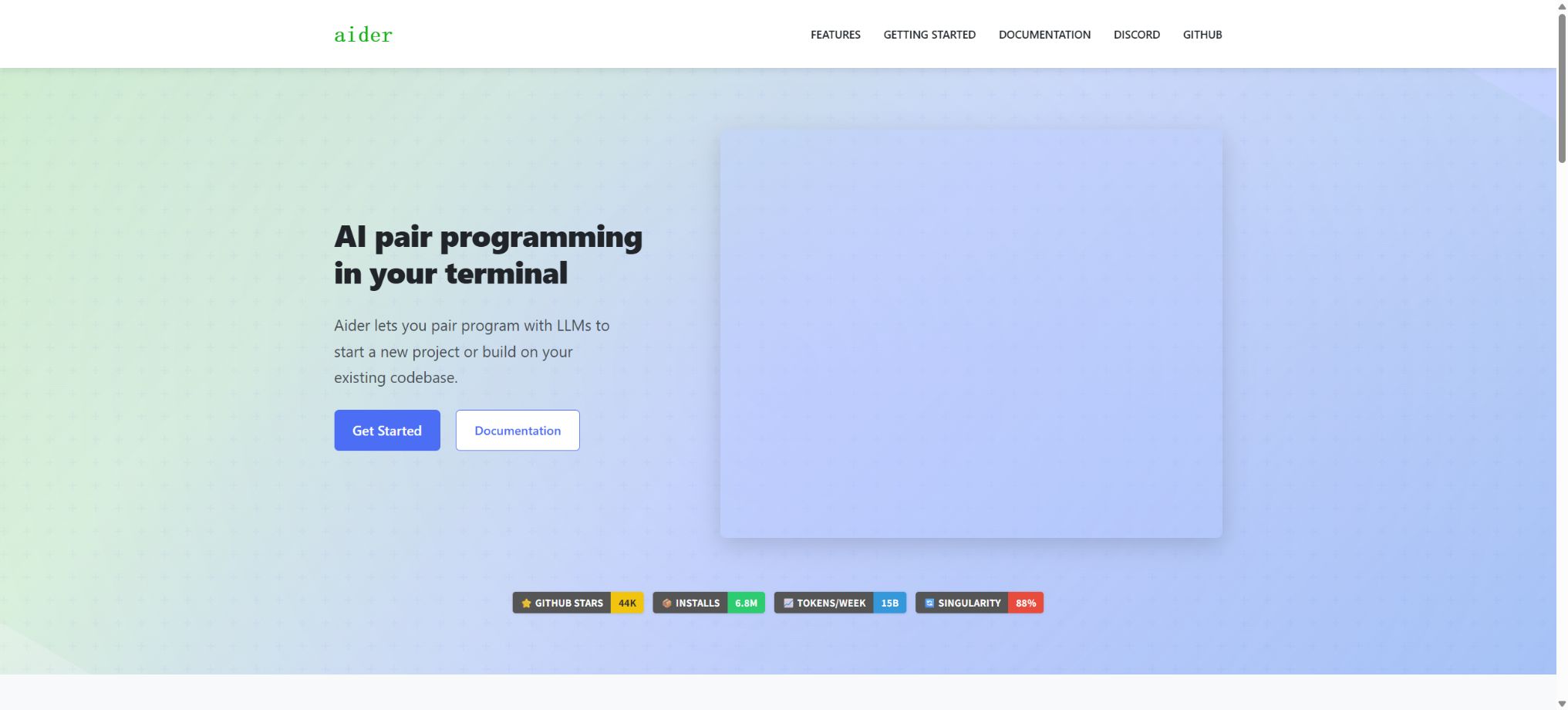
Aider
An open-source programming assistant that allows for code modification in collaboration with large models within a terminal.
Tags:AI programming toolsWhat is Aider?
Aider is an open-source AI pair programming tool that runs in a command-line terminal. Once developers access a local Git project, they can use natural language to ask it to add new functions, modify multiple files, refactor code, write tests, fix errors, or edit configurations and documentation.
Aider does not restrict users to a specific editor; instead, it operates around existing repositories, model APIs, and Git workflows. It is suitable for developers who prefer the terminal, want to choose their own models, and place importance on version control and configurability.
Work with the existing codebase
After starting Aider, users can add the files that need to be edited to the session, or provide read-only reference files to the model. Aider generates the necessary modifications based on the current requirements, conversation history, target files, and the structure of the repository, and then writes those changes back to the local files.
It does not send the entire large warehouse to the model without any conditions. Developers should define the task objectives, the directories that are affected, the acceptance criteria, and the parts that cannot be modified, in order to reduce unnecessary tokens and avoid errors in modifications.
Warehouse map Repo Map
Aider generates concise maps for Git repositories, showing important files, classes, functions, types, and call signatures. It uses Tree-sitter to extract symbols, and then selects the most relevant elements based on the file dependency graph and the relevance of the current session in order to include them in the model context.
The warehouse map allows the model to understand the structure of a project without having to read all the relevant files, and to determine which files still need to be examined. The default budget for such maps is usually low; for very large repositories, it is possible to adjust the token budget or to limit the current subtree.
Multiple-file code modification
Aider allows for the simultaneous modification of multiple source files, tests, configurations, and documents. Common tasks include interface migration, adding new fields across different layers, renaming elements, fixing errors, and performing batch updates. Different models generate patches in corresponding editing formats.
The model may generate code that is syntactically correct but contains business-related errors. Major changes should be broken down into small, testable steps; after each submission, it is necessary to check for differences, run tests, and verify dependencies.
Code mode
The Code mode allows the main model to directly analyze a request and generate editable code, making it suitable for tasks with clear objectives, limited scope of modifications, or those in which the model is good at handling code formatting. It involves fewer interaction steps, so the speed and cost are generally more controllable.
If a model can explain a solution but often fails to generate correct patches, it is possible to switch to the Architect pattern, or choose a model from the Aider ranking that is more suitable for code editing.
Architect pattern
The Architect pattern separates the design of solutions from their actual implementation: the main model is responsible for reasoning, planning, and proposing changes, while the editing model converts these proposals into actual code. It is suitable for complex problems, reasoning models, or those that are not adept at following strict formatting rules.
The dual-model approach may increase the costs associated with tokens and calls. Users can configure the main model, edit the model, use a weaker model, and decide whether to accept edits automatically; it is recommended to review the design of these parameters before applying them.
Ask and Help modes
The Ask mode is primarily used to ask questions about code and to discuss various solutions, without directly modifying files; the Help mode is used to query the commands and settings of Aider itself.
Developers can first understand the module or determine the direction for its implementation, before switching to edit mode.
Separating exploratory questions from actual modifications helps to prevent the model from having its code altered prematurely when the requirements are not clear.
Automatic Git commits
Aider is deeply integrated with Git. After each file modification, it typically creates a commit containing descriptive information;
If the target file already contains unsaved changes, Aider will first submit those existing changes separately, in order to avoid mixing the user’s modifications with those made by the AI.
Automatic commits facilitate the viewing of history and the ability to roll back changes, but default commits skip the pre-commit validation. Teams that require strict enforcement of these checks should enable Git commit validation and continue to run thorough tests within the CI process.
View differences and revert
Within the session, it is possible to view the recent changes, create commits, execute Git commands, or use undo commands to reverse the previous AI-induced changes. Since the modifications have been added to the Git history, users can also use the familiar branch, commit, and diff tools to review them.
The undo operation may discard the most recent changes; it is necessary to ensure that no manual edits are included before carrying out this operation. For complex tasks, it is best to create a separate branch first.
Lint and automatic fixes
Aider can automatically run the specified Lint commands after making modifications, feed the errors back to the model, and attempt to fix them. It supports the use of formatting, static analysis, and type checking tools tailored for different programming languages.
Automatic repair may alter more files; it is not sufficient to simply check whether the command succeeds. It is still necessary to verify whether the rules have been relaxed, whether comments are being abused, and whether formatting affects the resulting files.
Test execution
Users can configure test commands so that Aider can run tests after making changes, and it can then continue to make corrections based on the failure results. It is suitable for test-driven development, fixing regression errors, and small-scale iterations.
Passing existing tests does not necessarily mean that the functionality is correct. When certain requirements are not covered, it is necessary to request additional failure tests before writing the code.
Tests that involve databases or external services also need to isolate real data.
Supported models
Aider can connect to OpenAI, Anthropic, Google Gemini, DeepSeek, xAI, Cohere, Groq, OpenRouter, Azure OpenAI, Vertex AI, Amazon Bedrock, GitHub Copilot, and other OpenAI-compatible services. It manages most of these connections through a unified model adaptation layer.
There are significant differences among various models in terms of context, reasoning parameters, editing formats, and tool capabilities. Models that can engage in conversation do not necessarily manage to provide usable patches consistently; it is advisable to refer to the Aider code editing rankings and test them using actual projects.
Local models and Ollama
Aider supports Ollama, LM Studio, and other local OpenAI-compatible interfaces. This allows models to be run on one’s own computer or server, reducing the need to send code to external cloud services.
Running something locally does not necessarily mean better results and lower costs. Large models require sufficient memory or GPU memory; weaker models may produce edits that are not usable, which in turn requires more time for manual correction.
API key configuration
Cloud models require an API key from the corresponding provider, which can be set through environment variables, command parameters, or configuration files. Aider also supports model aliases, the base API address, timeout settings, inference intensity, and custom model metadata.
Do not submit the actual keys to the repository. Project-level configurations should only store non-sensitive parameters; keys should be used through environment variables or key management tools, and they need to be rotated regularly.
Hints for caching and cost control
For models that support caching, Aider can cache system prompts, read-only files, repository maps, and the context of editable files, thereby reducing the need for repeated input and improving speed. Cache persistence can be achieved by issuing regular requests to extend the lifespan of the cache.
The keep-alive requests themselves can also incur costs, and certain cache statistics are not visible when using streaming output. Whether to enable them should be determined based on the duration of the session, the provider’s rules, and the actual billing structure.
Images and web context
Aider allows screenshots, design diagrams, and web content to be included in conversations, for use in front-end development, error analysis, and as reference documents. Image support depends on the model selected.
Websites may contain untrusted commands, and images can hold sensitive information. Before adding external content, it is necessary to verify its source and obtain the necessary authorization; the content of a website should not override the project’s security rules.
Voice programming
The Voice-to-code feature enables developers to state their requirements verbally, with the model then modifying the code; it is suitable for quickly recording ideas for functions or for easy use by people with disabilities. Users can choose the input device, language, and audio format.
Speech recognition may mishear variable names, paths, and commands. It is necessary to check the transcribed text before execution; instructions related to deletion, deployment, and keys require particular attention.
Use in the IDE
Aider can monitor files and trigger modifications through comments in the IDEs or text editors commonly used by developers; it can also be run directly from the editor’s terminal. This way, there is no need to give up using VS Code, JetBrains, Vim, or any other existing working environment.
It does not offer the full graphical plugin experience found in traditional IDE extension stores; the main interactions still take place through the terminal, file monitoring, and the browser interface.
Browser interface
In addition to the terminal, Aider offers a browser GUI mode, allowing users to submit requests and view sessions through a web interface. It is suitable for users who are not familiar with command-line input or who need a more intuitive chat window.
The browser interface continues to run within the local Aider process and invokes the configured models; this does not affect the API costs or the responsibilities related to code review.
Scripts and automation
Aider allows for the submission of individual messages via command parameters, the reading of message files, the application of existing edits, or invocation from scripts; it is suitable for bulk maintenance, automated document generation, and controlled code processing workflows.
Unmanned automation should make use of clean branches, minimal file permissions, time limits, and CI access controls; it is not allowed to push AI models directly to protected production branches.
Configuration file
Most settings can be saved in the user’s directory, in the root directory of the Git repository, or in configuration files located in the current directory; the files that are loaded later take precedence. The settings include those related to models, editing formats, repository structure, Git functionality, testing, Lint tools, the interface, and notifications.
The team can submit project configurations and coding standards that do not include keys, thereby ensuring consistent behavior among team members. After an upgrade, it is necessary to check for any deprecated parameters and model names.
Supported programming languages
Aider supports a large number of programming languages such as Python, JavaScript, TypeScript, Java, Go, Rust, C, C++, PHP, Ruby, HTML, and CSS, thanks to Tree-sitter and text editing mechanisms; it can also modify files in YAML, JSON, Markdown, and other text formats.
The fact that a language is recognized does not mean that the model understands all frameworks and build systems. Niche languages, macro systems, and generated code require more manual context and testing.
Installation method
The official recommendation is to use the aider-install installer, which is based on uv; it installs Python 3.12 separately when necessary, thereby reducing conflicts with the system environment. It can also be installed using pipx, Docker, GitHub Codespaces, and other environments.
The Python versions that can be used with Aider via pipx are typically 3.9 to 3.12. In case of dependency conflicts, it is preferable to use a separate environment rather than contaminating the project’s existing virtual environment.
Aider price
The Aider software is free to use; there is no official Pro version or team subscription, and its source code can be utilized under the Apache 2.0 license. The main cost for users lies in the fees associated with calling the APIs of providers such as OpenAI, Anthropic, Gemini, DeepSeek, and OpenRouter.
Local models do not generate charges related to cloud APIs, but require the user to provide their own hardware, power supply, and support for maintenance. Free API models usually come with limitations regarding usage rate, daily quota, or stability; they cannot be considered truly unlimited and free.
GitHub and open-source licenses
The official source code of Aider is stored in the aider repository belonging to the Aider-AI organization; it is licensed under Apache License 2.0, which permits use, modification, and distribution, with the requirement to retain the license and related statements. Versions of the project are released through Git tags and PyPI.
The open-source component is the Aider client; it is not Claude, GPT, Gemini, or other models to which it is connected. The use of model services, training data, and outputs is subject to the terms set by each provider.
Privacy and telemetry
Aider enables anonymous analysis and also provides the option to disable it. The code, prompts, and files sent to the cloud models are processed by the respective API providers;
Using local models can reduce external communications, but it is still necessary to check the logs, proxies, and vector components.
Keys, production configurations, and sensitive data should be excluded by ignoring files, while it is important to understand that repository maps, read-only files, and session histories will be included in the model context.
Aider Usage Tutorial
Complete a basic task.
- Clarify the code tasks to be completed in Aider, the scope of the repository, and the acceptance criteria.
- Connect to or import the test project, and first back up the current branch;
- First, use the plan generated by working with the existing code base, and then confirm the files that need to be modified;
- Use the Repo Map to make minor changes;
- Run tests, static checks, and builds; unverified code is not accepted directly.
- Manually check permissions, keys, dependencies, and handle exceptions before merging;
Create reusable professional workflows
- Select a low-risk, real-world project as a template;
- The sequence of using Repo Map, which is designed to work within existing codebases, and multi-file code modifications;
- Record the environment, model, prompts, and failure conditions;
- Set up manual approval for write, deploy, and delete actions;
- Compare speed, cost, test pass rate, and the amount of rework;
- Expand to a team or production environment only after stability has been verified;
Which users is it suitable for?
- Software developers accustomed to working with terminals and the Git workflow;
- Users who wish to freely choose between cloud models or local models;
- Teams that need to make multiple file modifications in existing large warehouses;
- Engineers who value open source, configurability, and automated testing;
- Advanced users who wish to incorporate AI coding into scripts and CI experiments.
Product advantages
- It is free, open-source, and not tied to any single model provider;
- The warehouse map takes into account both the context of large-scale projects and the cost of tokens;
- Git’s automatic committing and undoing features facilitate the review of AI-induced changes;
- It supports various modes such as Code, Architect, Ask, etc.;
- It can automatically run Lint checks, conduct tests, and iterate on fixes;
- It supports monitoring via terminals, browsers, IDEs, and scripts.
Restrictions and Precautions
- Aider requires a certain level of knowledge in command lines, Git, and API configuration; it is not as user-friendly for complete beginners as the graphical AIIDE.
- Calling cloud models can be costly, and large warehouses as well as long-running sessions particularly require context management;
- AI may alter code incorrectly, generate unsafe commands, or produce faulty logic.
- Branching, testing, code review, and minimal permissions must be used; automatic commits cannot be considered a form of quality assurance.
Frequently Asked Questions
Is Aider free?
Aider is itself free and open-source; using commercial cloud services requires payment according to the API pricing set by the respective provider.
Does Aider support DeepSeek?
It supports the official DeepSeek interface; it can also be connected via OpenRouter or other compatible services, requiring the configuration of corresponding keys and model names.
Does Aider support local models?
It supports local interfaces compatible with Ollama, LM Studio, and OpenAI, but the models need to have reliable code editing capabilities.
Will Aider submit the code automatically?
By default, AI modifications generate Git commits, and session commands can be used to view the differences or revert them; this behavior can be disabled in the configuration.
Can Aider run tests?
It is possible to configure testing and Lint commands, and to feed back the failure results to the model so that it can make further corrections.
Does Aider have a graphical interface?
It is primarily a terminal tool, while also offering a browser GUI and file monitoring capabilities to work in conjunction with existing IDEs.
Is Aider open source?
It is open source; the official repository is licensed under the Apache 2.0 license.
Tools similar to Aider



 Guigong Network Security Registration No. 45132202000164