






TRAE
ByteDance’s AI-native IDE and code agent development environment
Tags:AI programming toolsWhat is TRAE?
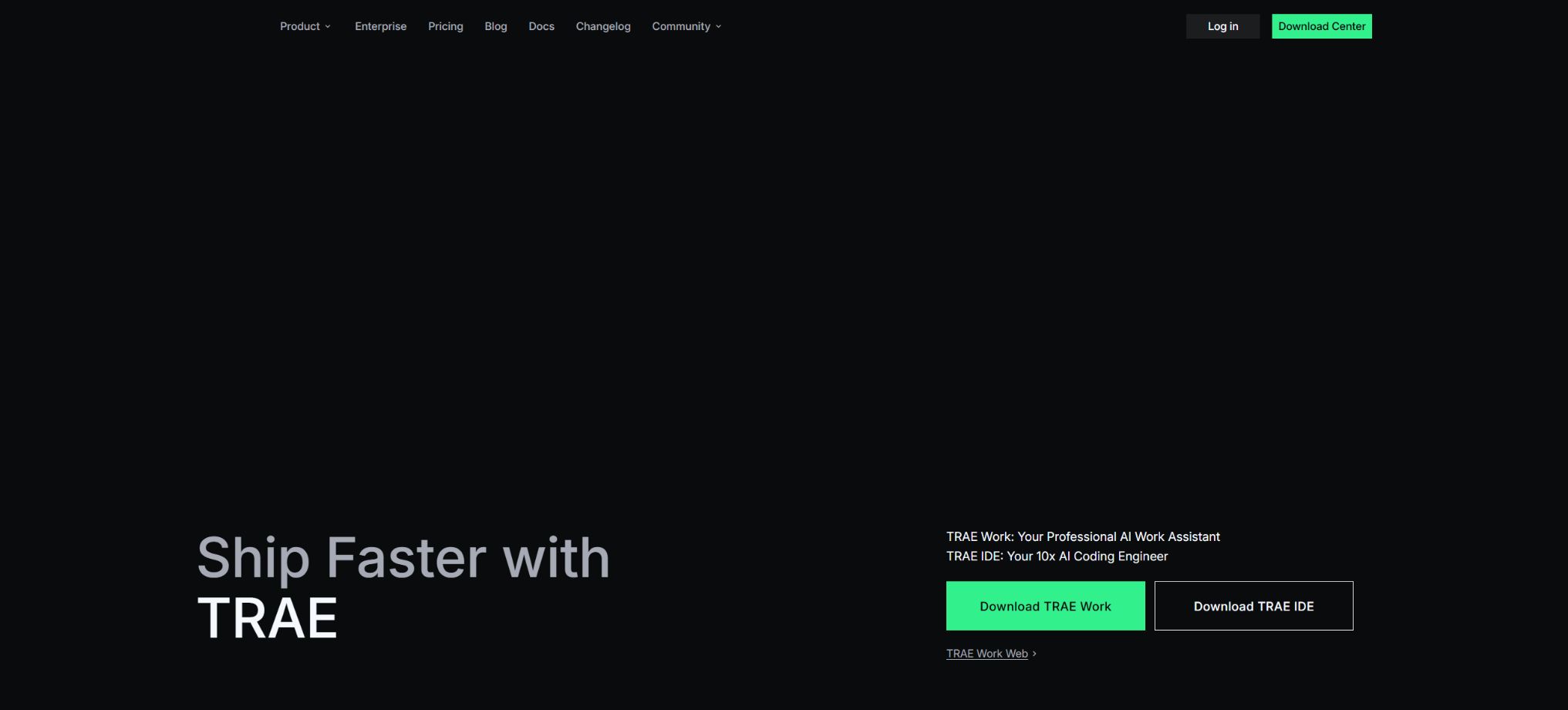
TRAE is an AI programming and agent-based work platform launched by ByteDance. Under this brand, there are tools such as TraeCode for software development, TraeWork for general office tasks, plugins that can be integrated into existing editors, as well as an enterprise version. TraeCode evolved from the Visual Studio Code ecosystem; it combines code completion, project-related queries, agents, capabilities for independent development, browser debugging, and deployment all within the same environment.
TraeWork enables cloud agents to handle research, documents, spreadsheets, PPTs, web operations, and long-term tasks.
Early documentation referred to TRAE as a “free AI IDE,” but this description is no longer accurate. The current personal version uses a billing system based on points or tokens, and the product has expanded from an editor to include versions for the Web, desktop, mobile devices, as well as cloud-based tasks.
The Chinese version and the international version use different account systems, models, packages, billing units, and regional rules; when choosing a version, it is necessary to refer to the official website of your respective region.
Core functions
- AI-native development environment:It allows users to open local projects, browse code repositories, understand the relationships between files and symbol references. It enables the explanation of code within dialog boxes, the identification of errors, the modification of multiple files, the generation of tests, the execution of commands, and the verification of results. Users can view the differences before accepting or reverting changes.
- SOLO mode:AI takes charge of the entire process, from understanding requirements and planning tasks to coding, testing, previewing, and deployment – making it suitable for creating websites, applications, or functions from an idea. It is possible to switch between SOLO mode and traditional IDE mode; developers can either delegate the entire task or return to the editor to exert fine-grained control over the code.
- Goal workflow:SOLO can carry out multiple rounds of execution with the ultimate goal in mind, without the user needing to break down each step individually; the intelligent system will continue to plan and carry out actions based on the current results, until the task is completed or further authorization is required. For long-term tasks, it is still necessary to set acceptance criteria and budgets to avoid repeated work.
- CUE super code completion:It predicts the next modification based on the cursor position, recent edits, and the context of the project, offering multiple suggestions per line, the ability to accept them using Tab, and the option to jump to the next editing point. The international version of Free provides 5,000 completions per month, while paid versions usually offer unlimited completions; for corporate users in China, the usage of CUE can be tracked separately.
- Agents and multi-agent systems:The built-in Agent can invoke tools such as files, terminals, search functions, and browsers; custom Agents allow for the definition of their responsibilities, prompts, and the tools they can use. For complex tasks, the main Agent can assign subtasks to Subagents. Skills, Rules, Memories, Commands, and Hooks are used to reuse team standards and automate various steps.
- Multiple models and custom models:It is possible to switch between the built-in models, and one can also use their own API keys by utilizing formats supported by the service providers or by OpenAI Chat Completions and Anthropic Messages. The international version includes models such as GPT, Seed, MiniMax, Kimi, and Gemini, while the Chinese version offers options like DouBao, DeepSeek, GLM, Kimi, and Qwen; the specific list of available models and regional restrictions may change over time.
- Context management:It supports code repository indexing, specifying files or symbols, uploading documents, online searching, custom ignoring rules, and context compression. Project rules and memory enable the AI to adhere to technical stacks, coding styles, and testing requirements, but keys or sensitive data should not be stored in long-term memory.
- Browser control and preview:The built-in preview page allows the Agent to read page elements, control the browser, view console logs, and debug the frontend. Together with Figma for interface restoration, Supabase, payment services, and deployment capabilities, it is possible to quickly create a functional application from an interface design.
- MCP and extensions:It supports connection to databases, design tools, knowledge bases, and other services via model context protocols, and is also compatible with a large number of VS Code extensions. Third-party MCP Servers and extensions may read code or execute commands; it is necessary to examine their origin and permissions before installing them.
- Remote development:TraeCode is compatible with Windows, macOS, and Linux, and can be used in WSL or via SSH connections to remote environments; sandboxing, permission controls, and a resource manager help to restrict file, command, and network operations. Actual compatibility still depends on the extensions, system architecture, and configuration of the remote server.
- TraeWork:It enables conducting research, carrying out office tasks, and performing cross-application tasks via the Web, desktop, or mobile devices; it supports execution in the cloud, parallel processing of multiple tasks, as well as features such as Skills, connectors, workspaces, and automation. It shares some packages and points with TraeCode, but the points specific to Work cannot be used for code-related products.
China’s version of personal packages and points system
The Chinese version of TRAE uses a points-based billing system. General points can be used in TraeCode and TraeWork, while points specific to Work can only be used in TraeWork.
Different models convert points based on tokens, cache usage, and output cost; models that require longer contexts, multiple tool calls, or have higher pricing will consume more resources.
The current official personal package is as follows:
| Package or version | Prices, quotas, and core benefits |
|---|---|
| Free | Free, 500 points per month, standard queue; suitable for limited testing, with a maximum of 2 parallel cloud tasks. |
| Lite | 49 yuan per month for a single-month subscription, 45 yuan for a monthly subscription on a recurring basis; new paid users can pay as little as 9.9 yuan in the first month. There are 2,000 Work-specific points available each month, mainly intended for use with TraeWork, with support for 2 parallel operations in the cloud. |
| Pro | 99 yuan per month for a single-month subscription, 89 yuan for a monthly subscription on a recurring basis; new users who pay can enjoy a rate of 59 yuan for the first month. There are 4,000 generic points available each month, which can be used with TraeCode and TraeWork, allowing for 10 parallel operations in the cloud. |
| Pro+ | 239 yuan for a single month, 219 yuan for a monthly subscription; 12,000 general credits per month, with 10 parallel tasks available in the cloud. |
The validity period of the above payment plans is usually 31 calendar days, and they come with priority support during peak times; Seed-2.1-Turbo and Seed-Code are priced at 75% of their regular rate in the current promotion.
Points can be purchased additionaly during the membership validity period.
The scoring is not based on a fixed number of conversations; for the same request, the score can vary significantly depending on the model, context, and steps used in the process. It is advisable to try out a few tasks first to see how the usage is calculated before making a purchase.
International plan packages and Token-based billing
The international version converts the cost of model tokens into Dollar Usage. Any unused amount of Basic Usage within a given month is not carried over, and once it is used up, users can choose to upgrade, purchase additional credits, or opt for On-Demand Usage.
Pay-as-you-go typically results in a deduction every time $3 is accumulated.
The current monthly pricing for continuous payments is as follows:
- Free:$
- Lite:$
- Pro:$
- Pro+:30 dollars per month, including 90 dollars worth of Basic Usage; this amount corresponds to approximately 3.5 times the usage level of the Pro plan, with a maximum of 15 concurrent cloud tasks.
- Ultra:$
The international version offers a higher monthly price for non-renewing orders, as well as an annual payment rate with a discount of around 25%; taxes may apply in certain areas of the United States.
There are significant differences in the listed prices for different models; charging is applied separately for input, cache reading, cache writing, and output.
The built-in model quota is independent of the third-party bills generated by the API Key entered by the user.
Enterprise Edition
The enterprise version of TRAE includes TraeCode, plugins, the CLI, and TraeWork. It offers unified management of seats, models, and usage levels, SSO, role-based permissions, corporate rules, a knowledge base, data dashboards, logging capabilities, as well as limits on data consumption. For Chinese enterprises, the team version costs 149 yuan per seat per month, while the flagship version costs 259 yuan per seat per month. A hybrid payment model is employed, with prepayment for seats and additional charging for any excess usage.
The International Business version is available through BytePlus Consulting.
The Enterprise version also offers large warehouse indexing, security policies, and enterprise sandboxes; some VPC or CLI features may be available depending on the region and the release stage.
Open-source status and trae-agent
The TraeCode, TraeWork, SOLO, CUE, and TRAE cloud services are not fully open source; ByteDance has made the individual components available publicly.trae-agentResearch and command-line projects, under the MIT license.
It can perform common software engineering tasks locally via the CLI, supports models such as OpenAI, Anthropic, Gemini, Doubao, OpenRouter, and Ollama, and offers file editing, a terminal interface, structured thinking capabilities, MCP support, Docker execution, and trajectory recording.
Trae-Agent is suitable for studying agent architectures, conducting simulation experiments, and enabling custom expansion; users need to provide a model API key and bear the costs associated with making calls to it. It is not the complete source code of TRAE IDE, nor does it include the commercial SOLO interface, CUE models, cloud quotas, or an enterprise control panel. Therefore, this tool should be labeled as \"Proprietary commercial product; only part of the official Agent framework is open source.\"
Supported platforms
TraeCode is compatible with Windows 10/11, macOS 12 and later, as well as Linux packages in deb and rpm formats; TraeWork is available for Windows, macOS, the web, and mobile devices.
The plugin is designed for popular editors such as VS Code and JetBrains; the enterprise version also includes a dedicated client and a management console.
The download packages, accounts, models, and data areas for the international version and the Chinese version are not necessarily interoperable.
TRAE Usage Guide
Complete a basic task.
- Clarify the code tasks to be completed in TRAE, the scope of the repository, and the acceptance criteria.
- Connect to or import the test project, and first back up the current branch;
- First, use the AI-native development environment to create a plan, and then verify the modified files.
- Use SOLO mode to make minor changes;
- Run tests, static checks, and builds; unverified code is not accepted directly.
- Manually check permissions, keys, dependencies, and handle exceptions before merging;
Create reusable professional workflows
- Select a low-risk, real-world project as a template;
- Fix the order of use for the AI-native development environment, SOLO mode, and Goal workflow;
- Record the environment, model, prompts, and failure conditions;
- Set up manual approval for write, deploy, and delete actions;
- Compare speed, cost, test pass rate, and the amount of rework;
- Expand to a team or production environment only after stability has been verified;
Which users are it suitable for
- Daily developers who need code completion, project-related questions and answers, refactoring, debugging, testing, and code review;
- Independent developers and product managers who wish to use SOLO to develop complete functions from concept to deployment;
- R&D teams that need to standardize AI coding conventions, models, knowledge bases, and usage management;
- Advanced users who wish to build development workflows using custom models, MCP, Skills, and Hooks;
- Office users who need cloud-based research, documents, PPTs, and automated tasks.
Usage restrictions and privacy considerations
- Agents and SOLO can modify multiple files, execute commands, install dependencies, access the network, and deploy applications; errors caused by them have a greater impact than those associated with regular autocompletion.
- Permission approval should be enabled to restrict writable directories, terminal commands, and network ranges; work on separate branches, and check for differences, conduct tests, verify license compliance, monitor for key leaks, handle SQL migrations, and make infrastructure changes.
- Manual confirmation is required for production deployment, payment, deletion, and permission changes.
- The chat content in the personal version, relevant code snippets, and AI outputs may be used for analysis, product improvement, or model training;
- Enabling privacy mode after logging in can prevent such uses;
- The official statement is that the local code repository files are not used for training; during indexing, the plaintext is temporarily uploaded to compute vectors and then deleted.
- The code required for TraeWorkWeb and the cloud agent is processed and stored in the cloud.
- The Enterprise version offers stricter commitments regarding zero retention and no training of data, but sensitive projects still require verification through contracts, data classification frameworks, and internal policies.
Frequently Asked Questions
Is TRAE free?
There is a free version available. The Chinese version costs 500 points per month, while the international version offers limited basic usage along with 5,000 completions per month;
Long tasks, SOLO mode, high-priced models, and high concurrency usually require payment.
What is the difference between TRAE and Cursor?
Both offer AI editors and agents. TRAE develops TraeWork, SOLO, multi-agent systems, cloud-based tasks, as well as Chinese and international versions; it also supports a variety of built-in or custom models.
The specific outcome depends on the model, codebase, and workflow.
Does TRAE support custom models?
Supported. You can choose from pre-defined service providers, or configure the request address, model ID, and API Key in a format compatible with OpenAI or Anthropic.
The fees for third-party models are charged by the respective service providers.
Is TRAE open source?
The complete product is not open source; the official Trae-agent command-line agent is available under the MIT license and is thus open source, but this does not mean that TraeCode and SOLO are fully open source.
Tools similar to TRAE



 Guigong Network Security Registration No. 45132202000164