






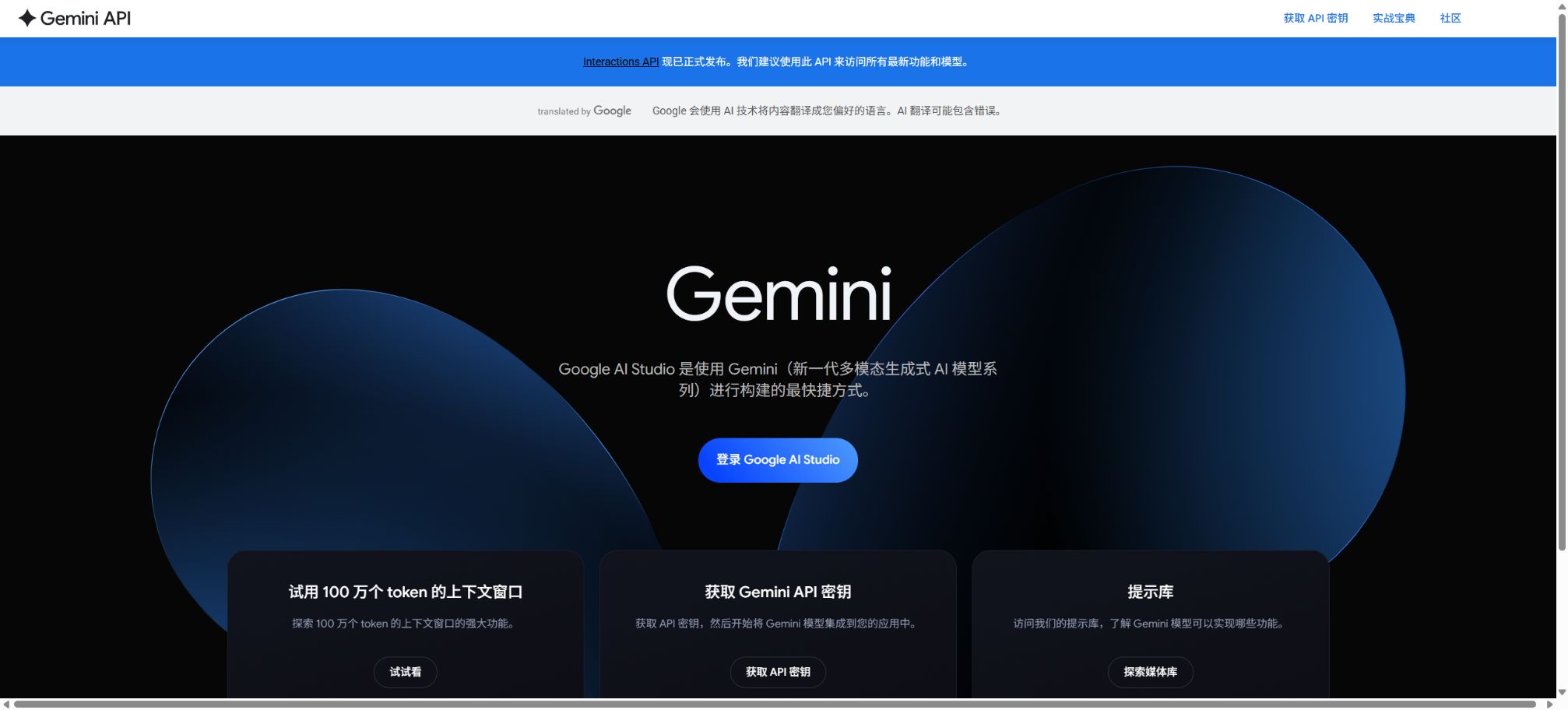
Google AI Studio
A development platform for experiencing the Gemini model, creating design prompts, and generating API code
Tags:AI training modelsWhat is Google AI Studio?
Google AI Studio is a browser-based platform provided by Google for developers of Gemini, allowing them to experiment and build applications. Users can directly select models, write system instructions, upload multi-modal content, adjust runtime parameters, and test the capabilities of the Gemini API.
The platform also offers a Build mode that allows for the creation of complete Web applications or native Android applications using natural language; these applications can be previewed and modified in a browser. Once the prototype is ready, developers can obtain the code, create an API key, or export the project to continue developing it.
Main features of Google AI Studio
- Model experiment:On the web page, you can switch between available Gemini models to quickly compare response quality, speed, and inference capabilities.
- System instructions:Set the role, tone, output format, boundaries, and task rules, and test them repeatedly through dialogue.
- Multimodal input:It can handle various content types such as text, images, audio, video, PDFs, and code.
- Operation parameters:Adjust model parameters, security settings, context, and generation configurations.
- Structured output:It enables the model to return results in accordance with a specified JSON Schema, which is suitable for data extraction and program processing.
- Function call:Define external functions and parameters to enable the model to determine when to call business systems or tools.
- Code execution:It allows the model to execute controlled code in order to carry out tasks such as calculations, data analysis, and chart generation.
- Search for grounding:By leveraging capabilities such as Google Search, responses that are closer to real-time information can be generated.
- Live API:Test Gemini’s capabilities in terms of low-latency audio, video, and real-time interaction.
- Get code:Convert the debugged prompt into examples of calls in Python, JavaScript, REST, and so on.
- API Key management:Create and manage the projects and keys required for the Gemini Developer API.
- Build mode:Generate, run, and modify full-stack Web or native Android applications through dialogue.
Comparison between Prompt and Build modes
| Pattern | Primary uses | Typical product |
|---|---|---|
| Chat Prompt | Test multiple rounds of dialogue, system instructions, and model behavior. | Reusable prompts and API code |
| Structured Output | Extract and generate structured data based on the schema. | JSON results and program interfaces |
| Function Calling | Connect business functions, databases, and external services | Tool invocation parameters and Agent prototype |
| Build Web | Generate a web application with a frontend, backend, and dependencies. | React frontend and Node.js backend projects |
| Build Android | Generate native mobile apps and preview them online. | Kotlin and Jetpack Compose projects |
What can the Build mode do?
- Prompt-based website building:After describing products, pages, and interactions, a multi-file application is generated along with a real-time preview.
- Project import:Existing code can be imported from GitHub, allowing the agent to understand it and make further modifications.
- Full-stack operation:Web applications come with a React frontend and a Node.js backend by default, and it is possible to install npm dependencies.
- Key management:Store third-party API keys in the server settings to prevent them from being exposed directly in the browser code.
- Firebase integration:It provides capabilities such as connecting Web applications to Firestore and Firebase Authentication.
- Real-time collaboration:When running on the server, it can support multiple user statuses and connection scenarios.
- Generated by Android:Generate a standard Gradle project and view the Kotlin application in the cloud emulator.
- Equipment testing:It supports installing the build results on an Android device with debugging enabled, using compatible browsers.
- Test release:It can be connected to Google Play Console to be released on the internal testing track; official production releases still require management through Play Console.
Price categories for Google AI Studio and Gemini API
Google AI Studio offers a free option for conducting experiments, but its usage is subject to constraints related to the availability of models, geographic location, and data transfer rates. Once a paid project is created, the Gemini API charges fees based on the models used, the input and output tokens, media generation, and additional tools; it is not possible to use it indefinitely by simply paying a fixed monthly fee.
| Type | Billing method | Data usage | Suitable scenarios |
|---|---|---|---|
| Free | Models and quotas that meet the requirements are available free of charge, though there are speed limits. | Content from free services can be used to improve the product. | Learning, prompt experiments, and small prototypes |
| Paid | Prepaid or pay-as-you-go, calculated based on models and tools | Prompt words and responses are not used to improve the product. | Production applications, higher quotas, and context caching |
| Enterprise | Contact sales for a quote based on your requirements and scale. | Handle in accordance with corporate data and compliance regulations. | Dedicated support, security and compliance, as well as reserved throughput |
The list of models available in the free tier, paid tier, and enterprise tier is not exactly the same. Factors such as region, account eligibility, preview models, quotas, and payment methods can vary; it is necessary to refer to the information displayed in real time on the AI Studio project page and the official pricing page.
Gemini API billing example
Below are examples of the standard pricing for Gemini 3.6 Flash as listed on the official pricing page during verification; all figures are given in terms of the cost per million tokens in dollars. Model versions change rapidly, so this table cannot be used as a uniform pricing reference for other Gemini models.
| Reasoning level | Enter price | Output price | Context cache input |
|---|---|---|---|
| Standard | 1.50 dollars | $ | 0.15 dollars |
| Batch | 0.75 dollars | $ | 0.075 dollars |
| Flex | 0.75 dollars | $ | 0.075 dollars |
| Priority | 2.70 dollars | $ | 0.27 dollars |
The reference price for caching storage in this model is $1 per hour for every 1 million tokens. For the Standard pricing tier, Google Search and Maps offer 5,000 free queries per month; beyond that, the official reference price is $14 per 1,000 search queries.
What are the components that make up API costs?
- Enter Token:System instructions, conversation history, text, files, and tool context are all taken into account.
- Output Token:The model’s response and the thinking tokens generated by the applicable model may be billed together.
- Context cache:Writing to or reading from the cache, as well as persistent storage, may incur separate fees.
- Batch processing:It is suitable for large-scale tasks that do not require immediate responses, and is usually cheaper than standard real-time requests.
- Media generation:Image, video, audio, and music models are quoted separately based on their respective units.
- Grounding tool:Services such as Google Search and Maps may charge based on the number of queries once the free usage limit is exceeded.
- Model version:The unit price, context, and limitations of Pro, Flash, Flash-Lite, and the preview model vary.
- Long conversation:Each request includes more historical data, and ongoing conversations can lead to a rapid consumption of Tokens.
Prompt testing tutorial
- New creation tip:After logging in, select the appropriate Gemini model and chat-style prompt.
- Write system instructions:Define roles, tasks, audience, prohibited actions, evidence requirements, and output format.
- Add example:Provide one or two high-quality input-output examples to help the model understand the standards.
- Adjust settings:In Run settings, configure the model parameters, security options, and required tools.
- Covering boundary:Test normal inputs, ambiguous questions, overly long content, malicious commands, and empty data.
- Comparison version:Switch the model using the same test set, and record the quality, latency, tokens, and failure rates.
- Get the code:Once the results are stable, use Get code to export the call example and save the key on the server.
Tutorials on structured output and function calls
- First, define the fields required by the business, the data types, the fields that are mandatory, and the acceptable enum values.
- Enable structured output and configure the Schema; use real and abnormal samples to test for missing fields.
- When an action needs to be carried out, the function’s name, purpose, parameters, and constraints must be defined, so that the model does not perform high-risk operations directly.
- After receiving the function call parameters, the application is responsible for performing authentication, permission checks, and data validation.
- The function is executed on the server, and the resulting output is used by the model to generate a final response that is readable by users.
- Add manual confirmation and audit logs for operations such as payment, deletion, sending messages, and external publishing.
Create an application using the Build mode
- Select platform:In Build mode, decide whether to create a web application or a native Android application.
- Describe the requirements:It explains users, pages, data, permissions, technical limitations, and acceptance criteria.
- Generate project:Start with a blank template, a template gallery, or an imported GitHub project.
- Check the code:View the real-time preview alongside the Code tag to confirm the locations of dependencies, data flows, and keys.
- Iterate item by item:Modify only one clear goal at a time, and run the core process after each change.
- Test security:Check for login issues, privilege escalation, input validation, error handling, and the leakage of sensitive information.
- Export deployment:Download or synchronize the code before production release, and establish version control, testing, and monitoring processes.
Who is Google AI Studio suitable for?
- AI developers:Debugging the Gemini model, tool calls, structured output, and multimodal requests.
- Product Manager:It is possible to test AI functions and interaction processes without having to set up a complete backend.
- Front-end and full-stack teams:Generate a runnable application using the Build mode, and then integrate it into the official project.
- Android developers:Generate Kotlin prototypes in natural language and test them on cloud simulators.
- Data Team:Verify the document extraction, classification, summarization, and batch processing solutions.
- Educators and researchers:Explore multimodal models, prompt engineering, and the capabilities of the Gemini API.
- Startup team:A demonstration prototype can be created quickly, but it still needs to be engineered before it can be deployed reliably.
Product advantages
- It is possible to test the latest Gemini models and their multimodal capabilities without any local installation;
- Aggregate system commands, parameters, tools, and security settings in a single experimental interface;
- It allows for the direct export of multilingual API code, thus shortening the path from experimentation to development;
- The Build mode enables the creation of multi-file projects for both the front-end and back-end, with real-time execution;
- Supports GitHub import, npm dependencies, Firebase, and server keys;
- For the Android platform, standard Kotlin and Jetpack Compose projects are generated;
- The official Cookbook provides numerous examples for getting started quickly as well as for combining different capabilities.
Considerations for data privacy and security
According to the official additional terms, since the free tiers of Google AI Studio and Gemini API are part of free services, the content submitted and the responses generated can be used to provide, improve, and develop products; they may also be reviewed by human staff. Sensitive, confidential, or personal information should not be submitted under these free services.
Regarding the paid Gemini API service, Google states that it will not use prompts, system instructions, cached content, uploaded files, or responses to improve its products; however, data is recorded for limited periods of time for security purposes, to prevent abuse, and to meet legal requirements. The terms applicable in different regions may vary.
- Do not include the API Key in browser code, mobile application packages, public repositories, or screenshots;
- Use the Secrets capability in Build mode, or a reliable server-side key management system;
- Before uploading customer, medical, financial, and internal documents, verify the service level and organizational policies in use;
- Function calls must verify parameters, user identity, permissions, and scope of operations on the application side;
- Set budget alerts, rate limits, log anonymization, and key rotation for APIs;
- Searches for grounding information and model responses can still be incorrect; it is essential to verify key conclusions by referring to the original sources.
Usage restrictions and precautions
- Models, preview versions, and rate limits are updated frequently, so the model version in the production environment should be fixed and monitored.
- The fact that AI Studio can be used for free does not mean that calls to the Gemini API will also remain free indefinitely;
- Long conversations involve the repetition of context, which can lead to increasing costs and delays with each round.
- Generated applications may contain erroneous dependencies, unsafe code, or incomplete exception handling, and therefore require manual review;
- The Android cloud emulator does not support all hardware features; functions such as the camera, NFC, and Bluetooth require verification on a real device.
- The capabilities offered by AI Studio are suitable for prototyping and testing, but production systems still require continuous integration, rollback mechanisms, and monitoring.
- Different countries and accounts may not be able to use the same models, payment methods, or experimental features.
GitHub and open-source explanations
Google maintains a public Gemini API Cookbook that includes tutorials for Python, JavaScript, and REST, as well as examples related to multimodal processing, code execution, Live API, and Agents. This repository is licensed under the Apache 2.0 license; in addition, Google provides SDKs for Python, Node.js, Go, Java, and C#.
The Google AI Studio platform and the Gemini model itself are not open-source projects. The fact that the cookbooks, SDKs, and example codes are open-source means that these development tools can be viewed and reused; however, this does not imply that the model weights or the online platform are also open-source.
Frequently Asked Questions
Is Google AI Studio free?
Qualified models and quotas can be used for free, but there are restrictions regarding the models, usage rates, and geographic locations. For production use, it is necessary to activate the paid Gemini API service, with charges calculated based on the actual number of tokens and amount of tool usage.
Can Google AI Studio generate complete applications?
Yes. The Build mode can generate Web applications with a React frontend and a Node.js backend, as well as native Android projects using Kotlin and Jetpack Compose.
Is Google AI Studio the same as the Gemini App?
They are different. The Gemini App is designed for everyday conversations and serving as a content assistant, while Google AI Studio focuses more on model experimentation, API configuration, code export, and application development.
Are the data in Google AI Studio used for training?
According to the official terms, content from free services may be used to improve the product and may undergo manual review; whereas the prompts and responses related to paid API services are not used for improving the product.
Specifically, it is still necessary to consider the region and the current terms.
Is Google AI Studio open source?
The platform and the Gemini model are not open source. The official Cookbook, SDKs, and some sample projects are available under open source licenses, which can be used for learning and application development.
Tools similar to Google AI Studio



 Guigong Network Security Registration No. 45132202000164