






Replicate
A platform for running, deploying, and scaling source AI models via cloud APIs
Tags:AI training modelsWhat is Replicate?
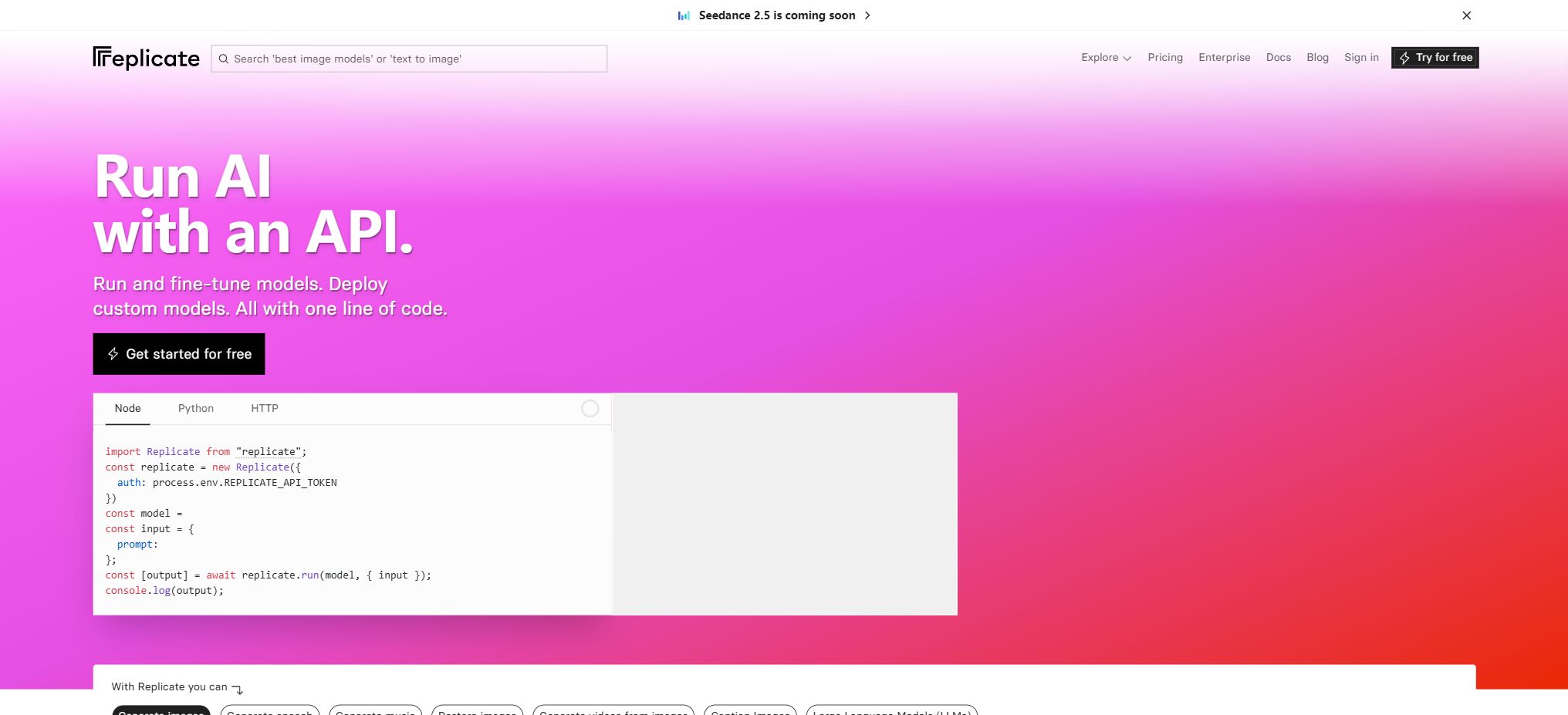
Replicate is an API platform for hosting machine learning models. Developers do not need to configure GPU drivers, containers, or inference servers on their own; they can run models for text, images, videos, audio, 3D content, super-resolution, and more via a web interface or APIs. They can also package their own models using Cog and publish them as public or private APIs.
The platform includes community models, Replicate Official Models, as well as third-party proprietary models. The community pages facilitate quick testing, but the quality of the models, their maintenance status, licenses, and input/output formats are determined by each respective project.
Official Models are typically maintained by Replicate to ensure stable APIs and predictable prices.
Before formal integration, the model version should be fixed; it is not acceptable to use the default version, which can change.
Core functions of Replicate
Run AI models online
Users can enter parameters on the model page and run it directly; once the output is verified, they can copy the API examples in Python, JavaScript, HTTP, or other languages. The prediction process goes through states such as starting, processing, succeeded, failed, or canceled. Applications can poll to wait for the results, or use Webhooks to receive notifications once the task is completed.
Images, videos, and multimodal APIs
The model categories include text-to-image generation, image editing, zooming, background removal, video generation, speech processing, text processing, and multimodal understanding. Different models may be charged based on the number of output images, the duration of videos in seconds, the number of input/output tokens, or the time spent running on hardware.
Before making a call, check the billing unit, example costs, input restrictions, and content policies on the current model page.
Official and Community Models
Official Models feature stable endpoints and deployments maintained by the platform; some of them are charged based on images, videos, or tokens, while community models are typically billed according to the actual time the hardware is in use.
Community projects may be upgraded, discontinued, or have their schema modified; production projects should save version hashes, implement output validation, and prepare alternative models.
Cog custom model packaging
Cog is an open-source machine learning container tool provided by Replicate. Developers specify the Python environment, system dependencies, GPU resources, and prediction interfaces in a configuration file; Cog then creates the necessary container and sets up an HTTP service.
The model can be pushed to Replicate, and it can also run in environments that support Docker. The fact that the Cog tool is open-source does not mean that the weights included within it automatically come with the same license.
Private models and deployments
Private models are not made available to other users. Deployment allows specification of hardware, as well as the minimum and maximum number of instances, along with options for scaling and version control, thereby providing more manageable capacity for production traffic.
Most private models are charged at the hardware rate throughout instance startup, idle waiting, and actual processing; a minimum number of instances greater than zero results in ongoing idle costs.
Training and fine-tuning
Some models provide training interfaces, such as using images to train LoRA or perform style fine-tuning. Training tasks are charged based on the hardware used, the time required, or a fixed price per model; the resulting outputs are usually saved in the designated target model.
The training data must be covered by legitimate rights, and it is necessary to avoid uploading unauthorized facial images, trademarks, private information, as well as restricted content.
Stream output and Webhook
It supports the reception of streamed text via Server-Sent Events; Webhooks can also be configured for large images, videos, and training tasks. The Webhook receiver should verify the source of the requests, handle repeated events in a way that ensures idempotency, and return a success response promptly before executing any time-consuming operations asynchronously.
Input and output files
The API can receive URLs, uploaded files, or Data URIs; the model’s output is usually a temporary file address hosted by the platform. The resulting file is not considered part of permanent object storage, and the application should download it to its own storage system within the valid period, checking the file’s type, size, and security.
For sensitive inputs, it is necessary to check the platform’s privacy policies, those of the model provider, and the retention policies.
Secrets and version control
When custom models require third-party credentials, Secrets can be used to avoid including those keys in the image. Each deployment creates an immutable version of the model, and the API allows specifying a particular version to ensure reproducibility;
During the upgrade, it is necessary to first conduct a grayscale test to evaluate the input schema, output format, processing time, and costs.
Comparison of Replicate billing methods
| Usage method | Basis for billing | Idle/starting fee | Suitable scenarios |
|---|---|---|---|
| Public community model | Most are based on the actual number of seconds spent by the hardware in processing. | Usually, only the execution time of the request is charged. | Tests, low-frequency, and elastic tasks |
| Official Models | By image, video seconds, Token, or a specific unit | Follow the rules of the model page. | It is necessary to have stable APIs and predictable unit prices. |
| Private models | Duration of online use for the selected hardware | Most startups, idle times, and processing are charged. | Self-weighted and private services |
| Fast-booting fine-tunes | Actual processing time | Versions that meet the marking criteria do not have any free time. | Low-frequency fine-tuning model |
| Enterprise | Contracts and usage amounts | According to the deployment configuration | High GPU quotas, SLA, dedicated support, and cost optimization offers |
Prices of Replicate GPU and CPU
The following shows the standard rate for a single instance as verified on the official pricing page. Hardware and prices may change; for configurations such as multiple GPUs or H200, a commitment contract may be required, and the final details are subject to those specified in the console.
| Hardware | Price per second | Price per hour | Main specifications |
|---|---|---|---|
| CPU Small | 0.000025 dollars | 0.09 dollars | 1 CPU, 2GB RAM |
| CPU | 0.000100 dollars | 0.36 dollars | 4 CPUs, 8GB RAM |
| Nvidia T4 | 0.000225 dollars | 0.81 dollars | 16GB of video memory |
| Nvidia L40S | 0.000975 dollars | 3.51 dollars | 48GB of video memory |
| Nvidia A100 80GB | 0.001400 dollars | 5.04 dollars | 80GB of video memory |
| Nvidia H100 | 0.001525 dollars | 5.49 dollars | 80GB of video memory |
| Nvidia H200 | 0.001525 dollars | 5.49 dollars | Capacity usually requires a commitment to consumption. |
Examples of prices for some Official Models
The following is provided only to illustrate the different billing units for Replicate; it does not represent permanent prices or a complete list of models.
| Model example | Current reference price | Billing unit |
|---|---|---|
| FLUX 1.1 Pro | 0.04 dollars | Each output image |
| FLUX Dev | 0.025 dollars | Each output image |
| FLUX Schnell | 3 dollars | Every 1,000 output images |
| Ideogram V3 Quality | 0.09 dollars | Each output image |
| Wan 2.1 I2V 480p | 0.09 dollars | Output video per second |
| Wan 2.1 I2V 720p | 0.25 dollars | Output video per second |
Tutorial for Integrating the Replicate API
- Register and set up payment:Create an account and an API token, and add payment methods and budgets in accordance with the current account rules.
- Select model:Check the model version, license, input schema, output, execution time, and price estimate.
- Protect Token:The key is stored only in server-side environment variables; requests from browsers or mobile devices must go through one’s own backend.
- Install the client:You can use the official Python or Node.js packages, or directly call the HTTP API.
- Create Prediction:Pass in the model version and input; for short tasks, wait for the results, while for longer tasks, use Webhooks or polling.
- Save output:Download the temporary output to your own object storage, while recording the Prediction ID, version, and parameters.
- Handling exceptions:Set timeout, cancellation, retry, and idempotent logic to prevent failed requests from generating ongoing costs.
- Online monitoring:Track the time taken for each operation, the hardware used, the output units, and the failure rate; set up alerts for expenses and limits on usage.
Tutorial on deploying custom models
- Install Cog, and define dependencies, system packages, GPU, as well as the input and output of the predictor within the project.
- Build and run containers locally, using representative samples to test cold startup, video memory usage, output, and error handling.
- Create a Replicate model and push a version; Secrets are configured through the platform and are not included in the image.
- Select hardware based on video memory and performance, create a Deployment, and set the minimum and maximum number of instances.
- Observe the cold start process starting from a minimum instance count of zero; increase the permanent capacity only when low latency is required, and then calculate the idle cost.
Which users are it suitable for
- Developers who wish to quickly access APIs for images, videos, audio, and open-source models;
- Product teams that do not want to handle GPU, CUDA, containers, and auto-scaling features on their own;
- AI creators who need to test a large number of community models in order to compare their performance and costs;
- Machine learning engineers who need to package custom models as private APIs;
- Application teams that need to train LoRA, handle asynchronous tasks, provide streaming output, and use Webhooks.
Advantages and precautions
- The advantages of Replicate are its wide range of model options, low threshold for calling services on a pay-as-you-go basis, clear API examples, and it offers a complete workflow that spans from testing public models to packaging them in Cog format, as well as to their training and deployment in production.
- For GPU tasks with low frequencies or high demand fluctuations, billing on a per-second basis is more flexible than renting servers for an extended period of time.
- The idle and startup times of private models may incur costs, and at high levels of utilization the total cost can be higher than that of renting a GPU on your own.
- Community models are not necessarily subject to security or quality reviews, and the inputs they receive may trigger malicious code or unstable dependencies;
- The model outputs, training data, and licenses all require manual review;
- When dealing with personal information and copyrighted material, it is necessary to ensure the legality of uploading, storing, and creating such content.
Frequently Asked Questions
Is Replicate free?
It is a pay-as-you-go platform, not a free tool with fixed benefits. Some accounts or offers may provide a trial period; regular use is billed based on the model outputs, tokens, or hardware usage time.
How is Replicate billed?
Most public models are charged based on the actual number of seconds they are in use, while official models may be billed according to the number of seconds in images or videos, or based on tokens. Private models, on the other hand, are usually charged for both the time they are active and the time they are idle.
Can Replicate deploy its own models?
Yes, it is possible to use the open-source Cog to define the runtime environment and prediction interfaces; after pushing the relevant elements, private models and deployments can be created.
Will the output file be saved permanently?
One should not rely on the addresses provided by the platform for permanent storage; applications should promptly copy important files to their own object storage systems.
Is Replicate open source?
The Replicate cloud platform is a commercial service, while development tools such as Cog are open-source.
Each model code and weight is governed by its own license.
Tools similar to Replicate



 Guigong Network Security Registration No. 45132202000164