






Owlity
Owlity, an intelligent tool specialized in AI-based content detection
Tags:AI content detectionTool Introduction
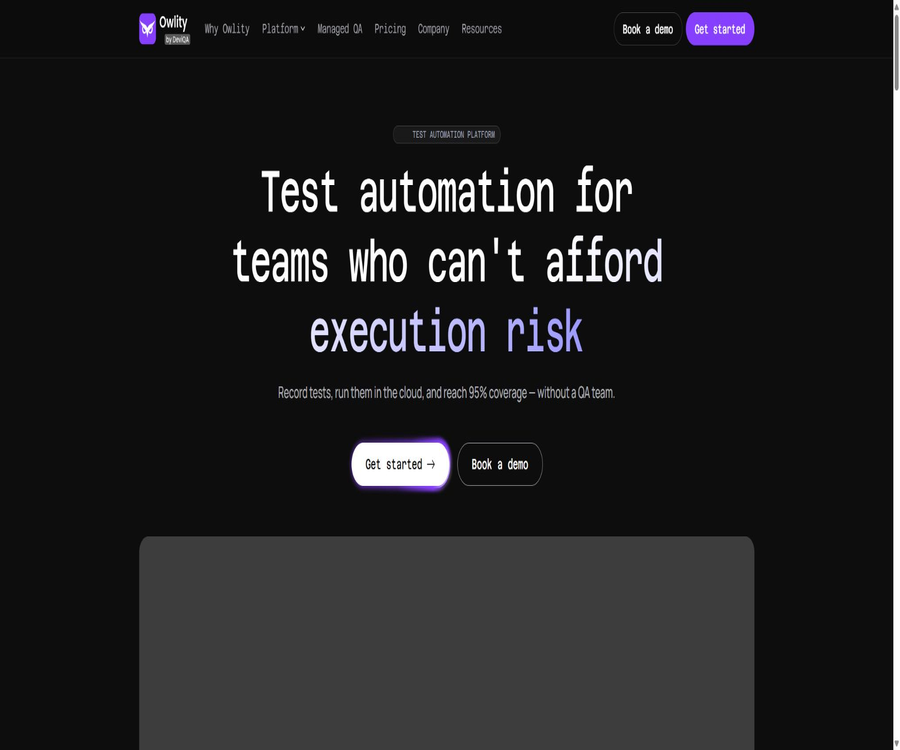
Owlity is a test automation platform designed for development and QA teams; it currently consists of three main modules: Owlity Eye, Owlity Wing, and Owlity Mind. Users record web processes on their desktops, run them across different browsers in the cloud, and then view evidence of failures and relevant trends through the console.
The official website still contains some old pages that promote self-scanning, AI-generated testing, and automatic maintenance, but the home page along with the latest price list emphasize that tests should be recorded by the users themselves or carried out by their QA team. When making a purchase, it should not be assumed that the older AI capabilities are already included in the new packages.
Main functions
Owlity Eye test recording
Eye is a code-free desktop recorder that allows users to convert their actions on web pages – such as clicks, input, navigation, uploads, and tab operations – into tests that can be repeated. JavaScript snippets can also be included when more precise control is needed.
- The step editor supports searching, sorting, grouping, undoing, copying, and running from a specified step.
- Elements, web addresses, Cookies, variables, emails, and screenshots can be verified.
- It supports conditions, loops, waiting, viewport settings, dynamic variables, and data tables.
- The login process and common steps can be saved as reusable Flows, with a history of versions maintained.
Owlity Wing cloud-based execution
Wing is responsible for running the testing plans in the cloud, allowing tests to be executed sequentially or in parallel across different stages, as well as enabling repeated testing on various environments and browsers.
- It supports Chrome, Edge, Firefox, and Safari.
- It can be triggered by timers, Cron jobs, deployment events, or CI/CD pipelines.
- It offers automatic retry, parallel execution, and email notifications for success or failure.
- It can be connected to GitHub Actions, Jenkins, and Azure DevOps.
Analysis of Owlity Mind results
Mind saves the results of tests and scheduled executions, and breaks down failed processes into manageable timelines along with relevant evidence.
- For each step, you can view videos, screenshots, HTML, and network logs.
- It provides operation history, timing trends, changes in test status, and version comparisons.
- CSV reports can be exported, and issues can be linked to Jira or Linear.
- Roles are divided into Owner, Lead, QA, and Viewer to facilitate access control.
Usage tutorial
- Register a workspace and download Owlity Eye, to ensure that the desktop system and the target web environment are functioning properly.
- Open the webpage to be tested, and carry out login, registration, checkout, or other key user actions in sequence, so that Eye can record these steps.
- Add assertions, dynamic variables, data tables, and the necessary wait conditions, and first replay it for free on your local device.
- Create a plan for the relevant tests, and select the browser, environment, parallelism method, and rules for retrying on failure.
- Connect to CI/CD or set up scheduled tasks to run in the cloud, which will consume corresponding credits.
- In Mind, check the videos, screenshots, network records, and step timelines, then fix the application or update the tests.
Which users are it suitable for
- There is a need for SaaS development teams that can quickly handle login, purchasing, registration, and other key business processes.
- There is a desire to reduce the number of manual testers and QA personnel who are involved in maintaining selectors and scripts.
- Continuous delivery teams that need to run regression tests automatically after each submission or deployment.
- Product teams that need to verify website behavior across Chrome, Edge, Firefox, and Safari.
- Small and medium-sized enterprises are advised to enlist the help of a professional QA team to address boundary conditions, negative scenarios, and error situations.
Prices and packages
Owlity currently charges based on cloud testing credits; 1 credit allows for running a test with up to 100 steps in one browser. Local recording and execution of tests are available free of charge, with no limit on the number of times they can be performed.
| Package | Price | Points and users | Concurrency and key rights | Suitable for users |
|---|---|---|---|---|
| Trial | 0 dollars | 5 points per transaction, for 1 user | Core functions, unlimited local operation, limited cloud execution | First verification |
| Starter | $ | 200 points per month, up to 5 users | 2 parallel cloud tasks, scheduling, and CI triggers | Small team |
| Team | $ | 1500 points per month, up to 15 users | 5 parallel cloud tasks, branching and merging, priority support | Continuous Delivery Team |
| Business | Contact sales | Custom points, up to 100 users | More than 10 parallel tasks, SSO, audit logs, dedicated support | Large or compliance teams |
The bonus points for Starter and Team tiers are both 0.10 USD per point, and monthly points are not carried over. Taking more than 100 steps or running the same test in multiple browsers consumes additional points; the default duration for a single test is 30 minutes.
The official website also offers a Managed QA option, whereby a QA team is responsible for designing and carrying out tests; the price for this option is not fully displayed on the public page. The old pricing page listed options at $299 and $799 per month, which differs from the current prices; therefore, the old information should be ignored and the prices shown on the current pricing page should be used as a reference.
Product advantages
- Recording, cloud execution, and result analysis form a complete workflow that reduces the costs associated with using multiple testing tools.
- Local recording and execution do not consume any credits; teams can first test things out repeatedly before using cloud resources.
- It supports complex steps, data tables, reusable processes, and JavaScript snippets, achieving a balance between usability and control.
- The failure records include videos, screenshots, HTML, and network data, which facilitate quick identification of issues across different browsers.
- Test branches and third-party conflict resolvers are suitable for multiple people to work on test assets in parallel.
Usage restrictions and precautions
- Currently, it is primarily aimed at web applications; the coverage of native mobile apps, desktop software, and interfaces other than browsers needs to be verified separately.
- Significant changes in the interface structure, as well as complex iframes or Shadow DOM, may still require re-recording or the addition of custom scripts.
- Automatic retries can reduce occasional failures, but they may also hide underlying instability issues; analysis should be conducted based on the original evidence.
- The recorded content may include account details, cookies, test emails, and business data; it is therefore necessary to use dedicated test accounts and to restrict the permissions of the credentials.
- There are significant differences between the official old AI page and the current product page; the capabilities of autonomous scanning, AI-generated content, and self-maintenance should be verified one by one during the demonstration.
- The official website sets a coverage target of up to 95%, but this level of coverage depends on the definition of the scope and the testing methodology; it cannot be considered an assurance of absence of defects.
Platforms and integration
| Category | Currently supported | Explanation |
|---|---|---|
| Test creation | Owlity Eye desktop application | The official website does not list all the operating systems; it is necessary to verify this before downloading. |
| Test subject | Modern web applications | Runs at the browser level, without relying on any front-end frameworks. |
| Cloud browser | Chrome, Edge, Firefox, Safari | Running on multiple browsers will consume points separately. |
| CI/CD | GitHub Actions, Jenkins, Azure DevOps | It can be triggered in a deployment or pipeline. |
| Issue management | Jira, Linear | Issues can be created or associated from failed results. |
| Interface language | The authorities have not yet made the complete list public. | The international team should verify it during the trial period. |
APIs, SDKs, and open-source status
The older version of the page mentioned support for API and CI/CD integrations, but the current documentation focuses on the integration of pre-defined pipelines with issue tracking systems. The official sources do not yet provide information regarding self-service APIs, SDKs, authentication methods, or rate limits; teams that need programmable interfaces should confirm these details before making a purchase.
The terms of service designate the platform, code, databases, and proprietary interfaces as Owlity’s intellectual property, and restrict reverse engineering. No official open-source license or open-source repository for this product has been found; therefore, Owlity is not considered an established open-source testing framework.
Privacy and data
The privacy policy states that information related to accounts, devices, usage, and logins may be processed; testing processes also generate screenshots, videos, HTML files, and network records. Teams should avoid using real customer data, and they must examine the retention period and permissions before integrating with third-party systems.
The retention and deletion period for data after cancellation is not clearly specified on the new pricing page; the old page indicated that the data would be retained for 30 days. This policy may have changed, so it is important to export critical data in advance and verify the details with the support team.
Frequently Asked Questions
Is there a free version of Owlity?
There is a trial option offering 5 cloud credits at once, without the need for a credit card; local recording and execution are available for free in all plans, with no limit on the number of times.
How many tests can one integration run?
One score corresponds to one test run in a browser, with a maximum of 100 steps. Running tests across multiple browsers or exceeding the step limit will increase the consumption.
Will Owlity write tests entirely automatically using AI?
The current main page explains that users can use Eye for recording, or the Managed QA team can carry out tests on their behalf. The autonomous AI features from the old version are still available, but it is necessary to check with the authorities to determine whether they are included in the current solution.
Tools similar to Owlity





 Guigong Network Security Registration No. 45132202000164