






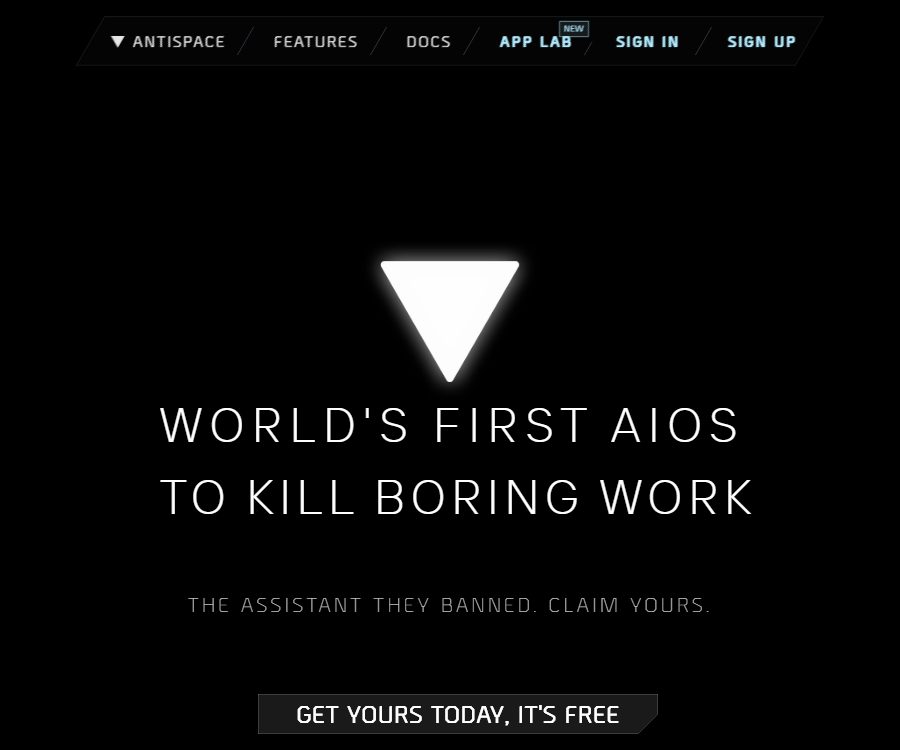
Antispace
Antispace: boosts AI efficiency, making work more efficient and simpler.
Tags:AI improves efficiencyWhat is Antispace?
Antispace is a productivity tool that integrates email, calendar, notes, to-do lists, and search functions within a single AI interface. The developers refer to it as AIOS, which stands for Artificial Intelligence Operating System.
Users can install AI Sidekicks with different personalities and working styles, enabling these virtual assistants to access authorized workspace information, answer questions, and suggest next steps. It functions more like a personal assistant with operational capabilities, rather than a traditional desktop operating system.
Main functions of Antispace
AI Sidekicks
Antispace offers installable AI characters, each with its own personality and way of handling tasks. These characters can be used to manage emails, schedules, research notes, to-do lists, and searches.
Email Assistant
The Mail app brings the contents of email accounts into the AI workspace, allowing users to search for information, organize emails, draft responses, and handle daily communications. Before sending, deleting, or archiving anything, users should verify the relevant items and content.
Calendar management
The Calendar app is used to view, create, and manage schedules. AI can suggest timing options by taking into account email and web page information, but the participants in a meeting, time zones, repetition rules, and any conflicts must be checked before saving the schedule.
Notes and documents
The Notes app is used to create and manage personal notes and documents. AI can organize materials based on the context of the workspace, identify action items, and link research findings to subsequent tasks.
To-do list
The Todo app is used for recording tasks, tracking progress, and setting priorities. Users can extract tasks from emails or notes, thereby avoiding the need to enter them repeatedly in different tools.
Web searching and research
Characters can use internet searches and information available in the workspace to answer questions. When facts, prices, policies, or external references are involved, it is still necessary to open the original pages to verify the information.
Cross-application actions
Antispace emphasizes the ability to carry out actions in coordination across emails, web pages, calendars, notes, and to-do lists. A request can first retrieve relevant background information, after which a note can be created, a task can be set up, or a time slot can be scheduled.
Proactive suggestion
The system will suggest the next action based on memory and the current situation, thereby reducing the need for the user to make repeated decisions. Proactive suggestions are useful for assisting with planning, but they should not be used to make high-risk decisions on behalf of the user without confirmation.
Personality and memory
Users can adjust the assistant’s personality, tools, and behavior style, as well as establish persistent memories. Persistent memories enhance coherence, which also means that sensitive information needs to be controlled more carefully.
Dynamic model selection
The website displays different state-of-the-art or fine-tuned models based on the specific task at hand. The public list includes various models from Anthropic, Meta, OpenAI, and Perplexity, but the available models may change over time.
Pomodoro and focus
The native Pomodoro app provides timing for work and rest intervals, and it can be integrated with to-do lists and calendars. It is ideal for breaking down large tasks into short periods of focused work.
News and community apps
The News app delivers personalized content, and the platform also shows access to community apps. Before installing community components, it is necessary to check the author, permissions, data access levels, and maintenance status.
Gamified workspace
Antispace was created by the game design team; its interface includes various gamified elements such as characters, achievements, and visual effects. It is suitable for users who enjoy immersive interactions, but it may require more attention than simpler tools.
Antispace usage guide
- Create a free account and read the current privacy policy and terms of service.
- Choose an AI Sidekick and start with basic Q&A using the default personality setting.
- Connect to the required email account or calendar, granting only the permissions necessary to complete the task.
- First, have the character read a small amount of non-sensitive information to observe its responses and suggested actions.
- Use clear instructions to search for emails, organize notes, or list tasks.
- Verify each action such as sending emails, deleting content, and creating schedules one by one.
- Adjust the character’s personality and style of movement according to one’s own way of expressing oneself.
- Use Notes to save stable information, and use Todo to manage the next steps to be taken.
- Regularly check connected accounts, OAuth permissions, and long-term stored data.
- When it is no longer in use, revoke third-party access and request the deletion of account data.
Examples of practical commands
- Summarize today’s unread emails and divide them into three groups based on urgency.
- Extract the commitments, deadlines, and contacts for follow-up from this email.
- Check next week’s schedule and set aside some time for two hours of focused work.
- Organize the research notes into conclusions, evidence, and questions pending verification.
- Add the action items from the meeting minutes to the to-do list, specifying the person responsible for each task.
- Create four focus periods and rest schedules based on today’s tasks.
Which users are it suitable for
- Founders, managers, and consultants with a high volume of emails and meetings.
- Knowledge workers who wish to reduce the need to switch between email, calendar, notes, and to-do lists.
- Project leaders who need to continuously extract action items from the communication content.
- Individual users who prefer a character-based, gamified approach to productivity.
- AI users who wish to try out the collaboration of multiple models and tools through a single interface.
Product advantages
- Place common personal productivity tools within the same AI context.
- Characters can suggest and carry out actions, not limited to generating text.
- Supports customization of personality, memory, tools, and action styles.
- Built-in features include email, calendar, notes, to-do list, news, and focus timer.
- The official website currently offers free accounts, which are suitable for a low-cost experience.
Usage restrictions and precautions
- AI may misinterpret the recipient, time, tone, or context; actions with high impact must be manually confirmed.
- Connecting to Gmail grants permission to modify emails; be sure to carefully review the OAuth scope before granting such authorization.
- Do not store passwords, financial information, medical records, or highly confidential documents in long-term memory.
- The list of dynamic models and the context length are part of the information on the current page, and they are not available permanently.
- Community applications may be maintained by different authors, and their permissions and reliability need to be assessed separately.
- The fact that the product is currently free does not mean that there will be no charges, limits, or changes to its functions in the future.
- As of the verification date, no public API documentation was found, nor was it confirmed that the Antispace commercial platform is open source.
Privacy and data security
The official website states that Antispace will not use the data to train models such as OpenAI, Claude, or other model providers, nor will it use it for advertising purposes. The website also says that only the necessary parts of Gmail are accessed, that industry-standard encryption is employed, and that the system holds CASA Tier 2 certification.
However, the last update date indicated in the official privacy policy is May 17, 2023, and it still states that the content of emails and their metadata will be shared with OpenAI for use in generating responses as well as for training and improving models. This is in clear conflict with what is stated on the homepage.
Until the authorities unify and update the policies, users with sensitive email addresses should adopt a more cautious approach. It is recommended to connect only to accounts with low risk, to restrict the content that can be accessed, and to verify with the authorities in advance the rules regarding data retention, model training, and third-party processing.
Checklist before connecting to the email account
- Verify whether the connection is to a personal testing account or a formal work email.
- Check specific permissions for reading, sending, modifying, and deleting.
- Know the retention period for the email body, attachments, metadata, and prompts.
- Verify whether the data has been sent to the model provider and whether it is used for training.
- Find out the processing time for data after revoking authorization and deleting an account.
- Regularly remove any third-party access that is no longer needed from your Google account.
Antispace price
As of August 26, 2026, the official website states clearly that the service is “Free for now,” indicating that Antispace is completely free at present. The public pages do not list any paid plans, usage limits, or commitments regarding long-term free access.
“The current free option” means that subscription plans, point systems, or team solutions may be introduced in the future. Before registering, check whether there are any available quotas for specific functions; the actual pricing and refund terms will apply at the time of purchase.
Supported platforms
- Web interface: the primary entry point currently in use.
- Login with a Google account: Used for account creation and connecting to related services.
- Gmail: Reading emails, organizing them, and performing actions.
- Calendar, notes, and to-do lists: available as built-in apps in Antispace.
- Community applications: They expand the functionality of workspaces; compatibility varies depending on the application.
- Mobile apps: The old privacy policy mentioned them, but the current website does not clearly indicate where they can be downloaded.
API and open-source status
As of the verification date, no public Antispace API documentation, developer key page, or clear pricing information was found; therefore, it should not be classified as an open API platform.
There is also no evidence indicating that the full commercial version of Antispace AIOS has been made open source; third-party code repositories with the same name or similar names cannot serve as proof of an official open-source release.
Frequently Asked Questions
Can Antispace be used for free?
Yes. As of August 26, 2026, the official website states that the product is currently completely free, but it does not guarantee this freedom forever; nor are any future plans or pricing details disclosed.
What can Antispace manage?
The core features include email, calendar, notes, to-do lists, and web search; in addition, it offers Pomodoro, news, and community apps.
What is AI Sidekick?
It is an AI character that can be installed and customized; it possesses different personalities, memories, and styles of behavior, and it can answer questions and carry out tasks using authorized tools.
Will Antispace use emails to train the model?
The current homepage states that the data will not be used by model training providers, yet the privacy policy from 2023 still mentions that email data will be shared with OpenAI for training and improvement purposes. There is a contradiction between these statements; it is recommended to get official confirmation before using the data.
Is connecting to Gmail safe?
The official website states that it uses the necessary Gmail modification permissions as well as industry-standard encryption, but such permissions allow for the modification of emails. Users should restrict sensitive content and regularly review and revoke these permissions.
Does Antispace provide APIs or open-source code?
As of August 26, 2026, no public official API documentation has been found, nor is there any evidence indicating that the Antispace commercial platform has been made open source.
Tools similar to Antispace



 Guigong Network Security Registration No. 45132202000164