






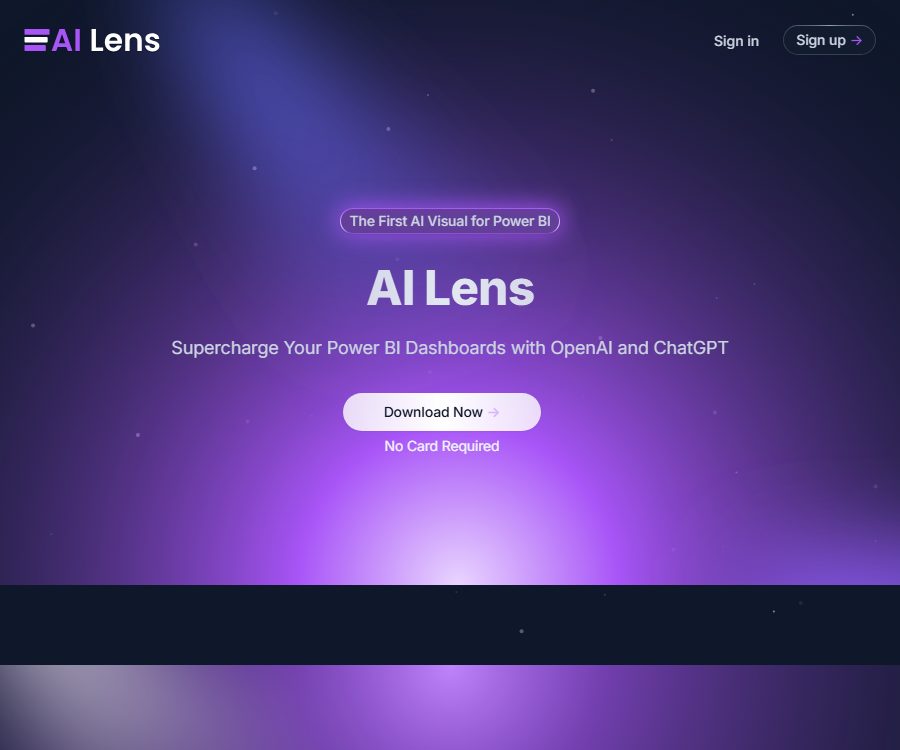
AI Lens For Power BI
AI Lens For Power BI – it enhances AI efficiency, making tasks more efficient and simpler to handle.
Tags:AI improves efficiencyWhat is AI Lens for Power BI?
AI Lens is an AI-based custom visual object designed for Microsoft Power BI, which allows chat-style data queries to be integrated directly into reports. Business users can pose questions in natural language, and the model generates responses by utilizing the data available through this visual object.
It is not an independent, general-purpose BI platform, nor does it replace Power BI’s data modeling, permission management, and refresh mechanisms. Its role is rather to add a layer of natural language interaction to existing reports.
Main functions
Natural language Q&A within the dashboard
- Users can ask questions about data in plain language without having to write DAX or SQL.
- The responses are displayed within Power BI visual objects, reducing the need to switch between reports and external messaging tools.
- The conversation can continue around the current data, helping business professionals understand the metrics and changes.
- It is suitable for converting common customer questions into immediate data interpretations.
Various model connection methods
The Microsoft AppSource page lists the AI Lens hosting services, OpenAI, Azure OpenAI, and custom model configurations. It also retains the names of GPT-3.5 and earlier versions of GPT-4; however, the available models may have changed, so it is necessary to refer to the current settings interface.
- Use the hosted models and quotas provided by AI Lens.
- Connect to your own OpenAI configuration.
- Connect to enterprise Azure OpenAI resources.
- Access the compatible model environment through custom methods.
Data range control
The report author can restrict the data sources or fields that visual objects can access, thereby preventing the entire model from being exposed to the Q&A functionality without any restrictions. The permission settings should still take into account the Power BI workspace, datasets, row-level security, and sharing options.
Custom appearance
AI Lens allows for adjusting the colors of visual elements, so that the chat components match the company’s brand style and the theme of the reports. It is embedded in the page as a visual element and can be arranged alongside other charts.
Real-time data analysis
Visual objects interact with the data that is currently available in Power BI; therefore, the freshness of the data depends on the frequency of updating the original dataset, as well as on methods such as DirectQuery or other connection approaches. AI Lens does not automatically address issues related to delays in the data source or problems with the quality of the models.
Which users are it suitable for
- The BI team hopes to add natural language Q&A capabilities to the management cockpit.
- Business users who are not familiar with DAX but need to explore reports on their own.
- Consulting firms that deliver interactive Power BI reports to clients.
- Companies that are already using OpenAI or Azure OpenAI and wish to integrate reporting functions.
- Report designers who need to standardize the colors of chat components and the brand style.
Price and usage quota
The information below was verified on August 25, 2026. The official website allows downloads and states that no credit card is required; however, there are no publicly available prices for fixed subscription plans, so the actual licensing fees and benefits will depend on the details provided in the account or by contacting sales.
| Usage method | Public quota information | Fee details |
|---|---|---|
| Free hosting service | AppSource sets a limit of 100k tokens. | No credit card is required; the specific reset cycle is not clearly specified. |
| Custom model configuration | Free users can send up to 7 messages per session. | Additional fees may apply for model provider calls. |
| Paid license | The specific amount has not been made public yet. | The official website does not show verifiable standard prices. |
According to AppSource, both free and paid users need to obtain a license key from AI Lens. Since some of the model names mentioned in the store’s instructions are outdated, it is necessary to check the available quota, the models that are supported, the scope of the licenses, and the renewal rules in your actual account before making a purchase or deploying any model.
Installation and Usage Guide
- Find AI Lens visual objects in Microsoft AppSource and add them to the Power BI environment.
- Create an AI Lens account and obtain the license key, then complete the authorization in the visual object settings.
- Place visual objects on the report page and connect the fields or data that are to be used for answering questions.
- Choose between the AI Lens hosting service, OpenAI, Azure OpenAI, or custom models that are currently supported.
- Configure the data access scope, prompt instructions, and color styles, then test them using representative business scenarios.
- Verify the numbers, filtering criteria, and time range in the responses, and set access permissions for sensitive reports.
- After publishing to Power BI Service, test the authentication using the author, viewer, and external user identities respectively.
How do data flows?
AppSource clearly indicates that such visual elements allow access to external services. The official privacy policy further states that user queries and related data may be sent to the OpenAI API in order to enable natural language processing and text generation.
The official website states that AI Lens does not store, record, sell, or monitor report data, and session memory is retained within the Power BI local environment; the privacy policy also says that, aside from the information needed to render visual elements, no data from the Power BI environment is accessed or saved directly. Companies still need to verify the real-time data retention policies and regional settings of the model provider they choose.
Privacy and security considerations
The privacy policy states that website and account services may collect names, email addresses, usernames, job titles, device information, IP addresses, access logs, location data, and payment details; payment-related data is processed by third-party payment services. The policy was last updated in 2023, and it is necessary to verify whether it meets the current organization’s requirements before implementing it.
- Do not include sensitive fields that are not necessary for the Q&A in the visual elements.
- Configure row-level security for the dataset, and ensure that queries cannot bypass user permissions.
- Confirm the region where the OpenAI or Azure OpenAI resources are located, the retention period, and the training policies.
- Avoid including in reports published on the Web models that incur call charges when connected.
- Conduct security and compliance reviews for highly sensitive data in areas such as finance, healthcare, and human resources.
Accuracy of responses and governance
Natural language models may misinterpret the meaning of columns, the methods of aggregation, date ranges, or business criteria; even if the language used is fluent, the numbers provided may still be incorrect. Report authors should provide clear field names and business definitions, and create a test set using questions with known answers.
- Verify the total, average value, duplicate count, and filtering context.
- For key decisions, present the original charts or traceable metrics as supporting evidence.
- Record model and configuration changes, then run the regression tests again.
- View AI-generated responses as a tool for analysis, rather than the sole basis for financial or operational decisions.
API and open-source status
AI Lens can be configured with OpenAI, Azure OpenAI, or custom models, but this does not mean that it provides developers with an independent public API. As of this verification, no official open-source repository that represents these commercial Power BI visual elements has been found.
Product advantages
- Natural language Q&A is directly integrated into Power BI reports.
- It supports managed services as well as the use of custom models, offering flexible deployment options.
- It is possible to control the data that is included in the Q&A section and to adjust the visual style.
- It is available through Microsoft AppSource, making it easy for Power BI users to install it.
- It is possible to test the basic functions without a credit card.
Usage restrictions
- The public pricing and the payment terms are not transparent enough; it is necessary to check these details in the account.
- The reset cycle for the free hosting quota is not clearly specified on the current public page.
- Model responses may contain errors in facts, calculations, and business terminology.
- Visual objects will access external services, and sensitive data requires additional review.
- Some of the model versions listed on Microsoft AppSource are already outdated.
- Depends on the availability of Power BI and third-party modeling services, as well as their pricing rules.
Frequently Asked Questions
Can AI Lens be used for free?
The official website provides a download option that does not require a credit card, while AppSource outlines the restrictions associated with free use. The specific limits, validity period, and whether an upgrade is necessary depend on the current account settings.
Will it store Power BI data?
Officials claim that Power BI data is not stored or recorded, but certain queries and related data may be sent to the selected model provider for processing. Companies should examine the rules of AI Lens, Power BI, and the model providers alike.
Can it be connected to Azure OpenAI?
The official Microsoft AppSource documentation lists Azure OpenAI and custom model configurations. The actual authentication methods, model versions, and network restrictions need to be tested in the deployment environment.
Is AI Lens open source?
No official open-source version of this commercial visual asset was found, nor were any independent public developer APIs available. The use of third-party APIs merely means that it is possible to call external models.
Tools similar to AI Lens For Power BI



 Guigong Network Security Registration No. 45132202000164