






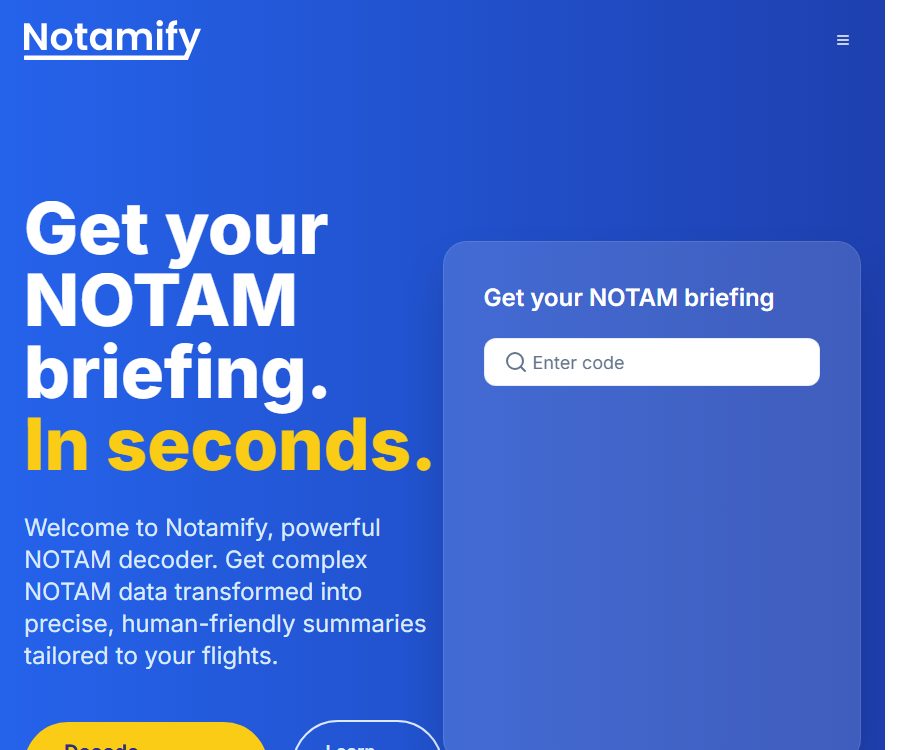
Notamify
Notamify: leverages AI to make work more efficient and simpler.
Tags:AI improves efficiencyWhat is Notamify?
Notamify is a platform provided by Skymerse Inc. for interpreting and summarizing aviation NOTAMs. It transforms the original NOTAMs into easier-to-read summaries, categorized information, along with details on their validity period and the facilities affected, thereby helping pilots, dispatchers, and operation teams to filter information more quickly.
The product is available for use on web pages, Apple apps, and through APIs; it can generate reports based on airports, flight conditions, and time. It is not an official source of flight information, nor can it replace the flight pre-flight briefings required by law or professional assessments.
Important safety tips
NOTAMify should be used only as a supplementary reading tool; it must not serve as the sole or authoritative source for flight plans, navigation, or any decisions of critical importance related to safety. Any conclusion that affects flight operations must be verified against the current official aviation information, the original NOTAMs, and relevant regulations.
- AI summaries may contain errors, omissions, or incorrect categorizations.
- NOTAMs change rapidly, and there may be delays with caching and maps.
- The filtering criteria may hide announcements that are still relevant.
- Offline content on mobile devices may not be up to date.
- The pilots and the operating units remain responsible for the final decision.
Main functions
NOTAM decoding and structured interpretation
Users can use ICAO or IATA codes to search for airport announcements, and view the original text, simplified explanations, categories, impact labels, as well as the validity period in UTC. The system can also break down an announcement into its individual components, thereby reducing the difficulty of dealing with lengthy codes.
Airport and flight briefings
The airport briefing summarizes the relevant NOTAMs for a specific airport, while the flight briefing narrows down the range of information by taking into account the departure and arrival locations, alternate airports, time, runways, approach procedures, and aircraft details. The sorting results should be used as a aid to reading only, and not as an automatic approval for carrying out a flight.
- Search by airport, FIR, or UIR
- Filter by date, time, and category
- Combining runway, procedure, and aircraft information
- Generate airport-level and flight-class briefings
- Save important announcements and identify new content.
Maps and affected facilities
The Pro version displays map data and time ranges; on Apple devices, it is also possible to view the affected runways and taxiways in an interactive view. When the information shown on the map differs from the official data, the verified official sources should be taken as reference.
Monitoring, email, and team features
The platform allows for the storage of flight information, the scheduling of email updates, and monitoring of multiple airports. The enterprise version offers broader coverage, customizable formats, up to 50 email recipients for receiving updates, dedicated support, and full integration.
API and MCP
The Pro subscription includes an API access point and 50 credits, with further charges applied based on the number of credits used; companies can purchase customized endpoints and additional capacity. The developers have also made the MCP server available, allowing AI clients to retrieve airport NOTAMs and interpret their contents through the Notamify API.
Prices and packages
The prices listed below were verified on August 24, 2026. Prices, taxes, and payment currencies may vary on the website and in app stores; the details shown on the payment page shall prevail.
| Package | Price | Main content | Suitable for |
|---|---|---|---|
| Basic | Free | Airport NOTAMs, basic AI interpretation, date/time and category filtering, email support | Users who occasionally check airport announcements |
| Pro website subscription | $ | 7-day trial; FIR/UIR, mobile apps, maps, time range, historical APIs, airport and flight updates, reminders, 50 API credits | Pilots, dispatchers, and small teams |
| Pro for Apple in-store purchases in the United States | $ | Apple is responsible for handling purchases, renewals, cancellations, and any applicable refunds. | Users who subscribe via Apple devices |
| Enterprise | Custom quote | Wider coverage, custom reports, Q Code and series tracking, custom APIs, dedicated support, and integration | Airlines and operational organizations |
Pro is usually prepaid on a monthly basis with automatic renewal; cancellation takes effect at the end of the current payment period, and no refunds are generally provided for certain billing cycles. If the 7-day trial is not canceled before its expiration, it will be converted into a paid subscription in accordance with the terms stated on the payment page.
API points rules
- Pro users must have a valid subscription and API credits.
- Different endpoints and plans may have rate or concurrency limits.
- Unused points expire six months after the last purchase of a point package.
- Points are generally non-refundable, and any unused points may become invalid when the account is closed.
- Automatic top-up will deduct funds when the balance reaches a certain threshold; a budget alert needs to be set up before it is activated.
Usage process
- Identify the official aviation information sources and statutory briefing requirements necessary for task completion.
- Enter the airport code in Notamify, or create a flight with a departure point, a destination, and an alternate airport.
- Set UTC time, runways, approaches, aircraft, and other operational conditions.
- Read the AI explanations, impact tags, maps, and sorting results, while retaining the original NOTAM.
- Compare each item with the current official information to check the effective time, time zone, and the relationships between substitutions and cancellations.
- When conflicts, omissions, or unclear meanings are detected, stop relying on the summary and contact qualified aeronautical information sources.
- Before departure or takeoff, the official update should be refreshed again; old screenshots must not be used as a substitute for real-time verification.
Which users are it suitable for
- Pilots who need to improve the efficiency of the initial screening of NOTAMs
- Dispatch and operations staff who prepare materials for multiple flights
- An operation control center that monitors the status of multiple airports
- Aviation developers who need to integrate NOTAM data into their software
- Airlines that need customized briefings, reminders, and integration with their teams
Product advantages
- Convert dense NOTAM text into a readable format
- While retaining the original text, explanations, timing, and impact elements
- Supports airport, flight, runway, and procedure contexts.
- Available on web, iPhone, iPad, and via API
- Features email briefings, reminders, and multi-airport dashboards
- The official MCP server facilitates agent integration.
Platform and compatibility
| Platform | Current requirements or status |
|---|---|
| Web | Supports browser access and account management. |
| iPhone | iOS 16.4 or a later version is required; Pro edition is needed for full functionality. |
| iPad | iPadOS 16.4 or a later version is required. |
| Mac with Apple chip | macOS 12 or a newer version is required; the store indicates that the macOS experience has not been verified. |
| Apple Vision | VisionOS 1.0 or a higher version is required. |
| Android | The official app has not been confirmed yet. |
Data and Privacy
Accounts and applications may handle contact information, purchase records, location data, search history, user-generated content, device identifiers, usage data, and diagnostic information. Flight, crew, or corporate operation data may also be processed by Skymerse on behalf of corporate clients.
- Do not include any irrelevant personal information in the test fields.
- Companies should clarify their data roles in relation to Skymerse.
- Restrict API keys, flight data, and team account permissions
- Verify the scope of services provided by AI, cloud service, and aviation data suppliers.
- Revoke the keys and delete data that is no longer needed when leaving the job or when a project comes to an end.
Open-source status
The Notamify website, mobile app, AI interpretation platform, and API services are not open-source products. What is available on GitHub officially is a separate Notamify MCP server, which is licensed under the MIT license; access to the data requires a Notamify API key.
The open-source nature of the MCP code does not mean that NOTAM data, AI outputs, or commercial services can be copied freely. The terms prohibit bulk scraping, the resale of raw data, the creation of independent databases, as well as the use of service data to train AI models without written permission.
Restrictions and Precautions
- The service relies on third-party aviation data, cloud, and AI systems, which may lead to disruptions.
- The determination of summaries, priorities, and relevance is probabilistic.
- It is not possible to guarantee that the information is complete, accurate, or up-to-date.
- The Basic, Pro, and Enterprise versions cover different ranges.
- Auto-renewal of subscriptions is enabled; deleting the app does not mean canceling the subscription.
- API credits, rate limits, and data permissions affect the way integration is carried out.
Frequently Asked Questions
Can Notamify replace the official pre-flight briefing?
No. The official terms require users to always verify information against the current official aviation data and to complete the legal requirements stipulated.
Is Notamify free?
The Basic account is free, while the Pro web subscription costs $24.9 per month and includes a 7-day trial period. Full features such as the mobile app, flight briefings, FIR/UIR, and API are available only with the Pro plan.
Is API support available?
Supported. The Pro version includes 50 API credits, with billing based on these credits; the enterprise version allows for the customization of endpoints, capacity, and commercial terms according to specific needs.
Is Notamify open source?
The core platform is not open-source. The code for the official MCP server is licensed under the MIT license, but an API key is still required, and it is subject to the terms of service and data policies of Notamify.
Is Chinese supported?
The languages available for apps in the Apple Store are currently English. A Chinese interface and Chinese explanations have not yet been officially confirmed; aviation terminology should be checked against the approved working languages and the original materials.
Summary
Notamify significantly improves the initial reading, screening, and organization of NOTAMs, and is particularly suitable for professional users who need to handle multiple airports or flights. Its value lies in enhancing the efficiency of information processing; it does not replace official sources, regulatory procedures, or human responsibility for safety.
Tools similar to Notamify



 Guigong Network Security Registration No. 45132202000164