






Reclaim AI
An AI assistant that automatically schedules tasks, habits, and team meetings in a calendar.
Tags:AI improves efficiencyWhat is Reclaim AI?
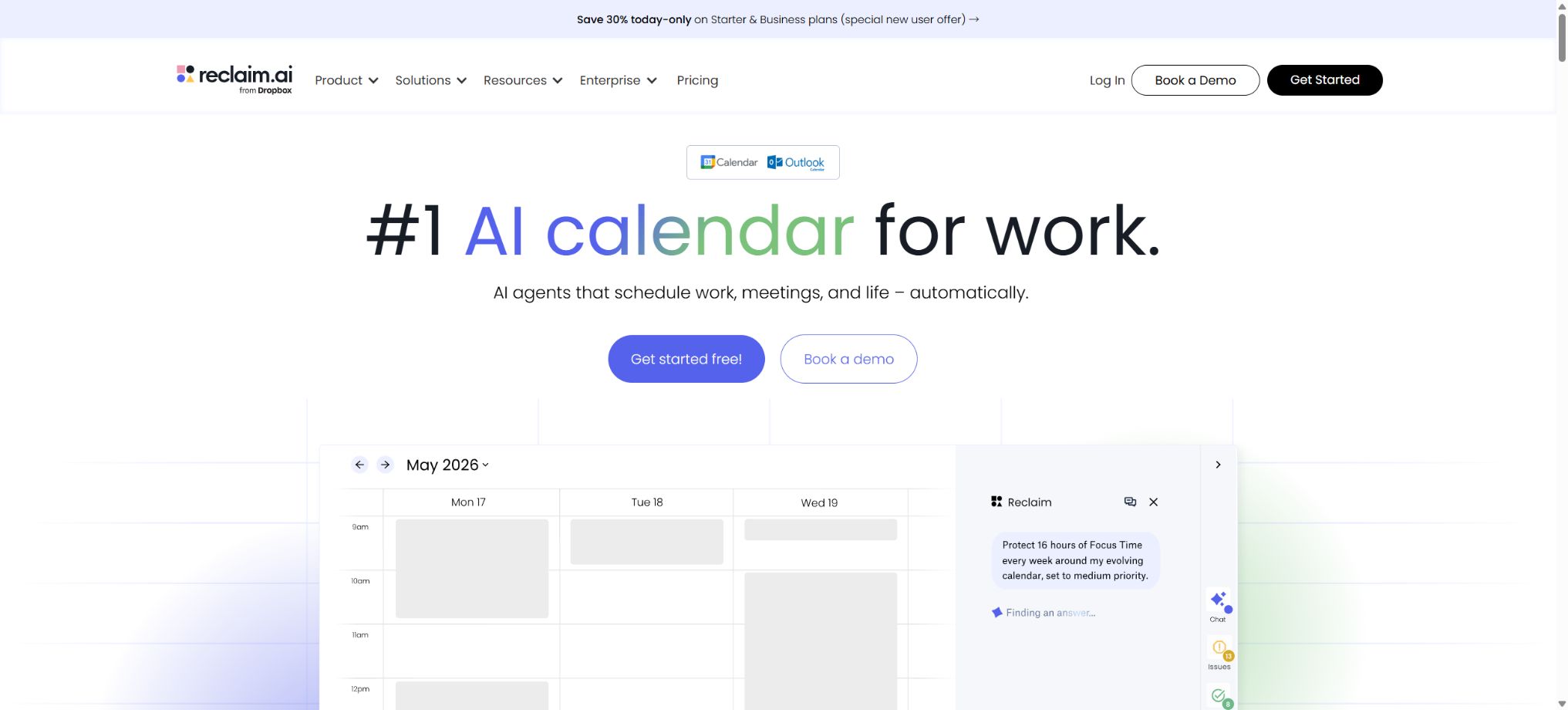
Reclaim AI is an AI-powered platform for calendar optimization and intelligent scheduling, part of Dropbox. It allows users to automatically arrange Focus Time periods, tasks, habits, meetings, buffers, and events that span multiple calendars in Google Calendar and Microsoft Outlook. It does not require users to give up their existing calendars; instead, it creates Smart Events within those calendars, which can be adjusted automatically in response to conflicts and changes in priorities.
Reclaim is designed for individuals, teams, administrative assistants, and enterprises; its main functions are to protect deep work, reduce scheduling conflicts, synchronize multiple calendars, and analyze time usage. The current version of this product also includes AI Assistant, AI Agents, a team-oriented calendar, Workforce Analytics, as well as integration with ChatGPT, Claude, and Copilot.
AI Focus Time
Users can set weekly Focus Time goals, define the duration range, specify working hours, and assign priorities; Reclaim will find available times in the calendar and safeguard those periods. External users will generally only see that the schedule is busy, and the specific titles and level of visibility can be customized.
The Focus block is a flexible element that can be moved as needed to accommodate meetings of higher priority. If all times are marked as Critical or too many tasks are set, the system cannot create additional capacity, and users will still need to delete meetings and rearrange them.
Habits: scheduling habits
Habits are used for exercising, having lunch, reading, planning, team working hours, and other repetitive activities. Users set the frequency, desired time, minimum and maximum duration, priority, and rules for skipping tasks, and the system arranges these activities dynamically in the weekly calendar.
Unlike fixed recurring events, Habits can be adjusted in case of conflicts. For tasks that require strict adherence to timing, such as taking medication, making pickups, or complying with legal deadlines, it is not advisable to rely on variable habit blocks; instead, fixed Calendar Events and additional reminders should be used.
Automatic scheduling of tasks
Reclaim allows tasks to be divided into calendar time slots based on their deadline, estimated duration, priority, and working hours, and it can reorganize these slots when there are changes in progress or conflicts. Users can create tasks directly, or they can import tasks from Google Tasks, Todoist, Asana, ClickUp, Jira, and Linear.
It is necessary to estimate the time required for a task accurately. Underestimating it will lead to an overly packed schedule, while over-dividing the task will result in many small fragments.
After completing, canceling, or modifying third-party tasks, it is necessary to check whether two-way synchronization is as expected.
Calendar Sync
Calendar Sync allows for the copying of busy events between Google and Outlook accounts, thereby preventing double scheduling in work, personal, or client calendars at the same time. When copying events, private titles can be hidden, showing only the status of being busy.
The comparison page for the current plans shows that the Lite version includes 1 Calendar Sync option, while the paid plans offer more or unlimited Sync options, with the synchronization period extending up to 12 months. Users need to distinguish between Connected Calendars and Calendar Sync: the former is used to determine availability, whereas the latter copies event entries to another calendar.
Smart Meetings
Smart Meetings automatically searches for suitable times in the participants’ calendars, and rearranges meetings based on priorities, working hours, frequency of meetings, and any changes in conflicts. It is suitable for one-on-one meetings, team meetings, job interviews, and client communications.
Multi-person meetings may be subject to the billing rules for Attendee Users. Meetings with 2 participants usually do not require additional AU credits, while in Smart Meetings, participants with free seats in meetings involving 3 or more people can contribute to the total count of AU credits.
The current promotions and add-on packages may change; it is necessary to check the settlement page before proceeding with team deployment.
Meeting Quality
Meeting Quality analyzes whether a meeting arrangement includes an agenda, an appropriate time slot, the necessary participants, and sufficient buffer time, thereby helping to reduce the number of low-quality meetings. The AI Agent can continuously check the calendar and suggest adjustments.
Algorithms are unable to determine the political significance of various organizations as well as the importance of their clients. Before canceling or rescheduling an external meeting, it should be confirmed by the organizer to prevent AI-driven optimizations from undermining existing commitments.
Buffer Time
Buffer Time automatically schedules time for preparation, breaks, or travel before and after meetings and work blocks, thereby reducing the number of consecutive meetings. The buffering can be configured according to the type of event and the scheduling rules.
Online meetings and in-person visits require different levels of buffer time. Travel between cities should not rely solely on a fixed number of minutes; it is necessary to take into account the actual route as well as unforeseen delays.
AI Planner
Planner brings together multiple calendars in one workspace, displaying Focus, Habits, Tasks, Meetings, and any conflicts; it also allows for dragging items, adjusting their priority levels, and getting one-click suggestions for resolving issues. Universal Priorities enables all events to be sorted uniformly from P1 to P4.
The priority levels in Planner have a direct impact on the movable events; it is advisable to avoid assigning too many tasks to the P1 category. Daily Digest sends notifications via email or Slack regarding any conflicts and the agenda for the day.
AI Assistant
The AI Assistant analyzes schedules through conversations, finds suitable times for meetings, resolves conflicts, creates tasks, and configures agents. Users can ask about insufficient Focus Time this week, which meetings are conflicting with each other, or how to set a certain deadline.
The results of the chat are based on the information from the Calendar and other relevant data. Before making any changes, it is necessary to verify the time zone, dates, target calendar, and participants; in particular, avoid giving vague instructions that could lead to the bulk movement of client meetings.
AI Agents
The current Reclaim package provides a certain number of AI Agents per seat. These Agents can continuously optimize Focus Time, Habits, Buffer, Smart Meetings, and Meeting Quality; moreover, it is possible to select scenarios such as No-Meeting Day from the official Agent Library.
Lite offers 5 Agents; Starter provides 10 Agents per seat, Business provides 100 Agents per seat, and Enterprise offers an unlimited number of Agents. The number of Agents mentioned here refers to those used for scheduling optimization, and not to the Credits required for invoking general large models.
Scheduling Links
Scheduling Links offers a scheduling page similar to Calendly, allowing users to set the duration of meetings, available time slots, buffers, the maximum number of appointments that can be scheduled, advance notice requirements, handling of issues, availability for team use, as well as one-on-one temporary links. The paid plans also provide options such as Round Robin scheduling, redirection, and brand customization.
Lite includes 1 Link, Starter includes 3, while Business and Enterprise offer an unlimited number of Links. The scope of reservations is not exactly the same as the scope of automatic scheduling.
For public links, it is necessary to prevent robots from making reservations and to set cancellation rules.
Team OOO Calendar
Business and Enterprise versions offer a Team Out of Office Calendar that synchronizes employees’ PTO and absences in a team view, enabling meeting scheduling and capacity analysis to take holidays into account in advance.
The OOO status may relate to health and personal privacy; the team calendar should display only the necessary information, and the specific reasons for leave should not be made public.
Delegated Access
Business and higher tiers support Delegated Access, allowing administrative assistants or authorized colleagues to manage accounts, calendars, and appointments on behalf of others. This feature is suitable for executive assistants and teams that handle scheduling tasks together.
Proxy permissions should be granted through specific authorizations rather than shared passwords, and they must be revoked immediately when a person’s role changes.
Time Tracking and Statistics
Reclaim can keep track of meetings, Focus sessions, tasks, habits, and personal time; it provides a timer for tasks and helps to record actual work activities in the Calendar. The Weekly Report assists individuals in comparing their plans with what they have actually done.
Calendar statistics do not equate to productivity. Work that is not recorded, as well as the quality of thinking and communication and the value of the outcomes produced, are difficult to quantify; it is therefore not possible to assess employees based solely on their amount of time spent working.
Workforce Analytics
Enterprise enables an analysis of departments and teams in terms of their focus, meetings, work-life balance, and capacity based on the organizational structure; it also allows for the export of time intelligence data, comparison with industry benchmarks, and establishment of a baseline prior to deployment.
Companies must explain to their employees the purpose of the analysis, the scope of the data, the retention period, and the roles allowed for access, in order to prevent calendar data from being used for opaque monitoring or discriminatory evaluations.
Slack integration with meetings
Reclaim can synchronize Slack Status with the Do Not Disturb setting, and it automatically displays the status related to meetings or focused work based on the Calendar; it also supports links to meetings held via Zoom, Google Meet, and Microsoft Teams.
Zoom integration allows for the reading of transcripts and helps with task recommendations.
In the Lite version, some Slack and meeting connections may be read-only; the full set of functions varies depending on the package chosen. Recording and transcription still require the consent of the participants.
Google Calendar and Gmail Add-on
The official offerings include a Google Calendar and Gmail add-on that allow users to manage Smart Events directly within Google Calendar, as well as to create or insert scheduling links in emails. Mac users can also use the official Raycast extension to quickly create tasks, start habits, and attend meetings.
Lite free plan
Lite is permanently free, available for 1 user, and includes 5 AI Agents, Focus Time, Habits, Buffer, Smart Meetings, Meeting Quality, automatic scheduling for 1 week, 1 Calendar Sync option, 1 Scheduling Link, limited integration features, and Task Recommendations.
The feature comparison page also shows that it is possible to connect 2 calendars. The Lite version does not offer a 14-day trial period, and it does not stop automatically once that time expires.
However, the team seats, links, synchronization, and future scheduling options are limited.
Price and version comparison
| Package or version | Prices, quotas, and core benefits |
|---|---|
| Starter price and benefits | The Starter plan costs $10 per seat per month if paid annually, or $12 per month; a maximum of 10 seats are allowed. It includes 10 AI Agents per seat, a scheduling period of 8 weeks, 3 Calendar Sync options, 3 Scheduling Links, unlimited integrations, and comprehensive task recommendations. The Starter plan is suitable for individual advanced users and small teams. For team subscriptions, all members within the same team must use the same plan; it is not possible to upgrade only some members while keeping other seats on the Lite version. |
| Business prices and benefits | The Business plan costs $15 per seat per month for an annual payment, or $18 per month; a maximum of 100 seats are allowed. This plan includes 100 AI Agents per seat, a scheduling period of 12 weeks, unlimited Calendar Sync and Scheduling Links, unlimited Integrations, Webhooks, Team OOO, and Delegated Access. The Business plan is currently the preferred option for teams, as it offers additional features for team analysis, management, and priority support. Attendee users may incur additional costs; it is necessary to determine the number of unpaid attendees before deploying Smart Meetings. |
| Enterprise prices and benefits | The annual subscription for Enterprise is $22 per seat per month, with a minimum of 100 seats; monthly payments are not available. It includes unlimited AI Agents per seat, scheduling over 12 weeks, unlimited Sync and Links, Webhooks, OOO, Delegated Access, SSO, SCIM, and scheduling that takes into account the organizational structure. Additionally, it offers Workforce Analytics, export functions, baseline settings, benchmarks, security audits, company onboarding, and dedicated support. For the final terms, please contact sales. |
Starter price and benefits
The annual subscription for Starter is $10 per seat per month, while the monthly subscription costs $12; a maximum of 10 seats are allowed. This plan includes 10 AI Agents per seat, a scheduling period of 8 weeks, 3 Calendar Sync options, 3 Scheduling Links, unlimited integrations, and comprehensive task recommendations.
Starter is suitable for individual advanced users and small teams. For team subscriptions, all members within the same team must use the same plan; it is not possible to upgrade only some members while keeping other seats on the Lite version.
Business prices and benefits
The annual subscription for Business plans costs 15 dollars per seat per month, while the monthly subscription is 18 dollars; a maximum of 100 seats are allowed. This plan includes 100 AI Agents per seat, a scheduling period of 12 weeks, unlimited Calendar Sync and Scheduling Links, unlimited Integrations, Webhooks, Team OOO, and Delegated Access.
Business is also the main solution offered for teams at present, providing features for team analysis, management, and priority support. Attendee Users may be charged separately; it is necessary to determine the number of unpaid attendees before deploying Smart Meetings.
Enterprise prices and benefits
The annual subscription for Enterprise is $22 per seat per month, with a minimum of 100 seats; monthly payments are not available. It includes unlimited AI Agents per seat, scheduling over 12 weeks, unlimited Sync and Links, Webhooks, OOO, Delegated Access, SSO, SCIM, and scheduling that takes into account the organizational structure.
It also offers Workforce Analytics, export functions, baseline settings, benchmarks, security audits, company onboarding services, and dedicated support. For the final terms, please contact sales.
14-day trial and discount
The official website offers a 14-day free trial with the option to pay for the service. Educational users can obtain a 50% discount for 12 months; eligible non-profit organizations and startups can get an 80% discount for 3 years. Those who migrate from Clockwise, Motion, or Calendly are entitled to an 80% discount for 6 months.
Events, coupons, and the free period for attendee users all have an expiration date; they should not be presented as permanent benefits. Before settlement, it is necessary to verify whether the discounts apply in addition to the annual payment discount.
Supports Google and Outlook
Reclaim currently supports both Google Calendar and Microsoft Outlook, enabling the calculation of availability and synchronization across these two types of accounts. Older documents often state that it only works with Google Calendar, but this information is no longer up to date.
The product is primarily used via the Web and calendar add-ons; there is no traditional, full-featured iOS or Android calendar app. Users can still view the time blocks created by Reclaim in their native Google or Outlook Calendar apps on their smartphones.
ChatGPT, Claude, and Copilot
The current features comparison page lists ChatGPT Integration, which enables the management, optimization, and analysis of Reclaim time using ChatGPT; it also shows Claude and Claude Code MCP, as well as Microsoft Copilot and Copilot Cowork MCP.
These connections grant the AI client the ability to read or modify calendars; it is necessary to check the OAuth Scope, conduct tests using separate accounts, and avoid exposing both personal and corporate calendars to uncontrolled clients.
Webhooks and API status
Business and Enterprise versions support Webhooks, which allow events to be sent to systems such as CRM when a scheduling link is reserved, rescheduled, or canceled. The vendor does not provide a universal REST API and SDK that is available to all users and covers all scheduling functions.
ChatGPT and MCP are supported integration options, but they do not constitute public, general-purpose APIs. For in-depth enterprise integration, it is necessary to contact sales to determine the interfaces, data transfer rates, and data permissions.
GitHub and the open-source status
The official Reclaim-ai GitHub repository makes available the Raycast Extension, Slack Client, and several general-purpose components; however, the Reclaim calendar optimization engine, web applications, AI Assistant, and enterprise analytics are not available under an open-source license.
Do not confuse the Python or JavaScript SDKs for the Reclaim Protocol zero-knowledge proof project with the Reclaim.ai calendar SDK; they are not the same product.
Data and Security
Reclaim reads calendar events, availability status, tasks, participants, and connection service data. Before using Analytics, Delegated Access, Zoom transcription, and AI clients, enterprises should review the privacy policies, sub-processors, data retention policies, and information provided to employees.
Enterprise offers SSO, SCIM, Domain Capture, and security auditing. Ordinary users should also have their private calendar titles hidden, with content replication across calendars being restricted.
Reclaim AI Usage Guide
Complete a basic task.
- Verify recordings, audio, music, and participant authorization;
- Upload or enter clear audio into Reclaim AI;
- Select settings such as language, speaker, and AI Focus Time;
- Use Habits scheduling to generate transcription, dubbing, or cleanup results;
- Check each segment for names, numbers, pauses, volume, and mood;
- Before exporting, verify the format, loudness, copyright, and privacy requirements;
Create reusable professional workflows
- A test set is created using real noise, accents, and multi-person segments;
- Compare the differences in how AI Focus Time, Habits for scheduling routines, and Tasks for automatic task arrangement function.
- Retain the original recordings and the unmodified transcripts;
- Arrange for a manual hearing before releasing it to the public;
- Statistically analyze processing time, error rate, and quota consumption;
- Regularly update the glossary, sound licensing, and deletion policies;
Which users is it suitable for?
- Individuals who wish to protect deep work and automate the scheduling of tasks and habits;
- Users who use both work and personal Google and Outlook Calendars;
- Teams that need to reduce conflicts between meetings and consecutive meetings;
- Administrative assistant who manages senior executives’ schedules;
- Companies that wish to analyze their meeting organization, Focus, and work-life balance.
Product advantages
- It works directly within the existing systems of Google Calendar and Outlook.
- The permanently free Lite version can be used on a long-term basis;
- Unified optimization of Focus, Habit, Task, Buffer, and Smart Meeting;
- Calendar Sync prevents duplicate bookings across multiple accounts;
- Provides Scheduling Links, team OOO, and Delegated Access;
- Supports ChatGPT, Claude/Copilot MCP, and team analysis.
Restrictions and Precautions
- Lite offers a limited scheduling range, as well as limited Sync and Links functions; Enterprise versions start at 100 seats.
- Complex multi-person SmartMeetings may incur costs for AttendeeUsers;
- The promotional period cannot be considered permanent free of charge.
- There is no complete native mobile app nor any public REST API available, and the core product is not open-source;
- Time analysis should not be used as a sole indicator of an employee’s performance.
Frequently Asked Questions
Is Reclaim AI free?
Lite is permanently free and includes 1 user, 5 Agents, 1 week of scheduling capacity, 1 Calendar Sync feature, and 1 Scheduling Link.
How much does Reclaim AI cost?
For annual billing, Starter costs $10 per seat per month, Business $15, and Enterprise $22; for monthly billing, Starter is $12 per month and Business is $18 per month.
Is Outlook supported?
Supported. Reclaim can now connect to Google Calendar and Microsoft Outlook, enabling calendar synchronization between the two.
What is the difference between Reclaim and Motion?
Reclaim places more emphasis on protecting focus within existing Google/Outlook calendars, synchronizing calendars, and optimizing meetings; it also offers a permanently free version. Motion, on the other hand, functions more like a standalone working platform that includes projects and documents.
Does Reclaim have an API?
Business plans and above support Webhooks, as well as integration with ChatGPT and MCP; at present, there is no complete, universal REST API or official SDK available to all users.
Is Reclaim open source?
The core calendar platform is not open-source. The official GitHub repository makes available only certain components such as Raycast and the Slack client; the Reclaim Protocol SDK has no relation to this product.
Tools similar to Reclaim AI



 Guigong Network Security Registration No. 45132202000164