






Make
Connect applications using visual workflows and orchestrate AI automation.
Tags:AI improves efficiencyWhat is Make?
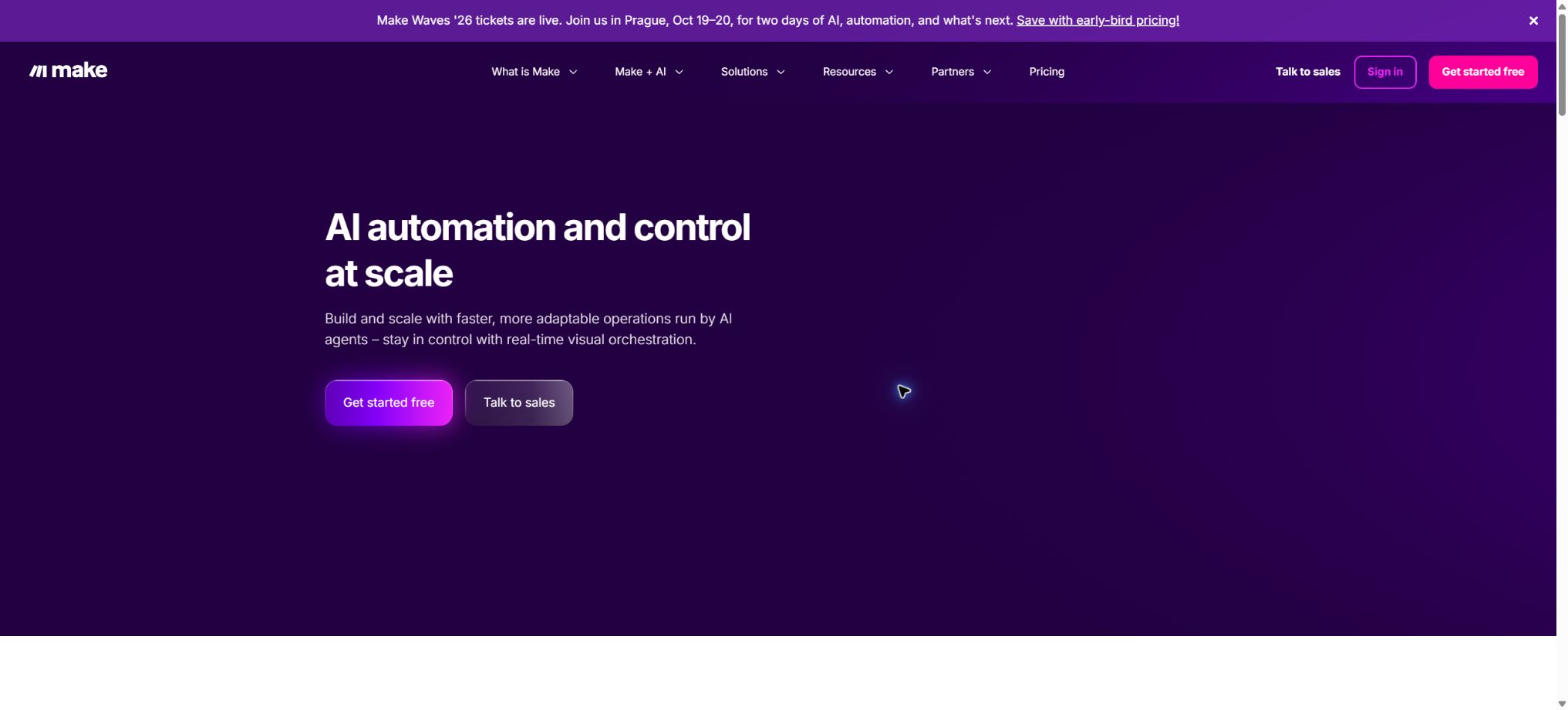
Originally named Integromat, Make is a code-free automation platform that relies on visual workflows. Users can drag application modules onto a canvas and use connections to illustrate the entire process of data flow, from triggers and searches to transformations, routing, and final writing actions.
The platform connects to over 3,000 standard applications as well as more than 350 AI applications; it also includes Make AI Agents, AI Toolkit, AI Content Extractor, AI Web Search, MCP Server, and Code App, which are used to create business processes that feature definite steps alongside the ability of models to make decisions and invoke various tools.
Core functions
- Visual Scenario:Build multi-branch processes using modules, filters, Router, Iterator, Aggregator, and error handling; the execution records show the inputs and outputs for each step.
- Application connection to API:It offers ready-made connectors, standard HTTP, Webhooks, as well as custom applications that cover CRM, office functions, marketing tools, databases, and development tools.
- Make AI Agents:Configure goals, knowledge, tools, and models for the Agent so that it can select and carry out actions within a given scenario; either the AI Provider provided by Make or custom model keys can be used.
- AI Toolkit and content extraction:Complete summarization, classification, structuring, text processing, and document information extraction, and pass the results on to the deterministic module.
- AI Web Search:In automation, real-time web data and structured results can be obtained, which is useful for monitoring, research, and information supplementation; however, it is still necessary to verify the sources.
- Make MCP Server:The authorized scenarios are provided as tools to external AI clients, enabling the AI to initiate actual business actions within defined boundaries.
- Code App:Running JavaScript or Python in a scenario to handle complex logic incurs additional points based on the execution time.
- Team and Governance:It offers enterprise capabilities such as templates, roles, connection sharing, Make Grid, analytics, auditing, SSO, and local network agents.
Price and points
| Package or version | Prices, quotas, and core benefits |
|---|---|
| Free | $ |
| Core | For the 10,000-point tier, the annual reference price is $9 per month; it supports an unlimited number of active scenarios, scheduling with a minimum interval of 1 minute, higher data transfer rates, and Make API access. |
| Pro | For the 10,000-point tier, the annual pricing is $16 per month; this plan includes priority processing, custom variables, and full-text log search capabilities. |
| Enterprise | Custom quotes are available, along with enterprise applications, custom functions, 24/7 support, excess protection, SSO, and advanced security features. |
Processing a bundle with a single module typically costs 1 point; for example, reading data and writing it to another application involves multiple modules, and each of these operations is charged separately. Code App costs 2 points per second of execution time.
The AI module may also employ dynamic credits based on the model, input/output tokens, or rules set by the AI provider; when a built-in API key is used, both Make credits and fees charged by the model provider apply.
The monthly credit limit is updated on a monthly basis, while with the annual plan it is possible to prepay for the entire year’s credits and use them flexibly within 12 months.
The price varies depending on the range of 10,000 to several million points; it is not possible to estimate production costs based solely on the starting price.
Make usage tutorial
Complete a basic task.
- In Make, specify the trigger conditions, input data, and the final action.
- Connect to the required application using a test account and grant only the minimum necessary permissions;
- Configure visual scenarios and establish connections between applications and APIs, mapping fields one by one;
- Add branch handling, failure management, retry options, and manual approval;
- Run with a small amount of test data and check the output at each step;
- Enable the official process only after confirming that there are no duplicate writes or abnormal charges.
Create reusable professional workflows
- Choose business processes with a high frequency of repetition and clear rules;
- Draw the paths for triggering, decision-making, execution, and rollback;
- Break down the visual Scenario, application and API connection features, as well as Make AI Agents, into reusable modules;
- Set log settings, budgets, timeout values, and permission limits;
- Assign a responsible person to randomly check the results and handle the failed queues;
- Review application permissions, business rules, and actual costs on a monthly basis;
Which users are it suitable for
- Operations and automation staff who need to visualize how data flows.
- Form teams for clue handling, content creation, financial synchronization, and customer service routing.
- AI workflow designers who wish to integrate LLM-based judgments into stable business rules
- Technical users who need Webhooks, HTTP, code, and capabilities for handling complex arrays
Safety and reliability
AI Agents should not be granted application permissions that go beyond what is necessary for completing their tasks. Actions such as deletion, payment processing, data transmission, batch updates, and making commitments to customers should be subject to approval processes, or verification steps should be included within the relevant scenarios.
When enabling Webhooks, it is necessary to verify signatures, restrict the sources of requests, and avoid storing keys in regular fields; connections and secrets should be managed by appropriate roles.
Before deploying the scenario, sample data should be used to test for null values, duplicate events, pagination, rate limits, and error retries; moreover, maximum iteration limits and budget warnings should be set.
The Make cloud platform and its core execution engine are not open-source software. The official GitHub repository provides SDKs, application templates, and example projects, but it is not possible to host a full Make service on one’s own.
Companies that need access to internal network systems can consider the On-prem Agent; it provides secure connectivity but does not involve a full private deployment.
Advantages and limitations
- The advantage of Make is its high level of visualization for complex branches and data structures, making it suitable for processes that are more intricate than simple \"trigger–action\" sequences.
- The downside is that large scenarios become difficult to maintain, and the number of modules and bundles increases, which in turn raises the computational load.
- AI outputs are uncertain, so it is necessary to first structure them and verify the types and business rules before inserting them into the system.
- Free is suitable for prototypes;
- Core is suitable for stable, small-scale processes;
- Choose Pro for tasks that require priority execution, as well as for variable and log retrieval.
- For multi-person governance, choose Teams or Enterprise;
Frequently Asked Questions
Is there a time limit for the free version of Make?
There is no expiration date for the trial period, but there are limits on 1,000 points per month, as well as on the number of active scenarios, the scheduling frequency, the execution time, and the file size.
Is there an additional cost for Make AI Agents?
Various solutions can make use of testing or official evaluation methods, but the Agent consumes Make points; when external model keys are used, a fee must also be paid to the model provider.
What is the difference between Make and Zapier?
Both connect applications; Make places more emphasis on the visualization of canvases, data flows, and complex branching structures, while Zapier focuses on enabling quick creation of various actions for widespread use.
The choice should be based on the complexity of the process, the team’s habits, and the actual pricing.
Tools similar to Make



 Guigong Network Security Registration No. 45132202000164