






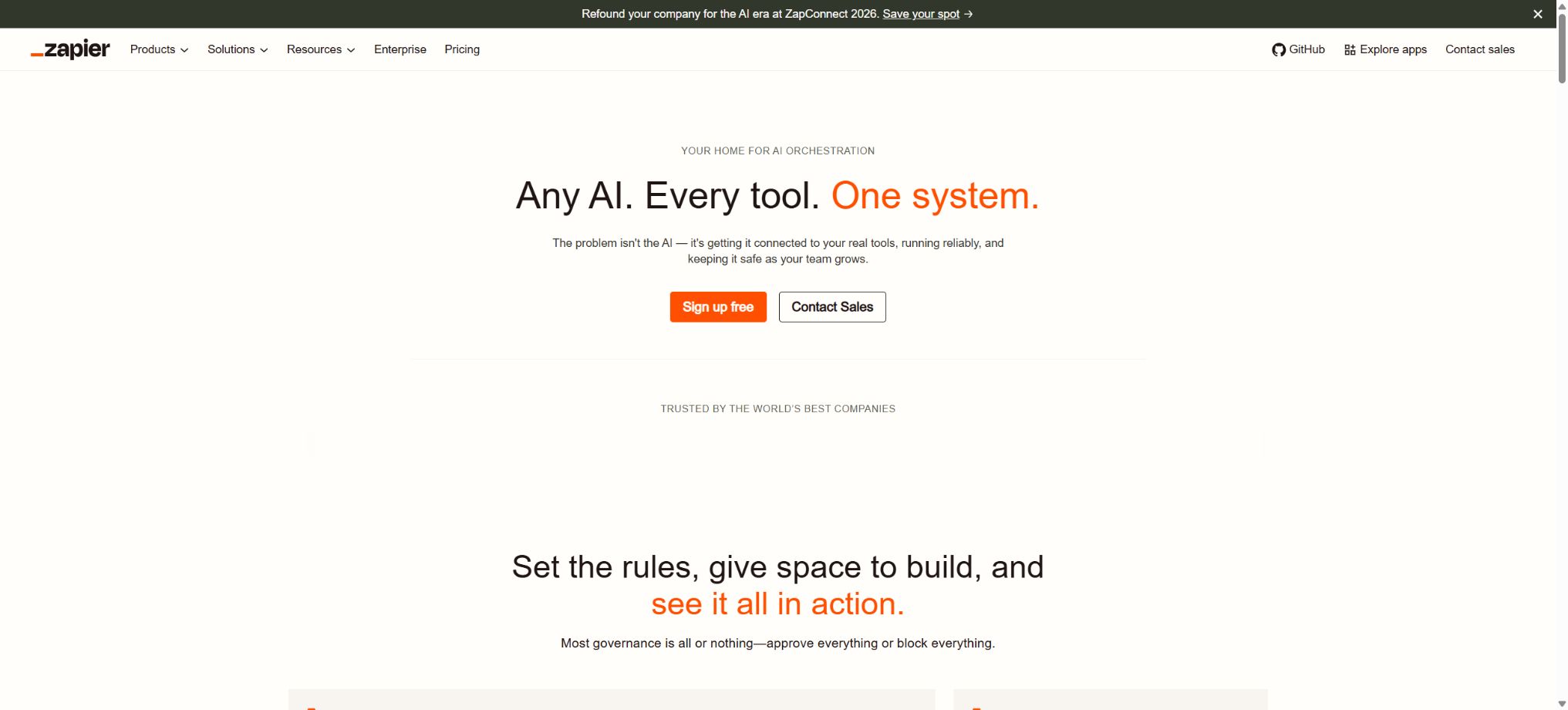
Zapier AI
Connect thousands of applications and use AI to create automation and agents.
Tags:AI improves efficiencyWhat is Zapier AI?
Zapier AI is a set of intelligent capabilities within Zapier’s automation platform; it includes Copilot, which allows users to create workflows using natural language, AI by Zapier for analyzing and generating content within Zapier, Agents that can utilize knowledge and perform actions, Chatbots designed for website visitors, and Zapier MCP, which enables external AI systems to call into application functions.
Zapier connects to over 9,000 different applications; users can combine triggers, conditions, data transformations, AI-based decisions, and actual writing actions to create workflows, without the need to develop separate interfaces for each pair of software applications.
Core functions
- Zap and Copilot:After describing the business requirements, triggers and draft actions are generated; thereafter, fields, filters, paths, loops, delays, and error handling are configured in the visual editor.
- AI by Zapier:In the process, extraction, classification, summarization, generation, and structured output are carried out. The Advanced and Premium models have access to application tools, knowledge sources, and web searches.
- Zapier Agents:Instructions, knowledge, web searches, and application actions can be configured for agents, and they can be executed on a scheduled basis or in response to certain events; multiple specialized agents can form a Pod and call one another.
- Approval control:AI tools can require human approval for sensitive actions such as writing, sending, updating, or deleting, making them suitable for achieving a balance between autonomous execution and risk control.
- Chatbots and Forms:Create customer-facing Q&A, lead collection, and service portals, and connect the submitted content to CRM systems, email services, and internal processes.
- Tables:Data tables that are closely integrated with automation are provided, and can serve as an intermediate layer for clues, tasks, and knowledge; many of the actions within Tables and Forms are not counted as part of Zap tasks.
- Zapier MCP:Allow AI clients that support MCP to invoke pre-authorized application actions, thereby avoiding the need to write separate integrations for each service.
- Team governance:Team and Enterprise offer shared connections, folder permissions, SSO, auditing, application control, as well as data retention and analysis.
Core package and task-based billing
| Package or version | Prices, quotas, and core benefits |
|---|---|
| Free | $ |
| Professional | The minimum plan is at 750 tasks, with a cost of $19.99 per month for annual payment or $29.99 per month for monthly payment; it supports multi-step Zaps, advanced applications, Webhooks, AI by Zapier, as well as Filters and Paths. |
| Team | Starting from 2,000 tasks per month, the price varies depending on the number of tasks; it includes up to 25 users, shared Zap and connections, SAML SSO, auditing, and priority support. |
| Enterprise | Custom quotes are available, with no limit on the number of users; annual task quotas are used, and additional features such as SCIM, domain and application control, custom retention, analytics, technical account management, and enhanced governance are provided. |
A standard action executed successfully by Zap typically consumes 1 task; triggers, filters, paths, and some of Zapier’s built-in tools are not charged for.
The AI processing steps consume different amounts of resources depending on the model level and the number of tool calls: Advanced models typically require 3 times as many resources, while Premium models require 5 times as many; the specific rates are indicated before execution.
MCP calls are also incorporated into the shared task pool. When the capacity of the paid self-service option is exceeded, payment per task is applied by default, until the protection limit is reached.
Budget warnings and Flood Protection mechanisms should be implemented to prevent abnormal costs resulting from repeated or erroneous triggers.
Additional charging for Agents and Chatbots
Zapier Agents have their own quota for activities, which is not equivalent to Zap tasks. The free plan provides 400 activities per month, with a maximum of 10 activities per execution.
Agents Pro offers 1,500 activities per month, with a maximum of 40 activities per session; the price starts at around 33.33 dollars per month for an annual subscription; custom plans are available for businesses.
Triggers, knowledge queries, web searches, scraping, application actions, and sending messages via extensions can all count as one activity each. Chatbots also have their own options: the free version allows for the creation of 2 chatbots, while the paid versions enable an increase in the number of chatbots, support for custom brands, and additional advanced features.
Therefore, “purchasing the paid version of Zapier” does not mean that all advanced usage features for Agents and Chatbots will become unlimited automatically.
Security, API, and open-source status
Connecting an application means granting Zapier the permission to read or modify business data; it is necessary to use dedicated service accounts, apply the principle of least privilege, and work in a testing environment. An AI Agent should contain 3 to 5 relevant actions, and approvals must be required for sending emails, making payments, deleting data, and making bulk modifications.
Knowledge sources need to be synchronized regularly and outdated policies removed, to prevent the Agent from acting based on old information.
The Zapier hosting platform, as well as the catalog of agents and connectors, are not open-source software. The official GitHub repository provides SDKs, CLI tools, integration templates, and examples; developers can create private or public connectors, but they do not have access to the source code for the entire Zapier platform or its AI services.
For sensitive corporate data, it is also necessary to examine the model provider, retention policies, and the Bring Your Own Model option.
Zapier AI Usage Guide
Complete a basic task.
- Register for Zapier AI and create an API Key intended solely for the testing environment;
- Select a model based on input type, context, quality, speed, and price;
- First, use Zap and Copilot to send a minimal request and check the returned structure;
- Use AI by Zapier to test stream output, parameters, and error responses;
- Record Tokens, number of calls, latency, error rate, and cost per call;
- Move the key to the server-side key manager before integrating it into the actual application;
Create reusable professional workflows
- Different keys and quotas are used for development, testing, and production environments;
- Representative evaluation sets were created using Zap in combination with Copilot, AI by Zapier, and Zapier Agents;
- Set timeout, concurrency, retry, throttling, and budget limits;
- Perform checks on the output regarding facts, security, format, and sensitive information;
- Monitor changes in model version, price, latency, and failure rate;
- Prepare plans for downgrading the model, implementing circuit breaking, and taking manual control;
Which users are it suitable for
- Operations team that connects CRM, email, spreadsheets, customer service, and marketing systems
- Sales and customer service professionals who hope to use AI to categorize leads, draft responses, and carry out subsequent actions.
- It is necessary to enable MCP users of ChatGPT-like clients to securely call enterprise applications.
- Large and medium-sized organizations that need shared connections, SSO, and auditing capabilities
Frequently Asked Questions
Is Zapier AI free?
A free trial is available, but it includes only 100 Zap tasks and limited AI capabilities. Agents and Chatbots have their own separate free quotas.
Is one workflow considered just one task?
No. A Zap can contain multiple successful actions, and each billing action consumes a separate task.
AI and MCP steps may also use multiple tasks.
Are Zapier Agents the same as AI by Zapier?
It’s different. AI by Zapier is an AI step within Zapier.
Agents are intelligent entities that possess independent instructions, knowledge, triggers, and activity quotas; the two share some capabilities for invoking tools.
Tools similar to Zapier AI



 Guigong Network Security Registration No. 45132202000164