






What is Logistify AI?
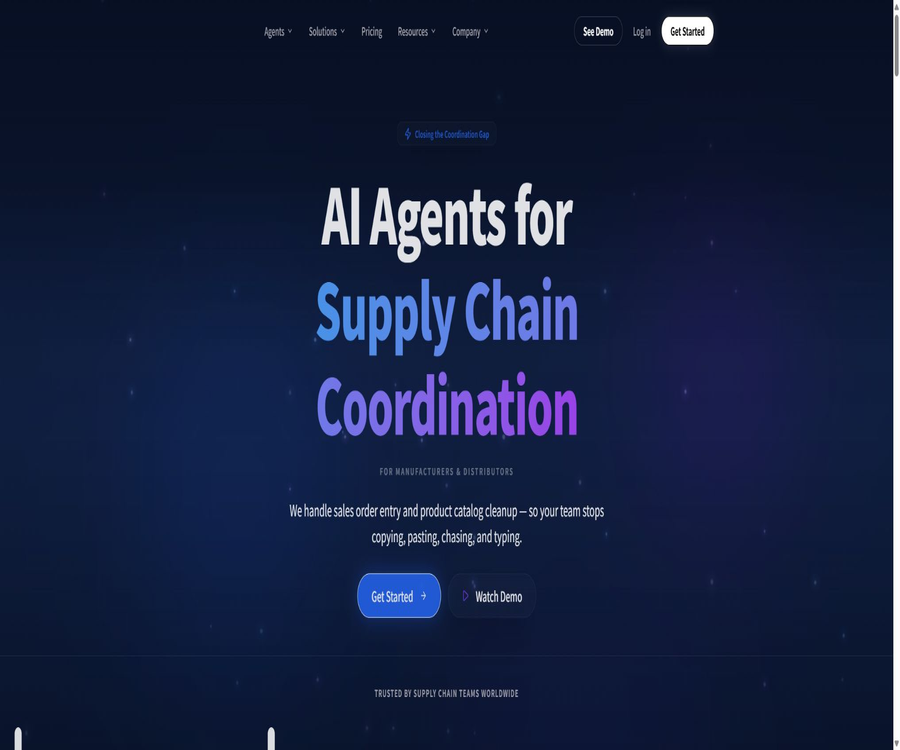
Logistify AI is a business automation platform provided by Logistify AI Inc. to manufacturers, distributors, and supply chain teams; its main goal is to integrate order, invoice, and scheduling information from various communication channels into the existing systems of these companies.
The product is not a general-purpose chatbot nor a new system designed to replace ERP; rather, it involves specialized AI agents that read unstructured business data, match it with master data, submit it for manual approval, and synchronize the records accordingly.
Main functions
Automation of sales orders
- Receive emails, WhatsApp messages, text messages, voice messages, e-commerce messages, PDF files, and images of paper orders, and extract information such as customer details, products, quantities, delivery addresses, and any special instructions.
- Match the abbreviations, aliases, or internal product codes used by customers to the SKUs in the ERP system, and address vague descriptions by taking into account the customer’s previous orders.
- When reading the real-time inventory and price levels, if there are products that cannot be identified, insufficient inventory, price discrepancies, or uncertainty regarding customer matching, the process is forwarded for manual review.
- After approval, a sales order is created, and confirmation messages can be sent via the original communication channel; the team does not need to re-enter the already confirmed fields.
System integration and data coordination
- It connects financial, sales, inventory, warehouse, and spreadsheet systems, retrieves customer master data, product catalogs, prices, and inventory levels, and then writes back the approved orders, invoices, or receipt records.
- It verifies conflicting revenue, order, and inventory records across multiple systems, providing business users with a unified view that can be approved, rather than requiring a complete migration of the systems.
- The QuickBooks Desktop scenario relies on connection components within the local network and QBXML for communication, making it suitable for deployments where it is not possible to use the cloud-based REST interfaces directly.
Procurement, accounts receivable, and port scheduling
- The procurement agent extracts purchase orders, invoices, and related fields from emails, WhatsApp messages, PDF files, and paper documents; after verification, these data are entered into the business system.
- The Accounts Receivable Agent monitors unpaid invoices and sends emails or WhatsApp messages as per the timing and style set by the company; reminders are suspended for accounts with payment commitments in place, while disputes and high-value accounts are referred to human agents.
- The terminal scheduling agent allows carriers to book loading and unloading times via WhatsApp, email, or text messages, and to arrange and manage schedules based on the available time slots.
- The product catalog agent can process supplier files in Excel, CSV, PDF, and image format, as well as system-exported files; it performs tasks such as field standardization, detection of duplicates, completion of missing attributes, channel mapping, and verification of anomalies.
Input, Output, and Integration
| Category | Projects have been verified. | Processing results | Usage notes |
|---|---|---|---|
| Communication channels | Email, WhatsApp, text messages, voice messages, e-commerce messages | Structured order, reminder, appointment, or confirmation messages | The channels supported by the package vary. |
| file | PDF, scanned paper documents, Excel, CSV, supplier exports, and image packs | Order fields, product records, exception review items | Content with low confidence requires manual evaluation. |
| Business system | QuickBooks, TallyPrime, Unleashed, BREWW, SYSPRO, SAP, Shopify, Xero, Odoo, and others | Matching customers with products, checking inventory, writing orders or business records back | The specific read and write ranges depend on the system interface and implementation plan. |
| User interface | Web console and manual review queue | Approvable order cards, abnormal contexts, and processing statuses | Independent native mobile app not confirmed |
Typical deployment process
- Select the business processes you wish to automate, such as sales order entry, purchase order processing, accounts receivable collection, or dock reservations, and submit a request for contact or a demonstration.
- Confirm the input channels, ERP version, product catalog, customer master data, pricing rules, inventory logic, and the business objects that can be written to.
- Configure system credentials and connection methods; for local QuickBooks Desktop, the corresponding connection components also need to be set up within the corporate network.
- Define SKU aliases, price tolerances, inventory checks, manual approval, dispute escalation, reminder timing, and message tone.
- Use real but controlled order samples to test field extraction, customer matching, duplicate orders, abnormal order routing, and ERP writing back; full automatic processing is not enabled directly.
- After acceptance, it is integrated into the actual channels, with continuous monitoring of the rate of manual rechecks, records of mismatches, connection failures, and the usage level of task quotas.
Price packages
| Package or version | Price | Billing cycle | Core benefits or quota | Suitable for users |
|---|---|---|---|---|
| Starter | $ | Prepay monthly or annually | 5 AI Agents, 150 tasks per month, only via email, shared customer managers | A small operations team that first automates a process |
| Growth | $ | Prepay monthly or annually | 5 AI Agents, 500 tasks per month, email and WhatsApp, shared account managers | Medium-sized teams with growing order volumes |
| Business | $ | Prepay monthly or annually | 5 AI Agents, 1,500 tasks per month, email and WhatsApp, shared account managers | Manufacturers and distributors that are expanding the scale of automation |
| Enterprise | Custom quote | Annual contract | 6 AI agents along with customization options; no restrictions on tasks, coverage of all channels, and dedicated account managers | Enterprises that need customized SLAs, security terms, and large-scale deployment |
The annual price indicated is an amount converted on a monthly basis, with settlement actually taken out on an annual basis; taxes, scope of implementation, and corporate contracts may affect the final amount.
The exact count of \"tasks\", the methods for handling excess tasks, and the details regarding the free trial period have not been made public yet; these aspects should be confirmed in the order documents before making a purchase.
Unless required by law or specified in the order, paid fees are non-refundable; if an error is found on the bill, it must be reported for correction within 30 days after the deduction.
Suitable for users and scenarios
- Manufacturers or wholesale distributors receive a large number of B2B orders daily via email, WhatsApp, voice messages, and paper forms.
- Teams that continue to use QuickBooks Desktop, QuickBooks Online, Unleashed, TallyPrime, or other ERP systems but wish to reduce repetitive data entry.
- It is necessary to match irregular product descriptions with official SKUs, and to maintain a system for manually approving orders in cases where there is uncertainty regarding inventory, prices, or customer information.
- An operations department is needed to automatically follow up on overdue invoices, process procurement documents, coordinate dock reservations, and unify the business data from various systems.
Advantages and capabilities boundaries
Actual advantages
- The redesign focuses on the specific elements of the supply chain and ERP systems; it deals not only with textual summaries but also with information related to customers, products, prices, inventory levels, and order status.
- It supports multiple unstructured channels, and provides an manual review process for fields with low confidence, as well as for cases of dispute or anomalies.
- It can be integrated with an enterprise’s existing systems, thereby reducing the upfront costs associated with first migrating to an ERP system in order to achieve automation.
Usage restrictions
- Identification, matching, and AI-generated content can be error-prone; the terms of service require companies to implement manual review processes that are appropriate to the risks associated with their business.
- Different ERPs have varying interface capabilities, field structures, and local network conditions; the systems listed on the page do not necessarily mean that each module has the same read and write permissions.
- The task quota limits the monthly processing volume of the standard package; whether additional features such as product catalogs are included in a particular standard package depends on the actual orders.
- Processing orders, payments, and inventory can affect the actual business records; before going live, it is necessary to ensure minimal permissions, protection against duplicate submissions, as well as mechanisms for rollback and auditing.
Privacy, Data, and Commercial Considerations
- Users retain ownership of the data, files, and content they submit, and grant the platform a limited license to process such data solely for the purpose of providing services.
- The name, email address, and contact information provided during registration or when seeking support may be collected, and cookies are used to track page views, behavior, and interaction statistics.
- Data can be entrusted to service providers such as those offering hosting and customer support under confidentiality constraints, and it may also be disclosed when required by law; the specific retention period for operational data has not yet been made public.
- Requests regarding privacy rights require identity verification, and a response is usually given within 45 days; this period may be extended by another 45 days if necessary. Users in the European Union and the European Economic Area also have the rights to access, correct, delete, restrict, object to, and port their data.
- The platform claims to use security technologies and procedures, but the specific security certifications have not been made public; therefore, it cannot be assumed that it has obtained any relevant compliance certifications.
- The platform, underlying software, algorithms, and content belong to Logistify AI Inc. or its licensors; commercial subscriptions merely grant the right to use the services in accordance with the specified terms.
API, open source, and platform status
Integration is achieved through the interfaces of various ERP systems or local connection components; however, no universal APIs, SDKs, official GitHub repositories, or open-source licenses that are available to customers have been found yet.
The primary way of using it is through integration with web services and enterprise systems; apps for the App Store, Google Play, or Chrome Web Store have not yet been confirmed.
Summary
Logistify AI is suitable for manufacturing and distribution teams that wish to convert orders, procurement processes, collection activities, and scheduling communications into auditable business records, while keeping their existing ERP systems in use.
When making procurement decisions, it is necessary to take into account the task metrics, the required channels, the specific read/write capabilities of the target ERP system, the procedures for manual approval, the arrangements for data storage, and the terms of the final order.
Tools similar to Logistify AI





 Guigong Network Security Registration No. 45132202000164