






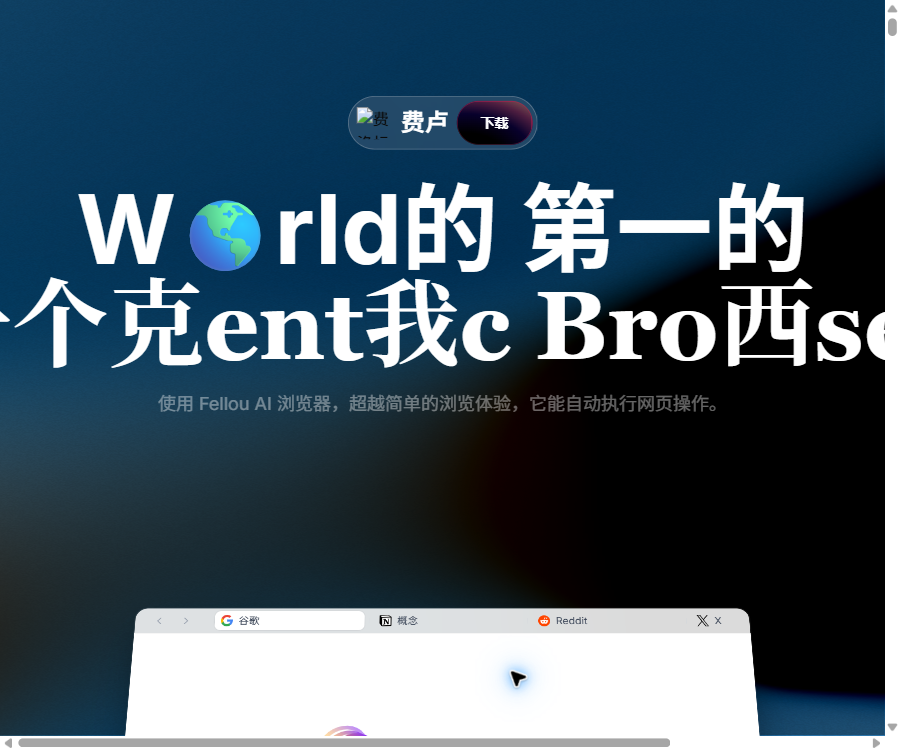
What is Fellou?
Fellou is an Agentic AI browser that places emphasis on operational capabilities. It not only summarizes web pages but also formulates plans in advance, after which it carries out tasks such as searching, organizing, filling in information, and performing cross-application operations on websites and in certain desktop environments.
Users can review the plan before execution, and they can also pause, modify, or take over various steps during execution. Fellou is suitable for research using multiple sources, competitor analysis, repetitive web tasks, as well as digital workflows that require scheduled execution.
The main functions of Fellou
- In-depth search: Retrieves information from various public pages and logged-in websites to generate verifiable reports.
- Browser operations: Open pages according to the task schedule, extract content, fill out forms, and transfer data across sites.
- Computer operations: Process local applications and files after authorization, with extensions to desktop tasks.
- Visualization plan: It displays the execution steps, allowing users to review and make adjustments before running.
- Real-time intervention: It is possible to pause the task execution, modify instructions, or have the user take over control at any time.
- Parallel tasks: Multiple workflows are processed simultaneously in the background, reducing waiting times.
- Scheduled tasks: Perform monitoring, aggregation, and reporting tasks at specified times or intervals.
- Agentic Memory: Provides personalized context by combining browsing history, conversations, and notes.
- Multimodal creation: Generate graphic reports, images, music, presentations, tables, and web code.
- Eko framework: Developers can use natural language and JavaScript to create intelligent agent workflows that can be manipulated.
How to use Fellou
Conduct a in-depth study once
- Install and log in to Fellou, and check whether the website you intend to study requires login.
- Describe the research topic, time frame, fields to be compared, and the format of the final report.
- View the action plan generated by Fellou, delete irrelevant sites, or add more reliable source URLs.
- Start the task and monitor the key steps; manual confirmation is required for login, payment, or submission operations.
- After completion, check the references, dates, data parameters, and conclusions before exporting the report.
Create a scheduled monitoring task
- First, use ordinary tasks to verify the monitoring keywords, target pages, and output templates.
- Open the scheduling settings for the task and select the runtime and repetition interval.
- Restrict executable actions to prevent the automatic publishing, purchasing, or submission of irreversible content.
- Set a fixed summary structure to facilitate the comparison of changes across different periods.
- Regularly check the task history and Sparks usage, and adjust the scope as needed.
Fellou prices and packages
Fellou uses Sparks as the unit for measuring task consumption; complex workflows may require a significantly higher number of tasks than the reference values indicated on the page. The annual payment option is cheaper, when converted using the rates shown on this page, compared to the monthly payment option.
| Package | Monthly payment | Annual payment conversion | Monthly limit | Scheduled tasks |
|---|---|---|---|---|
| Free | 0 dollars | — | New users get 1,000 Sparks, which is equivalent to about 4 tasks. | 2 |
| Plus | 19 dollars per month | 16 dollars per month, 192 dollars for annual payment | 2,000 Sparks, approximately 8 tasks | 3 |
| Pro | 39.9 dollars per month | 32 dollars per month, 384 dollars for annual payment | 5,000 Sparks, approximately 20 tasks | 5 |
| Ultra | $ | 160 dollars per month, 1,920 dollars for annual payment | Unlimited Sparks for a limited time | Unlimited for a limited time |
All current plans include chat functions, advanced search capabilities, browser controls, computer operation tools, as well as various creation agents. Concurrent tasks and unlimited usage quotas are part of promotional offers; it is necessary to check the actual benefits on the billing page before using them over an extended period.
Eko open-source framework
The Fellou browser product itself is not an open-source project; however, its Eko intelligent workflow framework has its source code made available publicly under the MIT license. Eko is designed for JavaScript, Node.js, and browser environments, and it supports multiple agents, MCP, human-machine collaboration, as well as pause/resume and parallel execution.
Which users are it suitable for
- Analysts who need to conduct research on competitors, the market, or the industry across multiple websites.
- Users in operations and investment research who need to periodically collect changes on web pages and generate reports.
- Teams that wish to automate repetitive forms, data organization, and cross-application operations.
- Knowledge workers who need to retrieve personalized information from the logged-in platform.
- JavaScript developers who wish to create browsers or desktop agents based on Eko.
Product advantages
- It covers both in-depth searching and actual web page operations, not limited to answer generation.
- The plan is transparent and allows for real-time intervention, facilitating the management of complex workflows.
- Tasks can be executed in parallel and on a scheduled basis, making them suitable for scenarios that require continuous monitoring.
- It supports various output formats such as reports, tables, presentations, images, and code.
- The Eko framework, licensed under MIT, facilitates development by allowing developers to extend it.
Usage restrictions and precautions
- Automatic browsing may encounter login verification, page redesigns, network restrictions, and anti-automation mechanisms.
- The steps involved in purchasing, sending, deleting, or submitting information must be manually reviewed.
- The browsing history, login pages, and local files may contain sensitive data, so authorization should be handled with caution.
- The amount of Sparks consumed depends on the complexity of the workflow; the number of reference tasks is not guaranteed to be fixed.
- AI research reports may contain omissions or errors, and important conclusions should still be verified by referring to the original materials.
Frequently Asked Questions
Can Fellou be used for free?
Yes. New users can receive 1,000 Sparks for testing purposes, as well as access to a limited number of scheduled tasks.
Is Fellou an open-source browser?
The Fellou browser service is not a fully open-source product; what is made available officially is the Eko intelligent agent workflow framework, and it is important to distinguish between the two.
Can Fellou handle website logins automatically?
It can operate on certain websites in an environment where the user has given authorization and is logged in, but the verification processes, website rules, and account security mechanisms may require manual intervention.
Tools similar to Fellou





 Guigong Network Security Registration No. 45132202000164