






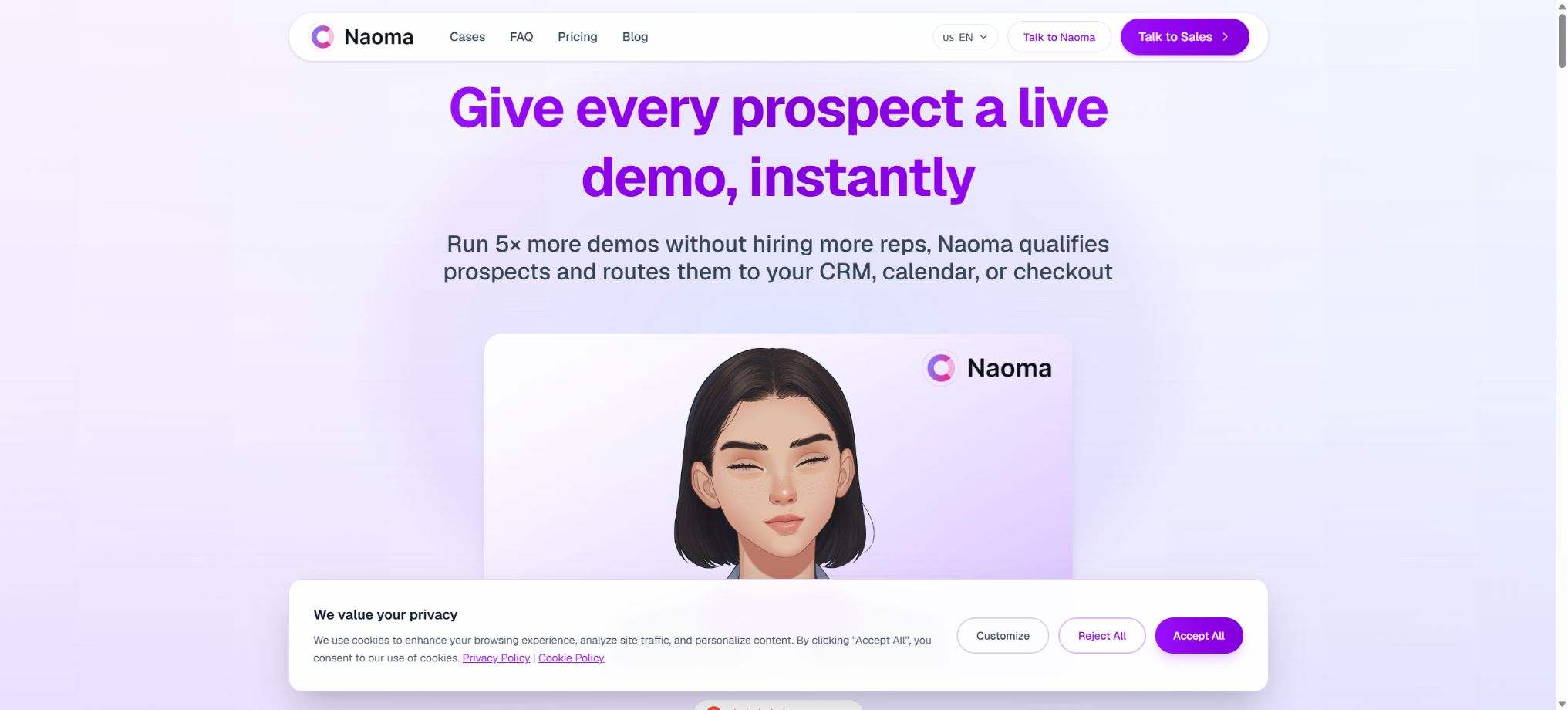
What is Naoma?
Naoma is an AI Product Demo Agent designed for B2B SaaS companies. It can be deployed on a product’s official website or within its application; when potential customers click the demo button, the product demonstration is launched immediately in their browser: they can access a dedicated sandbox provided by the company, work with the actual user interface, answer questions, have their requirements gathered, and based on those requirements they may be directed to schedule a meeting, or they can proceed with a self-service purchase process or be handed over to sales staff for further follow-up.
Unlike guided tours that rely on pre-recorded videos and static screenshots, Naoma’s Growth approach focuses on carrying out demonstrations in the actual product environment. It addresses the issue where visitors want to see the product but first have to fill out forms and wait for an appointment with a sales representative; it is suitable for SaaS companies that already have a steady flow of visitors, whose products require explanation, and whose sales teams wish to identify customers with high interest.
Naoma’s core functions
Real-time product demonstration
AI Agents operate the product within controlled browsers and dedicated demonstration accounts, using functions such as clicking, page navigation, and highlighting key elements. The demonstration process can be configured according to the company’s preferred approach, sales scripts, FAQs, and rules for handling objections.
The actual interface changes with product updates, but after major changes to the UI, it is still necessary to retest the procedures and restoration logic.
Interactive explanations and question answering
Visitors can ask questions while viewing the content, and the agent uses product documentation, recorded demonstrations, sales materials, and configuration information to answer those questions. It is suitable for addressing issues related to functions, use cases, and basic integration; it should not make unwarranted promises regarding prices, roadmaps, contracts, compliance certifications, or implementation timelines without first verifying such information.
Buyer-adaptive path
The Scale and Enterprise versions support branching and high levels of personalization; it is possible to adjust the order in which the demonstrations are presented based on factors such as industry, role, company size, and purchasing intent. Enterprises should define clear criteria for the types of branching that are allowed, in order to avoid making inappropriate decisions based on sensitive attributes.
Clue filtering and next routing step
During the demonstration, Naoma can ask about the team size, use cases, budget, and timeline; it can then generate summaries and qualification results, and assist with scheduling meetings, proceeding with self-service payment, or carrying out further follow-up actions. The AI-generated scores can serve only as a reference for sales purposes, as important clients still need to be reviewed manually.
Transcription, summarization, and CRM synchronization
Each presentation generates transcripts of the conversations, summaries, qualification status, buyer questions, objections, and structured insights, which can be sent to CRM systems, spreadsheets, Slack, or corporate workflows. The official documentation specifies the directions followed by HubSpot and Salesforce.
The specific fields, permissions, and scope of bidirectional synchronization should be determined at the time of procurement.
33 languages and automatic recognition
The Agent supports 33 languages, can automatically adjust to the language set in the browser, and allows for language switching during conversations. For multi-language display, it is still necessary for companies to have accurate product terminology, prices, and compliant content ready, especially in regards to less common languages and industry-specific terms.
Avatar and branding
Companies can choose styled avatars, realistic presenters with voice, or custom brand mascots. The avatar works only in the browser interface and does not utilize devices such as the visitor’s camera or microphone.
For realistic characters and voices, it is necessary to ensure that the relevant materials, portraits, and audio recordings are authorized.
Comparison of Naoma package prices
Naoma is contracted on an annual basis, with billing based on a monthly “Engaged Demo” quota. An effective demo is defined as one in which the visitor stays engaged for 3 minutes or more;
Missed calls, dropped calls, and quick exits are not charged.
The following are the annual subscription rates as calculated during verification on the official pricing page.
| Package | Annualized price | Valid demonstrations each month | Agent and steps | Key capabilities |
|---|---|---|---|---|
| Starter | $ | 50 | 1 Agent, up to 10 steps | Based on slides and screenshots; no engineering involvement required; lead collection and CRM export |
| Growth | $ | 100 | 1 Agent, up to 12 steps | Live product demonstrations, meeting bookings, advanced analytics, and multilingual support |
| Scale | $ | 300 | 2 Agents, up to 30 steps | Branches, buyer-specific adaptation paths, dedicated demonstration engineers, up to 3 revisions per quarter |
| Enterprise | Custom quote | Customization | No restrictions on agents; follow the steps as specified in the agreement. | SSO, security audits, SLAs, dedicated success manager, and priority support |
Once the limit is reached, the demonstration is paused by default, and no additional charges are applied automatically without confirmation; the system provides alerts at 80% and 100% usage levels, while also reserving a small buffer for ongoing visits.
Companies can upgrade to a pay-as-you-go option; the specific price for excess usage and the terms of the contract shall be as specified in the order.
How to choose among different packages
| Demand | Suggested solution | Reason |
|---|---|---|
| First, verify whether the AI demonstration increases conversion rates. | Starter | It is built using slides and screenshots, resulting in low integration costs. |
| Allow visitors to experience online products firsthand. | Growth | Supports walkthroughs of real products, multiple languages, and meeting scheduling. |
| Multiple roles, multiple paths, and complex product lines | Scale | More steps, 2 agents, branching, and high levels of personalization |
| SSO, SLA, and formal security reviews are required. | Enterprise | Offers enterprise security and dedicated service terms |
Naoma deployment process
- Define the presentation objectives:Select the primary audience, the key values to highlight, qualification criteria, and the final CTA.
- Prepare a dedicated sandbox:Create a demo account that does not contain real customer data, and configure it with stable data as well as minimal permissions.
- Provide informational materials:Organize product documentation, record sales presentations, create FAQs, define competitive boundaries, set prices, and identify prohibited promises.
- Design the demonstration path:Break the process down into page or slide steps, and set up role branches, question responses, and failure recovery.
- Access website:Place the Agent ID using the official SDK, and initiate the demonstration via buttons, floating widgets, or a hero section.
- Connect the sales process:Configure meeting scheduling, CRM fields, transcription, summaries, qualification results, and Webhooks.
- Pilot project for low flow rates:First, restrict the scope of access in order to detect accidental clicks, unauthorized access attempts, incorrect responses, and any changes to the actual product.
- Ongoing optimization:Adjust the path based on completion rate, effective demonstration rate, visitor questions, appointment rate, and sales feedback.
Naoma SDK integration method
The JavaScript SDK identifies a company’s demo agent using the Agent ID; it is possible to launch a pop-up window with the startDemo function, providing metadata such as user ID, name, email address, plan details, and language. The setMetadata function allows for the presetting of page-specific information, getLanguages is used to create a language selector, and checkClient enables verification of whether the visitor has permission to start the demo before displaying the button.
The official platform offers three main ways of presenting content on the user interface: regular buttons are suitable for existing call-to-actions; widgets can be placed at the edges of the page to collect email addresses.
Hero allows animated avatars to be displayed on the home screen. When collecting email addresses, it is necessary to specify the purpose and provide recording instructions; data for which the visitors have not given consent must not be included in the metadata arbitrarily.
Public API and Webhook
The Naoma Public API allows access to session data using Bearer Tokens or HTTP Basic Auth; the fields included are status, metadata, transcription, summary, ratings, email address, duration, and creation time. The JSON and CSV output formats support filtering by date, quantity, and fields, with a maximum of 100 entries per page. When pagination is used, entries should be deduplicated based on session ID.
When session.evaluated is triggered, a Webhook sends the complete session object, which is signed using HMAC-SHA26. The receiver should verify the signature using the original request body, return a success status within 10 seconds, and ensure idempotency by using the session ID; re-evaluating the same session would result in the message being sent again.
Tokens and signing keys can only be stored on the server; they cannot be embedded in web pages.
Safety and privacy
Naoma’s official FAQ states that the product is designed in compliance with GDPR, and the SOC 2 and ISO 27001 certifications are still in the process of being obtained; therefore, the status \"certifications in progress\" should not be presented as if they have already been achieved. Companies that require a formal security review should opt for the Enterprise version, and the contract should specify the data storage locations, retention periods, subcontractors, deletion procedures, logging practices, incident notification protocols, SLAs, and audit materials.
The demonstration must take place in a dedicated sandbox that is isolated from the production environment; real customers, orders, keys, and internal management functions are not allowed to be included. The agent should only have access to the pages and data that are permitted for display.
Before transcribing conversations, synchronizing emails, and updating qualification results in the CRM, it is necessary to set up privacy notices, legal bases, access permissions, and retention periods.
Is Naoma open source?
Naoma is a commercial cloud service; the AI Agent, the hosted demonstration environment, and the SDK services are not open-source software. What is made available publicly by the vendor are the documentation for using the SDK and REST API, and no official GitHub repository containing the source code was found during verification.
The ability to embed web scripts does not mean that the product is open-source or supports private deployment.
Naoma usage tutorial
Create reusable professional workflows
- A test set is created using real noise, accents, and multi-person segments;
- Compare the differences in real-time product demonstrations, interactive explanations and Q&A sessions, as well as the approach used to tailor the experience for each buyer.
- Retain the original recordings and the unmodified transcripts;
- Arrange for a manual hearing before releasing it to the public;
- Statistically analyze processing time, error rate, and quota consumption;
- Regularly update the glossary, sound licensing, and deletion policies;
Which companies are suitable?
- A B2B SaaS platform that already has a stable stream of traffic on its official website, but has a low conversion rate for requests for demo sessions;
- Teams dealing with complex products that require sales efforts or pre-sales explanations in order for their value to be understood;
- Companies that seek customers across time zones and in multiple languages, and that are unable to arrange live demonstrations throughout the day;
- It is desired to synchronize presentation records, qualifications, and objections with the sales organization in CRM.
- Companies that can provide secure sandboxes, maintain demonstration pathways, and conduct ongoing data analysis.
Advantages and usage limitations
- Naoma’s advantage is that it allows visitors to see the products without having to wait, and it integrates demonstrations, question answering, qualification assessment, and sales processes into a single workflow.
- Charging based on effective demonstrations is a more accurate reflection of actual interaction compared to counting button clicks, and stopping service once the limit is reached facilitates budget control.
- The limitation is that team assistance is currently used for delivery, rather than a fully self-service backend;
- Changes in the actual product interface may cause the steps to stop working;
- AI may also misunderstand questions or give inaccurate promises;
- Starter uses slides and screenshots, which is not the same as the real-time product operations in Growth;
- The early conversion figures published by the authorities are based on samples provided by the product developers, and companies should evaluate the actual value using their own A/B test results.
Frequently Asked Questions
What does Naoma do?
It is an AI Agent that carries out product demonstrations in real time on a website; it can operate within controlled sandboxes, answer questions, filter leads, and pass the results on to the sales process.
What is an Engaged Demo
A demonstration is considered valid only if the visitor remains engaged in it for 3 minutes or more; quick exits, mistakes, and brief visits are not taken into account.
Does Naoma need to change the product code?
Websites generally only require the addition of lightweight SDK code, but companies also need to prepare sandboxes, demonstration procedures, informational materials, and sales channels. The deployment process is currently assisted by the Naoma team.
Does Naoma support Chinese?
The authorities state that support is provided for 33 languages, and the language of the browser can be detected automatically. The quality of Chinese voice output, terminology usage, and responses should be tested in actual procurement trials.
Does Naoma have an API?
It provides a front-end JavaScript SDK, a REST API for session data, and signed Webhooks, enabling access to transcripts, summaries, and qualification assessments as well as integration with enterprise systems.
Is Naoma open source?
It is not open source. The public SDK documentation is intended for integrating with commercial cloud services; it cannot be used as evidence that local deployment is possible.
Tools similar to Naoma





 Guigong Network Security Registration No. 45132202000164