






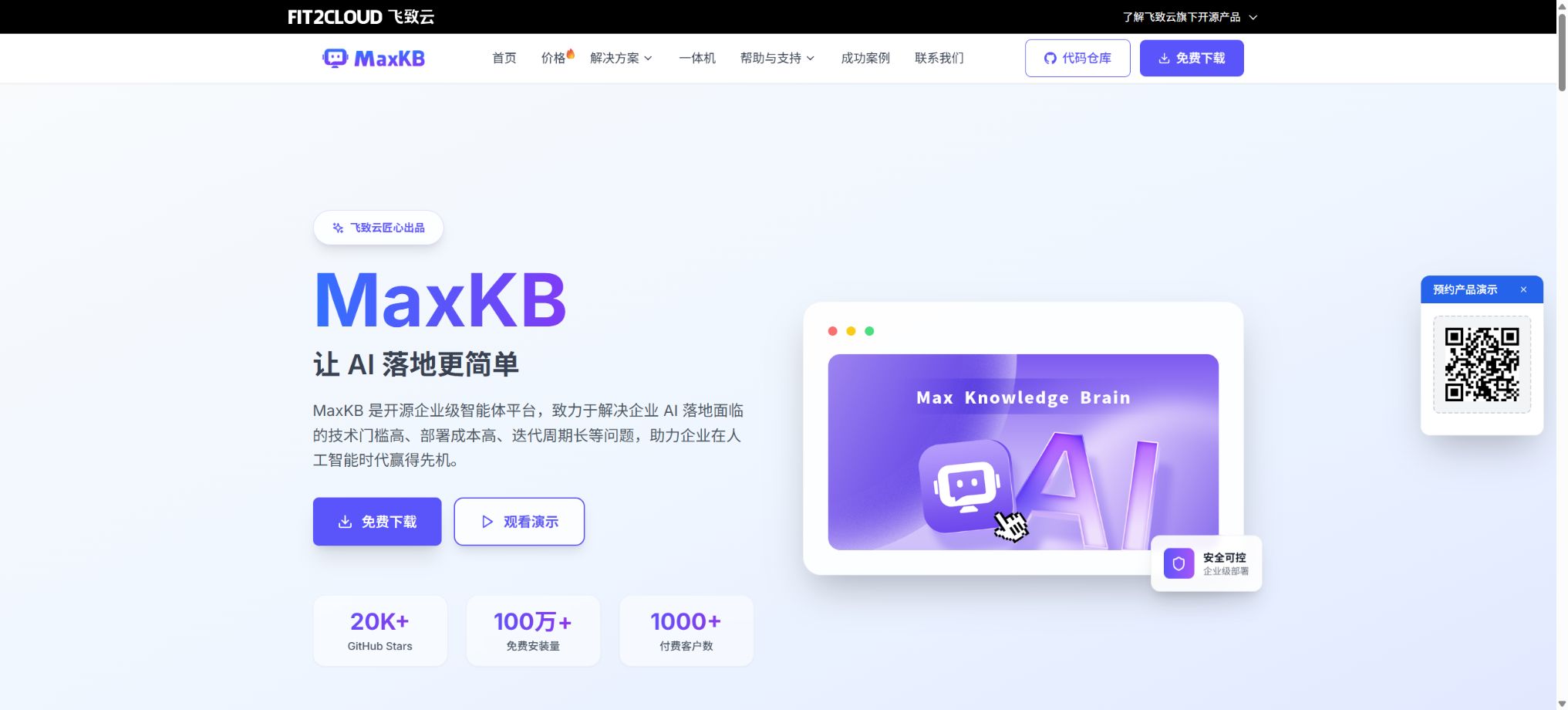
What is MaxKB?
MaxKB, whose full name is Max Knowledge Brain, is an open-source enterprise-grade agent platform developed by Feizhi Cloud. It integrates large model integration, knowledge base creation, RAG-based retrieval enhancements, visual workflow tools, tool invocation, and agent deployment into a single web-based system; it is primarily used for internal corporate knowledge querying, intelligent customer service, education and training, academic research, and business process automation.
MaxKB is not a self-developed general-purpose large model; rather, it is a platform that connects models with corporate data. Administrators can integrate public or private models such as DeepSeek, Qwen, Llama, OpenAI, Claude, and Gemini, upload internal documents, scrape websites, or orchestrate workflows, in order to create AI assistants that can be accessed publicly, embedded in business websites, or invoked through APIs.
Core functions
1. RAG knowledge base
The general knowledge base supports the uploading of files in formats such as Markdown, TXT, PDF, DOCX, HTML, XLS, XLSX, CSV, and ZIP. The system parses the text, segments it automatically, uses vector models to generate vectors, and stores these vectors in PostgreSQL and pgvector. When a user poses a question, the system first retrieves relevant sections of text, then passes those sections along with the question to a large language model to generate an answer, ensuring that the response is based on the company’s information.
Administrators can set segmentation rules, similarity thresholds, the number of results to retrieve, the sources to be cited, and hit testing criteria; they can also manage pairs of questions and answers. RAG helps reduce responses that lack a factual basis, but it cannot completely eliminate hallucinations.
Scans, complex tables, images, page headers and footers, as well as cross-page structures, may not be parsed completely; therefore, it is still necessary to check the original text for the key answers.
2. Web, Lark, and workflow knowledge base
In addition to offline files, MaxKB supports web site knowledge bases, allowing it to capture online documents and update them in real time; X-Pack also provides integration with Lark’s knowledge base.
The Universal, Web, and Lark knowledge bases can be converted into workflow knowledge bases, allowing for flexible arrangement of data source handling, content extraction, segmentation, and writing steps.
The workflow knowledge base can handle images, audio, and video: it first uses comprehension or transcription models to extract structured information, then combines the text with the paths of the original media files and stores them in segments, thereby creating a cross-modal retrieval process. The conversion of data in this knowledge base is an irreversible operation; once a web-based knowledge base has been converted, it loses its original synchronization mechanisms. It is therefore necessary to back up the workflow and verify it before carrying out such conversions.
3. Simple Agent
Simple intelligent agents are designed for standard knowledge-based Q&A scenarios. Users can create an assistant by selecting a large language model, using an associated knowledge base, writing system prompts, and setting an introductory message.
The prompt syntax allows for the use of reference questions and variables for searching content; it also enables control over multiple rounds of dialogue, the sources being cited, audio playback, details of execution, and the style of responses.
This mode is suitable for product manuals, employee policies, campus FAQs, and after-sales customer service; it does not require users to understand complex mechanisms. If the business involves multiple approval levels, external interfaces, form collection, or collaboration among various models, then advanced agents should be used.
4. Advanced Agents and Visual Workflows
Advanced agents combine various elements on a canvas, such as AI dialogue, image understanding, image generation, knowledge base retrieval, multiple retrieval methods, decision-makers, problem optimization, predefined responses, form collection, variable assignment, document extraction, speech recognition, speech synthesis, loops, functions, MCP, and other agents. The outputs of these nodes can serve as inputs for subsequent processes, making it possible to integrate business rules into AI workflows.
At the start of a conversation, users can choose a model or a knowledge base; they can also upload documents, images, audio, and video files for processing by subsequent nodes. The workflow provides details on debugging and execution, and before it is deployed, it should cover various scenarios such as normal operation, no matches found, model timeout, tool failures, reaching the maximum number of iterations, and sensitive input data.
5. Multiple recall and rearrangement
When a question involves multiple knowledge bases, it is possible to conduct searches separately first, and then use a reordering model to reassess the candidate segments, thereby improving the relevance of the final context. Tag-based searching also allows narrowing down the search range based on metadata such as department, product, or year, which helps to reduce the inclusion of irrelevant content in the suggestions.
The greater the number of samples used for recall, it does not necessarily mean better accuracy; it also increases the costs related to context and tokens. A test set should be created based on actual business problems, and parameters such as block length, vector models, rearrangement models, thresholds, and Top K should be evaluated – rather than judging performance solely based on demonstration tasks.
6. Model suppliers and multimodal capabilities
MaxKB supports cloud services such as OpenAI, Azure OpenAI, Anthropic, Gemini, DeepSeek, Alibaba Cloud BaiLian, Kimi, Zhipu AI, Baidu QianFan, and Silicon Flow; it can also connect to local inference services like Ollama. The available model types include large language models, vector models, rearrangement models, as well as those for vision, image generation, speech recognition, and speech synthesis.
The platform does not include the total amount of usage allowed for these models. Cloud models are typically charged based on the number of tokens or units of media generated by each provider, while local models require that one provide their own CPU, GPU, memory, and storage resources.
When adding a model, the official API address should be used; proxy addresses have access to API keys and conversation data.
7. Tools, MCPs, and Skills
The tool module allows for the writing and debugging of Python code, as well as the definition of startup parameters and inputs/outputs; it enables agents to query databases, call business interfaces, and compute or extract information. By separating the startup parameters from the workflow inputs, it becomes easier to hide sensitive keys.
The system also supports creating MCPs, Skills, data sources, import tools, as well as adding capabilities from the tool store.
MCP and custom Python tools may have access to the network, file systems, and databases, and they enjoy higher permissions than those of regular query systems. Before enabling them, it is necessary to review the code and its dependencies; read-only accounts or accounts with minimal permissions should be used, network exits should be restricted, and execution logs should be kept.
When the model decides on its own to invoke tools, it is also necessary to guard against prompt injection that may lead to unauthorized actions.
8. Triggers and automatic execution
Agents can be configured with scheduled triggers or Webhook event triggers. Scheduled tasks can run on a monthly, weekly, daily basis, at specific intervals, or using Cron expressions;
A Webhook generates a request address and a Bearer Token, allowing external systems to initiate workflows by providing relevant parameters.
Automatic tasks are suitable for regularly organizing data, generating daily reports, and handling business events. In a production environment, it is necessary to verify request signatures, rotate tokens, limit the frequency of operations, ensure idempotency, and set up alerts in case of failures, in order to prevent repeated executions from leading to additional costs associated with the models or abnormalities in business data.
9. Publishing, APIs, and web embedding
After an agent is released, a publicly accessible link is generated, and it can be embedded on third-party websites using code in full-screen mode, on mobile devices, or as a floating window – all without any coding required. The public Q&A page allows for copying, replying, providing feedback, sharing content, and exporting it in Markdown, HTML, PDF, or image format.
Each agent can create, enable, disable, and delete API Keys; external systems utilize these APIs to access Q&A capabilities. The platform also allows for setting limits on the number of questions a single client can ask, as well as defining a whitelist of allowed sources for embedding content.
Before official launch, authentication, rate limiting, key management, log anonymization, and alerts for model-related costs should be implemented.
10. Corporate collaboration and third-party office platforms
X-Pack offers multi-user support, workspaces, role-based permissions, resource authorization, shared knowledge bases/models/tools, operation logs, branding options, as well as login authentication mechanisms. In professional or enterprise environments, it can be integrated with LDAP, OIDC, CAS, OAuth2, SAML2, as well as login services via QR codes provided by WeChat Work, DingTalk, and Lark.
The agent integration feature allows connection to WeCom robots and agents, WeChat customer service, WeChat official accounts, DingTalk, and Lark, enabling employees or customers to ask questions and get answers directly within the office platform. The callback address, Token, encryption keys, and IP allowlists need to be configured in accordance with the rules of each platform.
Installation and private deployment
The most common method of deployment for the community version is Docker; the official image exposes the web service on port 8080 and stores data in the host’s directory. It is also possible to use offline installation packages or the 1Panel app store for deployment.
The technology stack includes Vue.js for the frontend, Python/Django for the backend, LangChain, as well as PostgreSQL and pgvector.
The default administrator account and password are available in public documents; they must be changed immediately after the first login, and HTTPS, a firewall, backup mechanisms, and least-privilege principles should be implemented. Before upgrading to a production environment, it is necessary to back up the database, the original files of the knowledge base, the model configurations, and the mounted directories.
The interface between V1 and V2 differs in some aspects, and the migration tools are also available in community version and professional version.
The MaxKB service can run on servers without a GPU, but when large models or multimodal models are deployed on the same machine, the hardware requirements are determined primarily by those models. For high concurrency levels, it is also necessary to take into account the number of database connections, vector retrieval capabilities, model throughput, file parsing queues, and object storage solutions.
Price and version
| Package or version | Prices, quotas, and core benefits |
|---|---|
| Professional Edition | The Professional Edition is currently available at a price of 48,000 yuan per set, with a permanent license; it is suitable for small and medium-sized enterprises. The Professional Edition includes one year of maintenance support, and the cost of maintenance starting from the second year is 9,600 yuan per year. It also offers upgrades to minor versions of the software. The manufacturer also provides integrated solutions in collaboration with hardware suppliers; the price listed on this verification page for the GB10 version is 99,000 yuan per unit, and this package includes the FusionXparkGB10 hardware, the Professional Edition of MaxKB, the Enterprise Edition of 1Panel, one year of maintenance for both software and hardware, as well as 5×8 technical support. |
| Enterprise Edition | For the Enterprise Edition, it is necessary to contact sales for a quote; it is designed for large organizations and offers features such as multi-tenant support, shared resources, cluster deployment, and 24/7 enhanced support. It also provides higher levels of response service, training, as well as remote or on-site maintenance. The manufacturer also offers integrated solutions in collaboration with hardware suppliers. The price listed on this verification page for the GB10 version is 99,000 yuan per unit, and this price includes the FusionXpark GB10 hardware, MaxKB Professional Edition, 1Panel Enterprise Edition, one year of software and hardware maintenance, as well as 5×8 support. |
| Community version | The community version is free and open-source, suitable for individuals and small teams. |
Community version
The community version is free and open-source, suitable for individuals and small teams. The official pricing page states that the V2 community version imposes no limits on the number of users, agents, or knowledge bases; it includes basic features such as knowledge bases, agents, workflows, MCP, and Skills. Technical support is primarily provided through community channels.
Professional Edition
The professional version is currently priced at 48,000 yuan per set, with a permanent license available for small and medium-sized enterprises. Each license allows for one deployment instance for a single end customer; it includes all the functions of the community version, advanced features from X-Pack, options for single-machine or backup deployment, as well as 5×8 hours of basic support.
The Professional version includes one year of maintenance; from the second year onward, the maintenance cost is 9,600 yuan per year. It also provides updates to minor versions of the software. A permanent license grants the right to use the software in its purchased version, but it does not mean that subsequent maintenance, upgrades, model tokens, cloud resources, or customized implementations will be free forever.
Enterprise Edition
For the enterprise version, it is necessary to contact sales for a quote; it is intended for large organizations and offers features such as multi-tenant architecture, shared resources, cluster deployment, and 24/7 enhanced support. It also provides higher levels of response service, training, as well as remote or on-site maintenance. When making a purchase, it is important to clarify the number of instances, the deployment architecture, the maintenance period, the scope of upgrades, the SLAs, and whether data migration and custom development are included in the contract.
All-in-one machine
The authorities also offer integrated solutions in partnership with hardware manufacturers. The pricing displayed on the verification page for version GB10 is 99,000 yuan per unit, and this price includes the FusionXpark GB10 hardware, the MaxKB professional version, the 1Panel enterprise version, one year of software and hardware maintenance, as well as 5×8 technical support. This price applies to specific configurations and promotions only, and it should not replace the official price of the professional software version.
GitHub and open-source licenses
The official code repository for MaxKB is located in the 1Panel-dev organization, with version V2 being under ongoing maintenance. Vue.js is used for the front end, while Python and Django are used for the back end.
The project is licensed under the GNU General Public License v3.0, which permits running, studying, modifying, and distributing it under the terms of the license.
It is necessary to distinguish between community code under GPL-3.0 and the commercial enhancements provided by X-Pack. Companies that modify the software, create commercial versions of it, or integrate proprietary modules must consider their obligations under the GPL license.
When purchasing the professional version, it is necessary to follow the provisions outlined in the commercial licensing documents; one cannot assume the right to redistribute it solely based on the functions listed on the website.
MaxKB Usage Guide
Complete a basic task.
- Clarify the issue, time frame, location, source priority, and output format;
- Upload materials for which you have permission to use in MaxKB, or enter a search query;
- First, establish a framework using the RAG knowledge base, and then supplement it with evidence through Web, Lark, and workflow knowledge bases.
- It is necessary to distinguish between factual information from the source, the author’s opinions, and AI-generated conclusions.
- Check each item for dates, numbers, the original location, and any conflicting evidence;
- The conclusions are manually revised, the verification time is recorded, and then they are published;
Create reusable professional workflows
- Break down complex topics into four categories of questions: background, data, comparison, and conclusions;
- A fixed set of research steps is established by combining the RAG knowledge base, the Web, Lark, the workflow knowledge base, and simple agents.
- Give priority to using the official website, research papers, regulatory documents, and raw data;
- A second person is assigned to review conclusions that are considered high-risk;
- Save queries, evidence, versions, and unresolved issues;
- Re-run after the data changes and update the conclusions;
Safety and operational considerations
- Public knowledge bases, access links, and APIs may expose fragments of internal documents;
- Before going live, it is necessary to configure identity authentication, resource authorization, an allowlist of permitted sources, the validity period and rotation of API keys, file download policies, log retention rules, and rules for sensitive words.
- The permission to download the original text from the knowledge base must be consistent with the access rights for business use.
- The official version for 2026 fixed the issues related to the plaintext transmission of password reset requests, as well as the SSRF risks posed by the callback addresses used in workflow templates, which shows that security updates must also be applied continuously in cases of private deployment.
- Do not consider \"deployment on the internal network\" as an indication that no patches are needed;
- It is also necessary to restrict container permissions, database ports, and network access for tools;
- Model and vector services handle problems and retrieve segments;
- Before using public APIs, it is necessary to review the supplier’s policies regarding data retention, training, location, and compliance.
- For strictly confidential data, local modeling, data masking, auditing, and network isolation should be considered;
Which users is it suitable for?
- Form a team responsible for establishing corporate systems, products, after-sales support, and answering questions related to technical documentation;
- Small and medium-sized enterprises that need to deploy RAG knowledge bases and AI customer service solutions on a private basis;
- Developers who wish to connect models, knowledge bases, and business APIs through visual workflows;
- Organizations that need to integrate an AI assistant into WeCom, DingTalk, Lark, or their website;
- Users who wish to control the flow of data using Ollama and local models;
- Large enterprises that require a workspace, role-based permissions, multi-tenant capabilities, and cluster support.
Product advantages
- The community version is free and open-source; V2 imposes no limits on the number of users, agents, or knowledge bases.
- It can be adopted gradually, from simple RAG Q&A to complex Agent workflows;
- Compatible with domestic and international cloud models as well as Ollama’s private models;
- Supports documentation, websites, Lark, and a knowledge base for multimodal workflows;
- Integrates MCP, Skills, Python tools, and triggers;
- Supports zero-code embedding via public links, APIs, and web pages;
- The Professional and Enterprise versions offer localized solutions, permission controls, and original manufacturer support.
Restrictions and Precautions
- MaxKB reduces the barriers to setting up RAG and agents, but model selection, data cleaning, segmented evaluation, permission management, and operation and maintenance still require professionals.
- The fact that there is no limit on the number of knowledge bases does not mean that disk space, concurrency, and vector retrieval performance are unlimited as well.
- The functional boundaries between the Community version and X-Pack change with each new version, and the limits on the number of users or applications mentioned in the older brochures should not be applied to V2.
- Before deployment, upgrading, or procurement, it is necessary to refer to the current version comparison page, release notes, and license terms.
Frequently Asked Questions
Is MaxKB free?
The community version is free and open-source, and version V2 has no limits on the number of users, agents, or knowledge bases; the cloud model API, servers, professional version, enterprise version, and original services require additional payment.
How much is the professional version of MaxKB?
The current price on the official website is 48,000 yuan per set for a permanent license, including one year of maintenance; from the second year onwards, the maintenance cost is 9,600 yuan per year.
Each set corresponds to one deployment instance for an end customer.
Can MaxKB be deployed privately?
Yes. It supports deployment via Docker, offline packages, and 1Panel, and it is also possible to connect to Ollama or other private models.
In a production environment, HTTPS setup, backup, security upgrades, and monitoring must be carried out manually.
Does MaxKB support API and website embedding?
Supported. Agents can generate API keys and public links; they can also be embedded in third-party web systems using full-screen, mobile, or floating-window code.
What is the relationship between MaxKB and large models?
MaxKB is an agent and knowledge base platform, rather than a basic large model. It connects to public or private models chosen by users, and enhances the responses using corporate knowledge bases and tools.
What open-source license does MaxKB use?
The community version is licensed under GPL-3.0; X-Pack and commercial support come with separate licenses.
Before secondary distribution or commercial integration, the license and contract should be checked separately.
Tools similar to MaxKB





 Guigong Network Security Registration No. 45132202000164