






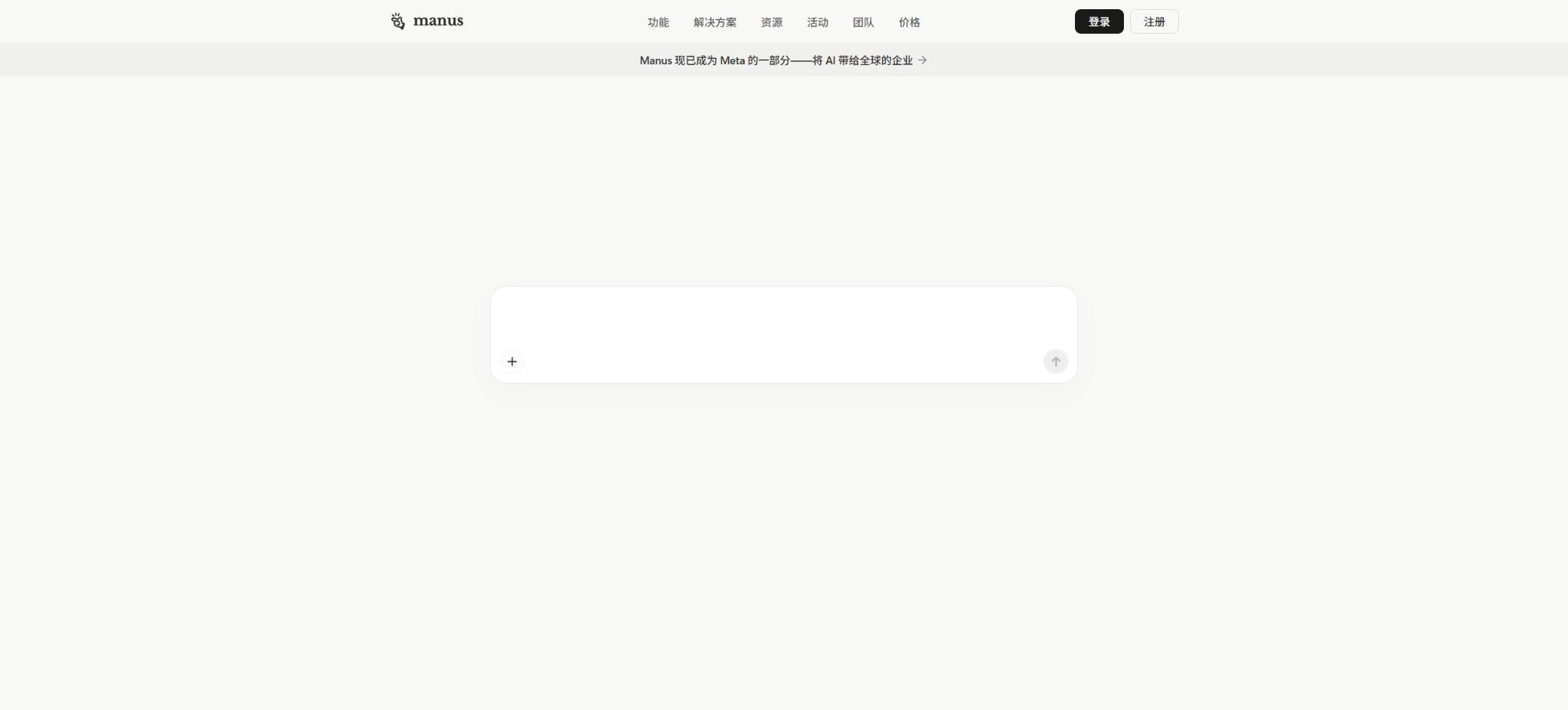
What is Manus?
Manus is a general-purpose AI agent that can plan and execute complex tasks in the cloud. It differs from chatbots that only generate text: after the user specifies a goal, Manus can break down the tasks into steps, browse websites, run code, process files, utilize various tools, and deliver reports, tables, slides, web pages, or executable applications.
The task is executed in an independent cloud sandbox; it can continue to run even after the user closes the page, and it is possible to view its progress, take control of the browser, or provide additional instructions at key stages.
Manus was initially launched by a startup team, and in December 2025 it was announced that it would join Meta; the existing Manus services continue to operate and be improved.
The current main product is Manus 1.6; paid users can use 1.6 Max, 1.6, and 1.6 Lite, while free users can use Chat Mode as well as 1.6 Lite in Agent Mode.
Phrases commonly found in the catalog, such as “Beta version available with an invitation code,” “Starting at $39 per month,” and an introduction to Manus 1.0, no longer reflect the current state of the product.
Core functions
- Autonomous task execution:Plans are formulated based on objectives; operations are carried out sequentially among web pages, code environments, and file systems, with intermediate results saved in a task space. It is suitable for tasks that involve multiple steps, such as competitor research, listing compilation, data analysis, travel planning, and information aggregation.
- Manus 1.6 model gears:1.6 Max is designed for tasks that require high levels of complexity, intricate reasoning, and high-quality results; it takes into account capacity, speed, and the amount of points consumed. 1.6 Lite is faster and uses fewer points, and it is also the execution model available in the free Agent Mode. Chat Mode is intended for real-time conversations and does not represent full cloud-based execution.
- Wide Research:The main intelligence system breaks down batch tasks into individual sub-tasks for parallel processing, after which the results are compiled into tables, datasets, or reports. The official mechanism can handle up to 20 sub-tasks at the same time, with a limit of 50 points per sub-task; it is triggered automatically by the system among appropriate tasks, and users cannot initiate it manually via buttons. Currently, this feature is available only to paid users.
- Cloud browser:Access websites, click on elements, fill out forms, retrieve data, and complete multi-page processes within an isolated cloud browser. Users can also log in to their accounts using cloud sessions, but supervision is required at all times when dealing with payments, public publications, or sensitive systems.
- Browser Operator:Special tabs in local Chrome or Edge can be managed through browser extensions, which allow tasks such as working with CRM systems, email, and member databases to be carried out using the user’s existing login credentials. Authorization is required for each session, and users can take control of or close these tabs at any time; the official documentation states that passwords are not saved.
- Files, code, and data analysis:It can read documents, PDFs, tables, and structured data; it allows code to be written and executed in a sandbox environment, enabling tasks such as data cleaning, calculations, visualization, and interpretation of results. The outputs can be formatted as reports, interactive dashboards, web pages, or presentations.
- Manus Slides:Complete slides are created based on the theme, materials, or analysis results, including structure, text, charts, visual design, and presentation notes; the elements that have been generated can be further edited and exported for use in presentations. Complex templates, brand-specific fonts, and numerical charts still require manual review.
- Website and app creation:It allows for creating prototypes of websites, tools, or mobile applications using natural language; it supports visual adjustments in Design View, deployment, custom domain names, built-in SEO functions, as well as testing for sharing the application. It is suitable for prototypes and lightweight business applications, whereas formal production systems still require scrutiny with regard to code, security, payment processes, and data storage.
- Projects and knowledge context:Projects allow for the saving of main instructions, files, and knowledge materials, so that subsequent tasks can inherit the same background information, thereby reducing the need for repeated explanations. Projects are available in all packages; teams can share project configurations, but by default members only see the tasks that they have created themselves.
- Scheduled tasks and connectors:It is possible to schedule research, monitoring, and reporting tasks to run once, daily, weekly, or monthly, and it can be integrated with external services such as Google Drive, Notion, and Slack. The free version allows up to 2 scheduled tasks, while the paid version permits up to 20; scheduled executions still consume credits.
- Real-time collaboration:The task owner can invite colleagues to view, provide feedback on, and make changes to the same task, thereby avoiding the need to exchange multiple versions of the file. Only the task owner’s credits are used during collaboration; once the first collaborator joins, the sandbox login cookie is deleted to reduce the risk of credential leakage.
Prices for the free version, Pro version, and team version
Manus uses a billing system that combines free credits, subscription points, and additional points. These points are primarily used for accessing large model tokens, cloud virtual machines, performing browser and file operations, as well as making calls to third-party APIs.
Continuing to save or maintain the deployment after a task has been completed generally does not result in ongoing point deductions.
The current official dollar rate and related rights are as follows:
| Package or version | Prices, quotas, and core benefits |
|---|---|
| Free | $ |
| Pro 4000 | Starting at $20 per month, with a discount of about 17% when paying annually; 4,000 points per month, including 1.6 Max, 1.6 and Lite, advanced research, professional website deployment, Slides and Wide Research, as well as up to 20 concurrent tasks and 20 scheduled tasks. |
| Pro 8000 | Starting at $40 per month, a 7-day trial period is available; an annual payment offers a discount of around 17%. There are 8,000 points per month, and the advanced features as well as the number of concurrent tasks are similar to those in the higher tier, making it suitable for more frequent tasks. |
| Team | $ |
The monthly subscription points are reset at the end of the billing cycle. Free points, on the other hand, do not expire.
The points refreshed daily are subject to the daily and monthly spending limits; event points have their own expiration date.
Only the highest-tier paid subscriptions allow the purchase of additional points, which can be carried over as long as the subscription remains valid; they become invalid temporarily once the subscription is downgraded to the free version. The order in which points are deducted is usually: campaign points, daily points, monthly points, additional points, and free points.
For tasks that fail due to technical issues on the platform itself, the corresponding points will be refunded; an unsatisfactory result does not necessarily mean there was a system failure.
APIs and developer capabilities
Manus offers REST APIs that enable developers to create tasks, check their status, retrieve results and files, and integrate the capabilities of these agents into their own products or backend processes. The API uses key-based authentication, making it suitable for bulk processing, content handling, and internal automation.
The scope of access to APIs, rate limits, quotas, and billing practices are not always exactly the same as those for regular website subscribers; it is necessary to check the real-time eligibility and pricing information in the control panel before integrating them, and one should not assume that unlimited usage is available once a Pro account is purchased.
Is Manus open source?
The Manus platform, the 1.6 model, the cloud sandbox, Browser Operator, and the full agent system are not open-source products; the developers have not made available the model weights and source code needed to replicate the Manus service locally. OpenManus on GitHub is maintained by an independent open-source community; it is a alternative project inspired by the concept of Manus, and it is not the official client or the official open-source version.
The catalog should label Manus as a proprietary cloud service; it should not be classified as open source just because the name of a third-party project is similar.
Supported platforms
Manus can be used via the web, and there are versions available for iPhone, iPad, and Android devices; Browser Operator currently recommends Chrome and Edge.
On mobile devices, it is possible to initiate, view, and track tasks in the cloud, but local browser control still requires a desktop browser to remain connected.
The availability of models, payment options, connectors, APIs, and app stores may vary depending on the region, account, and plan.
Manus usage tutorial
Complete a basic task.
- Clarify the code tasks to be completed in Manus, the scope of the repository, and the acceptance criteria.
- Connect to or import the test project, and first back up the current branch;
- First, generate a plan using autonomous task execution, and then verify the modified files;
- Make minor adjustments using the Manus 1.6 model version;
- Run tests, static checks, and builds; unverified code is not accepted directly.
- Manually check permissions, keys, dependencies, and handle exceptions before merging;
Create reusable professional workflows
- Select a low-risk, real-world project as a template;
- Fix the order of executing autonomous tasks, using the Manus 1.6 model settings, and applying Wide Research;
- Record the environment, model, prompts, and failure conditions;
- Set up manual approval for write, deploy, and delete actions;
- Compare speed, cost, test pass rate, and the amount of rework;
- Expand to a team or production environment only after stability has been verified;
Which users are it suitable for
- Consultants, market and investment professionals who need research from multiple sources, comparison of competing products, selection of suppliers, and the consolidation of large amounts of information.
- Operations and analysis teams that wish to convert data files into charts, dashboards, reports, or slides;
- Product managers and developers who need to create websites, internal tools, prototypes, or automated processes quickly;
- Teams that need periodic news summaries, price tracking, organization of sales leads, and regular reports;
- Individual users who hope that AI will not only provide suggestions but also actually carry out web operations and deliver files.
Usage restrictions and safety precautions
- Manus is capable of carrying out actual operations, but it may make mistakes in planning, web page recognition, data comprehension, coding, data calculation, and referencing.
- Parallel processing in WideResearch can improve batch efficiency, but it may also cause the same error to spread to multiple sub-tasks.
- Before formal delivery, it is necessary to conduct random checks on the original documents, formulas, dates, consistency of details, and any duplicate entries;
- Results generated by websites and applications require testing for dependencies, security, mobile compatibility, accessibility, SEO, and performance.
- CloudBrowser and BrowserOperator may have access to logged-in accounts, emails, CRM systems, and payment databases;
- Only necessary sites should be authorized to use accounts with limited permissions, and manual confirmation is required for sending emails, submitting forms, making payments, deleting data, publishing content, and modifying settings in the production system.
- Do not deliver passwords, keys, customer privacy information, unpublished financial data, or documents subject to confidentiality agreements to unknown connectors or third-party services;
- The amount of points consumed varies depending on the task length, the model level, the browser settings, the code execution process, and third-party APIs; therefore, it is not possible to determine a fixed cost for a single task.
- For complex tasks, it is advisable to first test the prompts with a smaller sample size, and then expand to WideResearch; this can help reduce the need for rework and unexpected charges.
- Scheduled tasks initiated from mobile devices or in the background should also have defined ranges, frequencies, and conditions for cessation.
Frequently Asked Questions
Can Manus be used for free?
Yes. The free version updates 300 points per day; a maximum of 1,500 points can be used per month. It is primarily designed for 1.6 Lite, and it supports 1 concurrent task as well as 2 scheduled tasks.
The Max model, Wide Research, and higher concurrency require Pro or Team.
How much is Manus Pro?
The current pricing for the two individual Pro plans is 20 dollars per month and 40 dollars per month, respectively; these rates correspond to 4,000 and 8,000 points per month. There is a discount of about 17% when paying annually, and the premium plan includes a 7-day trial period.
Regional taxes, promotional prices, and the currency used for settlement are as specified on the payment page.
What is the difference between Wide Research and regular in-depth research?
Traditional research relies on a single agent carrying out continuous searches and analyses; Wide Research, on the other hand, divides a large number of similar items among multiple independent sub-agents for parallel processing, with the results being combined later. This approach is more suitable for conducting batch comparisons of dozens of companies, products, or datasets.
Can Manus navigate to the websites I am already logged into?
It is possible to use existing sessions of Chrome or Edge on the local device through the Browser Operator, or you can log in via the Cloud Browser. Authorization is required for each instance of local control, and human supervision should be maintained when performing sensitive or irreversible operations.
Is Manus open source?
No. The full Manus products and models are proprietary cloud services;
OpenManus is an independent community project; it is not the official open-source version of Manus.
Tools similar to Manus





 Guigong Network Security Registration No. 45132202000164