






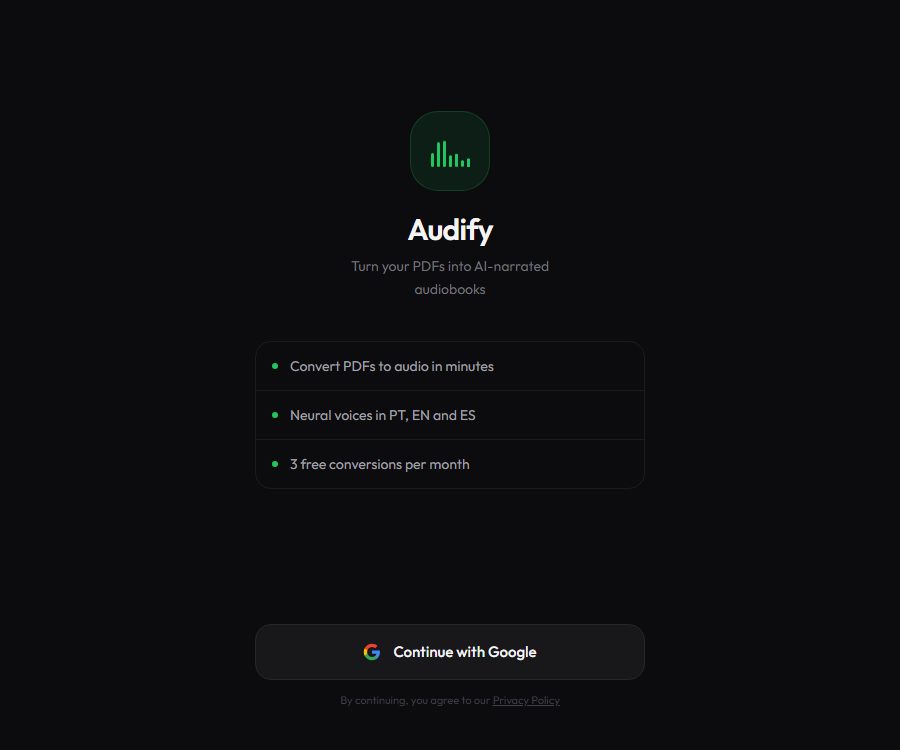
Audify
Audify: makes it more efficient and simpler to use AI plugins alongside Skills.
Tags:Plugins and SkillsWhat is Audify?
Audify is an online tool that converts PDF files into audio books with AI-generated narration. After a user uploads a PDF, the system extracts and organizes the text, and then uses neural speech synthesis to create MP3 files that can be played and downloaded.
As of August 26, 2026, the product orientation of the official website has changed. The Chrome extension with the same domain name from 2024 offered functions such as summarizing selected text, answering questions, and reading aloud; however, these functions are no longer considered part of the official capabilities of the Audify service today.
The main functions of Audify
PDF text extraction
The platform first reads the PDF and extracts the readable text, then reorganizes its structure for reading aloud. PDF files with native text are usually more stable; scanned documents, complex tables, and multi-column layouts may have errors in their order.
AI audiobook generation
The formatted text is converted into narration using neural voice synthesis, making it suitable for turning study materials, reports, and e-books into audible content. It is not a complete system for creating full-length audiobooks; it does not handle professional directing, music composition, or sentence-by-sentence audio editing automatically.
Three types of narration languages
The current application supports Portuguese, English, and Spanish. The system generates audio based on the language selected; however, the website does not provide a clear confirmation regarding whether PDF files in different languages are automatically translated.
Male and female voices
Free users can use the male voices Andrew or Antônio; the exact name displayed depends on the language of the interface. The Premium version adds the female voices Jenny or Francisca.
MP3 download
After the conversion is complete, the MP3 file can be played online and downloaded. The page will also indicate that the file might have expired, so it is necessary to save the audio as soon as the task is finished.
Conversion status notification
The application indicates three stages: reading PDFs, processing standard text, and generating audio, and it provides notifications regarding the conversion status. Users can turn off these notifications, but long documents still require processing in the background.
Log in with a Google account
Audify uses Google login to create and manage accounts. The number of free uses, subscription status, and conversion limits are linked to the account; it is not possible to complete the entire process anonymously.
Audify usage guide
- Log in using your Google account and check the remaining number of free conversions.
- Choose PDF files with clear text and whose copyright permits use.
- Delete identification documents, unpublished business information, and other sensitive data before uploading.
- Choose the narration language: Portuguese, English, or Spanish.
- Choose from available male voices; Premium users can also select female voices.
- Start the conversion and wait for the three steps: reading, text processing, and speech generation.
- Play the beginning, middle, and end sections to check for any errors in page headers, page numbers, tables, and line breaks.
- Download the MP3 as soon as you confirm that the audio is correct, to prevent the temporary files from becoming invalid.
- Verify the copyright license for the PDF and the generated speech before public or commercial use.
Methods to improve generation quality
- Priority should be given to PDF files that contain copyable text, rather than low-resolution scanned copies.
- Remove duplicate headers, footers, page numbers, and unnecessary table of contents characters.
- Materials with many tables and formulas should first be converted into prose suitable for reading aloud.
- Check the pronunciation of abbreviations, numbers, foreign names, and technical terms.
- Long files can be split into chapters, which facilitates re-generation and the identification of errors.
Which users are it suitable for
- Students who wish to listen to learning materials while commuting or exercising.
- Knowledge workers who need to convert reports and e-books into audio.
- Users who are more accustomed to auditory learning or need assistance with reading.
- The corporate team responsible for creating the initial draft of the internal training audio.
- Readers who need to quickly listen to materials in Portuguese, English, and Spanish.
The advantages of Audify
- The process consists of three main steps: uploading the PDF, selecting the audio, and downloading the MP3.
- The free version includes 3 conversions per month, allowing you to test its performance first.
- It also supports neural voices in Portuguese, English, and Spanish.
- Premium offers unlimited conversions, 100MB file size, and priority handling.
- The privacy policy clearly states that PDFs are used only for temporary processing.
- Web applications can be adapted for desktop and mobile browsers.
Usage restrictions and precautions
- Only PDF is explicitly supported; EPUB, Word, or web pages cannot be uploaded by default.
- Scans and complex layouts may result in failed extraction or chaotic reading order.
- The three narration languages do not equate to automatic translation into those three languages.
- Unlimited conversions may still be affected by fair use policies, server capacity, and file limitations.
- The generated audio may misread numbers, references, abbreviations, and technical terms.
- The summaries, FAQs, APIs, and historical features of older Chrome extensions cannot be applied to the current version of the product.
- Uploading copyrighted books and distributing their audio content may constitute copyright infringement.
Audify membership prices
The following are the current public prices for the Brazilian real as of August 26, 2026. The annual subscription costs R$
| Plan | Price | Conversion limit | Files and sounds | Other equity interests |
|---|---|---|---|---|
| Free | 0 | 3 times a month | Limits on the base file: male voice | Standard processing; ads may be displayed. |
| Premium monthly payment | R$ | No restrictions on conversion | Up to 100MB, with the option to add a female voice. | Priority queue, no ads |
| Premium annual payment | R$ | No restrictions on conversion | Up to 100MB, with the option to add a female voice. | This amounts to R$ |
The English interface shows that the annual payment amounts to $5.83, with a indication of a 41% savings; however, the price is displayed in Brazilian reais in the plan selector. Users in different regions should refer to the prices shown on their own payment pages and on Google Play.
Data and Privacy
The privacy policy was last updated on June 10, 2026. The platform collects names, email addresses, and profile pictures through Google login, and it keeps track of the number of conversions as well as the subscription plans used.
The uploaded PDF is processed temporarily on the server; according to the policy, the audio generated is deleted automatically and the content of the PDF is not stored permanently. Account data is saved in Google Firestore, with transmission and static encryption being used.
Third-party services
- Google Firebase is used for authentication and storing user data.
- Google Cloud Text-to-Speech is used to generate neural speech.
- Stripe is used for web-based payments.
- Google Play Billing is used for payment in Android applications.
- RevenueCat is used for cross-platform management of subscriptions.
Even if the files are not stored permanently, they are still transmitted to servers and voice service providers during processing. Confidential, medical, legal, and customer-related documents should first have their sensitive information removed, and it is necessary to ensure that the organization permits the use of third-party cloud services.
Is Audify open source?
No official public source code repository for the GetAudify PDF-to-audio-book service has been identified; therefore, it should be considered a closed-source online product. There are several projects on GitHub with the same name related to Audify audio and e-books, but there is no evidence linking them to the operators of this website.
Frequently Asked Questions
Can Audify be used for free?
Yes. A free account allows 3 conversions of PDF to audio per month; after that, one must wait for the quota to be refreshed or upgrade to Premium.
Which languages is Audify compatible with?
The current application explicitly supports Portuguese, English, and Spanish subtitles, but it does not offer any guarantee of automatic translation for PDF files.
How much is Audify Premium?
In Brazil, the current price is R$
Does Audify save the uploaded PDFs?
The privacy policy states that PDF files are processed only temporarily and are automatically deleted after audio is generated; the content of the documents is not stored permanently.
Does Audify also have a Chrome summary plugin?
The Chrome Store still offers the old GetAudify extension from 2024, but the official website now provides a PDF audiobook service; it is not certain whether the old plugin is still being maintained.
Is Audify an open-source tool?
No official source code for the current service has been identified. The GitHub project with the same name does not have any verifiable connection to this website, and therefore cannot be used as evidence of its open-source nature.
Tools similar to Audify




 Guigong Network Security Registration No. 45132202000164