






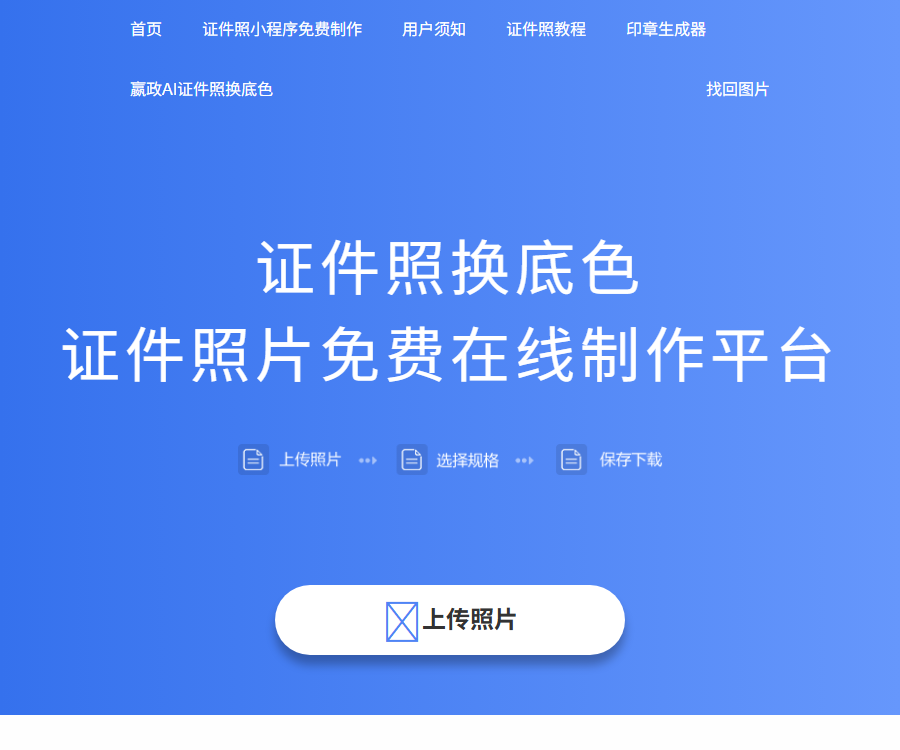
Ying Zheng AI ID photo
With clear size specifications, detailed shooting guidelines, and convenient online tools, it addresses the issues faced by users – such as the time and cost associated with traditional ID photo taking, as well as the need for specialized skills to make adjustments to those photos. It meets the core needs of students, professionals, and those preparing for exams like civil service or postgraduate entrance tests, etc.
Tags:AI learning websitesWhat is Ying Zheng’s AI-generated ID photo?
Ying Zheng AI ID photo is an online tool for creating ID photos, allowing for cropping, changing the background color, and altering clothing in the browser.
It is suitable for temporarily creating photos for applications, resumes, social security purposes, as well as photos that meet the standards required for various official documents.
Main functions
- Upload lifestyle photos and identify the subjects in them.
- Automatically crop photos according to the document specifications.
- Switch between common background colors such as red, blue, and white.
- Select the templates for men’s clothing, women’s clothing, and children’s formal wear.
- Sizes of one inch, two inches, and more are available.
- Output high-resolution ID photos at 300DPI.
- Download watermark-free photos.
- It can be used via a web page or a WeChat mini-program.
Common sizes
| Specifications | Page dimension labeling | Common uses |
|---|---|---|
| One inch | 25×35 millimeters | Registration, resumes, and ID cards |
| Two inches | 35×49 millimeters | Submission of documents and materials |
| Small two inches | 35×45 millimeters | Scenarios such as passports and visas |
| One inch | 33×48 millimeters | Some exams and certificates |
| Social insurance | 26×32 millimeters | The page is marked as 300DPI and there is no receipt. |
| One inch smaller | 22×32 millimeters | Some certificates and registrations |
For the same specification, different institutions may have variations in pixels, file size, and header proportions; it is necessary to read the relevant instructions carefully before submitting.
Preparations for shooting
- Give priority to using the rear camera for shooting.
- Choose a location where the lighting is even and there is no backlighting.
- Keep the camera at roughly the same height as your eyes.
- The head is centered and the shoulders are visible.
- The eyebrows, eyes, ears, and face are unobstructed.
- Face the camera and maintain a natural expression.
- Take the photo in front of a solid-colored wall.
- The color of the clothing should contrast with the background.
Usage tutorial
- Check the photo guidelines for registration or certification agencies.
- Prepare an original front-facing bareheaded photo in accordance with the shooting guidelines.
- Enter the tool and select the desired document specifications.
- Upload a clear photo of yourself with no obstructions.
- Wait for the system to recognize the face and generate a preview.
- Select the desired red, blue, or white background.
- Select the appropriate formal wear template when needed.
- Check the top of the head, chin, shoulders, and edges.
- Download high-resolution photos without watermarks.
- Check the pixels, DPI, format, and file size.
- Preview it on the target system before submitting it officially.
Change background color
Changing the background color separates the figure from the background, after which the desired color can be applied.
- The simpler the background of the original image, the more natural the edges usually are.
- Hair, glasses, and transparent accessories tend to have frayed edges.
- White clothing on a white background can result in an unclear shoulder contour.
- The background color should use the value specified by the organization.
- Check the hair, ears, and collar closely before submitting.
AI to change into formal attire
The outfit-swapping feature provides templates for men’s, women’s, and children’s clothing, allowing you to replace the upper garment in the photo.
Templates only improve the visual appearance; they cannot replace actual uniforms, professional attire, or specific dress codes.
- Select a template that matches the age, scenario, and identity.
- Check whether the connection between the collar and the neck is smooth.
- Avoid significant distortions in shoulder width, body shape, and posture.
- Do not add unqualified uniforms or identifiers.
- In scenarios that require strict verification of documents, it is preferable to use genuinely photographed clothing.
Photo quality inspection
| Project | Inspection contents | Frequently Asked Questions |
|---|---|---|
| Clarity | The facial features and contours are clear. | Blurring, compression, and over-sharpening |
| Light | Even facial exposure. | Shadows, reflections, and backlighting |
| Posture | Look straight at the camera with the head held upright. | Tilting, profile view, and shoulder shrugging |
| obstruction | Key areas of the face are visible. | Hair, glasses, and accessories block the view. |
| Background | The color and purity meet the requirements. | Miscellaneous elements, color differences, and remnants from image cropping |
| Size | Pixels, proportions, and DPI are correct. | Focusing only on millimeters while ignoring pixels |
| file | The format and capacity comply with the requirements. | The file is too large or its format is not supported. |
Precautions for different scenarios
| Scene | Focus on verification |
|---|---|
| Exam registration | Recently taken, pixels, capacity, and background color |
| Passport visa | Head proportions, expressions, shading, and national standards |
| Social security photo | Specify size, DPI, and whether a digital receipt is required. |
| Job application resume | Natural appearance, clarity, and moderate retouching |
| Professional certificates | Clothing, requirement for bareheaded photos, and file naming |
| Identity documents | It is necessary to follow the collection rules set by the competent authority at the site or as designated. |
Free and priced
The information below was verified on August 31, 2026; the official website indicates that this tool can be created for free.
| Project | Public price | Explanation |
|---|---|---|
| Create online | Free | No information regarding pay-per-use fees was found. |
| Change background color | Free | Common background colors can be selected. |
| Put on formal clothes. | Free | Multiple templates for men, women, and children are available. |
| HD download | Free | Officially claimed to be 300DPI with no watermark. |
| WeChat Mini Program | Free | The specific functions are subject to the real-time page of the mini-program. |
No members or paid plans are available at the moment; future features, quotas, and download rules will be subject to those specified on the actual operation page.
Platform and usage methods
| Platform | Support status | Explanation |
|---|---|---|
| Computer web pages | Support | Suitable for uploading, editing, and downloading |
| Mobile website | Support | You can use phone photos directly. |
| WeChat Mini Program | Support | The name shall be as displayed on the official page. |
| Independent client | No findings yet. | There is no need to create installation software for the base. |
Privacy and photo security
Portrait photos are considered sensitive personal information; before uploading them, it is necessary to determine the purpose of use, the manner in which they will be processed, and the duration for which they will be stored.
Official articles state that the content will be automatically deleted once processing is complete, but no clear and complete official privacy policy text was found.
- Do not upload scanned copies of documents containing ID numbers.
- Try to remove any irrelevant characters and background information.
- Do not leave downloaded files on public devices.
- After completion, clean up the browser’s download and cache records.
- Photos of minors should be handled with care by their guardians.
- For scenarios requiring high sensitivity in document processing, traditional offline collection points can be used.
API and open-source status
| Project | Current public status | Explanation |
|---|---|---|
| Public API | No findings yet. | There are no available official integration documents. |
| API price | Not yet made public | The prices of other ID photo services cannot be referenced. |
| Official GitHub | No findings yet. | Warehouses of the same type do not represent this product. |
| Complete product source code | Not open source | Being available for free online does not mean it is open source. |
Review restrictions
- AI-generated photos do not necessarily pass the approval process.
- Different organizations may use various standards for face detection.
- Excessive beautification or costume changes can alter one’s true appearance.
- Social security photos do not necessarily include a digital receipt.
- Even if the name of the document is the same, different pixel requirements may apply.
- Passports and visas must comply with the latest regulations set by the authorities in charge.
Frequently Asked Questions
Are AI-generated ID photos for Ying Zheng free?
As of August 31, 2026, the official website states that online creation, color changes, theme swaps, and high-resolution downloads are available free of charge.
What sizes are supported for Ying Zheng AI ID photos?
The page lists 1 inch, 2 inches, half 2 inches, 1.5 inches, social security size, and half 1 inch, and offers the option to search for other sizes as well.
Can the background of the photo be changed to red, blue, and white?
Yes, the tool supports common background colors, but the final color value should be chosen in accordance with the requirements of the organization handling the registration or issuance.
Can Ying Zheng’s AI-generated ID photos be changed to show formal attire?
Yes, the page offers templates for men’s clothing, women’s clothing, and children’s clothing; however, in situations that require a formal appearance, it is still recommended to use actual clothing.
Will the generated photos definitely pass the approval?
No guarantee can be provided; the user still needs to check the pixels, DPI, background, header ratio, file format, and organizational rules.
Does the social security photo include a digital receipt?
The home page clearly states that the social security image should have a resolution of 300 DPI and no receipt should be included; if a receipt is required, the designated collection channel must be used.
Is Ying Zheng AI ID photo a open-source tool?
No, no official GitHub repository or public API documentation for this product has been found at present.
Tools similar to Ying Zheng AI for generating ID photos

 Guigong Network Security Registration No. 45132202000164