






MagicSchool
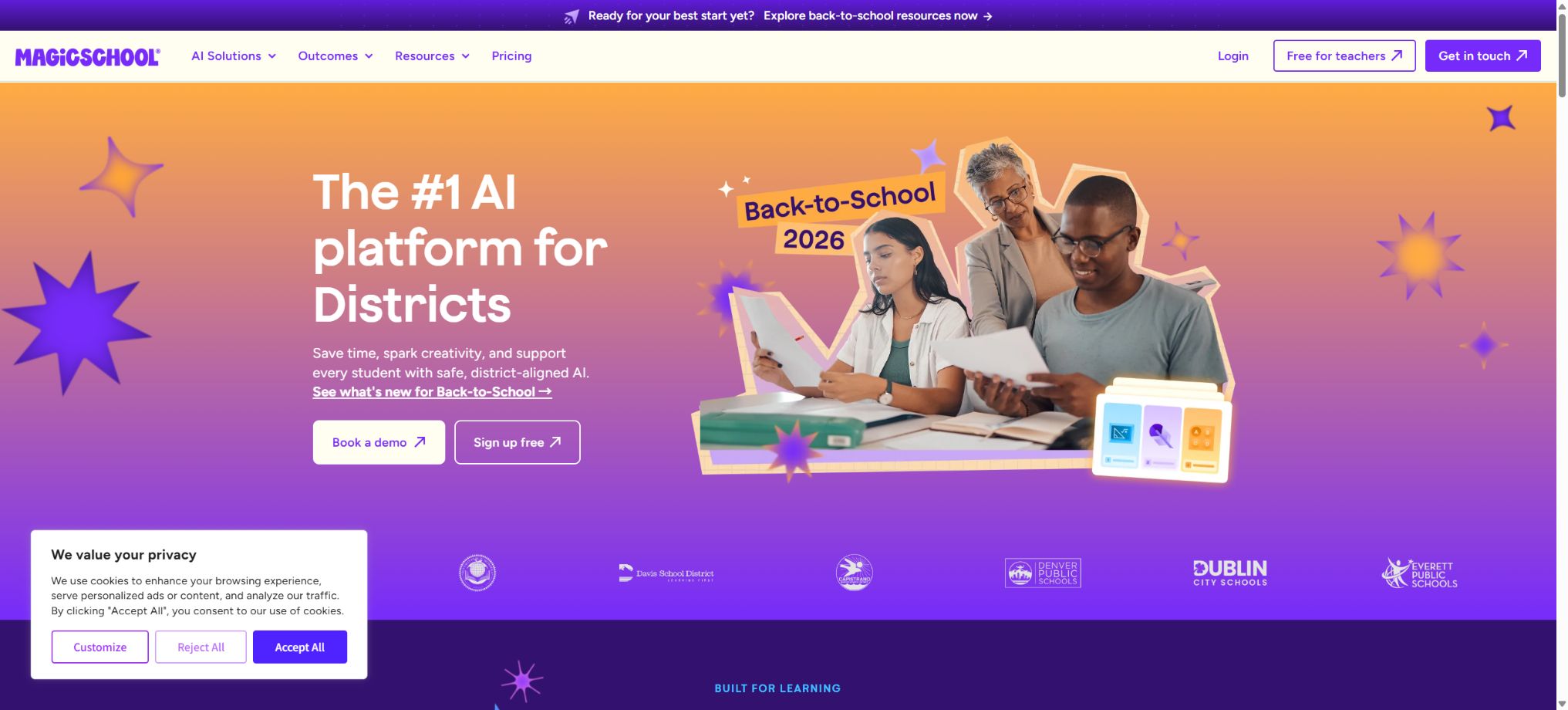
A platform that provides comprehensive AI-based educational tools for teachers, students, and school administrators.
Tags:AI learning websitesWhat is MagicSchool?
MagicSchool is an AI platform designed specifically for K-12 education, serving teachers, students, schools, and school districts. Teachers can use it to create lesson plans, quizzes, scoring scales, differentiated learning materials, messages for communicating with parents, and drafts of individualized education plans.
The platform also offers controlled AI tools for students, as well as the Student Rooms and Raina chat assistants. The school version includes features such as unified login, system integration, management controls, security safeguards, data dashboards, and course alignment.
Main functions of MagicSchool
- Over 80 teaching tools:It covers curriculum planning, worksheets, quizzes, presentations, scoring scales, IEP support, feedback, and communication.
- Over 50 student tools:It provides writing feedback, tutoring, brainstorming, and learning support, while using educational security measures to prevent the presence of inappropriate content.
- Raina Assistant:Discuss teaching tasks in natural language, rewrite the output, and receive follow-up suggestions.
- Student Rooms:The teacher selects the tools, sets goals and rules, and then shares the controlled space with the students.
- Quizzes:Generate low-risk formative quizzes, exit tickets, and other activities, and view real-time summaries.
- Class Writing Feedback:Generate, edit, and send writing feedback in bulk using the scoring scale provided by the teacher.
- Studio Mode:Continue to edit the AI-generated content, adjust the structure, add images, and export it as usable material.
- Learning Insights:Help teachers understand student engagement, the learning process, and common issues.
What content can teachers create?
| Teaching tasks | Content that can be generated | Usage suggestions |
|---|---|---|
| Course planning | Lesson plans, unit plans, objectives, and classroom procedures | Provide additional actual class hours, teaching materials, and curriculum standards |
| Evaluate the design | Multiple-choice questions, open-ended questions, exit tickets, and rating scales | Verify answers, difficulty level, and ambiguity for each question. |
| Differentiated instruction | Reading levels, vocabulary support, and tasks of varying difficulty | Take into account the students’ abilities rather than applying rules based solely on grade level. |
| Special education support | IEP-related drafts, objectives, and support strategies | It cannot replace the formal evaluation and decisions made by a qualified team. |
| Classroom materials | Worksheets, presentations, summaries, and examples | Verify facts, copyright, and appropriateness for age. |
| School communication | Parent emails, notifications, recommendation letters, and meeting agendas | Remove sensitive information while preserving the teacher’s genuine tone. |
MagicSchool prices
The official pricing page currently offers three options: Free, Plus, and Enterprise. The Plus plan can be purchased on a monthly or annual basis, while the Enterprise plan comes with quotes tailored to individual schools or school districts.
| Package | Official reference price | Suitable for | Core rights and interests |
|---|---|---|---|
| Free | $ | Individual teachers and first-time users | Core teacher and student tools, standard quotas, and basic support |
| Plus monthly plan | $ | Personal teachers who are used frequently | Infinity generation, complete history, unlimited editing, advanced features, and Labs |
| Plus annual plan | $ | Personal tutors for long-term use | Similar to the Plus monthly plan, it involves a single payment per year. |
| Enterprise | Contact sales for customization | Schools and school districts | Organization management, integration, SSO, curriculum alignment, data dashboards, and implementation support |
The prices displayed on the official website are given in US dollars as a reference; taxes, region, and promotions can affect the final amount. Annual subscriptions are usually charged in one lump sum for the entire year, and it is necessary to check the terms regarding renewal and refunds before making a purchase.
Comparison of Free, Plus, and Enterprise
| Ability | Free | Plus | Enterprise |
|---|---|---|---|
| Tools for teachers and students | Over 80 teaching tools and over 50 student tools | Includes all of Free’s tools | The scope of the institution is fully open. |
| Generate quota | Standard usage limits; the remaining quota is displayed in the background. | Infinite generation | Provided in accordance with institutional agreements |
| Output history and editing | Basic capabilities | Infinite history and infinite AI-generated content editing | Includes Plus capabilities |
| New features | Regular publishing feature | Early access to MagicSchool Labs | Combined with institutional setup |
| Account and system integration | Personal account | Personal account | Integration of SSO with SIS and LMS |
| Customization and control | Teacher-level settings | Advanced teacher functions | Custom tools, institutional documents, tool switches, and safeguards |
| Analysis and Services | Basic support and self-service training | Self-service resources | Advanced dashboards, dedicated account managers, as well as opportunities for career development at various levels |
Tutorial for MagicSchool teachers
- Register a teacher account to check whether the school has provided an Enterprise account or a specified login method.
- Select a tool based on the teaching task, such as Lesson Plan, Rubric, Worksheet, Quiz, or Presentation.
- Fill in the grade, subject, topic, learning objectives, curriculum standards, student background, and target language.
- After creating a draft, use Raina or the editing functions to further adjust the length, difficulty, structure, and tone.
- Check each item in detail: the factual knowledge, answers, citations, scoring rules, and whether it meets the requirements of the local curriculum.
- Export via Google or Microsoft wizards, or copy to the teaching system approved by the school.
User Guide for Student Rooms
- First, determine the learning goals that the students need to achieve, rather than simply creating a general chat space.
- Create a Student Room, select the tools available to students, and set activity instructions and restrictions.
- Test prompts, sample responses, and safety boundaries are used to ensure that the AI does not replace students in carrying out tasks.
- Provide the method of joining to the respective classes, and clarify the rules regarding privacy, citation, and the permitted use of AI.
- During the event, monitor student participation and interactions, and intervene promptly in case of misleading content or improper use.
- Evaluation is conducted after class by taking into account the students’ original thoughts, evidence of their reasoning process, and the teacher’s observations.
Tutorials for creating quizzes and writing feedback
- Enter the course objectives, text content, grade level, question types, number of questions, and the skills you wish to assess.
- Let the system generate low-risk formative quizzes or produce class writing feedback based on a scoring scale.
- Check the unique answer for each question, the quality of the distractors, the reading burden, and cultural biases.
- In the writing feedback, verify that the AI indeed cites the student’s work; do not accept unfounded generalizations.
- Edit the wording so that the feedback includes specific evidence, directions for improvement, and the next steps the student can take.
- Use real-time summaries or learning insights to identify common issues, and then schedule explanations and remedial actions.
Which users are it suitable for
- K-12 Teachers:Reduce the time required for lesson preparation, assessment, differentiation, and daily communication.
- Special education team:Assist in organizing the objectives and drafting support strategies, but the final decisions are still made by the professional team.
- Student:Writing, tutoring, and thinking support are available through the tools and safeguards selected by the teacher.
- Teaching Supervisor:Establish shared tools, curriculum alignment, guidelines for AI use, and teacher training.
- School technology manager:Unified deployment through SSO, system integration, management controls, and data dashboards.
- School district leader:Observe trends, manage security strategies, and prepare implementation reports for the board of directors.
Product advantages
- It is designed around the actual K-12 teaching process, and there is no need to start from blank prompts.
- The teacher side and the student side work together on the same platform, which facilitates setting goals and providing supervision;
- The tools cover lesson preparation, feedback, assessment, communication, IEP drafting, and professional development;
- The Free plan can be used for an extended period, and the individual price of Plus is lower than that of various general AI subscriptions;
- Enterprise provides SIS, LMS, SSO, institutional documentation, and centralized control;
- Officials disclose guidelines regarding education privacy, compliance, security measures, and data processing.
Usage restrictions and precautions
- AI may generate false facts, fabricated citations, inaccurate answers, or inappropriate difficulty levels;
- The Free plan comes with standard usage limits, and the exact remaining quota is indicated in the account dashboard.
- Additional modules, professional services, and customized training offered by Enterprise may incur extra costs;
- IEPs, ratings, disciplinary actions, school transitions, and other high-impact decisions cannot be based solely on AI outputs;
- The platform is not an AI writing detector, and it cannot be used to determine whether students have used generative AI.
- Student tools include content moderation and safeguards, but teachers are still required to set rules and provide ongoing supervision;
- Annual subscriptions are usually charged in a single payment, and the refund period is limited; it is necessary to read the current policies before making the payment.
Privacy, security, and content ownership
The official statement says that MagicSchool complies with requirements such as FERPA, COPPA, GDPR, and SOC 2 Type 2; student data is encrypted and stored in the United States. The platform claims that it will not sell student data nor use it to train AI models.
- Teachers and students retain ownership of the content they create; the platform does not claim ownership of the classroom materials.
- Student AI tools include content moderation, safeguards, and teacher visibility features tailored for school environments;
- Enterprise can enter into institutional data privacy agreements and make centralized settings in accordance with the school’s policies.
- Smart alerts can help identify risks related to the leakage of personal identity information, biases, and factual errors;
- Schools should still restrict the entry of sensitive information and carry out privacy and security reviews in accordance with local regulations.
- Outputs involving real students should be shared only between authorized personnel and the approved system.
Integration, API, and open-source information
Enterprise supports integration with various SIS or LMS platforms such as Clever, ClassLink, Canvas, and Schoology, and offers single sign-on. The output can also be directed to workflows in Google Docs, Slides, and Microsoft products.
The current official website does not offer a general MagicSchool generation API that is available to ordinary developers. The core platform of MagicSchool is not an open-source product, and the few project repositories available on the official GitHub account do not constitute the complete source code of the product.
Frequently Asked Questions
Is MagicSchool free?
The Free plan costs $0 and can be used indefinitely; it includes essential tools for teachers and students, but comes with limitations on content generation. Frequent individual users can upgrade to Plus, while schools and school districts should use Enterprise.
How much is MagicSchool Plus?
The official figures show a monthly cost of $12.99 and an annual cost of $99.96, which amounts to $8.33 per month. Prices, taxes, and discounts may change; the information on the payment page should be taken as reference.
What is the difference between Plus and Enterprise?
Plus is designed for individual teachers, with a focus on unlimited content generation, history tracking, and editing functions. Enterprise adds features such as SSO, integration with SIS and LMS systems, course alignment, management controls, security audits, data dashboards, and dedicated implementation services.
Can students use MagicSchool directly?
Yes, the platform offers more than 50 tools for students as well as Student Rooms. A better approach is for teachers to select the appropriate tools, set learning objectives and rules, and continuously monitor how students use them.
Is MagicSchool open source?
No, the core educational AI platform is a commercial product. Third-party projects with the same name or independent databases available on the Internet cannot be considered as the official source code of MagicSchool.
Tools similar to MagicSchool

 Guigong Network Security Registration No. 45132202000164