






StudyFetch
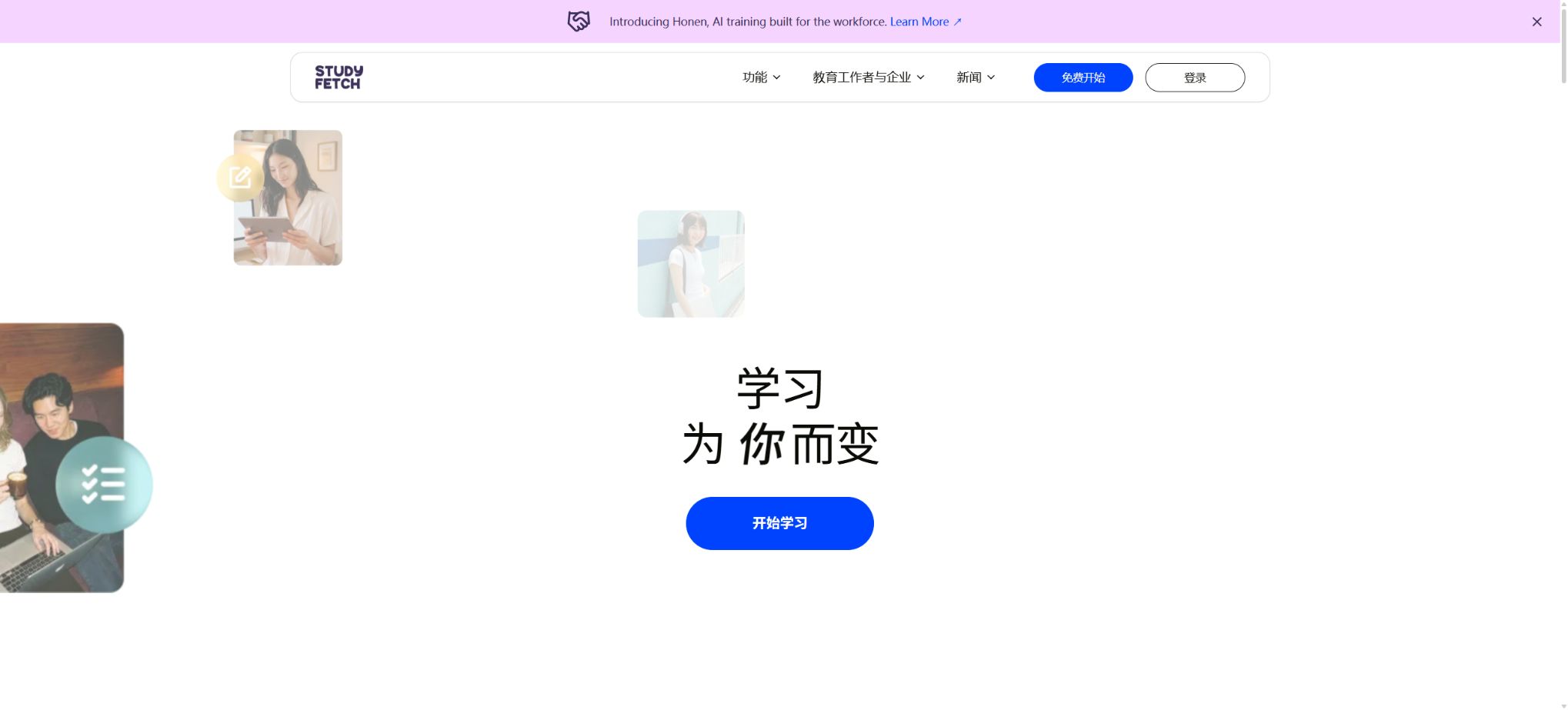
A learning platform that converts course materials into notes, flashcards, quizzes, and AI-powered tutoring.
Tags:AI learning websitesWhat is StudyFetch?
StudyFetch is an AI-based education platform that converts course materials into personalized learning tools. Students can upload lecture notes, PDF files, slides, images, audio and video content, as well as classroom recordings; the platform then generates notes, flashcards, quizzes, practice tests, and study plans.
The platform’s AI tutor is named Spark.E, also known as Sparky; it provides text, audio, and visual guidance based on the user’s material. Its goal is not merely to give answers, but rather to organize the course content into learning paths that can be practiced repeatedly.
Main functions of StudyFetch
- AI Notes:Organize the course materials into structured notes that include titles, key terms, bullet points, and source images.
- Live Lecture:Record hours of lectures to generate notes, highlights, and content analysis in real time.
- Flashcards:A variety of flashcards can be generated from the materials, including term explanations, selection questions, fill-in-the-blank questions, and audio content.
- QuizFetch:It automatically generates quizzes, provides real-time scoring, and adjusts the questions based on the level of understanding.
- Practice Tests:Simulate a full exam by practicing longer sets of questions using the course materials.
- Exam-Specific:Generate appropriate question types and practice materials based on a specific exam format.
- Spark.E Tutor:Explanations, questions, and personalized guidance are provided based on the uploaded materials.
- Spark.E Visuals:Analyze the images, charts, formulas, and diagrams in the notes.
- Spark.E Call:Discuss materials with AI tutors via voice, and purchase or use call credits based on the duration.
- Audio Recap:Convert learning materials into podcast-style audio summaries.
- Explainer Video:Generate explanatory videos from topics or course content.
- Essay Grader:Provide scoring, feedback, and suggestions for improvement on essays and assignments.
- Study Plan:Break down learning milestones based on materials, deadlines, and goals.
- Arcade and Mini Apps:Convert course content into games and interactive learning applications.
Supports uploading course materials
| Material type | Primary uses | Key points of inspection |
|---|---|---|
| PDF, DOC, DOCX | Notes, summaries, Q&A, flashcards, and quizzes | Scan quality, tables, footnotes, and page numbers |
| PPT, PPTX | Generate learning kits from classroom slides | Image text, speaker notes, and animation information |
| TXT and Google Docs | Process plain-text lecture notes and personal notes | Title hierarchy and sharing permissions |
| PNG, JPEG | Identify handwritten notes, charts, and diagrams | Clarity, cropping, handwriting, and formulas |
| MP3, MP4 | Transcription of recordings, video notes, and review | Sound quality, speaker, duration, and copyright |
| YouTube videos | Video summaries, flashcards, and questions | Subtitles, regional restrictions, and accuracy of the source content |
| Live Lecture | On-site class records and immediate notes | Recording permission, device battery level, network connection, and microphone |
StudyFetch prices and versions
The prices on the StudyFetch web version vary depending on region, promotions, school eligibility, and payment cycles; a fixed price is not displayed on the public page. The following are the in-app purchase prices shown during verification on the App Store in the United States, and these may differ from those on the web version or in other countries.
| Project | App Store reference price | Suitable for the requirements |
|---|---|---|
| Free version | Free, with limited functions and usage. | Test uploading, notes, flashcards, and AI tutors |
| Premium monthly payment | $ | Short-term courses or monthly access |
| Premium Quarter | $ | Covers one semester or exam period |
| Premium annual payment | $ | Continuous learning throughout the year, at about 8 dollars per month on average |
| Explainer Basic | 9.99 dollars | Fewer explanations are provided regarding video requirements. |
| Explainer Premium | Starting at $19.99 | More AI-based video explanation capabilities |
| Spark.E Call 1 hour | 7.49 dollars | Short-term voice coaching |
| Spark.E Call 5 hours | 25 dollars | High-frequency voice discussions |
| School and Institutional Versions | Contact sales | Unified student authorization, teacher management, and institutional privacy agreements |
Subscriptions in app stores are usually renewed automatically, and cancellation should be done through the original payment method. Registration using a .edu email address may grant Premium status provided by the school or an event, but whether free benefits are available depends on what the account indicates.
Mainly learning how to choose tools.
| Learning objectives | Priority features | Recommended method |
|---|---|---|
| Quickly understand new chapters | AI Notes + Spark.E | First, read the structured notes, and then gradually ask questions about the concepts. |
| Memorizing terms and definitions | Flashcards | Practice in small amounts over multiple rounds, and review based on the confidence score. |
| Check on the weak knowledge points. | QuizFetch | Use adaptive questions to focus on the areas where mistakes were made. |
| Simulate a formal exam | Practice Tests | Complete it within the time limit; after that, go back to the original materials to review the mistakes. |
| Organize the classroom content | Live Lecture | After recording, check the notes, terminology, and points emphasized by the teacher. |
| Understanding charts and formulas | Spark.E Visuals | Upload clear images and request step-by-step explanations. |
| Establish a long-term plan | Study Plan + Calendar | Allocate milestones based on exam dates and amount of material. |
StudyFetch Quick Start Guide
- Create Study Set:Create separate study sets for each course or exam, to prevent different subjects from getting mixed together.
- Upload materials:Add PDFs, PPTs, notes, images, audio and video files, or Google Docs.
- Check parsing:Verify that the sections, terms, images, formulas, and page numbers have been read correctly.
- Generate notes:Select the appropriate depth, and use the raw materials to correct omissions and misinterpretations.
- Create an exercise:Create flashcards, quizzes, and practice exams from the same set.
- Tutor to be used:Have Spark.E explain the wrong questions, ask for the reasons behind them, and provide similar examples.
- Schedule reviews:Create a plan based on the deadline, and continuously check your level of mastery as well as any weak areas.
Tutorial on taking notes for live lectures
- First, make sure that the teacher, the school, and your classmates give permission for recording; do not start recording without consent.
- Place the device near the main speaker, and check the battery level, network connection, and microphone.
- Name the recordings according to the course, so as to avoid confusion among multiple large classroom files.
- Check the real-time prompts during recording, but do not neglect classroom interactions and your own thinking because of them.
- Immediately after class, check the specialized terms, formulas, numbers, assignment requirements, and key points for the exam.
- Create notes, flashcards, and quizzes from the confirmed content, then review them by chapter.
Effective use of flashcards and quizzes
- Narrow the scope:Select only one chapter or knowledge objective at a time to generate questions.
- Mixed question types:Combination terms, selection, fill-in-the-blank, short-answer questions, and audio cards – to prevent focusing solely on the answers.
- Manual review:Remove questions whose answers are vague, go beyond the given material, or contain repeated options.
- Answer independently first:Do not check the notes before submitting, in order to foster true active recall.
- Explain the reasons for the error:Have Spark.E explain the incorrect approach and provide the references from the original materials.
- Repeat the practice:The frequency of appearance for difficult cards increases, while the frequency for easier cards decreases gradually.
- Mock exam:After completing the chapter exercises, work on the full test under a time limit to assess the ability to apply knowledge across different chapters.
Tips for asking questions on Spark.E
- Please explain this concept only based on the materials of this course, and indicate which part it comes from.
- Don’t give the answer directly; first use a question to guide me to find the next step.
- Compare the definitions, mechanisms, examples, and common points of confusion between these two concepts.
- Based on my mistake just now, three similar questions of increasing difficulty have been generated;
- Explain this diagram in the order indicated by the labels, and describe the function of each part.
- Explain it in language suitable for beginners, and then summarize it in the format of exam answers.
- List the parts you are unsure about or that are not clearly explained in the material.
Who is StudyFetch suitable for?
- Middle school students and college students:Convert materials from multiple courses into review-ready study kits.
- Those preparing for exams:Strengthen memory through flashcards, error reviews, adaptive quizzes, and realistic practice exercises.
- Visual learners:Use charts, videos, and interactive applications to understand complex concepts.
- Auditory learners:Review the materials using Audio Recap and Spark.E Call.
- Teacher:Create learning and practice resources for students using proprietary course materials.
- Schools and institutions:AI tutoring is provided uniformly, with privacy and usage managed through organizational agreements.
Product advantages
- Generate notes, flashcards, quizzes, exams, games, and videos from the same course materials at the same time;
- Spark.E focuses on providing guidance based on the user’s materials, thereby reducing generic responses that are not related to the content of the course.
- It supports various types of learning inputs such as text, images, audio, video, and live classroom content;
- It supports real-time scoring, personalized feedback, and tracking of proficiency levels.
- The study plan takes into account deadlines and breaks down larger tasks into clear milestones.
- Available on web and mobile platforms, suitable for use in the classroom, during commutes, and in spare time.
Usage restrictions and precautions
- AI notes may miss things that the teacher emphasizes verbally, writes on the board, or that are not recorded clearly.
- Automatically generated questions may be ambiguous, contain incorrect answers, or go beyond the scope of the course;
- The responses from Spark.E should not replace textbooks, teacher feedback, and official grading criteria;
- Relying only on summaries and flashcards can lead to a lack of deep understanding; it is necessary to continue reading the original material and working on comprehensive exercises.
- The free version comes with a limited number of recordings, creations, and tutoring sessions; it is necessary to check the account quota before using it.
- Prices and trial terms may vary on the App Store, on the web version, and in different regions.
- For medical, legal, and other specialized fields of study, authoritative textbooks and teacher oversight are still necessary.
Privacy, copyright, and the use by minors
The terms for individual consumers on StudyFetch grant a broad license to use uploaded content for AI training, testing, and improvement, while educational institutions and corporate clients are subject to separate agreements that offer enhanced privacy protection. Before uploading unpublished courses, personal assignments, or sensitive materials, it is necessary to check the latest terms applicable to one’s account.
- Do not upload paid teaching materials, question banks, teacher’s lesson plans, or students’ assignments that you do not have permission to copy.
- Obtain the consent of the teacher and participants before recording the class, and adhere to school policies;
- Minors should have their account settings, data, and payment arrangements assessed by guardians and schools;
- Avoid uploading names, student IDs, grades, medical records, and other sensitive personal information;
- School purchases should be accompanied by a dedicated data agreement, and the rules for training, storage, and deletion must be verified.
Subscription cancellation and refund
Subscriptions purchased through Apple should be managed in the Apple account, while web-based subscriptions are handled through the StudyFetch account or billing section. Stopping using or deleting the app does not automatically cancel the subscription.
The official support documentation states that those who have just purchased an annual subscription or have recently renewed it with little use may be eligible for a refund, but this is not an unconditional guarantee. Refunds must be requested through the appropriate billing portal, and the decision will depend on the review results as well as the policies of the purchase channel.
API and open-source information
The StudyFetch help documentation outlines the platform API and organizational analysis API options, which are suitable for use by organizations or authorized integrators. The public website does not indicate the existence of a stable public API that can be freely used by individual users; actual permissions, prices, and data coverage should be confirmed with the official sources.
The StudyFetch platform and the Spark.E model are not open-source products; there is no official, complete repository for them available on GitHub. Projects with similar names such as ScholarFetch and SciFetch have no connection to StudyFetch.
Frequently Asked Questions
Is StudyFetch free?
It offers free registration with limited features, allowing users to test materials upload, notes, flashcards, quizzes, and AI tutors. Full functionality, greater usage limits, as well as voice or video capabilities usually require a Premium subscription or a separate plan.
How much does StudyFetch Premium cost?
For verification on the App Store in the United States, the cost is $19.99 per month, $29 per quarter, and $96 per year. The fees may vary depending on the web version, region, school affiliation, and any promotions in effect; the actual amount shown on the payment page shall apply.
Can StudyFetch record an entire lesson?
The official FAQ states that it is possible to upload courses that last several hours, and Live Lecture can be used to enable Spark.E to record everything in real time. Permission must be obtained before recording, and the transcripts and notes should be checked after the lecture.
Which files is StudyFetch capable of handling?
The official FAQ lists PDF, DOC, DOCX, PPT, PPTX, TXT, PNG, JPEG, MP3, MP4, YouTube, and Google Docs. The specific size limits, duration limits, and number of downloads are determined by the account settings.
Is StudyFetch open source?
No, the platform and Spark.E are commercial products. Projects on GitHub with similar names such as ScholarFetch are not the official source code for StudyFetch.
Tools similar to StudyFetch

 Guigong Network Security Registration No. 45132202000164