






NotebookLM
AI research and learning assistant based on personal data sources
Tags:AI learning websitesWhat is NotebookLM?
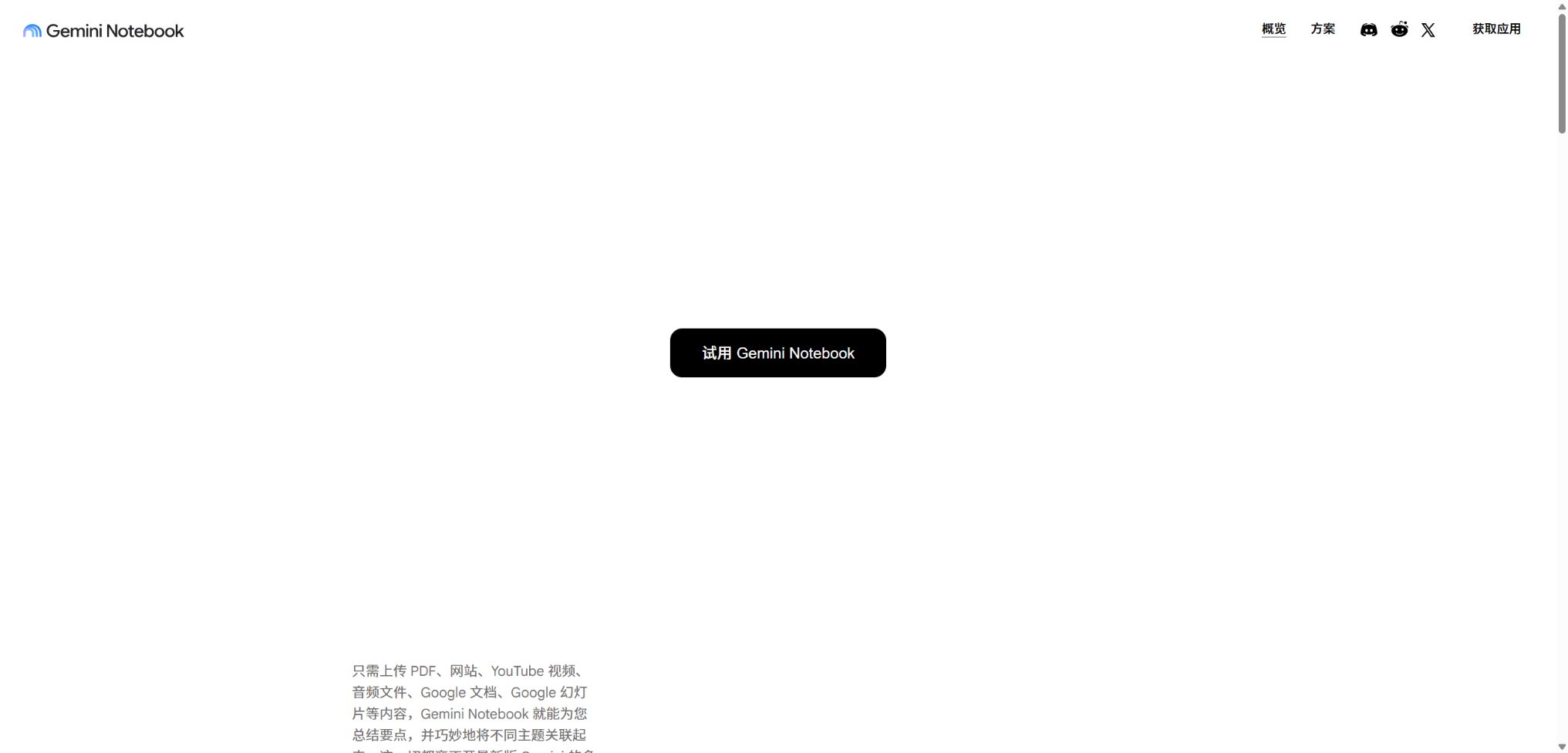
NotebookLM is an AI research and learning tool developed by Google; in July 2026 it was officially renamed Gemini Notebook. Although the product’s name has changed, the notebooks and functions available in the original NotebookLM accounts remain intact.
Users can add PDFs, web pages, course materials, recordings, videos, and Google Drive files to a notebook, and then use these sources to ask questions, make comparisons, and create content. The answers include citations that allow access to the original texts, which is ideal for learning and research where it is necessary to verify information.
Main functions of Gemini Notebook
- Import documents, web pages, videos, audio files, images, and copied text;
- Generate answers with citations based on the sources selected by the user;
- Automatically identifies topics, facts, concepts, timelines, and different viewpoints;
- Generate audio summaries of in-depth discussions, briefings, comments, or debates between two people;
- Convert the source material into video overviews, infographics, and slides;
- Generate mind maps, study guides, briefing documents, and data sheets;
- Create study cards and quizzes with explanations for incorrect answers;
- Use Source Discovery and Deep Research to find new information;
- Shared notebooks, with options to view, edit, or make them publicly accessible;
- Ask questions in iOS and Android apps and listen to downloaded audio offline.
Source Q&A and Citations
The responses provided on the web version of Gemini Notebook are based on the source of the current notebook; users can select the specific files they wish to refer to. By clicking on a reference, one can access the original text that supports that response, but such references do not guarantee that the reasoning behind it is correct.
Supported files and sources
The platform supports Google Docs, Slides, Sheets, PDF, DOCX, PPTX, TXT, Markdown, CSV, ePub, images, audio, web pages, and publicly available YouTube videos. The maximum size of a single file that can be uploaded is 200MB; each source can contain up to 500,000 words, while the limit for Sheets is currently 100,000 tokens.
Sources from Google Drive can be synchronized automatically, but once the permissions to the original file are lost, they become unavailable as sources. Normal uploads or web pages are usually copies at the time of import, and updates to the original pages do not necessarily get reflected automatically.
Audio Overviews
For audio overviews, options such as Deep Dive, The Brief, The Critique, or The Debate are available; the topic and target audience level can be specified through custom instructions. The duration of the audio in English can also be adjusted, and some modes allow users to pose questions to the AI host via voice.
The sounds, conversations, and opinions in the audio are all generated by AI; there may be misinterpretations, audio defects, or exaggerated conclusions. It is necessary to check against the original text before official release, and the generated conversations should not be regarded as actual interviews.
Video Overviews and visual outcomes
The video overview creates visual explanations by combining narration, text, images, and key information from the source; it is suitable for pre-class preparation and internal training. Studio can also generate infographics, slide decks, and data tables, while the premium versions offer larger quotas and some watermark removal benefits.
Mind maps, reports, and learning tools
Mind maps use expandable nodes to represent concepts and relationships, while reports can be created in the format of study guides, briefings, FAQs, or according to a custom structure. Cards and quizzes are useful for assessing understanding, but the difficulty of the questions, as well as the answers and explanations, still need to be checked manually.
Source Discovery and Deep Research
Source Discovery allows users to find online sources that can be added to a notebook, based on the research questions at hand; Deep Research carries out a more extensive search and organization of sources. The newly found pages still need to have their publishers, dates, original data, and potential conflicts of interest checked.
Comparison of key outcomes
| Type of outcome | Form | Suitable scenarios | Focus on review |
|---|---|---|---|
| Chat | Dialogue responses with citations | Read, compare, and locate evidence | Whether the citation truly supports the conclusion |
| Audio Overview | Single or dual voice | Commuting for study, reviewing courses | Misinterpretations, fictional views, and tone |
| Video Overview | Narration with visual explanations | Training, preview, content overview | Image, subtitles, and factual accuracy |
| Mind Map | Interactive node diagram | Establish a conceptual framework | Have a few perspectives been overlooked? |
| Flashcards / Quiz | Q&A cards and quizzes | Preparing for exams and reinforcing knowledge | Answers, difficulty level, and scoring rules |
| Reports / Slides | Structured documents and presentations | Research presentation and meeting preparation | Conclusions, Choices, and Copyright |
Prices and packages for Gemini Notebook
Gemini Notebook Standard is available for free, while the Plus, Pro, and Ultra versions are offered as part of Google AI’s comprehensive subscriptions. Google determines different pricing levels based on the country, storage capacity, Ultra multiplier, and any promotions; therefore, consumers should refer to the local Google One pricing page for accurate information.
| Plan | Price method | Notebook/Source | Main positioning |
|---|---|---|---|
| Standard | Free | 100 per book, 50 sources | Personal learning and light research |
| Google AI Plus | Settlement by region | 200 per book; 100 sources | Standard: approximately twice the generation quota. |
| Google AI Pro | Settlement by region | 500 per book, 300 as the source | Daily in-depth research and high-frequency workflows |
| Google AI Ultra | Billed by region at 20TB/30TB | 500 per book; 500 or 600 as the source amount | Maximum limit, priority features, and partial watermark removal |
| Cloud Enterprise | $ | Enterprise-level configuration | IAM, VPC-SC, regionalization, APIs, and compliance |
The Google AI consumer plan also includes access to Gemini, cloud storage, and other Google services; it is not only priced based on the use of Gemini Notebook. The levels of Workspace accounts for work and education purposes depend on the organization’s subscription, and administrators need to check the available features for each version.
Comparison of main credit limits
| Limit | Standard | Plus | Pro | Ultra 20TB / 30TB |
|---|---|---|---|---|
| Daily conversations | 50 | 200 | 500 | 2,500 / 5,000 |
| Daily Audio Overview | 3 | 6 | 20 | 100 / 200 |
| Daily Video Overview | 3 | 6 | 20 | 100 / 200 |
| Daily reports/cards/quizzes/mind maps | 10 | 20 | 100 | 500 / 1,000 |
| Deep Research | 10th of the month | 3/day | 20/day | 75 / 200 per day |
The daily quota is reset after 24 hours, while the monthly quota is reset after 30 days. Google specifies that these limits can be adjusted depending on the product. The results that are created automatically when a source is added for the first time are not included in the regular generation quota.
Guide to Using Gemini Notebook
Create a verifiable research notebook
- Create a new notebook for each specific research question;
- First, include the official documentation, original research, and authoritative data;
- Give a unified name to the sources and remove duplicate versions;
- Select only the files related to the current issue at a time;
- First, let the AI list the evidence, discrepancies, timelines, and unknown factors.
- Open each reference one by one and check the context as well as the page date;
- Save the verified conclusions as notes or reports.
Generate a high-quality audio overview
- Remove irrelevant sources and verify that the file can be parsed properly;
- Choose from Deep Dive, Brief, Critique, or Debate format;
- Identify the target audience, their knowledge level, and the topics that need to be covered;
- Select the language and available time duration options;
- After generation, record the facts and quotes that need to be verified;
- Return to the notebook to check the key statements in their source;
- Download, share, or listen offline after approval.
Create study kits for exams
- Import lecture notes, textbooks, and class recordings by course chapter;
- Use a mind map to check whether the knowledge structure is complete;
- Generate study guides and identify the concepts that must be mastered;
- Generate cards and manually correct any issues with ambiguity in the questions and answers;
- Create a quiz based on the difficulty level and complete the first round of questions;
- Based on the principle of asking follow-up questions about incorrect answers, as well as on comparative examples and evidence from the original text;
- Finally, restate it in different ways to avoid memorizing only the original sentence from the AI.
Who is Gemini Notebook suitable for?
- Student: Organize textbooks, course materials, recordings, and prepare for exams;
- Researchers: Compare papers, reports, evidence, and different viewpoints;
- Teacher: Create study guides, quizzes, flashcards, and micro-lectures;
- Consultants and financial professionals: quickly reading large quantities of public documents;
- Content team: Convert old articles, videos, and research into various formats;
- Corporate training: Transforming SOPs, manuals, and courses into interactive knowledge bases;
- Products and customer service: Create internal Q&A sections and public notebooks based on the documentation.
Advantages of Gemini Notebook
- The answers are based primarily on the sources selected by the user, rather than being purely speculative.
- Citing allows for quick return to the original text, facilitating verification;
- It supports documents, tables, images, audio, video, and web pages;
- The same set of sources can be converted into audio, video, mind maps, and learning tools;
- It is closely integrated with Google Drive and the Gemini ecosystem;
- The consumer version offers a practical free quota;
- The enterprise version supports IAM, regionalization, VPC-SC, and API automation.
Usage restrictions and precautions
- Answers that include citations may still misinterpret the original text or draw excessive generalizations;
- Scanning PDFs, complex tables, formulas, and small charts may result in incomplete parsing.
- The audio and video overview may include transitions and comments that are not present in the original text;
- Web page import can be affected by paywalls, dynamic content, and crawling restrictions.
- YouTube relies mainly on available subtitles, so the details in the video may not be fully understood.
- Sharing the Chat View merely hides the default interface; it does not mean that viewers’ access to the source is completely removed.
- Daily limits, models, and new features may vary and differ from region to region;
- It should not be used as a substitute for original medical, legal, financial, or academic texts.
Privacy, Sharing, and Data Processing
The data from personal accounts is not used to train Gemini Notebook, unless the user voluntarily provides feedback. When feedback is submitted, Google may review the queries made during that interaction, the content uploaded, and the model’s responses.
Files, conversations, and outputs from the Workspace and Education core services are not reviewed by humans nor used to improve generative AI models. Cloud Enterprise also allows files to remain within GCP projects, and it offers capabilities such as multi-region support in the United States or the European Union, as well as IAM and customer management keys for control.
- Confidential notebooks are kept as Restricted, and no public links are used;
- Check the original file, the resulting output, and the editing permissions before sharing;
- Do not submit feedback containing sensitive information in the consumer’s account;
- Classify and minimize data related to personnel, customers, medical information, and legal matters;
- When deleting a notebook, confirm the Gemini conversations, the original Drive content, and the exported copy as well.
API, GitHub, and open-source information
The personal version of Gemini Notebook does not offer any public automation APIs for ordinary users. Cloud Enterprise provides the v1alpha API, which allows for the programming-based creation and management of notebooks, as well as the bulk addition of sources and the generation of audio summaries; it requires a GCP project, appropriate licenses, and IAM permissions.
Google has not made available on GitHub the complete source code of Gemini Notebook, nor the models, indexes, or audio/video generation systems associated with it. Downloaders for NotebookLM found on the Internet, unofficial APIs, and browser automation tools are not equivalent to the official SDKs; they may also violate the terms of service or lead to the exposure of account credentials.
Frequently Asked Questions
Why did NotebookLM turn into Gemini Notebook?
In July 2026, Google renamed NotebookLM to Gemini Notebook, emphasizing its integration with the Gemini products. It is the same product; existing notebooks will not be lost as a result of this name change.
Is Gemini Notebook free?
It can be used for free; Standard currently allows 100 notebooks per user, 50 sources per notebook, 50 conversations per day, and 3 audio summaries. These limits may change, so please refer to the account page for the current details.
Does NotebookLM support Chinese?
It supports Q&A for Chinese documents and a variety of output formats; the audio summary can also be provided in multiple languages. Chinese names, numbers, classical texts, and specialized terms still require verification.
Is there a mobile version of NotebookLM?
There are official iOS and Android apps available; iPhones and iPads require iOS 17 or a higher version. The mobile versions allow users to ask questions, use learning tools, and download audio for offline playback, though some of the functions related to creation and management are not as comprehensive as those in the web version.
Is NotebookLM open source?
No, the core web products, models, and processing systems are not all made available under an open-source license. Cloud Enterprise offers official APIs, but it is a Google Cloud-hosted service that requires a license.
Tools similar to NotebookLM

 Guigong Network Security Registration No. 45132202000164