






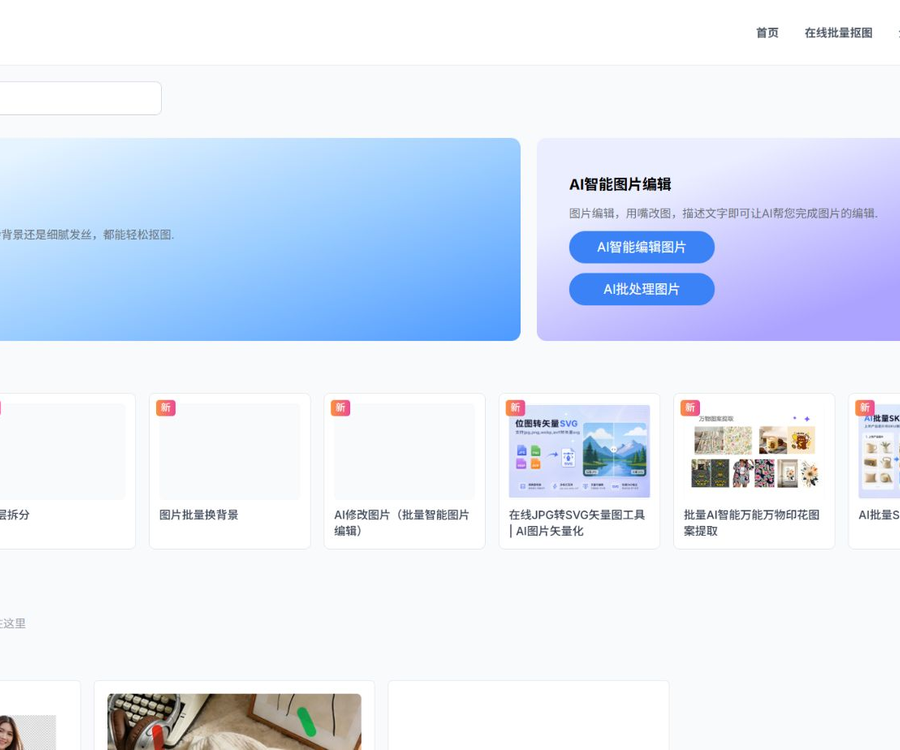
Image editing/Retouching
Free online AI-powered batch image extraction, AI image editing, and intelligent logo extraction. Dedicated to providing users with efficient AI tools for image processing.
Tags:Common AI image toolsWhat is image masking?
KuKuTu is an online AI image processing platform whose core functionality is to automatically identify the main subject in an image and remove the background.
In addition to free image masking, it also offers POD printing, e-commerce graphic design, image editing, enhancement features, and an open API.
Classification of main tools
| Classification | Representative function | Primary uses |
|---|---|---|
| Image masking | Generic, interactive, and sky keying | The transparent background is separated from the main element. |
| POD | Stamp removal, extraction, and enlargement | Secondary design of clothing and patterns |
| E-commerce | Main image, detail page, SKU, and scenario images | New product launches and marketing materials |
| Image editing | Image editing, background change, enlargement, and removal | Batch post-processing |
| Image enhancement | Refinement, high definition, restoration, and coloring | Improve clarity and texture. |
| Generate conversion | ID photos, image-to-image conversion, translation, and vectorization | Format and content conversion |
| Develop interfaces | Synchronous and asynchronous APIs | System and workflow integration |
Free AI image masking
After the user uploads an image, the algorithm automatically identifies people, products, animals, or patterns and outputs a transparent background.
- Supports single and batch processing.
- It is possible to create a transparent background or a solid-color background.
- Supports high-definition downloads without watermarks.
- Complex hair strands and edges can be automatically identified.
- Transparent objects still require manual inspection.
- The clearer the original image, the better the edge quality is usually.
Interactive image masking
When the automatic results are not satisfactory, it is possible to select the areas that should be retained or removed to assist the model in making decisions.
- Suitable for images where the subject color is similar to the background color.
- It can restore small areas that were accidentally deleted.
- It can remove residual background and holes.
- Zoom in to examine hair strands, hairs, and transparent edges.
- After completion, export as a transparent PNG or in another format.
POD printing tool
The POD tool is designed for clothing and textile patterns; it allows for the isolation of prints, the extraction of patterns, and the enhancement of their clarity.
- Identify printed patterns in complex backgrounds.
- Separate the background color of the clothing from the main pattern.
- Handle hollow areas and irregular edges.
- Position and cut the designated printed area.
- It is used for a compliant secondary design after enlargement.
- It is not allowed to use patterns belonging to others for which no permission exists.
E-commerce image tools
- Intelligently adjusts image size and content layout.
- Add multiple products to the SKU template in bulk.
- Generate new e-commerce visuals using reference images.
- Generate product main images from multiple angles and in various scenarios.
- Generate detail pages and marketing posters.
- Create a background with a white color and add natural shadows.
AI image editing
The platform allows images to be modified using text commands; it also enables batch background changes, image enlargement, and removal of specific elements.
- Describe the objects and areas that need to be modified.
- After generation, check the main structure and text.
- When enlarging the image, check whether the new edges appear natural.
- Watermark removal only applies to materials for which rights exist.
- For batch tasks, test them first with a small number of images.
Image enhancement and restoration
- Optimize the product’s outline, lighting, and texture.
- Enlarge low-resolution images and enhance details.
- Repair scratches and damages on old photos.
- Automatically colorize old black-and-white photos.
- The enhanced details may be the model’s speculation rather than the actual appearance.
- Historical and evidential images should not be altered without explanation.
Generation and conversion tools
- Create ID photos in various sizes and background colors.
- Generate multiple style versions through image-to-image generation.
- Identify and translate the text in the image.
- Extract the black and white line art.
- Convert JPG, PNG, and GIF files to vector format.
- After splitting the layers, they can be exported as PSD for further editing.
Tutorial on using image masking tools
- Enter the image editing tool and select the desired tool.
- Upload clear images for which you have usage rights.
- Wait for the AI to complete subject recognition or processing.
- Zoom in to examine the edges and transparent areas.
- Use interactive point selection for correction when necessary.
- Choose transparent, solid color, or generate a background.
- Set the size, format, and cropping range.
- For batch tasks, check one sample first.
- Verify that the products, characters, and text are not distorted.
- Export the results in the desired format.
- Check the copyright and platform guidelines before using it officially.
- Retain the original image and the processing records.
Website price
The official website states that online AI image segmentation is permanently free; high-resolution downloads, watermark-free versions, and the number of uses are subject to the rules in effect on that page.
| Functions | Public price | Explanation |
|---|---|---|
| Online AI image masking | Free | The official website states that the content is in high definition, watermark-free, and can be used indefinitely. |
| Batch image masking | Free entry | The specific batch limits are indicated on the page. |
| Other AI tools | By page or points | Different models may use different amounts. |
| Developer API | Pay-per-use billing | Deductions are made based on size, interface, and output format. |
The above information was verified on August 30, 2026; the scope of free services, available activities, and any restrictions are subject to what is indicated on the relevant pages.
Permanent points price
| Integration | Price | Approximate unit price |
|---|---|---|
| 1818 | 40 yuan | 0.022 yuan per point |
| 3333 | 60 yuan | 0.018 yuan per point |
| 6666 | 100 yuan | 0.015 yuan per point |
| 10200 | 150 yuan | 0.0147 yuan per point |
| 14030 | 200 yuan | 0.0143 yuan per point |
| 18000 | 250 yuan | 0.0139 yuan per point |
| 22222 | 300 yuan | 0.0135 yuan per point |
| 30000 | 400 yuan | 0.013 yuan per point |
| 66666 | 800 yuan | 0.012 yuan per point |
| 120000 | 1200 yuan | 0.01 yuan per point |
| 330000 | 3000 yuan | 0.009 yuan per point |
Permanent points remain valid for an extended period after purchase, while monthly points are valid only for the corresponding month; it is advisable to review the settlement page once again before making a purchase.
API billing rules
| Image size | Client or asynchronous API | Synchronization API |
|---|---|---|
| Not more than 4096px | 1 point | 1.5 points |
| Over 4096px | 2 points | 2.5 points |
| Over 6500px | 4 points | 4.5 points |
| Over 8000px | 8 points | 8.5 points |
- Default lossless WebP output.
- An additional 1 point is deducted for specifying PNG as the output format.
- An additional 0.5 points are deducted for enabling print cutting.
- The actual deduction is based on the interface response and account records.
API capabilities
Developers can use URLs, files, or Base64 for input, and choose between synchronous or asynchronous invocation methods.
- General mask cutting and print mask cutting.
- Stamp extraction and precise cutting for positioning.
- Image-to-image generation and high-definition zooming.
- Bitmap to vector conversion and AI shadows.
- Product refinement, image enlargement, and removal of blemishes.
- Remove watermarks and check remaining points.
API Integration Tutorial
- Register a developer account and obtain an API key.
- Select the synchronous or asynchronous interface based on the task.
- Select URL, file, or Base64 input.
- Transfer the key securely in the request header.
- Set the model, format, and cropping parameters.
- First, use small-sized images to verify the results.
- Asynchronous calls poll the status based on task identifiers.
- Handle errors, timeouts, and insufficient points.
- Record the actual points consumed for each task.
- The production environment restricts key permissions and concurrency.
Privacy and content security
- Read the current privacy policy before uploading images.
- Do not submit ID cards or any other sensitive information.
- First, confirm the permissions for customers, new products, and internal materials.
- API keys must not be included in public frontend code.
- Clean up temporary files after batch tasks are completed.
- Keep an original local backup of important images.
Copyright and Compliance
- Only images with editing rights are processed.
- Removing a watermark does not eliminate the copyright of the original work.
- Confirm pattern authorization before printing extraction.
- E-commerce replication does not allow for the direct copying of competitors’ products.
- The requirements set by the organization using the photo must be followed for ID photos.
- Results of infringement detection cannot replace legal review.
Open-source status
The image editing platform does not make the complete source code of its product available, and the ComfyUI nodes found on the Internet are third-party integrated projects.
- Having a public API does not mean that the platform software is open-source.
- Third-party nodes are used in accordance with their warehouse licenses.
- Third-party nodes do not represent official technical support.
- The core image extraction models and services are still provided by the platform.
Which users are it suitable for
- E-commerce teams that handle the processing of product images in bulk.
- Designers who need a transparent background.
- POD professionals who create printed materials.
- Users who work with ID photos and old photographs.
- Developers who need image processing APIs.
- Operations staff responsible for creating multilingual product images.
Usage restrictions and precautions
- Transparent objects and complex hairs may be misidentified.
- The generated background may change the proportions and colors of the products.
- High-definition restoration generates speculative details.
- The API points increase rapidly as the image size grows.
- Monthly points are not retained for an extended period.
- Important results must be manually checked before being used.
Frequently Asked Questions
Is online image masking free?
The official website states that online AI image masking is permanently free, and it specifies that high-resolution versions without watermarks are available for unlimited use.
Can image masking be done on multiple images at once?
Yes, the platform offers tools for batch image extraction, background replacement, SKU management, print extraction, as well as a variety of other batch editing functions.
Do the permanent points for image editing expire?
The official website states that the permanent points purchased are valid for an extended period, while the monthly points are valid only within the corresponding month.
How is the pricing for the image masking API?
The API is billed on a per-point basis, and factors such as image size, synchronization method, PNG output, and print cropping all affect the amount consumed.
What APIs does image masking provide?
These include image cropping, printing, image generation from text, zooming, vectorization, adding shadows, photo retouching, image enlargement, and watermark removal.
Can images with watermarks removed be used for commercial purposes?
Merely removing watermarks does not grant commercial rights; it is still necessary to verify the licensing for the original work, characters, trademarks, and materials.
Is Photo Editing an open-source project?
The platform itself does not make its complete source code available, and the ComfyUI nodes found on the internet are integrated through third-party interfaces.
Tools similar to image masking tools




 Guigong Network Security Registration No. 45132202000164