






Ghibli Style - AI Photo to Anime Style Generator
Ghibli Style – An AI tool for converting photos into anime-style images, making AI-based image processing more efficient and simpler.
Tags:Common AI image toolsWhat is Ghibli Style?
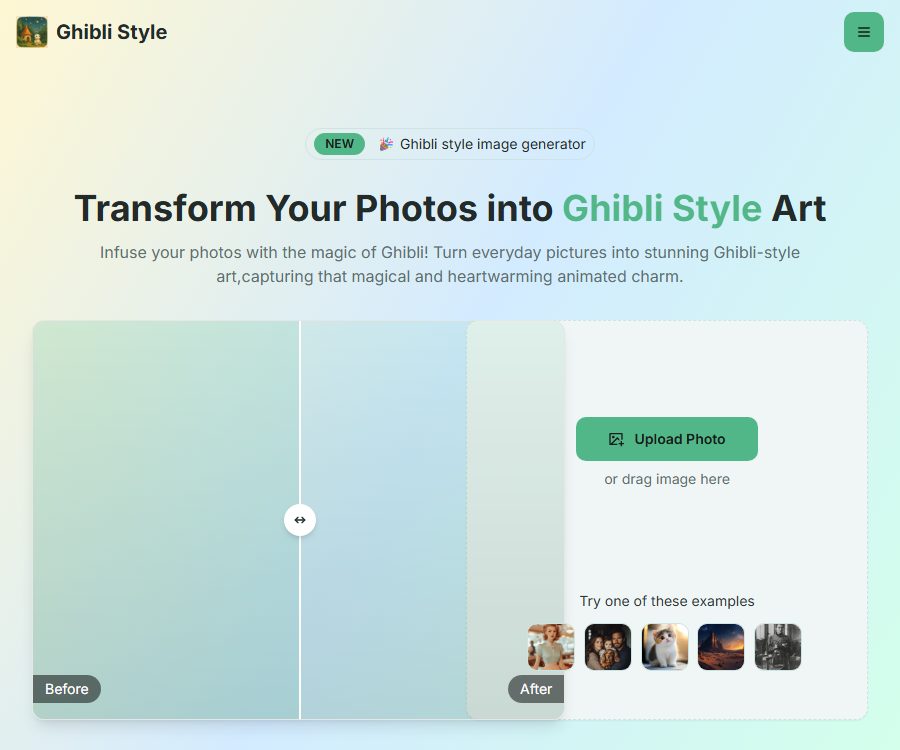
Ghibli Style is an online AI tool for photo style conversion that transforms portraits, pet photos, family images, and landscape pictures into illustrations in the Ghibli style. It emphasizes soft colors, animated lighting effects, and dreamy visual scenarios.
This website is operated by an independent service provider and is not an official product of Studio Ghibli. The name of the tool describes its visual style; it should not be interpreted as indicating official authorization, partnership, or recognition.
Main functions
One-click photo conversion
- Users can upload images or drag files onto the page to initiate automatic style conversion.
- There is no need to write complex prompts, nor is it required to have expertise in professional image editing software.
- The public page claims that the process is completed in a few seconds, but the actual speed is affected by waiting times and the complexity of the images.
Supports multiple types of photos
- Suitable for portraits of people, pets, family photos, couple photos, and still life images.
- It can also handle natural landscapes, beaches, cafes, and urban street scenes.
- A clear subject, natural lighting, and a simple background usually lead to more stable results.
Various AI filters
- In addition to the Ghibli style, the page also mentions filters such as watercolor, sketch, vintage, cartoon, and clay.
- The Pro and Premium plans allow the use of all styles.
- The free version offers only one style, suitable for testing the basic functionality before making a purchase.
High resolution and no watermarks
- Free results are of low resolution and come with watermarks.
- The Pro plan offers high-resolution downloads without watermarks.
- The Premium plan is labeled as ultra-high resolution, and it is more suitable for users who need large-size outputs.
Download and Share
- Once completed, the image can be downloaded for use in personal social sharing or creative projects.
- The website mentions one-click sharing, but the available platforms and download formats are not fully explained on the public page.
- Before downloading, check the file size, compression quality, and licensing scope.
Which users are it suitable for
- Regular users: Create anime avatars, wallpapers, and personal commemorative images.
- Pet owners: Convert photos of cats and dogs into animated characters.
- Home users: Create warm-style family photos and travel memories.
- Content creators: Prepare images for social media, covers, and footage for short videos.
- Designer: Quickly generate visual concept drafts for characters and scenes.
Ghibli Style price
The following is the layout of the official website as verified on August 28, 2026. The pricing page does not indicate the billing cycle next to the prices, but the terms of service refer to it as an automatic renewal subscription.
| Plan | Page display price | Generate quota | Resolution and watermarking | Authorization |
|---|---|---|---|---|
| Free | 0 dollars | 1 conversion | Low resolution, with watermark | For personal, non-commercial use only |
| Pro | 9.99 dollars | 30 conversions | High resolution, no watermarks | For personal, non-commercial use only |
| Premium | 29.90 US dollars | No limit on the number of times | Ultra-high resolution, no watermarks | Includes business license options |
The page also shows that the original price of Pro is $14.99, and the original price of Premium is $39.99. Discounts, billing cycles, automatic renewal, taxes, and refund terms may vary; it is necessary to refer to the payment page before making a purchase.
How to use Ghibli Style
- Open the generation page to view the current number of free uses and the package limitations.
- Choose photos with a clear subject, proper exposure, and the correct orientation.
- Upload or drag in an image, and wait for the page to complete the preview.
- Select the available filters and adjust the image cropping as needed.
- Initiate the conversion and wait for the AI to return the result in anime style.
- Zoom in to examine the facial features, hands, clothing, text, and background.
- Download the image after confirming the resolution, watermark, and usage license.
Suggestions for improving the effectiveness
- In portrait photos, it is important to maintain a complete facial contour, avoiding severe obscuration and overlapping of multiple people.
- When taking photos of pets, it’s best to emphasize their eyes, fur, and the edges of their body.
- For landscape photos, it is advisable to choose those with a clear separation between the foreground and background, and where the sky and buildings are not overexposed.
- When encountering detail errors, you can crop out the irrelevant background or use a clearer original image and try again.
- When creating a series of images, it is necessary to use materials with similar compositions, lighting, and color tones.
Product advantages
- It is simple to use, suitable for users without design experience.
- It supports a variety of common photo themes and additional artistic filters.
- The free plan allows you to test the basic quality of conversion before making a payment.
- The paid plan offers watermark-free outputs and higher resolution.
- The Premium plan lists commercial usage options publicly.
Usage Restrictions and Privacy Notes
- The generated result may alter the character’s facial features, text, fingers, and background objects.
- The free and Pro versions are only allowed for personal, non-commercial use; the absence of a watermark does not imply that commercial use is permitted.
- Commercial use of Premium still must comply with the platform’s terms, the rights to the original images, and third-party intellectual property rules.
- The terms of service stipulate automatic renewal of paid subscriptions; the timing for cancellation and the conditions for refunds must be confirmed prior to payment.
- The platform collects account information, uploads images, generates images, and utilizes data and device information.
- The privacy policy does not specify a fixed deadline for deleting uploaded images; sensitive photos should be handled with care.
- As of the verification date, no official source code repository was found, nor were any public developer documents available; the terms only state that Premium users may have access to APIs.
Frequently Asked Questions
Can Ghibli Style be used for free?
Yes. The free version includes one conversion, but the output is in low resolution and comes with a watermark; it is only intended for personal, non-commercial use.
What is the difference between Pro and Premium?
Pro offers 30 high-resolution, watermark-free conversion sessions; Premium provides an unlimited number of conversions, ultra-high resolution, priority support, and commercial licensing options.
Can the generated images be used for commercial purposes?
The Free and Pro versions cannot be used for commercial purposes. The Premium version offers a commercial licensing option, but it is still necessary to comply with the platform’s terms as well as the rights related to the original images, individuals, and brands.
Will the uploaded photos be deleted immediately?
The public privacy policy does not specify a fixed deadline for deleting images; it only states that images are retained as necessary for the provision of services and in compliance with legal requirements. Therefore, it is not recommended to upload sensitive photos.
Is Ghibli Style an open-source tool?
As of the verification date, no official source code repository for it was found. The website is hosted online, and therefore cannot be considered a verified open-source project.
Tools similar to Ghibli Style – AI Photo to Anime Style Generator




 Guigong Network Security Registration No. 45132202000164