






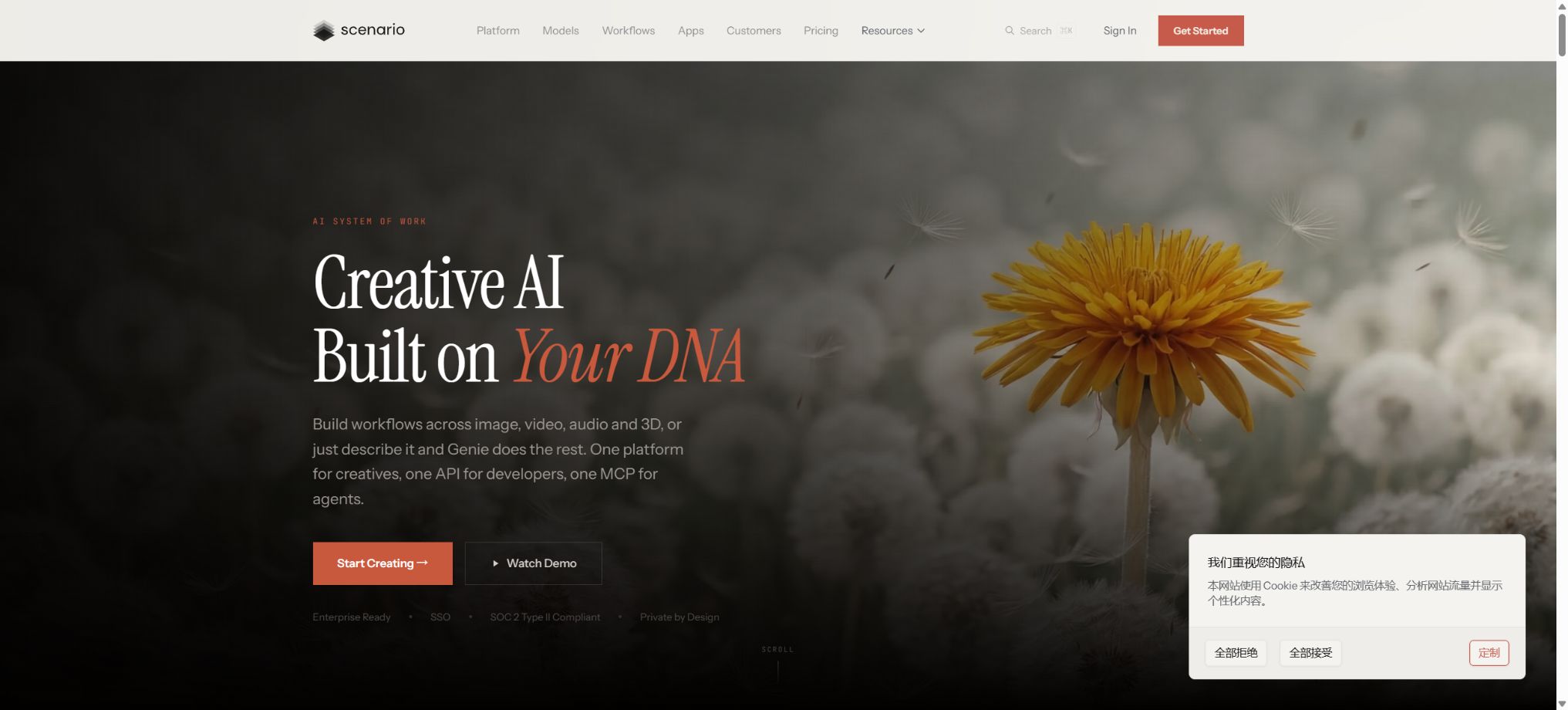
Scenario
A creative AI platform that allows for the training of custom visual models and the bulk creation of consistent assets.
Tags:Common AI image toolsWhat is a Scenario?
Scenario is an AI asset creation platform designed for game studios, artists, and creative teams. It brings together various mainstream generation models, the ability to train custom models, image editing tools, video and audio processing functions, 3D capabilities, as well as a team asset repository in one single workspace.
Compared to general image generators, Scenario places more emphasis on consistency in characters, props, and visual style. Teams can train their own LoRA models, which can then be integrated into existing production pipelines via web interfaces, REST APIs, MCP, or Unity plugins.
Main functions of Scenario
- AI image generation:Use models such as Flux, GPT Image, Imagen, and Seedream to create concept art and game assets.
- Custom model training:Train role, object, and style models using reference images with the rights held by the team.
- Multi-LoRA:Combine role and style models to enhance consistency across different scenarios.
- Image editing:It offers prompt editing, local redrawing, image enlargement, style adjustment, and photo retouching.
- Video generation:It supports text-to-video, image-to-video, start and end frame generation, as well as video editing workflows.
- 3D and textures:Generate grids, PBR textures, and assets that can be imported into Unity and Unreal.
- Workflow pipeline:Connect the steps of creation, editing, zooming, video processing, and export into a reusable workflow.
- Team asset repository:Based on project management prompts, models, training data, and generated results.
- API and MCP:Batch generate and train models, manage assets, and enable AI agents to use creative tools.
Supported asset types and formats
| Asset type | Common formats | Typical uses |
|---|---|---|
| 2D images | PNG, JPEG, WebP, SVG | Characters, props, UI, icons, and concept art |
| Video | MP4, MOV, WebM, GIF | Character animation, promotional videos, and scene previews |
| Audio | WAV, MP3 | Sound assets in creative projects |
| 3D mesh | GLB, OBJ, FBX, STL, VOX | Game prototypes, object, and voxel assets |
| PBR texture | Texture maps that accompany 3D assets | Unity, Unreal, and standard 3D pipelines |
| Custom models | Platform training and deployment | Character consistency and brand artistic direction |
Scenario price
The official options available are Free, Starter, Pro, Max, and Enterprise. Monthly credits are used for images, videos, 3D content, training, and editing; the amount of credits required varies depending on the model, resolution, and parameters used.
| Package | Monthly reference price | Quota and storage | Primary interests |
|---|---|---|---|
| Free | $ | 50 free credits per day | Experience image generation and public models; outputs are intended solely for personal use and evaluation. |
| Starter | $ | 1500 credits,50GB | Over 65 core models, private generation, and single-user space |
| Pro | $ | 5000 credits,500GB | Custom training, advanced models, priority queues, relaxed generation, and 10% computing power discount |
| Max | 75 dollars per month | 10000 credits,1TB | Up to 25-person team space, collaboration, board, high priority, and 20% discount |
| Enterprise | Customization; reference documentation available for $125 per user per month. | 10TB, with the capacity可 increasing depending on the number of seats | Minimum 10 annual users, SSO, SOC 2 governance, auditing, custom integration, and 30% discount |
According to the official details of the annual payment option, it can save 33% compared to the monthly payment, though the payment is usually made in a single installment. The cost for adding additional seats under the Max plan starts at $30 per seat per month, while the final amount for the Enterprise plan will be determined based on the official quote.
How to choose between Starter, Pro, and Max?
| Demand | Recommended package | Reason for selection |
|---|---|---|
| Occasionally explore public models | Free | The daily free quota allows for testing the interface and the performance of the models. |
| Creating private 2D assets individually | Starter | Private generation, core model, and 50GB of storage |
| Training role and style models | Pro | Supports custom training, advanced editing, and higher performance. |
| Collaboration in small studios | Max | Multi-user space, activity dashboard, higher priority, and 1TB of storage |
| Large-scale production and strict governance | Enterprise | SSO, auditing, dedicated team, custom integrations, and enterprise control |
Tutorial on training custom models
- Ensure that the training images are originally created by the team, have a commercial license, or belong to the public domain and can be used legally.
- For style modeling, about 10 to 30 reference images are required; for characters or objects, 5 to 15 high-quality images suffice.
- Try to use images that are clear, have diverse compositions, and consistent visual features, and remove watermarks and unrelated elements.
- Select the training type, model basis, and trigger concept, start the training, and record the data version.
- After training, test for overfitting using different poses, backgrounds, distances, and lighting conditions.
- Add the qualified models to the team workflow, and save the prompts, negative conditions, and review criteria.
Tutorial on creating game assets
- First, define the asset’s purpose, dimensions, perspective, transparent background, color palette, and engine requirements.
- Select the base or custom model that best matches the target to generate a set of low-cost sketches.
- Filter the composition and outlines, then use reference images, LoRA, and prompts to maintain consistency in the character or style.
- Fix errors in fingers, edges, text, and details through local redrawing, image enlargement, photo editing, and zooming.
- Check the scale, topology, and textures of 3D or texture assets in the built-in viewer and the target engine.
- Name the project and save a version; only after passing reviews for art, technology, and copyright is it ready for actual development.
API and MCP Integration Tutorial
- Create API credentials with restricted permissions within the project, and distinguish between personal OAuth credentials and unattended keys.
- First, test the model and parameters on the web interface, then copy the working settings to the API.
- Estimate the credits before making a call; for large MCP tasks, it is possible to request a dry-run first.
- Use Webhooks or polling to track the status of generation, training, and asset processing.
- Save the results in the team’s asset repository, retaining the prompt, model, seed, and version information.
- Set parameters for concurrency, retries, budget, and content approval to prevent automated use from depleting resources indefinitely.
Which users are it suitable for
- Independent game developers:Quickly generate characters, props, UI elements, and promotional materials.
- Game art team:Train a unique style and maintain consistency across assets in bulk.
- Technical art and developers:Access the production pipeline via API, MCP, and Unity.
- Animation and Entertainment Team:Combine images, videos, audio, and 3D workflows.
- Brand and Marketing Team:Use private models to create content that aligns with the brand’s visual identity.
- Large studios:SSO, auditing, governance, dedicated support, and custom integrations are required.
Product advantages
- Combine multiple images, videos, and 3D models to reduce the need to switch between platforms frequently;
- Focuses on ensuring consistency between games and creative assets, supporting LoRA and Multi-LoRA;
- A complete production workflow that covers creation, editing, zooming, and asset management;
- It offers REST APIs, SDKs, Webhooks, MCP, and open-source plugins for Unity;
- The paid plan includes a full commercial license and no royalties are charged;
- Team data, generated results, and trained models are private by default.
Rules for using Credits
- Each model, the number of outputs, resolution, and tool require different amounts of credits;
- The monthly quota is updated on the billing date, and any unused portion is not carried over.
- When the quota is insufficient, operation is suspended; you can purchase additional packages or wait until the next cycle.
- In the examples from the help documentation, using a Flux image costs about 5 credits, while enlarging an image costs about 15 credits.
- Pro, Max, and Enterprise offer discounts of 10%, 20%, and 30% respectively on computing power;
- For batch APIs and video tasks, it is necessary to estimate the costs first and set a budget for the project.
Commercial licenses and copyrights
Officially, it is stated that all paid plans include a full commercial license; users can modify the content, publish it, deliver it to clients, or use it in games that are already in operation, without having to pay royalties to Scenario. The free version is intended solely for personal use and evaluation purposes.
- The uploader is responsible for the copyright and licensing of the custom training data.
- Different base models still have their own content policies and model card instructions;
- A copyright warning does not equate to automatic authorization; similar elements must be manually reviewed before use in commercial purposes.
- It is necessary to verify the rights when using brands, celebrities, protected characters, and customer materials;
- The team should keep records of the sources of the training data, the licensing documents, and the process used to generate it.
Usage restrictions and precautions
- Consistency is still constrained by prompts, posture, composition, and the base model.
- AI-generated assets require manual adjustments to their anatomy, text, perspective, topology, and technical specifications;
- Videos and 3D models typically require more credits, and the cost of generating them in bulk increases rapidly.
- The output from Free cannot be used directly in commercial projects or for client deliveries;
- Custom models do not automatically resolve issues related to the copyright of training materials;
- Each team member must use a separate seat; sharing seats is prohibited by the rules.
- Tests for performance, format, security, and platform policies still need to be carried out before importing the game.
Privacy, Security, and Open Source Information
Scenario claims that, thanks to SOC 2 Type II compliance, the results generated, the models trained, and the assets uploaded are visible only to the organization in question; they are not used to train Scenario’s models nor shared with third parties. Enterprise offers more comprehensive governance and identity control mechanisms.
The core Scenario platform is not an open-source product. The official scenario-labs GitHub repository provides the source code for Unity plugins, skills, and certain modeling tools, but these items do not constitute a complete web platform, training infrastructure, or open-source version of the business model.
Frequently Asked Questions
Is Scenario free?
Free offers 50 credits per day without the need for a credit card, allowing users to test the public models. The free output can only be used for personal purposes and evaluation; commercial use requires a paid plan.
How much is Scenario Pro?
The monthly Pro plan costs around 45 dollars and includes 5,000 credits, the option for custom training, advanced models, priority handling, as well as 500GB of storage space. Paying annually can save 33%; the actual amount will be indicated on the payment page.
Can the assets generated by Scenario be used for commercial purposes?
The paid plan includes a commercial license, allowing users to use the outputs in games and their own projects. When training custom models, it is still necessary to ensure that one has the necessary rights to all the images used for training.
Does Scenario provide APIs?
It offers REST APIs for generation, training, and asset management, and it supports SDKs, Webhooks, and MCP. The same credit system is used for these APIs as well as for web pages.
Is Scenario open source?
The core platform is not an open-source product. The official team has made the Unity plugins and some auxiliary tools available as open source, but the complete generation service and business model remain under Scenario’s control.
Tools similar to Scenario




 Guigong Network Security Registration No. 45132202000164