






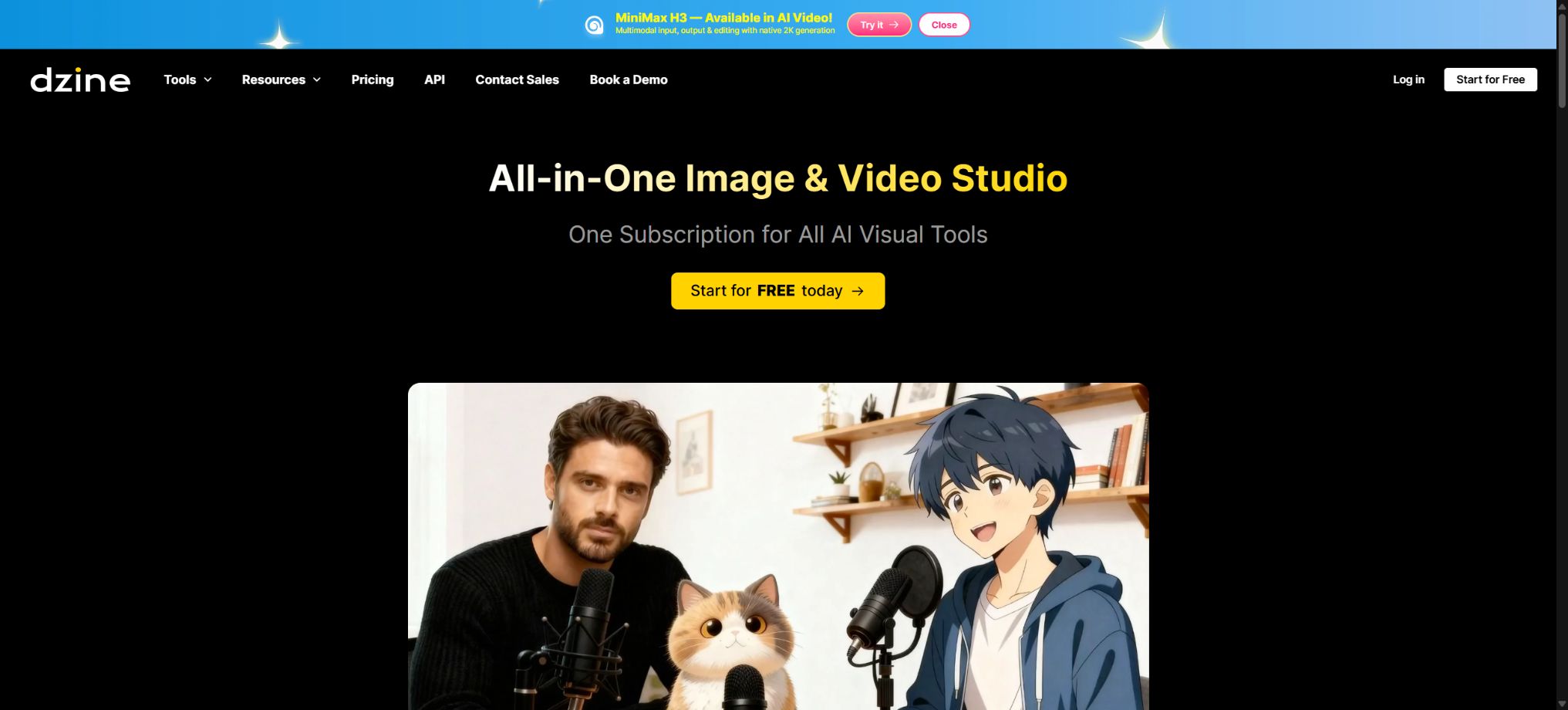
Dzine
A one-stop design platform that combines AI-driven image generation, advanced editing, and video creation.
Tags:Common AI image toolsWhat is Dzine?
Dzine is an online AI visual studio designed for designers, content creators, and marketing teams; it was originally named Stylar. It brings image generation, video creation, layer editing, and post-processing enhancements together in one single creative environment.
Compared to generators that rely solely on prompts, Dzine places more emphasis on controlled creation. Users can first place reference images, sketches, and design elements, and then use AI to maintain consistency in composition, characters, or style.
Dzine’s main functions
- Text-to-image:Enter descriptions of the scene, subject, lighting, and style to create illustrations, photographs, posters, or product visuals.
- Image-to-image:Redraw based on the reference image, while striving to maintain the original composition, relative positions, and relationships between elements.
- Image combination:Place multiple elements and layers on the canvas, and use AI to combine them into a unified image.
- Consistent role:Save the character traits to continue creating in various poses, camera angles, outfits, and scenes.
- AI editor:Use local redraw, object insertion, smart erasure, image enlargement, and hand restoration to adjust the results.
- Image enhancement:It provides tools for clarification, zooming, background processing, text editing, and filter conversion.
- Text-to-video and image-to-video:Generate short videos from prompts or static images, and choose different video models.
- Video editing:It supports video-to-video conversion, video enhancement, object removal, and style changes.
- Digital humans with synchronized lip movements:It can be used to create talking avatars, multi-character dialogues, podcast visuals, and voice-driven videos.
- 2D to 3D conversion:It offers experimental workflows such as converting 2D content into 3D visuals and turning images into 3D models.
Image generation and controlled editing
Canvas and layer workflow
Users can place images, shapes, and other visual elements on the canvas, and then use Image-to-Image to combine them. According to the official documentation, the resulting image will try to maintain the position, size, and orientation of the existing elements, which makes it easier to control the composition compared to generating everything entirely randomly.
- Use reference images to define characters, products, or environments;
- Adjust the overlapping relationships and the position of the main elements through layers;
- Select a partial area to insert, delete, or replace objects;
- Use image expansion to fill in the edges of the canvas and handle different aspect ratios;
- Save the satisfactory results as a character or professional style for further reuse.
Model and style selection
Dzine integrates its own tools with various third-party image and video models; the models displayed on this page change as the products are updated. Different models vary in terms of realism, text representation, speed, resolution, and the amount of Credits required.
When selecting a model, the actual task should be taken into account: consistency is important for continuous shots of characters, while text and product layout are crucial for advertising images; fast ideation, on the other hand, emphasizes speed and minimal resource usage.
Video and digital human features
- Text-to-video:Create lens movements, character actions, and scene changes based on the description.
- Convert images to videos:Convert portraits, product images, or illustrations into animated videos.
- Reference video for generation:Use existing characters or visual styles to constrain new videos.
- Lip synchronization:It allows the avatar to speak naturally based on voice or text, and supports multi-character dialogue scenarios.
- Video enhancement:To improve image clarity, the enhancement magnification and maximum output levels vary depending on the paid package.
- AI podcasts and social short videos:It allows for the quick combination of characters, dialogues, and shots, making it suitable for knowledge-based presentations and marketing content.
Videos generally require more Credits than images; duration, resolution, and the model used all affect the actual cost. Before starting bulk production, it is recommended to first test the characters, actions, and shots using shorter durations and lower resolutions.
Comparison of Dzine prices and packages
Dzine uses a billing system that combines free Credits, subscription plans, and additional Credits. The prices listed below are in dollars as shown on the official pricing page; discounts for the first month, taxes, and prices may vary depending on the region.
| Package | Monthly price | Annual price | Monthly Credits | Primary interests |
|---|---|---|---|---|
| Free | Free | Free | A free 100 is given upon registration. | Try out the image and video tools; the Credits are valid for 12 months and are intended only for personal projects. |
| Beginner | $ | $ | 1,000 | For commercial use; private generation; 10GB material library; up to 8 concurrent tasks |
| Creator | $ | $ | 6,000 | Credits can be carried forward for up to 3 months, and additional Credits can be purchased. |
| Master | $ | $ | 9,000 | Certain image models can be used indefinitely within the framework of fair usage; there is a 100GB material library available. |
| Master Pro | $ | $ | 30,000 | Higher video quota, 200GB of material library, up to 18 concurrent tasks |
The official page may also show a half-price offer for the first month, but the regular monthly price will apply upon renewal. Before making a purchase, it is necessary to check on the payment page the current discount, currency, taxes, and the date of automatic renewal.
How are Credits calculated?
- New free users receive 100 Credits upon registration, valid for 12 months;
- Images, videos, and other AI tools share a single Credits balance.
- Credits for Beginner subscriptions are not carried over, while those for Creator and higher tiers can be carried over for up to 3 months;
- Creators and above can purchase additional Credits: 2,000 credits for $10, 4,000 credits for $20, and 10,000 credits for $50.
- Additional Credits are valid for 12 months from the date of purchase;
- The system first deducts the amount that is due earliest; for amounts with the same expiration date, it deducts the subscription fees, referral rewards, and additional purchase credits in sequence.
- The consumption per use varies depending on the model, resolution, generation time, and editing methods.
Examples of common model consumption
| Function examples | Reference consumption on the official page | Explanation |
|---|---|---|
| Nano Banana 2 | 15 Credits per sheet | Suitable for rapid image generation; the quota may vary depending on the model. |
| Nano Banana Pro | 50 Credits per sheet | Users at the Master level and above can use it without limits within the fair use framework. |
| Seedream 4.5 | 8 Credits per sheet | Suitable for batch visual ideation |
| Dzine Imagine Quality | 30 Credits per sheet | High-quality image mode available |
| Seedance 1.5 Pro 720P | 24 Credits/5 seconds | The cost of video increases with length and resolution. |
| Seedance 2.0 1080P | 550 Credits/5 seconds | High-resolution videos consume data quickly. |
The table above is suitable for estimating costs and should not be regarded as a fixed price over the long term. When there are changes in the model offerings, versions, or platform strategies, the actual cost will be determined based on the real-time indications provided by the interface generation system.
How to choose a Dzine package
| Usage requirements | Recommended package | Reason for selection |
|---|---|---|
| First experience and personal practice | Free | The workflow can be tested, but it does not include a license for commercial use. |
| Occasionally create commercial images | Beginner | The price is low; it includes both commercial and private usage options. |
| Stable creation of images and short videos | Creator | 6,000 Credits, with limited carryover and the option to purchase more. |
| High-frequency image creation | Master | Some image models can be used unlimitedly within the scope of fair use. |
| Studio and a large number of video tasks | Master Pro | Higher limits, storage capacity, number of roles, and concurrent tasks. |
Dzine usage tutorial
Generate images from text
- Register and access the online workspace to create a new image project.
- Select the image model, style, aspect ratio, and number of outputs.
- Describe the subject, environment, composition, camera angle, lighting, and elements that should not be present.
- Generate a low-cost draft first to compare the composition and character portrayal.
- Place the satisfactory result on the canvas, and then proceed with partial redrawing, scaling up, or enhancement.
- Export the final product after confirming the licensing of the materials and the accuracy of the facts.
Create a series of consistent character illustrations
- Prepare character reference images that are clear in appearance, free from obstructions, and have explicit authorization.
- Create and save a Private Character to extract stable facial and appearance features.
- In the prompt, change the actions, clothing, camera angles, and background while keeping the description of the main character intact.
- Check each image for the features of the face, the hands, details of the clothing, and the consistency of the props.
- Use local editing to fix the abnormal areas, then save the final version that can be reused.
Convert images into voice-over videos
- Upload a portrait image or use a consistent character to generate a front-facing avatar.
- Choose the Talking Avatar, Lip Sync, or multi-character dialogue tool.
- Enter text or upload an authorized audio file, and set the speaker and language.
- The generator creates short videos to test lip movements, pronunciation, and facial stability.
- After confirming the effectiveness, increase the resolution or length of time, and complete the subtitles and manual review.
Which users are it suitable for
- Graphic and brand designers:Quickly generate concept diagrams, then use layers and local editing to control the details.
- E-commerce team:Create product scene images, advertising materials, model outfit changes, and short videos.
- Social media management:Generate cover images, posts, character IPs, and vertical video narration content.
- Film, television, and game creators:Explore storyboarding, character design, scene concepts, and animation shots.
- Education and knowledge bloggers:Create explanatory characters, graphic materials, and visuals for AI podcasts.
- Development team:Learn about the business integration solutions for image processing capabilities through the official API page.
Product advantages
- Images, videos, avatars, and post-editing are all gathered in one web page workspace;
- Canvases, layers, and reference images make composition more controllable than generation based solely on prompts;
- Roles and professional styles can be saved and reused, making them suitable for serialized content;
- It integrates various image and video models, allowing for switching based on quality and cost;
- The paid package includes private generation and a license for commercial use;
- Provides API endpoints and documentation for enterprises.
Usage restrictions and precautions
- Free user-generated content can only be used for personal projects and cannot be used for commercial purposes.
- High-resolution videos and advanced models consume Credits rapidly, so it is advisable to conduct a pilot test first.
- “Infinity Images” is subject to the fair use policy; it does not support scripts, robots, or continuous bulk misuse.
- Third-party models, tool lists, and per-use costs may change with platform updates;
- Automatic renewal of the subscription is enabled; once canceled, it remains active until the end of the current period, and any amounts already paid are not refunded.
- The remaining subscription credits after cancellation will not be carried over to the next billing cycle;
- AI may generate incorrect text, deformed limbs, brand confusion, or unstable characters, which require manual revision.
Commercial use, copyright, and privacy
According to the official FAQ, users of any paid plan can use the generated content for commercial purposes, within the limits permitted by applicable laws; free users can only use it for personal projects.
A commercial license does not mean that the platform obtains on behalf of the user the rights to third-party images, trademarks, portraits, characters, and training materials.
- Ensure you have the necessary authorization before uploading personal photos, customer materials, and brand assets;
- Avoid imitating the unique style of protected characters, living artists, or competing brands;
- When creating ads and product images, it is not allowed to fabricate features, effects, or endorsement relationships.
- Paid items are generated privately, and access to the team’s material library is controlled;
- Sensitive facial images, unpublished designs, and commercial data should be anonymized before being uploaded.
API and open-source information
The Dzine official website provides API access for businesses, showcasing capabilities such as text-to-image generation, image-to-image generation, and face swapping. The pricing for these APIs and the details of the available interfaces are specified on the developer page and in the business quotes; it is not possible to simply use the credits available for web subscriptions.
The Dzine online platform is not an open-source product; as of the time of verification, no official GitHub repository containing the source code of the core product was found. Projects with the same name on GitHub, as well as third-party packages and workflows, do not represent the official open-source version of Dzine.
Frequently Asked Questions
Can Dzine be used for free?
Yes, new users receive 100 Credits upon registration, valid for 12 months. The free quota allows them to use the image and video features, but the content generated can only be used for personal projects.
Does Dzine support commercial use?
Yes, the official FAQ permits users of paid plans to use the generated content for commercial purposes within the limits allowed by law. Users are still responsible for handling issues related to the input materials, portraits, trademarks, and third-party copyright permissions.
Are Dzine’s Credits carried over?
Credits for beginners cannot be carried over, while those for Creator, Master, and Master Pro can be carried over for up to 3 months. The validity period of additional Credits is 12 months from the date of purchase.
Is the Master package really unlimited?
Only some image models can be used without restrictions within the framework of the fair use policy; this does not mean that all videos, models, and automated tasks can be used indefinitely. Scripting, bulk continuous generation, or API abuse may lead to restrictions.
Is Dzine open-source software?
No, the core online platform is designed for commercial use. Although the official website provides API access, this does not mean that the source code of the product is made available or that it is possible to deploy it independently.
Tools similar to Dzine




 Guigong Network Security Registration No. 45132202000164