






Stevia PicWish
AI image tools that offer capabilities for image masking, restoration, enhancement, and generation.
Tags:Common AI image toolsWhat is Zosugar PicWish?
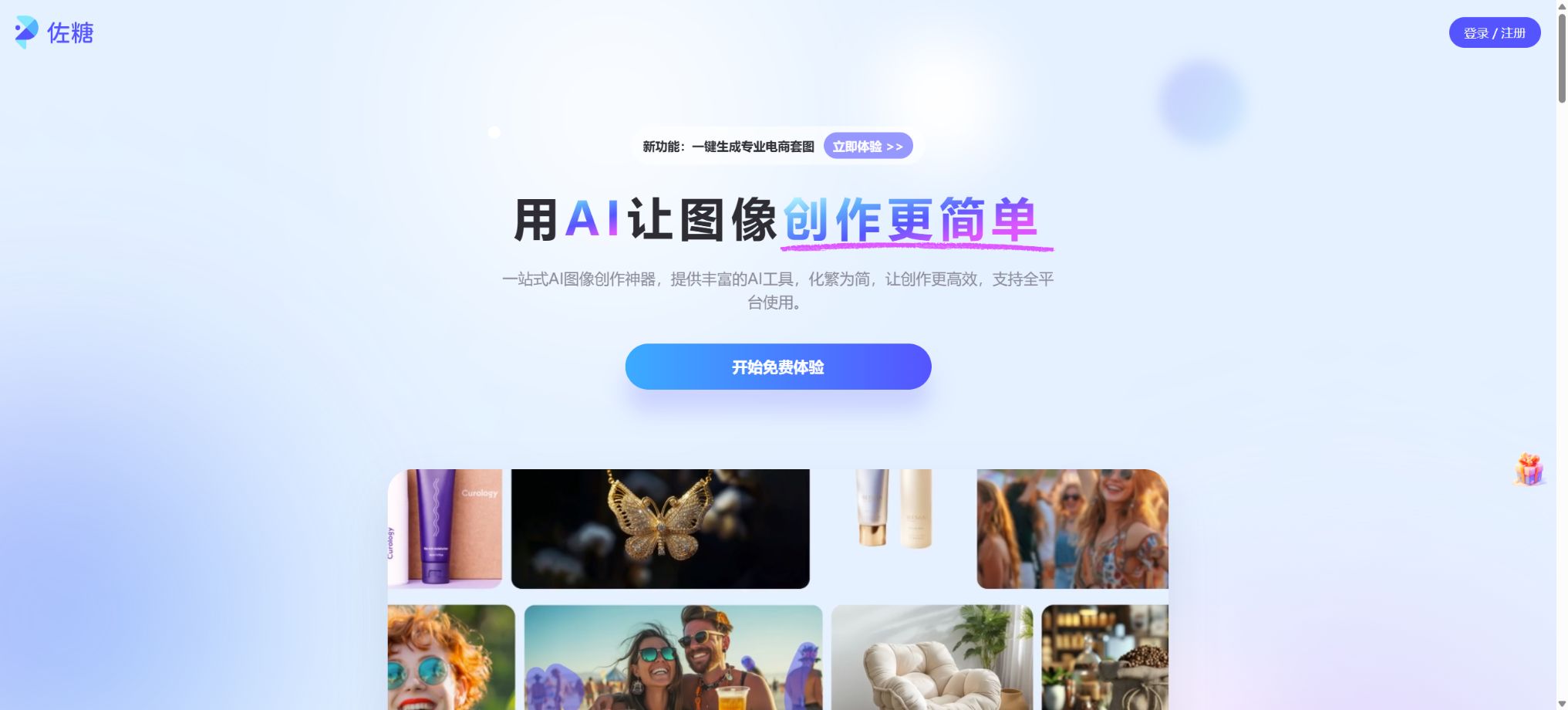
Zuotang PicWish is a one-stop AI image processing and generation platform developed by Shenzhen Wangxu Technology Co., Ltd. It transforms tasks such as image cropping, background replacement, quality improvement, restoration of old photos, removal of objects, creation of ID photos and product images, as well as generative image editing, into automated tools. Users simply need to upload an image, select the desired function, or enter text instructions to obtain the desired result.
PicWish is intended for individuals, e-commerce managers, photographers, designers, and developers; it offers interfaces for use on web pages, as well as on Windows, Mac, iPhone, iPad, Android devices, and through HTTP APIs. It is suitable for handling batch processing of images in a standardized manner, but it cannot fully replace professional software like Photoshop when it comes to precise control over edges, colors, masks, and print-ready files.
Core functions
1. AI one-click image extraction
The system automatically identifies subjects such as portraits, products, animals, and vehicles, removes the background, and generates a transparent background image; this background can also be replaced with a white color, a solid color, a template, or a custom image. For e-commerce product images, profile pictures, identification photos, and social media content, it is possible to adjust the size, position, and shadows of the image after the background has been removed.
Automatic recognition may make mistakes with hair, transparent objects, glass, reflective items, similar foreground elements, and complex edges; therefore, manual tools for keeping and removing certain elements are provided to make corrections. For batch tasks, it is advisable to first test the quality of the edges using a small number of representative images, before processing the entire database of items.
2. Batch image masking and batch image creation
The mobile version indicates that batch image extraction allows processing up to 30 images at once, with the background, size, and shadows applied uniformly to all of them. The web version also supports handling up to 30 images per operation for image enhancement.
The desktop version is designed for larger-scale workflows; the official website indicates that it is capable of processing up to 10,000 images at once.
“Up to 10,000 images” indicates the batch size supported by the software; it does not mean that all computers can process these images smoothly at once. The actual processing speed depends on factors such as image size, network conditions, AI capabilities, device performance, and account limits. Production tasks should be carried out in batches, with attempts to retry any failed operations.
3. Sharper images with lossless scaling
Image enhancement can reduce noise, sharpen edges, improve lighting, and increase the size of images; different models are available for general photos, portraits, animations, text-based images, and old photographs. The official website states that 4K output is possible, and higher resolutions can be achieved in certain desktop or printing workflows.
AI enhancement adds details based on the training data; it does not actually recover the information that has been lost from the original image. Faces, product textures, small text elements, and information on documents may be redrawn incorrectly, and when identity verification, record-keeping, legal matters, or the authenticity of products are at stake, it is necessary to compare the result with the original image.
4. Restoration and coloring of old photographs
The old photo tool can address scratches, folds, fading, blurriness, and issues with facial details by applying mild, moderate, or severe correction; it also supports colorization of black-and-white photos, zooming in 2x or 4x, and adding detailed text annotations. It is suitable for organizing family photos, viewing archives, and sharing them on social media.
Automatic coloring is based on the model’s assumptions, not on actual historical color data; the details of the restored face may also differ from those of a real person.
Precious original documents should be preserved in their undamaged scanned form and in their unaltered version; the resulting copies must be labeled as AI-restored, and they cannot be used to demonstrate a person’s true appearance or historical characteristics.
5. AI pen removal and watermark removal
After the user removes unwanted elements such as people, objects, text, stains, or timestamps, the AI will use the surrounding area to complete the background. The current version of the product also includes features like automatic watermark removal and a video erasing tool, which are useful for eliminating unwanted elements from one’s own photos and videos.
The ability to remove markers technically does not imply the right to delete someone else’s copyright watermarks. One can only work with material that is owned by oneself, for which authorization has been obtained, or which can be edited according to legal provisions; it is not permissible to use this capability to steal paid images, photographic works, documents, or content from the platform.
6. AI designers and interactive image editing
AI designers enable the creation of images using natural language, the replacement of products or backgrounds, the addition or removal of elements, the adjustment of colors and lighting, the transformation of artistic styles, and further iterations. Compared to traditional selection and layer editing, it is more suitable for expressing requests such as \"changing to a holiday promotion background\" or \"removing clutter from the desktop\" in textual form.
Generative modifications can alter the product’s structure, logo, text, and the characteristics of the people depicted. For e-commerce product images, it is necessary to verify the product’s color, quantity, size, accessories, and packaging; ad content must not use AI-generated results to create features or effects that do not exist in reality.
7. Combining product images with AI backgrounds
In the product image workflow, the main subject is first isolated, and then a background is created using templates or prompts; it is also possible to adjust the lighting, texture, contours, colors, shadows, and canvas size. The platform includes standards from popular e-commerce platforms such as Taobao, Tmall, and Pinduoduo, making it suitable for creating images with a white background, main product images, promotional images, and batches of new products.
AI-generated backgrounds can reduce the costs associated with studio shooting and basic design, but for high-value products it is still necessary to check the edges, perspective, contact shadows, reflections, and brand colors. Jewelry, transparent bottles, plush items, food, and highly reflective objects are particularly prone to having unnatural details.
8. ID photo
The ID photo tool automatically detects the face, removes the background and changes the background color. It offers various sizes such as 1 inch and 2 inches, as well as formats suitable for resumes, exam applications and visas; it also supports functions for improving clarity, adjusting brightness and setting custom specifications. It is ideal for creating preliminary electronic versions of photos.
Different exams, as well as various national visa and documentation agencies, have varying requirements regarding pixels, file size, aspect ratio of the image, clothing, background, and the extent of photo editing. It is necessary to follow the latest guidelines set by the relevant authority before using such tools; excessive AI-based beautification or retouching can lead to rejection of the application.
9. Basic editing tools
In addition to AI tools, PicWish also offers functions such as cropping, adjusting the canvas size, applying filters, adjusting brightness and saturation, adding watermarks, creating shadows, compressing images, performing OCR, isolating the subject’s head, segmenting clothing, and expanding images. It is ideal for carrying out daily image editing and formatting tasks in one working environment.
Differences between web pages, apps, and desktop versions
According to the official documentation, images with a size of less than 2048×2048 pixels are generally not compressed on various platforms; however, when the image size is 2048×2048 pixels or larger, compression may occur automatically in the online version and mobile apps.
When it is necessary to retain the original resolution, it is recommended to use the desktop version of Windows or Mac and set the output size to “original resolution”.
The compatibility rules for members on different platforms and for the pay-per-use billing system are subject to the instructions provided for the current account. According to the official guidelines, the pay-per-use service that can be purchased separately is available for Android, iOS, Windows, Mac, and the Web.
The Pro subscription includes Compute Grain, which is available for Android, iOS, and the Web, but not for Windows and Mac.
Functions, batch sizes, and export restrictions may also vary depending on the platform.
Members and Prices
| Package or version | Prices, quotas, and core benefits |
|---|---|
| Pro | Members can take advantage of free trials, Pro/VIP subscriptions, and a pay-per-use option for the service. As of August 2026, the available in-app purchases on the AppStore in China are as follows: a weekly membership costs 28 yuan, a monthly VIP package costs 38 yuan, an annual membership costs 198 yuan, a two-year membership costs 268 yuan; 50 units can be purchased for 39 yuan, 300 units for 79 yuan, and 1000 units for 189 yuan. There is also a specific Pro package available for 398 yuan. |
| VIP | Members can enjoy a free trial, as well as Pro/VIP subscriptions and a pay-per-use option for calculations. As of August 2026, the available in-app purchases on the AppStore in China are as follows: a weekly membership costs 28 yuan, a monthly VIP package costs 38 yuan, an annual membership costs 198 yuan, a two-year membership costs 268 yuan; 50 calculations cost 39 yuan, 300 calculations cost 79 yuan, and 1000 calculations cost 189 yuan. There is also a specific Pro package priced at 398 yuan. Some tools can be tried for free, but high-definition downloads, batch processing, advanced AI features, and more usage rights require a VIP membership or a payment per calculation. |
Zuoguang offers a free trial, Pro/VIP subscriptions, and a pay-per-use model. Free tools generally allow for previewing or limited downloads; high resolution, batch processing, advanced features, and more processing sessions require a membership subscription or incur charges based on usage.
For pay-as-you-go plans, the quota remains valid for an extended period; for the free plans offered by Pro, the quota is updated on a weekly or monthly basis, and the free quota is used first within the subscription period.
As of August 2026, some of the in-app purchases available on the App Store in China are as follows: a weekly membership costs 28 yuan, an monthly VIP package costs 38 yuan, an annual membership costs 198 yuan, a two-year membership costs 268 yuan; 50 calculations cost 39 yuan, 300 calculations cost 79 yuan, and 1000 calculations cost 189 yuan. There is also a specific Pro package priced at 398 yuan. The prices and benefits may vary depending on promotions, the platform, and the renewal period; it is necessary to check the details regarding automatic renewal, free calculations, supported devices, and export options on the payment page.
PicWish API
The developer API offers functions such as background removal, face extraction, photo enhancement, restoration of old photos, removal of objects and watermarks, colorization, creation of ID photos, background generation, OCR, compression, image resizing, and clothing segmentation; it can be integrated into e-commerce systems, content platforms, and automated workflows.
API usage is based on a separate point system, and these points cannot be exchanged for balances in web pages, apps, or desktop tools. Examples of the points consumed include: 0.5 points per image for background removal, 1 point for face extraction, 1 point for basic image editing, 2 to 3 points for image enhancement, 1 point for colorization, 1 point for OCR, 3 to 10 points for background generation, and 5 points for image expansion.
Advanced ID photo editing and ultra-high-definition restoration of old photos require more points.
The actual rules are subject to the interface billing table.
API subscriptions are suitable for businesses with a stable monthly volume of transactions, and any remaining subscription credits can be carried over for ongoing use; once canceled, they can only be utilized until the end of the current billing cycle.
Purchases made on a pay-as-you-go basis remain valid for an extended period.
The address of the API result file is typically valid for only 1 hour, so the client must download it and save it promptly; the default concurrency level is 2 QPS, and if a higher level of concurrency is required, it is necessary to contact the authorities.
APIs generally support PNG, JPG, JPEG, WEBP, and BMP formats; the size of a single file should not exceed 10 MB, and its resolution should not be higher than 4096×4096 pixels. Specific interfaces may impose additional restrictions. It is necessary to implement mechanisms for handling timeouts, polling, retries, keeping track of task IDs, and issuing alerts; short-term result addresses should not be saved as permanent resources.
Supported platforms
- Web online version;
- Windows Desktop Edition;
- macOS desktop version;
- For iPhone and iPad, iOS or iPadOS 13.0 or later is required;
- Android mobile devices;
- Compatibility entry for the mobile app version for Mac;
- An HTTP API for developers.
Company and open-source status
The App Store version available in China shows that the provider is Shenzhen Wangxu Technology Co., Ltd. PicWish is a commercial online service, client, and API platform; the official version does not provide full access to tools for image extraction, enhancement, model creation, or the source code of the application, so it does not qualify as an open-source image tool.
Privacy and data
When image processing requires uploading materials to the cloud, it is necessary to first check whether they contain identification documents, images of children, facial photos, customer products, unpublished designs, or corporate secrets. The official FAQ states that once the web-based processing is complete, the uploaded files are permanently deleted from the server; nevertheless, companies should still assess the retention period, as well as matters related to cross-border data handling and third-party processing, in light of the latest privacy policies, local regulations, and contractual agreements.
For businesses that require strict local processing or where data must not leave the internal network, it should not be assumed that all AI inference tasks are carried out locally just because a desktop client has been installed. It is necessary to verify with the supplier what the data flow is for each specific function, or to choose a solution that offers clear capabilities for local processing and private deployment.
Guide to using Zosugar PicWish
Complete a basic task.
- Clarify the purpose of the image, its dimensions, style, and requirements regarding commercial licensing.
- Upload the original images for which usage rights exist to PicWish, or provide clear instructions.
- Select AI one-click image segmentation to generate low-cost candidates first;
- Use batch image extraction and batch editing to adjust the composition, the main elements, and the details;
- Zoom in to examine faces, hands, text, edges, logos, and artifacts;
- Export after confirming the color, resolution, and licensing, while retaining the original image;
Create reusable professional workflows
- Create a list of brand colors, fonts, layout elements, and elements that are prohibited.
- Test separately AI one-click image extraction, batch image extraction and batch image processing, as well as image sharpening and lossless scaling;
- Use the same set of representative samples to compare quality, speed, and cost;
- Complex edges, text, and images of key products should be handed over for manual refinement.
- Standardize naming, dimensions, and review status;
- Batch processing and release are carried out after random inspections;
Which users is it suitable for?
- E-commerce teams that create bulk versions of background images with a white backdrop, main product images, and product backgrounds;
- Ordinary users who need to quickly extract elements from images, repair them, and use images for social media;
- Family and archival workers who organize old photos, black-and-white photographs, and low-resolution scans;
- Individuals who create ID photos, profile pictures, and images for content;
- Photography, design, and operations teams that handle a large number of standardized images;
- Developers and platforms that wish to automate image processing through APIs.
Product advantages
- Functions for image cropping, enhancement, restoration, generation, and e-commerce graphics are all available in one place;
- Full coverage for web, desktop, mobile, and API;
- Supports batch processing of up to 30 items online, as well as larger-scale desktop batch processing;
- Interactive image editing reduces the barriers associated with traditional selection and layer operations;
- The API clearly lists the amount of resources consumed based on functionality, and supports pay-as-you-go purchasing.
Restrictions and Precautions
- AI image segmentation may result in the loss of fine hairs, semi-transparent areas, and reflective edges;
- Enhancing and restoring old photos can generate textures that do not exist.
- Eliminating background synthesis can prevent the creation of duplicate structures and unnatural shadows;
- Important images must be enlarged for inspection;
- The online version and the app may compress large images, and the batch processing limit is not unlimited, meaning there is a speed constraint.
- High-resolution printing and large-scale e-commerce tasks are better suited for the desktop version or API, and it is necessary to first verify the output color, size, and cost.
- Watermark removal, generative image editing, and style conversion must comply with copyright, portrait, and trademark regulations.
- The functions provided by the platform do not equate to obtaining authorization from third parties for the content used by users;
Frequently Asked Questions
Is Zosugar PicWish free?
Some tools can be tried for free, but high-definition downloads, batch processing, advanced AI features, and more usage require a VIP account or credits.
How many images can PicWish process in batch?
The typical batch limit for web and mobile versions is 30 items, while the official desktop version indicates that up to 10,000 items can be processed; in practice, it is necessary to process the items in batches, taking into account the device, network conditions, and available limits.
Why are large images compressed after being downloaded?
The online version and the app compress images with a resolution of 2048×2048 pixels or higher. To obtain the original resolution, use the desktop version and select output in that original resolution.
Can the purchased particle counting function be used across different platforms?
The pay-as-you-go version of Compute Units can be used on web, mobile, and desktop devices; the free Compute Units included with the Pro version are not available for Windows and Mac.
Log in with the same account and check the current rules before making a purchase.
Does PicWish offer an API?
It offers functions such as image masking, enhancement, removal, background generation, creation of ID photos, and OCR. The number of API calls is independent from the balance available with regular tools; the default rate limit is 2 QPS.
Is Zosugar PicWish open source?
It is not open source. It is a commercial service with a client interface; it offers APIs but does not make the source code of its core products and algorithms available to the public.
Tools similar to Zosugar PicWish




 Guigong Network Security Registration No. 45132202000164