






Krea AI
A comprehensive AI creation platform that supports real-time canvases, multi-model images and videos, as well as node-based workflows.
Tags:Common AI image toolsWhat is Krea AI?
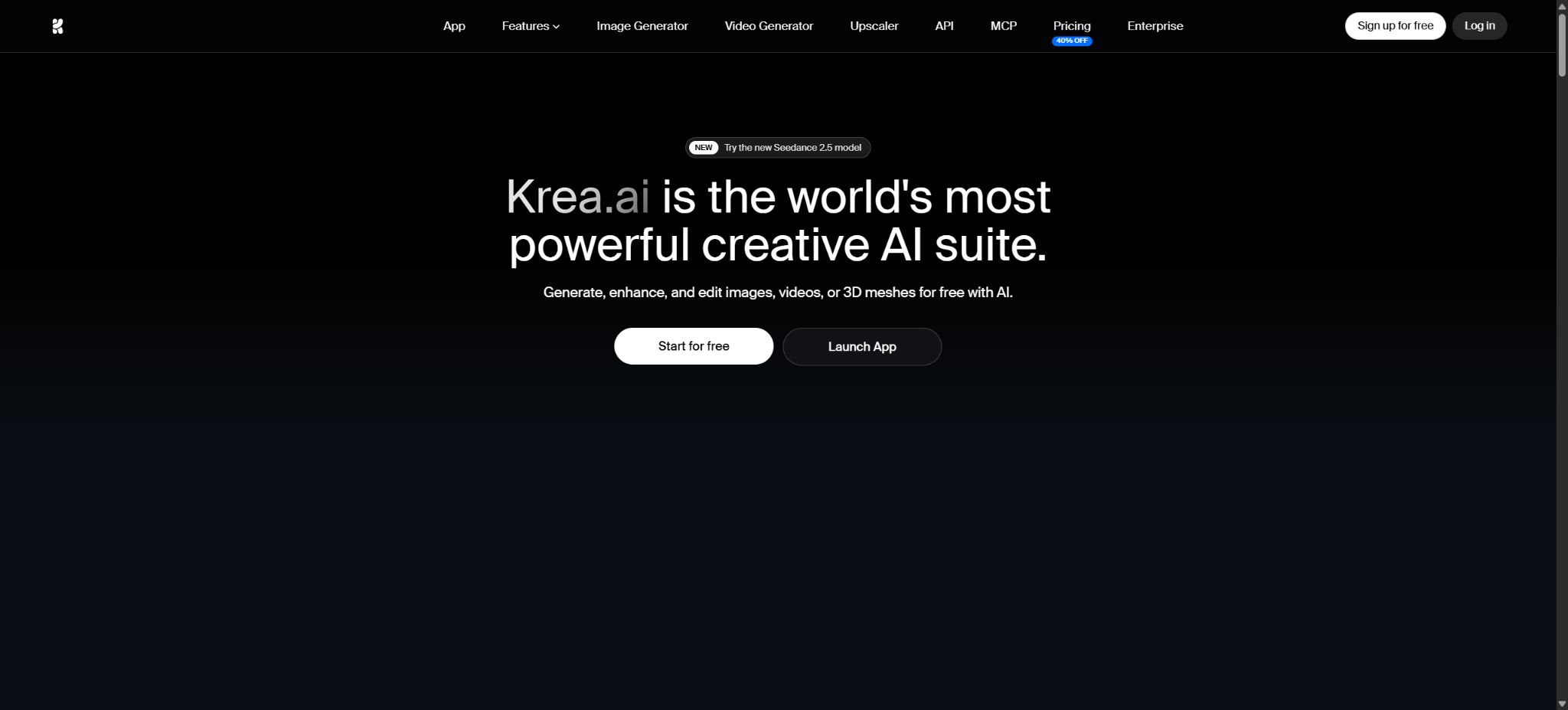
Krea AI is an AI-based visual creation platform designed for designers, video creators, architects, brand teams, and developers. It brings together real-time image generation, image editing, video processing, 3D functions, lip-sync technology, image and video enhancement, LoRA training, and node-based workflows in a single web-based workspace.
Users can either use Krea’s own models or select from various third-party image and video models, without the need to manage multiple creation platforms separately.
As of this verification, Krea has evolved from a tool originally known as Realtime Canvas to a platform that includes a model laboratory, multiple modeling tools, and an API platform. It will be launched in 2026.Krea 2It is its first image-based model trained from scratch, emphasizing aesthetic diversity, style transfer, and creative control.
Krea 2 Turbo reduces the generation time to about 2 seconds, making it suitable for quick exploration.
Core functions
- Real-time canvas:When entering text, drawing sketches, moving shapes, or adding reference images, the results on the right side change continuously, making it suitable for quick experimentation with composition, space, materials, and lighting. It functions more like a tool that provides immediate visual feedback, rather than requiring one to wait for the result after submitting the instructions.
- Krea 2 image generation:Krea 2 Medium and Large are better suited for ensuring high quality and precise adherence to a specific style; Turbo focuses on rapid iteration within two seconds. The model can understand various visual styles such as photography, illustration, digital painting, film stills, and experimental art.
- Style references and Moodboard:Colors, textures, lighting effects, and overall aesthetic elements can be extracted from one or more reference images, and then applied to new content. Moodboard enables the expression of a complete visual direction through multiple assets, making it more suitable for brand and artistic guidance than using just a single Style Reference image.
- Generative Sliders:Sliders are used to control intensity, complexity, sense of movement, and the creativity of the prompts, allowing users to switch between fully predictable outcomes and more free-form exploration without having to rewrite lengthy prompts repeatedly.
- Image editing:After uploading an image, it is possible to perform local redrawing, image enlargement, background replacement, style transformation, and adjustments to various areas. Annotations allow for different markings in different areas at the same time, making them suitable for fine-tuning details of products, buildings, and characters.
- Multi-model image generation:The platform integrates models such as Flux, Imagen, Nano Banana, GPT Image, Ideogram, Runway, Seedream, and Qwen. These different models have varying capabilities in terms of text generation, realism, editing, handling of characters, and style, and they also consume different amounts of computing resources.
- AI video:It supports video generation from text as well as from images, and offers various models such as Veo, Kling, Runway, Hailuo, Wan, Seedance, Ray, and Grok Imagine. The available versions, duration, resolution, audio options, and prices are subject to continuous changes.
- 3D synchronization with lip movements:3D assets can be created from images or prompts, and the movements of characters can be synchronized with audio for lip synchronization; this is suitable for concept validation, game assets, short videos, and digital characters.
- Image and video enhancement:Enhanced models such as Krea and Topaz are available; with the paid version, images can be exported at a resolution of up to around 22K. Zooming in adds or recreates details, which makes this approach unsuitable for use in forensic applications, medical imaging, or situations where the original pixel accuracy must be preserved.
- LoRA training:Lightweight models can be trained using one’s own characters, products, objects, or visual styles. Krea 2 LoRA offers both private and public options; Max and Business provide greater training capabilities; the materials used must be licensed.
Nodes workflow and Apps
Krea Nodes is a visual workflow editor that allows users to connect models, prompts, image inputs, enhancement processes, videos, and other processing steps together; it is suitable for batch creation and repetitive tasks. Users can also package these workflows into apps that can be run repeatedly or shared, enabling team members who are not familiar with the nodes to use them through simple forms.
The Nodes Agent can assist in creating or modifying node diagrams using natural language; for example, one can request to \"upload product images, perform image extraction, generate three different scenarios, and enlarge the final result.\" The workflows generated by AI still require verification regarding the model, dimensions, loops, and budget, as incorrect connections can lead to excessive consumption of computational resources.
Detailed Explanation of the Krea 2 Model
Krea 2 focuses on aesthetic diversity and style control. It does not force all prompts to adhere to a single \"refined AI style,\" but rather supports various approaches, from grainy film, commercial photography, clean studio shots to complex paintings and experimental visuals.
Style Reference can extract the style of a single image, while Moodboard treats multiple images as part of an overall creative context.
The open-source version of Krea 2 includesRawandTurboRaw is an un-distilled baseline checkpoint, suitable for fine-tuning, post-training adjustments, and LoRA training; it is usually run with a large number of sampling steps.
Turbo is the 8-step distillation version, suitable for fast inference and capable of generating around 1K to 2K outputs.
Officials recommend training LoRA on Raw, and then using Turbo for rapid generation.
The specific service configurations for Krea 2 Medium and Large in the cloud are not exactly the same as those of the open-weight version. Ordinary users can use these tools on the web without needing to download any models.
Local deployment requires a graphics card, storage, an inference framework, and management of model licenses.
Open-source real-time video models
Krea’s official GitHub page also makes available the Krea Realtime 14B video model. It is based on Wan 2.1 14B and employs Self-Forcing distillation to transform traditional video diffusion into a streamable, autoregressive generation method.
Official tests show that around 11 frames per second can be achieved on the NVIDIA B200, and it supports WebSocket streaming services, offline batch processing, as well as video-to-video conversion.
For local operation, it is recommended to use a system with at least 40GB of video memory, Linux operating system, Python 3.11, and around 30GB of storage space for the models. The term “real-time” refers to performance achievable with high-end data center GPUs; it does not mean that ordinary laptops or consumer-grade graphics cards can achieve the same speed.
Free version and personal pricing
| Package or version | Prices, quotas, and core benefits |
|---|---|
| Free | $ |
| Basic | $ |
| Pro | 35 dollars per month, 20,000 computing units per month; all video models, Nodes and Apps, as well as Nodes Agent are available, and discounts are offered on purchasing computing packages. |
| Max | Around $70 per month; the current page indicates 60,000 calculation units per month. It is intended for creators with high usage levels, and offers enhanced training capabilities, parallel processing options, as well as advanced functions. |
| Business | Starting from $200 per month and 80,000 units per month, the pricing is based on teams rather than individual seats; an unlimited number of members can be added, and workspace quotas can be shared. |
| Enterprise | Custom quotes are available, offering enterprise features such as SAML SSO, dedicated support, customized computing packages, as well as governance and intellectual property protection. |
The monthly calculation unit for individual plans is not carried over; Business and Enterprise plans can have the carryover feature set according to the contract terms.
A one-time calculation package is usually valid for 90 days.
Annual payments may be eligible for discounts, and the offers on the page as well as the pricing per package can change; it is necessary to refer to the payment page before making a purchase.
Units of measurement and commercial use
Different models require varying numbers of Compute Units depending on factors such as resolution, duration, audio quality, quality level, reference images, and the cost associated with inference. 100 units cannot be simply converted into a fixed number of images or fixed minutes of video.
High-quality videos, Topaz scaling, and complex models require significantly more resources than real-time images.
Plans starting with Basic include a commercial license that allows the generated content to be used for marketing, products, and customer-related activities. However, this commercial license does not guarantee that the work will be protected by copyright, nor does it eliminate the risks related to the rights of training materials, real-person portraits, trademarks, and third-party characters.
Compensation for a company’s intellectual property rights is applicable only when the specific terms of an agreement are met.
Krea API
Krea offers a unified REST API and an official JavaScript SDK, which enable access to Krea 2 as well as dozens of different types of images, videos, enhancements, and 3D models. It also supports asset uploading, LoRA Style, Nodes App, asynchronous tasks, polling, Webhooks, and MCP. The API is authenticated using Bearer Tokens; the key is displayed only once and should be stored in environment variables.
The API has its own separate dollar balance, distinct from the Compute Units used in web applications. Direct calls that utilize API Tokens result in charges being deducted from this dollar balance, via MCP.
MCP connected via OAuth can be billed on a per-logged-in account basis.
Charges are applied only for tasks that are completed; no fee is deducted for failed or canceled tasks. The balance can be toped up in amounts of 10, 25, 50, or 100 dollars, or a custom amount between 5 and 10,000 dollars can be entered.
Each model displays a fixed price based on its generation parameters; the length of the video, its resolution, and the audio quality have a significant impact on the cost. The API console does not provide an endpoint for checking the balance, so developers must check their recent expenses in their workspace and set their own budgets and alerts.
Data retention and team management
The developer documentation offers the option of Zero Data Retention; companies can also make use of access controls, analytics, model restrictions, and limits on the amount spent by members. Whether zero data retention is enabled depends on the workspace settings and the contract – it cannot be assumed that this option is available for free or that it is enabled by default for all personal accounts.
When training role or brand LoRAs, the dataset may contain customer materials, photos of people, and unreleased products. It is necessary to verify consent for the use of portraits, copyright issues, retention periods, and the scope of sharing before uploading them.
Making LoRA public means it can be discovered and reused by other users, which is not suitable for sensitive brand assets.
Is it open source?
The Krea web platform, Nodes, the hosted API, and all third-party models do not constitute a single open-source product. However, Krea’s official GitHub repository makes available the inference code for Krea 2 along with Raw/Turbo weights, Krea Realtime 14B, FLUX.1 Krea dev, and certain skills.
The Krea 2 code repository is licensed under Apache 2.0, but the model weights are governed by the Krea 2 Community License: organizations and related entities can use them for commercial purposes under certain conditions if their total revenue over the past 12 months is less than $1 million; if that threshold is reached or exceeded, a corporate license must be purchased.
The catalog should indicate that \"the platform is not open source; only the weights of certain models are available, and they are subject to community licenses\", and it should not be stated simply as being fully open source.
Krea AI Usage Guide
Complete a basic task.
- Clarify the purpose of the image, its dimensions, style, and requirements regarding commercial licensing.
- Upload the original images for which you have permission to use, or enter clear instructions to Krea AI;
- Select the real-time canvas and generate low-cost candidates first;
- Use Krea 2 to generate images with improved composition, subject focus, and details;
- Zoom in to examine faces, hands, text, edges, logos, and artifacts;
- Export after confirming the color, resolution, and licensing, while retaining the original image;
Create reusable professional workflows
- Create a list of brand colors, fonts, layout elements, and elements that are prohibited.
- Test the real-time canvas, Krea 2 image generation as well as style reference and Moodboard separately;
- Use the same set of representative samples to compare quality, speed, and cost;
- Complex edges, text, and images of key products should be handed over for manual refinement.
- Standardize naming, dimensions, and review status;
- Batch processing and release are carried out after random inspections;
Which users are it suitable for
- Architects and interior designers who need to convert sketches into renderings in real time, as well as those who want to explore different materials and lighting options;
- Designers who create advertisements, concept art, content for social media, and brand visuals;
- Creators who need to compare various video models in order to produce short videos;
- A team that maintains consistency in characters, products, and style through LoRA;
- Non-technical users who wish to create reusable workflows using Nodes;
- Developers who can access a variety of visual models through unified APIs, Webhooks, and MCP.
Restrictions and Precautions
- Multi-model platforms reduce the cost of switching, but the list of models, their versions, limits, and prices change frequently.
- The same prompt yields significantly different results across different models; for important projects, it is necessary to use a fixed version of the model, specific parameters, a seed value, and reference materials.
- The video may exhibit flickering, identity shifts, physical errors, and inaccurate lip movements;
- Real-time image generation and enhancement results still require manual inspection;
- Architectural renderings cannot replace CAD, structural calculations, or code reviews.
- Product images must not depict features that could influence purchasing decisions;
- Live people, voices, logos, and copyrighted characters must have authorization;
- Batch tasks involving APIs and Nodes should be tested on a small scale first, to prevent unexpected consumption of quotas.
Frequently Asked Questions
Is Krea AI free?
There is a free version that provides 100 calculation units per day, allowing access to Krea 2, real-time image generation, and a limited number of models. Advanced videos, commercial licenses, Nodes, and higher quotas require payment.
How much is Krea AI?
Basic costs $9 per month, Pro costs $35 per month, Max is around $70 per month, and Business starts at $200 per month; annual payments and prices for promotions may vary.
What is the difference between Krea 2 and Krea 2 Turbo?
Turbo mode takes about 2 seconds to generate results, making it suitable for quick exploration; Medium and Large modes offer better accuracy in terms of style and higher quality in the final output.
The open-weight version is also divided into Raw and 8-step Turbo.
Can Krea create videos?
Yes, it supports various video generation and image-to-video models such as Veo, Kling, Runway, Seedance, Hailuo, Wan, Ray, and Grok Imagine.
Does Krea provide an API?
It offers a unified API, JavaScript SDK, Webhooks, and MCP, which enable access to functions related to images, videos, enhancements, 3D, LoRA, and the Nodes App. The balance of funds in USD for the API is separate from the calculation units used on the website.
Is Krea open source?
The entire platform is not open source; however, some models such as Krea 2 and Realtime 14B are available publicly.
Krea 2 uses community licenses with income thresholds; commercial use with an annual income of over 1 million dollars requires a corporate license.
Tools similar to Krea AI




 Guigong Network Security Registration No. 45132202000164