






Cleanup.pictures
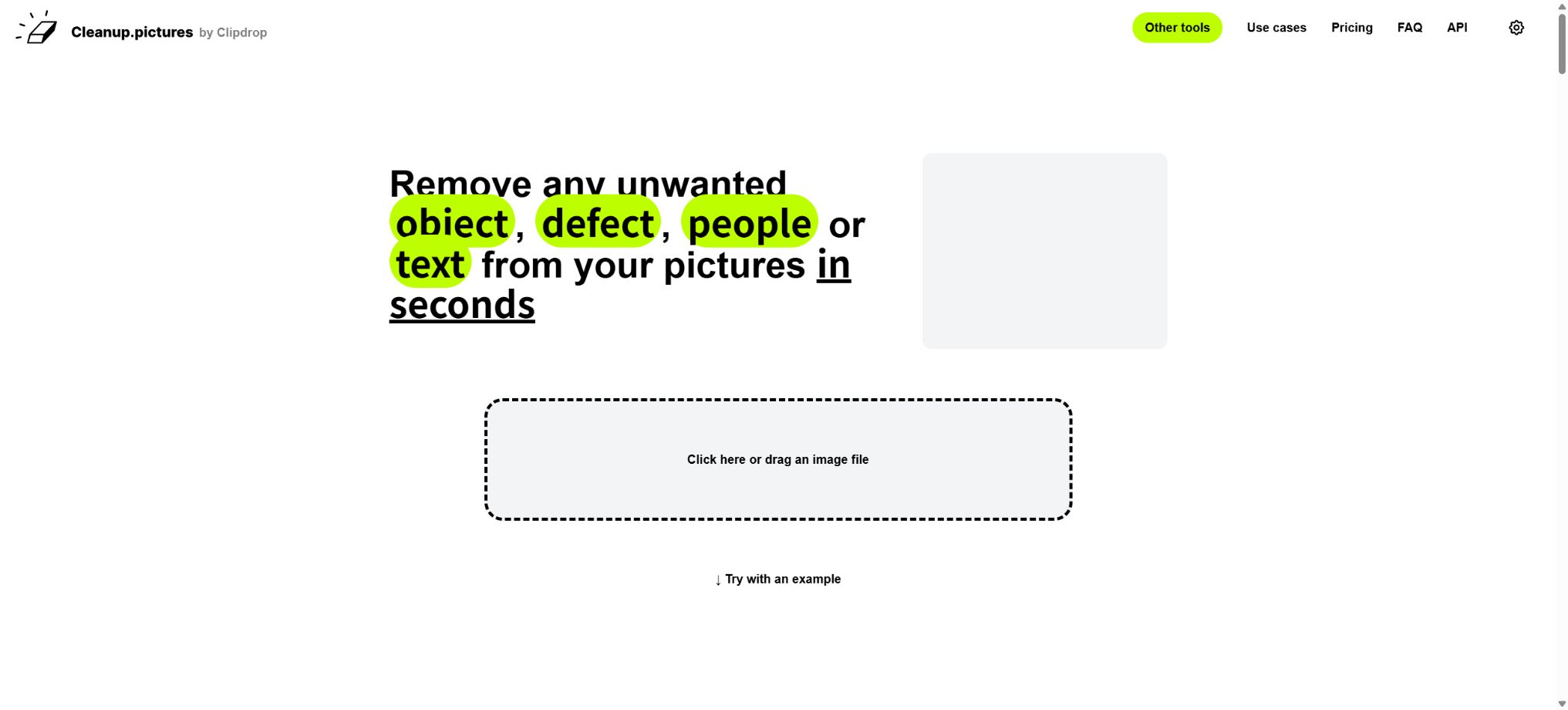
A specialized tool that uses AI to quickly remove people, text, objects, and defects from images.
Tags:AI image object removalWhat is Cleanup.pictures?
Cleanup.pictures is a web-based tool dedicated to AI-powered image repair and object removal. After the user uploads a photo, they simply need to use the brush tool to cover the unwanted people, elements, text, dates, or defects; the system will then infer the area that is covered based on the surrounding textures, colors, and patterns, and fill in the background accordingly.
It reduces the functions found in traditional photo-editing software such as the clone stamp, content-aware fill, and advanced selection tools to just three simple steps: upload, apply the edit, and download – making it suitable for users without any professional experience in photo editing.
The product was developed by the French team Init ML, and it belongs to the same set of visual tools as Clipdrop. Init ML was acquired by Stability AI in 2023, and the Clipdrop service was later transferred to Jasper in 2024.
The official Clipdrop website clearly states that it belongs to Jasper.
The standalone website Cleanup.pictures still features the Init ML brand as well as individual Pro subscriptions; the developer interface is provided by the Clipdrop platform, and additional credits can be obtained by contacting Jasper.
Core functions
- Remove the people and passersby:Use the brush to cover the people who are not desired in the photo, and select as well the shadows, reflections, or areas obscured by those people. The AI will then try to restore the background elements such as the ground, walls, sky, or other scenery. The clearer the patterns in the background, the more natural the resulting image will be.
- Delete object:It is possible to remove wires, trash bins, furniture, road signs, accessories, defects, and other distracting elements from the edges of the image. Unlike clone stamps, users do not need to manually locate the source material for copying; however, repeated textures or structural errors may still appear in the area that is generated.
- Remove text and dates:It is possible to remove timestamps, temporary annotations, sign texts, and unnecessary formatting elements from photos. In cases of dense text, complex patterns, or text that covers the edges of the subject, it may be necessary to apply these edits in stages.
- Fix flaws:It is suitable for dealing with acne marks, fine wrinkles, and dust spots in portraits, as well as cracks, stains, and localized damage on old photographs. It is not a complete system for restoring old photos; it does not automatically perform colorization, restore facial features, or carry out super-resolution reconstruction of the entire image.
- Removing clutter from real estate properties:It is possible to remove personal items, cables, small furniture, and temporary clutter from the photos inside the property, thereby making the appearance of the place neater. It is not allowed to use photo editing to hide any damage to the property, structural defects, or other important facts that could affect the decision to purchase it.
- E-commerce and creative assets:The brackets, hands, background elements, or unnecessary decorations surrounding the product can be removed, to facilitate the creation of main images and content for social media. The text related to the product, its colors, accessories, and functional details must all correspond to those of the actual product.
- Fast and high-quality mode:Standard web processing focuses on speed, while the Pro version offers a high-quality refiner; the API provides two modes: fast and quality. The quality mode is slower but generally helps to reduce artifacts, making it suitable for final delivery.
- Repeated repairs:When the results are not satisfactory, it is possible to reduce the area, enlarge the mask, or proceed in multiple steps. Officials recommend that the mask be slightly larger than the target area; the empirical value given in the API documentation is an expansion of about 15%.
How to use it
- Upload JPG or PNG photos and locate the object that needs to be removed in the image;
- Adjust the brush size to fully cover the object, as well as any associated shadows, reflections, and edges;
- Wait for the AI to generate the repair results, then zoom in to check for repeated textures, broken lines, and the edges of the main object.
- If there are issues, revoke and change the selection area, or break down complex objects into multiple steps for processing;
- Download after verification; the free version imposes limits on the output resolution, while original size or high-quality results require the Pro version.
If the selected area is too small, edges, shadows, or outlines will remain; if it is too large, the AI will reconstruct more of the content that was already correct.
When working with wires, railings, and architectural lines, it is possible to select segments along those lines; when dealing with figures, the shadows under their feet need to be covered.
Important photos should be kept in their original format; do not save them repeatedly in a lossy format.
Free version and Pro pricing
| Package or version | Prices, quotas, and core benefits |
|---|---|
| Free | At 0 dollars, it allows processing an unlimited number of images, but the export resolution is limited to 720p. The official website states that the longest side of the image can be up to 720 pixels, which is suitable for web previewing, sharing on social media, and testing effects. |
| Pro monthly plan | 5 dollars per month: removes resolution limits, allows processing of images of any size, and enables use of the high-quality Refiner tool. |
| Pro annual subscription | $ |
The Pro subscription can be used on mobile devices and desktop browsers, but each subscription is available for only one user. The official website offers an HD trial version for testing before making a purchase.
Subscriptions that have been activated are generally not refunded automatically; the official policy applies only in a few situations such as technical issues or platform incompatibilities. A full refund may be given if the subscription has been purchased for less than 14 days, while in cases where more time has passed, the refund will be calculated based on the number of days used. The final decision is subject to review by the support team.
The price page for Cleanup.pictures has shown a monthly fee of $5 and an annual fee of $36 for many years, but its product framework and interfaces are being migrated to Jasper; as a result, the currency used for payments, any taxes applied, and the regions where it can be purchased may change. If one only needs to process small images occasionally, the free version is available.
It is more appropriate to upgrade to a higher resolution for printing or as the main product image, and to be delivered to the customer in that format.
Cleanup API
The Cleanup API is used to integrate the ability to remove objects into websites, mobile applications, automated pipelines, or internal tools. Requests are sent using POST and multipart/form-data; it is necessary to submit the original image as image_file, a black-and-white mask file with the same dimensions as the original image as mask_file, and optionally, a mode parameter.
In the mask, black pixels are retained, while white pixels indicate areas that need to be removed; gray gradients are not allowed.
- Input restrictions:The original image can be in JPG or PNG format, with a maximum resolution of 16 million pixels and a file size of no more than 30 MB; the mask must be in PNG format, have the same dimensions as the original image, and also cannot exceed 30 MB in size.
- Processing mode:\"fast\" is the default mode, which corresponds to normal processing of web pages; it is faster but may result in artifacts. \"quality\" corresponds to the HD mode – processing is slower, but higher quality is achieved.
- Output:On success, a PNG file with the same dimensions as the original image is returned, and the remaining quota as well as the amount used this time are indicated in the response headers.
- Free development quota:After logging in, you can receive 100 Clipdrop API credits for use in development and debugging; requests will be rejected once these credits are used up.
- Billing unit:One successful call to the Cleanup API consumes 1 point; for more points or production contracts, you need to contact Jasper. The official documentation does not specify a fixed price per point in dollars.
- Rate limiting:By default, each API Key allows up to 60 Cleanup requests per minute; higher throughput requires a request for approval.
The interface is authenticated using an x-api-key. This key must be stored on the server side or in a secure key management system; it cannot be included in browser scripts, mobile application packages, or public code repositories.
Automation scripts should handle cases of insufficient quota, incorrect parameters, speed limits, and server errors, and prevent unlimited retries for the same image.
The API documentation provides examples in cURL, JavaScript, Python, Swift, and Kotlin, allowing integration into Web, iOS, and Android projects. The clipdrop-api-samples repository on GitHub is licensed under Apache 2.0 and contains publicly available example calls;
The fact that these example codes are open source does not mean that the Cleanup model, the web interface, or the cloud-based inference services are also open source.
The relationship between Cleanup.pictures and Clipdrop
Cleanup.pictures is a standalone tool whose functions are focused on removing objects using a brush-like tool; Clipdrop, on the other hand, offers a more comprehensive set of visual tools – in addition to Cleanup, it includes features for automatically removing text, removing and replacing backgrounds, expanding images, zooming in, adjusting lighting, generating images from text, and adapting images to various sizes.
When the Cleanup page encounters a need to remove the background, it also guides users to use Clipdrop.
When you just want to remove a person or object quickly, the Cleanup.pictures interface is more straightforward; for tasks that require automatic detection of text in an image, replacement of the background, or image enlargement, the Clipdrop tool is more suitable.
The current Clipdrop page is still guiding users on how to use Jasper’s new image API, indicating that the old Clipdrop API is in a transitional phase relative to the Jasper platform.
Before carrying out the official integration, developers should verify whether the new account can obtain keys, the methods for purchasing production quotas, and the status of interface maintenance.
Tutorial for using Cleanup.pictures
Create reusable professional workflows
- Create a list of brand colors, fonts, layout elements, and elements that are prohibited.
- Test separately removing people and passersby, deleting objects, and removing text and dates;
- Use the same set of representative samples to compare quality, speed, and cost;
- Complex edges, text, and images of key products should be handed over for manual refinement.
- Standardize naming, dimensions, and review status;
- Batch processing and release are carried out after random inspections;
Which users are it suitable for
- Ordinary users who remove passersby, trash cans, road signs, and timestamps from travel photos;
- A photographer who fixes minor flaws in portraits, cracks in old photos, and dust spots from scans;
- Real estate professionals who remove clutter, personal items, and temporary signs from properties;
- E-commerce sellers who remove product stands, background distractions, and temporary labels;
- A design and creative team that can quickly create advertisements, content for social media, and conceptual materials;
- Developers can integrate image repair capabilities into their products through REST APIs.
Advantages
- You can experience it quickly without the need to register; the operations involved are simply uploading files and using a brush to make markings.
- The free version allows an unlimited number of images, making it suitable for repeated testing and for use with small images;
- There is no need for manual sampling – the AI will reconstruct the obscured areas by taking into account the surrounding content.
- The Pro version has a lower price and removes the 720p limitation outright;
- The API parameters are simple, and examples are available for various programming languages;
- By focusing on a single task, the learning cost is lower compared to full-image editing software.
Restrictions and Precautions
- Image repair does not involve restoring the actual content that is obscured, but rather generating a visually plausible guess.
- When the background contains faces, text, repeated railings, architectural geometry, fingers, transparent objects, or complex shadows, the result may show distortions and repetitions.
- In news, justice, insurance, healthcare, research, and evidence-related photos, the area where they were created should not be presented as real information.
- Clear authorization is required before deleting the watermark;
- Watermarks are typically used to indicate copyright, scope of authorization, or source. The fact that they can be removed technically does not mean it is legally permissible to do so.
- Product images must not remove the warning signs, certification marks required by law, or any key information that could mislead consumers;
- Online processing means that the photos need to be uploaded to the server.
- For faces, identification documents, customer data, indoor privacy, and unreleased products, it is necessary to first verify the organization’s policies and data processing rules.
- For highly sensitive images, it is possible to consider using local open-source repair tools, but these local alternatives are not the same as Cleanup.pictures, and it cannot be assumed that they will yield similar results.
Open-source status
The entire Cleanup.pictures website, its business model, and the hosting API are not open source. On Init ML’s official GitHub repository, examples of the Clipdrop API along with some demonstration code are available; this open source repository is meant to show how to utilize cloud services.
Tools commonly found on the internet, such as IOPaint and LaMa Cleaner, are independent third-party local repair programs; they are not the official offline version of Cleanup.pictures.
In the catalog, Cleanup.pictures should be labeled as “Commercial and closed-source; official API examples are open-source.” If users need a completely offline, auditable, or self-deployed solution, they can compare the model licenses, hardware requirements, and maintenance status of projects such as LaMa, IOPaint, and MAT.
Frequently Asked Questions
Is Cleanup.pictures free?
The free version allows processing an unlimited number of images, but the maximum length of the side that can be downloaded is 720 pixels. High-resolution exports and high-quality refinement require the Pro version.
How much is Cleanup.pictures?
Pro costs $5 per month, or $36 per year; the annual rate is equivalent to $3 per month. API fees are calculated separately based on points used and volume of usage.
Can Cleanup.pictures delete passersby?
Yes. After covering the figure and its shadow completely with a brush, the AI will generate the background.
Multiple processing steps may still be required when the area covered by the object is too large or the background structure is complex.
Can it be used to remove watermarks?
Technically, it is possible to remove text and watermarks, but only images for which one owns the copyright or has received explicit permission can be processed; it is not possible to remove others’ copyright markings.
Is there a mobile app for Cleanup.pictures?
The core product is a responsive web page that can be used in mobile and desktop browsers, with the subscription offering benefits across both mobile and desktop devices. It is not an independent, native desktop photo-editing software.
Does Cleanup.pictures offer an API?
The Clipdrop Cleanup API is provided; each successful invocation costs 1 point. New developers can receive 100 test points, and the default rate limit is 60 calls per minute.
Is Cleanup.pictures open source?
The products and models are not open source. The vendor has only made some API examples available publicly;
Third-party tools such as LaMa Cleaner or IOPaint are not the official open-source versions.
Tools similar to Cleanup.pictures



 Guigong Network Security Registration No. 45132202000164