






Ideogram
An AI image generator skilled in text formatting and creative design
Tags:AI image illustration generationWhat is an ideogram?
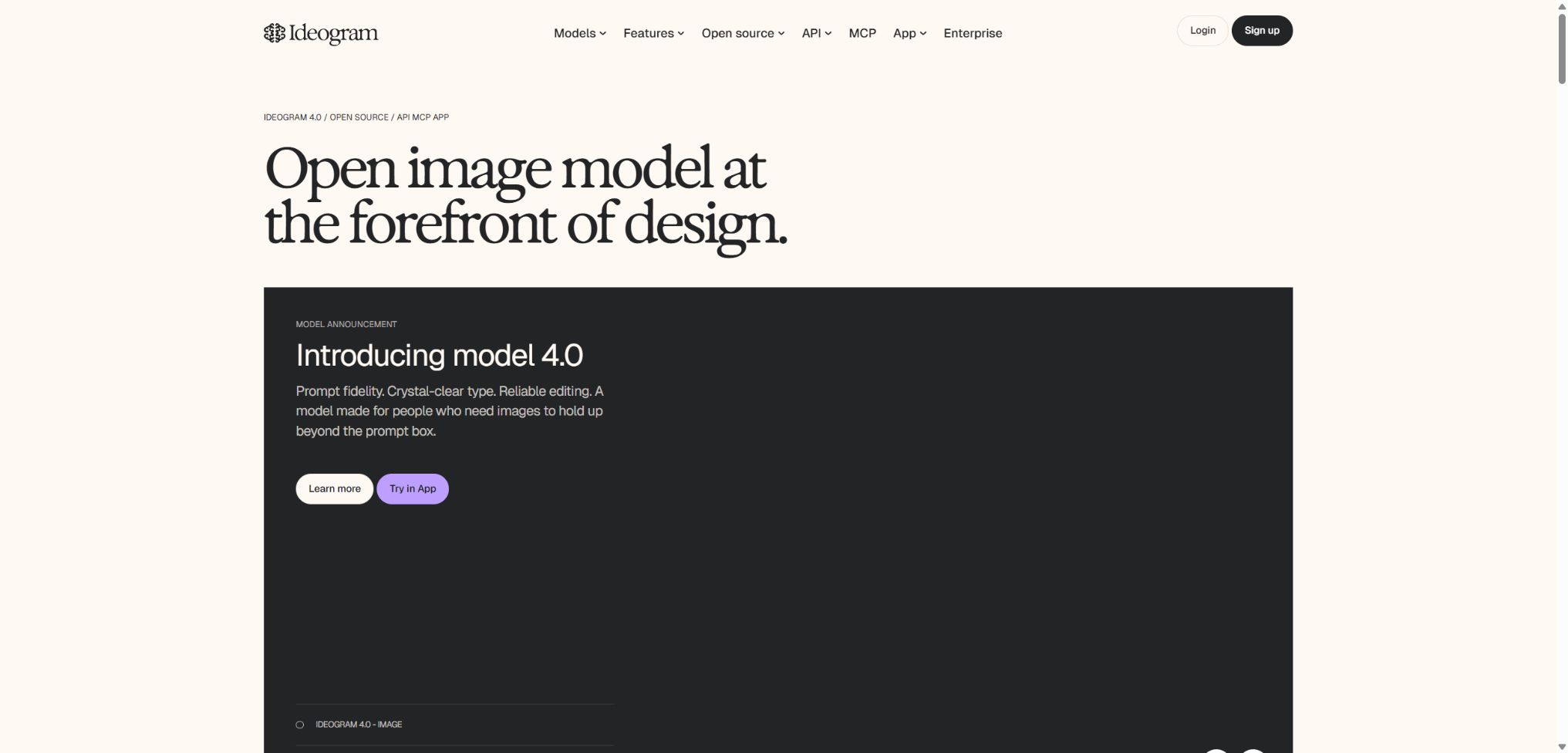
Ideogram is an AI-based image generation platform designed for posters, brands, advertisements, packaging, and creative illustrations. Its advantage lies in its ability to produce clear text within images, as well as offering greater control over layout, colors, and design styles.
In addition to text-to-image generation, Ideogram also offers Canvas, partial redrawing, image expansion, character referencing, style referencing, background removal, and batch creation. Developers can integrate these generation and editing functions into their own products using APIs or MCP.
Main functions of Ideogram
- Generate images of different sizes based on natural language prompts;
- Render readable text on posters, logos, signs, and packaging;
- Use Magic Prompt to automatically complete suggestions for composition, lighting, and style descriptions;
- Maintain consistency in the characters’ appearance through Character References;
- Use Style References and color palettes to achieve visual consistency across a series of images;
- Organize, create, edit, and merge multiple images in Canvas;
- Use Magic Fill to replace partial objects, text, or backgrounds;
- Use Extend to expand the image, thereby changing the composition and aspect ratio;
- Perform operations such as Remixing, scaling, removing the background, and creating transparent backgrounds;
- Upload tables to process hundreds of prompt sets in bulk.
Ideogram 4 and text rendering
Ideogram 4 enables the understanding of scenes, objects, text, and positions through structured descriptions, and it supports image generation up to 2K resolution. It is suitable for posters, covers, infographics, and e-commerce materials; however, long texts, small Chinese characters, and precise fonts still require manual verification.
Character and Style Reference
Character Reference allows one to maintain the key facial features of a person in different poses, with various clothing choices and settings, based on a clear portrait image. Style Reference is used to reuse colors, materials, brushstrokes, and overall layout elements; it is suitable for series of illustrations and brand campaigns.
Canvas, Magic Fill, and Extend
Canvas is a creatively versatile platform that can be expanded indefinitely; it allows for the side-by-side display of reference images, generated results, and uploaded materials. Magic Fill redraws the selected area using masks, while Extend adds content beyond the boundaries of the original image.
The paid plans allow the creation of an unlimited number of canvases; Plus and Pro versions enable the editing of externally uploaded images. Local modifications result in the regeneration of pixels, which is not the type of reversible vector editing provided by traditional design software.
Remix, background, and quality export
Remix allows the theme or style to be changed while preserving the original composition of the image; the higher the weight assigned to the image, the more it remains similar to the original. The platform also offers options for enlarging the image, removing or replacing the background, and paid versions enable the export of high-quality bitmaps.
Batch generation
Teams that have Pro plans or support for this feature can upload CSV, XLS, XLSX, or ODS files; a maximum of 500 lines of prompts per upload are allowed. Priority points are applied to batch tasks, and it is necessary to check the number of models, images, and the overall resource consumption before submitting them.
Comparison of core functions
| Functions | Function | Suitable for tasks | Points to note |
|---|---|---|---|
| Generate | Text to image | Posters, illustrations, advertisements | The model and speed determine the integral |
| Character | Maintain the character’s identity. | Picture books, character IPs, avatars | Complex angles can still drift. |
| Magic Fill | Redraw masked area | Changing characters, replacing items, fixing flaws | The surrounding area needs to be retained as context. |
| Extend | Expand beyond the frame | Change size, add background | The details at the edges need to be examined up close. |
| Remix | Generate variants based on the original image. | Style development and solution exploration | Image weight affects the degree of retention. |
| Batch | Batch generation of tables | E-commerce, advertising, content library | Suitable only for prompts with stable structures |
Ideogram price
Ideogram currently offers plans named Free, Plus, Pro, Team, and Enterprise; the Basic plan mentioned in older articles is no longer available among the current options on the official website. The table below shows the current pricing in US dollars, with annual billing involving a one-time payment.
| Package | Monthly payment | Annual equivalent | Limits and key benefits |
|---|---|---|---|
| Free | $ | $ | 10 slow points per week, 2 Canvas items, generated publicly |
| Plus | 20 dollars | 15 dollars per month, 180 dollars per year | 1,000 priority points per month, unlimited slow speed, private generation, 8 concurrent connections |
| Pro | 60 dollars | $ | 3,500 priority points per month, 32 concurrent tasks, batch generation |
| Team | $ | $ | 1,500 priority points per person per month, along with centralized billing and management. |
| Enterprise | Contact sales | Customization | Custom quotas, private models, API bulk discounts, and priority support |
An additional 150 priority points grant $4 when purchased through Plus, while 250 priority points grant $4 for Pro and Team plans. The priority points allocated each month as part of a subscription are not carried over, but the additional points bought separately can be carried over.
The remaining points after cancellation will become invalid at the end of the current period.
Integration consumption within the application
| Model | Turbo | Default | Quality |
|---|---|---|---|
| Ideogram 4.0 2K | 2 points per 1 image | 4 points per 1 image | 6 points per 1 image |
| Ideogram 3.0 | 2 points/4 images | 4 points/4 images | 6 points/4 images |
| Ideogram 2a | 0.5 points per 4 images | 1 point per 4 images | 1.5 points per 4 images |
| Ideogram 2.0 | 1 point per 4 images | 2 points/4 images | 3 points/4 images |
| Upscale 1.0 | - | 1 point per 1 image | - |
Once the priority points are exhausted, regular requests that are supported can be placed in a slow queue; the waiting time will vary depending on the load. Functions such as image referencing and AI editing typically require priority points and therefore cannot be put in the slow queue.
Ideogram API pricing
API and web subscriptions are billed separately; there is no need to purchase the Plus or Pro versions. At present, Ideogram 4 costs $0.03 per Turbo plan, $0.06 per Default plan, and $0.10 per Quality plan. The cost for background removal starts at $0.01, and discounts can be negotiated with the official team for large-scale usage.
The image links returned by the API are valid only for a limited time; if they need to be retained permanently, they must be downloaded to one’s own storage system promptly. The default limit on concurrent requests is 10 tasks being processed at once.
Guide to Using Ideograms
Generate a poster with a title.
- First, specify the theme of the poster, its target audience, its purpose, and the aspect ratio.
- Place the words that must appear exactly as written within quotes.
- Describe the text position, font style, weight, and alignment.
- Choose the Design style, color palette, proportions, and rendering speed;
- First, use Turbo to create a few sketches in order to determine the composition;
- Use Magic Fill to correct spelling errors and minor details;
- Export after magnified inspection, and review the important text again using typesetting software.
Create a series of illustrations using Character.
- Prepare reference images of the character from the front or at a slight side angle, with even lighting;
- Create a Character Reference and confirm the usage permissions;
- Fix the character’s age, hairstyle, clothing, and distinctive features;
- For each scene, only the actions, shots, and background are changed;
- Unify the style and colors by using the Style Reference;
- Use Magic Fill for unstable areas on the face and hands;
- Create a vetted library of roles for future reference.
Generate images via API
- Top up and create a key in the standalone API console;
- Run a real request in the browser Playground first;
- Select the model, resolution, speed, and number of outputs;
- Store the API Key in server-side environment variables;
- Handle timeouts, rate limiting, security interceptions, and insufficient balance;
- Download the image and save its metadata immediately after it has been generated;
- Record the model, cost, latency, and audit results as requested.
Which users are suitable for Ideogram?
- Graphic designer: Explores the fields of posters, covers, and packaging design;
- Market operations: Mass production of ads, holiday, and social media graphics;
- E-commerce sellers: Create main image concepts, scenario images, and backgrounds;
- Illustrators and picture book creators: maintain consistency in the characters and artistic style;
- Content creators: Create covers, thumbnails, and emoji images;
- Brand team: Creates a unified visual identity by referring to diagrams and using private methods;
- Developer: Integrate text-to-image generation, editing, and background processing into the application.
The advantages of ideograms
- A strong understanding of the Latin letters and formatting in the images;
- Ideogram 4 supports structured prompts, 2K resolution, and editable elements;
- Character and Style Reference are suitable for series content;
- Canvas combines creation, local modification, and image enlargement in one place.
- It offers private generation, batch generation, and team billing;
- The API covers creation, Remixing, editing, image enlargement, and background processing;
- Ideogram 4’s open-weighting feature supports local research and fine-tuning.
Usage restrictions and precautions
- It is generated for free and is set to public by default, making it unsuitable for confidential ideas;
- Text rendering may still result in missing characters, spelling errors, or fake characters.
- The performance of Chinese and non-Latin characters may not be as stable as that of English characters.
- Character consistency does not equate to pixel-level identity verification.
- High-quality Ideograms 4 and bulk generation will quickly consume points;
- The waiting time in the slow queue varies depending on the server load.
- The platform does not support the download of SVG vector files; it primarily exports JPEG, PNG, or WebP formats.
- The generated images may resemble trademarks, works of art, portraits, or real products.
Copyright, Privacy, and Commercial Use
Ideogram does not claim ownership over the content generated by users, nor does it restrict the rights that users have over such content. However, AI-generated content may not be eligible for copyright protection in all regions, so users still need to ensure that they do not infringe on the rights of others.
The prompts and images associated with free accounts are publicly available by default, while paid plans allow for private generation of such content. Deleting an account results in the permanent deletion of all related generated content and data; it is therefore necessary to export the files that need to be retained before proceeding with deletion.
- Confidential products, customers, and marketing materials are created in a private manner;
- Obtain the subject’s authorization before uploading a portrait;
- Conduct trademark and similarity searches for logos, packaging, and advertisements;
- Save prompt phrases, sources of reference images, as well as records of manual edits and approvals;
- When publishing, indicate that the content is AI-generated or synthesized in accordance with the applicable laws.
API, GitHub, and open-source information
The Ideogram API offers functions such as Generate, Remix, Magic Fill, Reframe, background replacement, zooming, describing content, and adding a transparent background. The developer documentation includes a browser Playground and MCP; billing is completely separate from application memberships.
The inference code and model weights for Ideogram 4 are available on the official GitHub repository; they can be downloaded, fine-tuned, and run on one’s own hardware. The default Ideogram Non-Commercial Model Agreement permits use only for non-commercial purposes, and commercial deployment requires separate licensing depending on the scale of use, so it should not be considered an unrestricted open-source model.
Frequently Asked Questions
Is Ideogram free?
It can be used for free; Free grants 10 slow points per week and provides 2 Canvas accounts. Designs created in this free version are publicly available by default, which makes them unsuitable for projects that require confidentiality.
How much are Ideogram Plus and Pro?
Plus costs $20 per month or $180 per year; Pro costs $60 per month or $504 per year.
Plus is suitable for ordinary, private creation, while Pro adds features such as points, concurrent processing, and batch generation.
Can Ideogram generate Chinese text?
You can try using Chinese prompts and text on images, but Latin alphabet text is usually more stable. For Chinese posters, it’s advisable to create the background and composition first, and to use professional software for formatting the important text.
Can Ideogram images be used for commercial purposes?
The platform does not impose any restrictions on the rights that users have over the output, but it is still necessary to verify the authorization regarding images, trademarks, copyrights, and any reference images used before using such content in commercial purposes. Whether the output can be protected by copyright depends on the region and the level of human creative input involved.
Is Ideogram 4 open source?
Ideogram 4 is an open-weight model that can be downloaded and run locally. The default license permits use only for non-commercial purposes; for commercial use, a corresponding license must be purchased, as the official website and API remain hosted services.
Tools similar to Ideogram



 Guigong Network Security Registration No. 45132202000164