






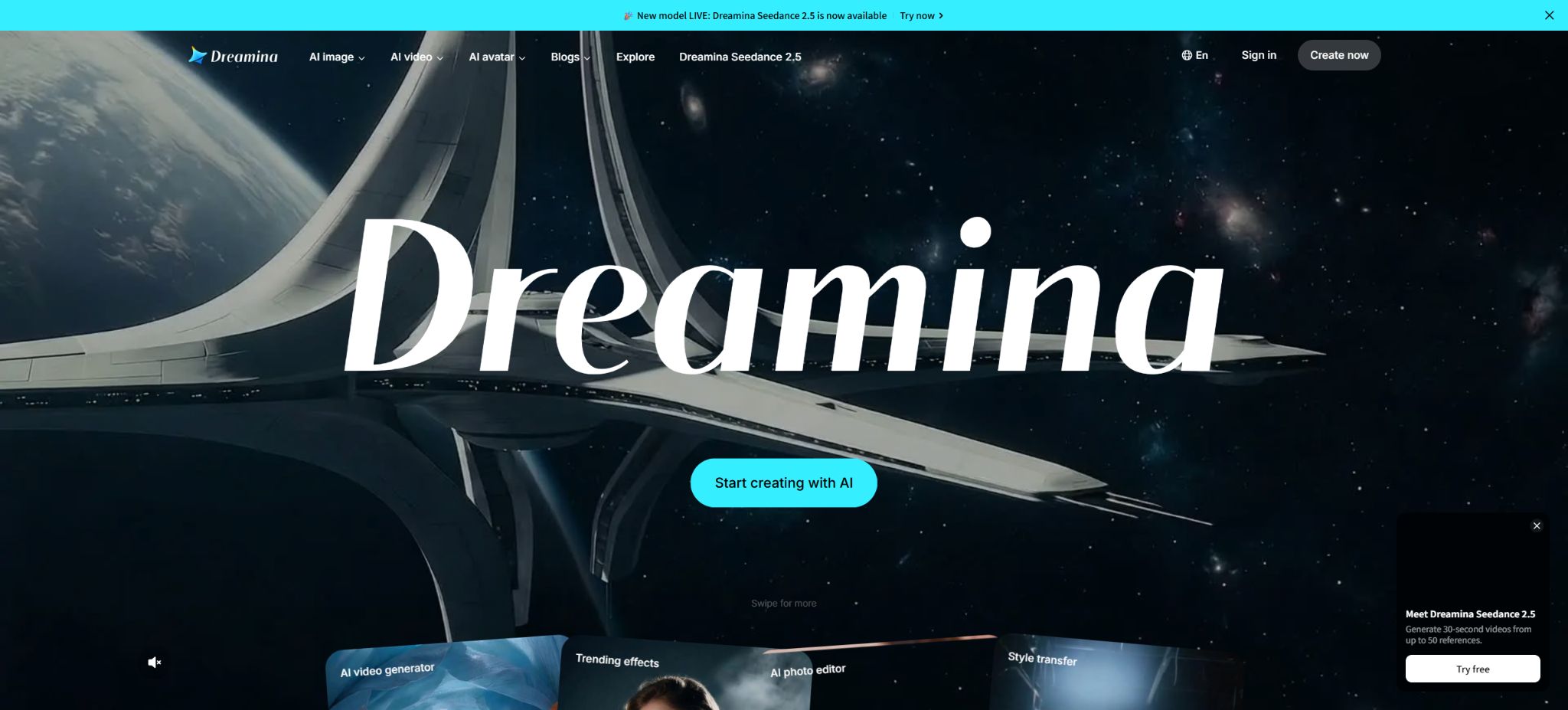
Dreamina
The intelligent platform under ByteDance, dedicated to AI-driven image and video creation
Tags:AI video toolsWhat is Dreamina?
Dreamina is an AI-powered platform for creating images, videos, and digital avatars, part of CapCut’s ecosystem and designed for international users. Users can start by using text, images, audio, scripts, or various other reference materials to generate visual content, after which they can continue to edit it.
It offers both fast single-item generators and a multi-modal creation canvas named Octo. The product versions, models, and packages vary depending on the region, device, and account; moreover, Dreamina cannot be considered equivalent to the benefits offered by Jidream AI accounts in mainland China.
Main functions of Dreamina
- Text to image:Enter the subject, scene, style, lighting, and composition to create posters, illustrations, product images, and social media content.
- Reference image generation:Use images of people, products, poses, compositions, or styles to constrain the results, thereby reducing the uncertainty associated with text-only generation.
- AI image editing:It allows for local redrawing via prompts, as well as the addition or removal of elements, and it provides tools for cropping, enlarging images, and improving clarity.
- Text to video:Generate dynamic clips based on lens descriptions, actions, environment, and photographic language.
- Convert images to videos:It enables static characters, products, or scenes to move, and it is possible to set the first and last frames to control the direction of the movement.
- Multimodal video generation:By combining text, images, videos, audio, scripts, and style references, the model can understand the overall intent behind the creation.
- Original audio and soundtrack:Some video models support the simultaneous generation of audio, and the platform can also add background music based on the emotion conveyed in the visuals.
- AI digital humans:It uses images and audio to create talking characters with synchronized lip movements, suitable for use in explanations, marketing, and social media content.
- Octo creation canvas:Organize scripts, reference materials, images, videos, and generation nodes on the same canvas, so that the AI Agent can understand the project context.
- CapCut transition:Once the material has been created, it can be taken into the CapCut workflow to carry out editing, adding subtitles, using transitions, adjusting the color palette, and finalizing the video.
Current model and uses of Dreamina
Model names and their availability ranges change frequently; the table below is based on the official product pages as of the current time. Actual accounts may display only a portion of these options, and the multiplier for points used may vary depending on the region and package selected.
| Model or capability | Primary uses | Suitable scenarios | Precautions |
|---|---|---|---|
| Seedream 5.0 direction | High-quality image generation and editing | Posters, product images, concept art, and character designs | The text, hand details, and brand elements still need to be checked. |
| GPT Image 2 direction | Image generation and visual editing | Image tasks that require understanding complex instructions | Availability and quota are subject to the account settings. |
| Seedance 2.0 | Generation of text, images, and multimodal videos | Ads, short videos, camera movements, and narrative shots | Resolution, duration, and audio affect the score. |
| Seedance 2.0 Mini | Faster and more energy-efficient video drafts | Test prompts and batch exploration of shots | The quality and ability to handle complex tasks may be lower than those of a complete model. |
| Seedance 2.5 | Up to 30 seconds long, with numerous references and 4K-quality videos | Complex creative ideas and more complete cinematic sequences | Some abilities and activities may be available for a limited time or in specific areas only. |
| OmniHuman 1.5 direction | Audio-driven digital humans and lip movements | Explanations, virtual hosts, and character performances | Authorization for the use of the portrait and voice is required. |
| Octo Agent | Understanding the canvas, dialogue, and various materials | The continuous workflow from script to storyboard to final film | Automatic planning still requires manual review of the footage and budget control. |
Dreamina package and prices
The official terms specify that the services are divided into Free, Basic, Standard, and Advanced categories; however, the prices, points, taxes, and benefits vary depending on the region and the device used for purchase. The table below does not include quotes related to third-party top-ups or the sale of accounts.
| Package | Price | Points and benefits | Suitable for users |
|---|---|---|---|
| Free | Free | According to the official figures for 2026, there are around 225 free points per day, with updates every 24 hours. | Experience image, video, and digital human generation |
| Basic | Refer to the real-time settlement page. | Paid points, more generation volume, and benefits associated with the Premium plan | Lightweight, continuously creating individual users |
| Standard | Refer to the real-time settlement page. | Higher cycle limits and generation capacity than Basic. | Social media and content creators |
| Advanced | Refer to the real-time settlement page. | Higher limits and benefits related to professional video workflows | High-frequency content creators, marketing, and production teams |
The 225 free credits come from the official Creator’s Guide for 2026; the actual balance in the account is what matters in the end. New models, time-limited campaigns, and regional tests may temporarily increase or change the number of free credits available, so it’s not possible to determine long-term benefits based on the information provided in those campaigns.
What determines the consumption of points?
- Model version:Complete models, high-quality models, and fast Mini models typically use different integration factors.
- Generation type:The consumption for images, videos, digital avatars, extended duration, and regeneration varies.
- Video duration:Longer segments require more computational power; comparing costs on a per-second basis makes it easier to manage the budget.
- Output resolution:The output in 720p, 1080p, 2K, or 4K resolutions may incur different fees.
- Reference materials:The first and last frames, reference videos, audio, and multimodal inputs may increase the computational load of the task.
- Original audio:Synchronizing sound, lip movements, or music generation may require additional credits.
- Follow-up processing:Extensions, frame rate increases, enhancements, high-definition scaling, and re-generation may incur additional fees.
- Failure and retry:Before submitting, check the estimated consumption and confirm whether failed tasks result in a refund of points.
Dreamina Image Generation Tutorial
- Select the image tool:After logging in, go to the image generator or add an image node on the Octo canvas.
- Describe the scene:Write down the subject, action, environment, style, lighting, composition, camera angle, and proportions in sequence.
- Add reference:To maintain the appearance of the people, products, or composition, it is necessary to upload reference images for which usage rights are available.
- Setting specifications:Select the model, format, resolution, and number of outputs, then view the estimated score.
- Small-scale testing:First, create a small number of sketches at a lower cost, and then identify the effective prompt phrases.
- Local modification:Use the redraw, remove, zoom in, crop, and enhance tools to refine details.
- Download verification:Check the text, fingers, edges, brand elements, similarity to characters, and licensing.
Dreamina video generation tutorial for text
- Split the shot:Break the entire story into short scenes with clear actions, and avoid cramming too many plot elements at once.
- Write prompt:It describes the subject, action, scene, time, lighting, camera movement, speed, and atmosphere.
- Select model:For drafts, a quick model can be used first, while a higher-quality model is employed for the final shots.
- Set parameters:Confirm the frame size, duration, resolution, reference materials, and whether audio should be generated.
- Estimated points:Record the estimated consumption per use, reserving two to three revision budgets for each shot.
- Generate review:Check the characters, physical movements, camera paths, flickering, deformation, and sound synchronization.
- Post-production editing:Transfer the qualified footage to the timeline or CapCut to add subtitles, adjust the color grading, mix the audio, and deliver the final version.
Tips for converting images into videos
- Use an initial image with a complete subject, clear visuals, minimal obstructions, and no complex watermarks;
- The prompt should focus on describing the movements and camera angles; there is no need to repeat the features that are already clear from the image.
- The first and last frames should maintain similar characters, perspectives, and lighting, to avoid significant distortions in the middle.
- For character shots, start by testing simple movements, and then gradually add turning, running, and more complex interactions;
- For product videos, it is necessary to check that the text on the packaging, the logo, the structure, and the colors remain consistent in every frame.
- When music is needed, first check the terms of release and commercial use for the automatically generated music.
How to use the Octo multi-modal canvas
- Place the script, mood boards, character illustrations, product images, audio, and reference videos on the same canvas.
- Have the Octo Agent summarize the project objectives and list the roles, scenarios, styles, and camera constraints.
- First, create the character designs and storyboard images; once consistency is confirmed, convert them all into a video at once.
- Use citations or linking relationships for key materials to prevent the Agent from ignoring the specified inputs.
- Add the segments to the timeline and adjust the order, pace, transitions, and audio.
- Check each frame before exporting, and download the approved version to your project storage.
Who is Dreamina suitable for?
- Short-video creators:Create vertical stories, transitions, B-roll, and social media visuals.
- E-commerce and marketing teams:Create product scenarios, advertising concepts, and promotional materials.
- Designer:Explore posters, illustrations, brand mood boards, and visual concepts.
- Film and television creators:Create storyboards, rehearsals, concept shots, and independent short films.
- Virtual avatar creators:Create voiceovers, explanations, character performances, and audio-driven visuals.
- CapCut users:It is hoped to enable people familiar with post-production processes to access AI resources quickly.
Product advantages
- Images, videos, digital humans, and multimodal canvases are all gathered in one workspace;
- The free daily credits reduce the cost of testing, making them suitable for first testing prompts and workflows;
- Supports control of text, images, initial and final frames, audio, and multiple reference materials;
- Octo Agent can work together with the canvas context to help organize sequential creation tasks;
- It integrates with the CapCut ecosystem, facilitating further traditional editing and formatting;
- It also offers both quick drafts and high-quality models, making it easy to strike a balance between speed and budget.
Usage restrictions and precautions
- AI-generated videos may still exhibit distorted figures, physical errors, flickering, and inconsistent camera movements.
- Packages, models, points, and regional availability change rapidly; the project budget should be based on the account details.
- It is necessary to obtain the appropriate authorization before uploading faces, voices, trademarks, product images, and copyrighted content.
- Digital avatars must not be used for impersonation, fraud, fake endorsements, or misleading representation of identity.
- The platform does not guarantee that the content will be preserved indefinitely; approved images, videos, and projects should be backed up promptly.
- The generated content may require AI tagging and must comply with the rules of the region where it is published and of the target platform.
Copyright, Commercial Use, and Data Rules
According to the official terms for the U.S. version, provided that users comply with these terms, the users are responsible for entering the data and generating the corresponding outputs, while the platform receives broad permission to use these assets in order to provide its services. Possession of the rights to generate outputs at the platform level does not imply that such works are copyrighted, nor does it mean that third-party characters, brands, music, or materials have been authorized for use.
Commercial projects should retain the date of creation, the package and model used, the authorization details, as well as any additional terms that were in effect at that time. Different regions may have different service providers and rules; therefore, the terms applicable in the United States cannot be considered a universal commercial license for use worldwide.
Subscription cancellation and refund
According to the official terms, after canceling automatic renewal, access remains available until the end of the current subscription period, after which it is downgraded to the Free version. Refunds are subject to local laws and the purchase channel used; under the terms in the United States, a full refund can be requested within 14 days of starting the subscription, provided that no Premium services have been used.
Once paid features or points are used, the condition for a refund in case of no usage is no longer met. When purchasing through Apple or other app stores, the subscription and refund procedures specific to those stores must be followed.
Dreamina Open Source and API Documentation
The Dreamina platform and its generation models are not open-source products, and the official website does not offer a stable public generation API for ordinary developers. Projects on GitHub that use the name Dreamina and aim to retrieve Session IDs or simulate web requests are third-party tools; they do not represent an official authorization.
Providing login cookies or session IDs to third-party scripts can lead to account leakage and violate the rules regarding automated access. Developers should use the official interfaces or authorized services, and not employ unofficial web interfaces for commercial purposes.
Frequently Asked Questions
Is Dreamina free?
Free services are provided, along with daily point updates; the official guide for 2026 indicates around 225 points per day. The actual amount of points and the supported models depend on the account status after logging in.
Is Dreamina the same as Jimeng AI?
Both fall under the category of AI-based creation tools developed by ByteDance, but they may differ in terms of target regions, domain names, accounts, payment methods, models, and rules. It cannot be assumed that membership benefits and points are interchangeable.
Can Dreamina create videos with sound?
Some of the Seedance video features support native audio or background music, and it is also possible to create digital avatars driven by audio. The specific models, regions, and packages are subject to what is displayed on the generation panel.
Can the content generated by Dreamina be used for commercial purposes?
It cannot be determined solely based on payment or a successful download. It is necessary to also check the terms applicable in the respective region, any additional rules related to the models, the rights to the input materials, the permissions for using certain characters, and the policies of the target platform.
Does Dreamina have an official API?
The current public product page does not offer ordinary users a stable public generation API. The projects that simulate web requests on GitHub are not official interfaces, and they may pose risks to accounts and compliance.
Tools similar to Dreamina




 Guigong Network Security Registration No. 45132202000164