






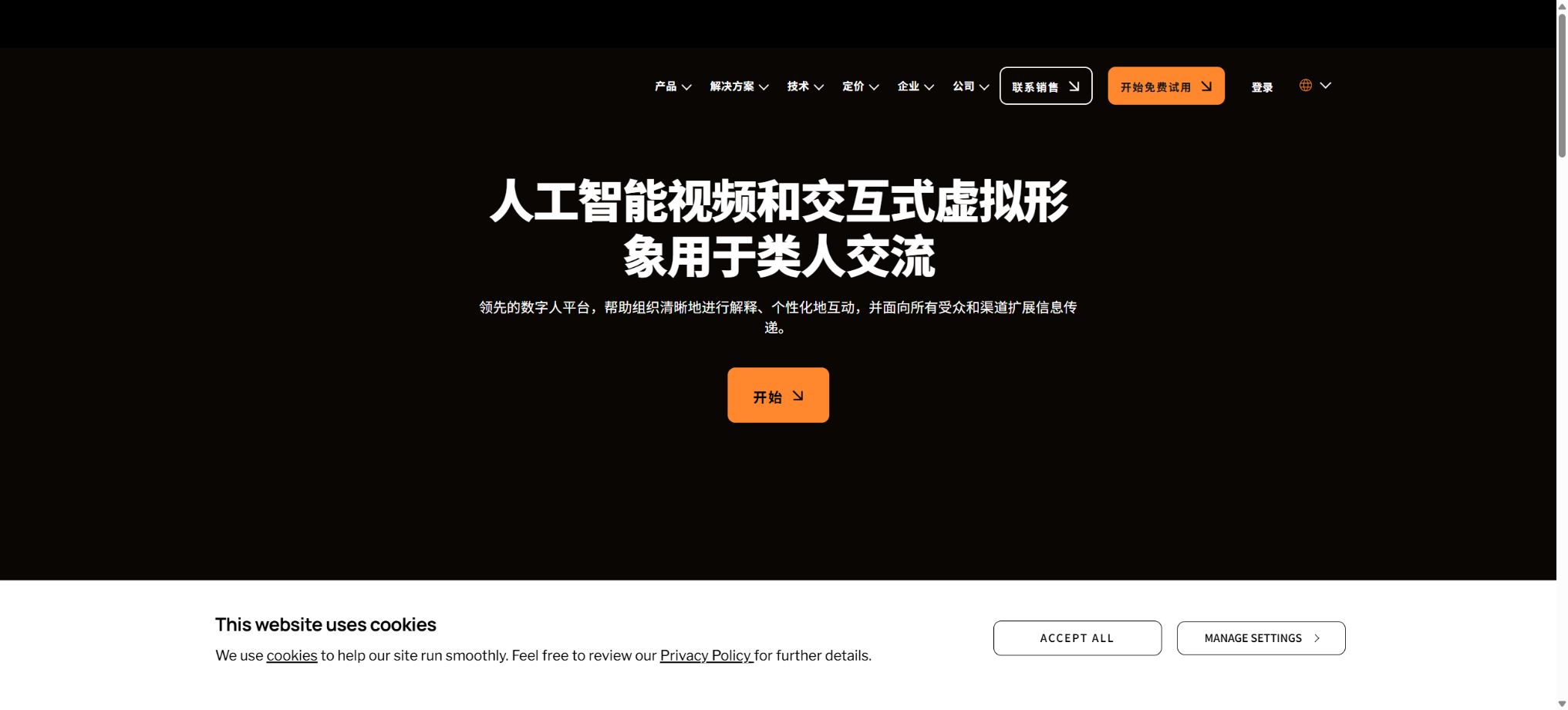
D-ID
A platform for creating talking videos using digital avatars and speech synthesis.
Tags:AI video toolsWhat is D-ID?
D-ID is an AI digital avatar platform designed for corporate training, marketing, customer service, and developer integration. Users can choose from existing avatars, upload their own photos, or record videos to create their digital avatar; they can then input scripts, select voices, or upload audio files to generate demonstration videos with moving lips and expressions.
The product has evolved from its initial concept of \"making photos speak\" to a comprehensive digital human infrastructure, which includes Creative Reality Studio, avatar versions from V2 to V4, voice cloning, video translation, personalized video campaigns, real-time Visual Agents, REST API, and browser Agents SDK.
Photos That Speak and V2 Avatars
The V2 avatar is created from a single front-facing image; it renders quickly and is suitable for frequent, simple training sessions, notifications, and explanations. Users can upload their own photos or choose from pre-existing characters, after which the avatar can read text or recorded audio.
Single-image animations determine mouth shapes, head movements, and expressions based on the photo; distortions in the teeth, edges of the face, hair, and accessories may occur. Permission must be obtained before uploading a person’s photo, and it cannot be used to deceive or mislead others.
V3 Instant Avatars
V3 Instant is created from a approximately 1-minute user-generated selfie video; the process takes less than 10 minutes in most cases. It retains the background and natural movements of the original video, and allows for voiceovers using cloned voices, synthesized voices, or recorded audio, making it suitable for quickly producing content that resembles the individual’s own appearance.
The creation process requires reading out the consent statement and a randomly generated verification phrase; voice verification may also be carried out, with the aim of confirming that the profile picture and voice are authorized by the respective owner. Instant profile pictures are used for video output, and real-time Visual Agents are not supported.
V3 Pro Avatars
The V3 Pro takes about 3 to 5 minutes to record high-quality footage, and the entire process is completed within around 24 hours; it emphasizes more realistic details of the face and movements, and also includes voice cloning. Green screen recording is an option available for replacing the background, making it suitable for corporate instructors, brand ambassadors, and those who need high-quality content.
The V3 Pro is usually available under the Pro or higher plans, and it can be used for real-time Visual Agents. Recording should be done in conditions of stable lighting, clear audio, and a proper consent process; the quality of the recorded material has a direct impact on the quality of the digital avatar over time.
V4 Expressive Avatars
Through a set of short videos that convey different emotions, V4 can exhibit feelings such as calmness, positivity, and empathy based on the input it receives, while also enhancing consistency in voice, facial expressions, and semantics. It can be used for scripts with a high impact as well as for real-time interactive agents; currently it is primarily intended for enterprise use.
The expression of emotions is still a form of synthetic performance; it is not appropriate to simulate genuine empathy and professional judgment in medical, financial, crisis communication, or customer service contexts. Users must be clearly informed about the AI nature of such interactions.
Creative Reality Studio
Studio offers a visual video production interface; users can select avatars and sounds, enter scripts, set the size and position of avatars, and add background, image, video, and text layers. It supports subtitle export, background removal, and various brand styles.
The standard avatar size is up to approximately 1280×1280 across various plans; Premium Presenters marked as HQ can produce 1080p output in plans other than Free.
The current comparison table allows videos from a single Studio to be up to 30 minutes long, but older pages and API endpoints may still show a 5-minute limit; the actual limit depends on the selected avatar and the generation interface used.
Sounds, uploading audio, and Voice Clone
The platform offers standard or advanced voices in over 120 languages and accents; it also allows for the uploading of audio files, recordings, as well as the import of voices from third parties. The Creator version includes 1 voice clone, the Business version includes 3, while the Enterprise version provides a number of clones determined by the contract terms.
To clone a voice, it is necessary to read out the consent statement; it is not allowed to copy voices belonging to unauthorized individuals, public figures, or customers. The pronunciation, proper nouns, and numbers still need to be heard, and for sensitive content, a manual voiceover option should be provided.
Video Translate – Video translation service
Video Translate identifies the speech in the original video, translates its content into the target language, replicates the speaker’s voice, and resynchronizes the lip movements; it supports more than 30 output languages. The Creator and Business versions can handle videos up to 5 minutes long, while the free version allows processing of videos up to about 30 seconds in length.
The semantics, proper nouns, amounts, and legal phrases in the translated text require manual proofreading. Some solutions allow for the download of SRT files, and companies can incorporate a proofreading process.
The actors and voices in the input video must allow for translation and synthesis.
Visual Agents – Real-time digital avatars
Visual Agents combine digital avatars with large language models, knowledge bases, audio capabilities, and real-time streaming, allowing visitors to engage in face-to-face conversations on websites or applications. Users can set the language, voice, personality, knowledge, and actions available for use in customer service, self-service inquiries, training, and product guidance.
V2, V3 Pro, and V4 support real-time agents; V4 uses LiveKit and offers microphone input as well as a continuous smooth operation mode.
Agents may give incorrect answers; when it comes to accounts, transactions, and high-risk recommendations, it is necessary to specify the source of information used, the permissions of the tools employed, as well as to have mechanisms for verifying the authenticity of responses and keeping audit records.
Agentic Videos
Agentic Video integrates agents into pre-made videos, allowing viewers to ask questions during playback and receive answers from digital avatars. There is 1 such agent available in the Creator version and 3 in the Business version; it is suitable for training, sales presentations, and product explanations.
Video Campaigns – personalized videos
Campaigns allows for the bulk creation or sending of personalized videos using dynamic fields, and it enables the use of brand logos and colors on the video pages. It is suitable for sales outreach, customer onboarding, and event invitations; however, personal data such as names, company details, and order information must be used in accordance with legal requirements, and it is necessary to verify that each variable is mapped correctly.
Free trial version
The free version costs $0; it allows for the creation of 4 videos per month, and 5 minutes are allocated for use in Campaigns, Agents, and API functions. It includes more than 100 preset avatars, 1 Express Avatar, standard sounds, standard processing options, API access, as well as integration with Canva, PowerPoint, and mobile apps.
Free offers only a license for personal use, and the videos come with a D-ID logo watermark; Video Translate allows videos of up to 30 seconds in length.
If a free account is not used for 6 consecutive months, its data may be deleted following an email notification.
Price and version comparison
| Package or version | Prices, quotas, and core benefits |
|---|---|
| Creator price | Creator currently costs $29 per month; when paid annually, the cost is $24 per month. It includes 45 minutes of usage per month for Campaigns, Agents, and API functions. The promotional information states that an unlimited number of videos can be created or translated, but this is a promotional offer that may change, and it should not be interpreted as meaning unlimited use of all API functions and real-time sessions. Creator includes 3 Express Avatars, 100 AI-generated avatar creations, advanced sound options, 1 voice clone, 1 Agentic Video feature, fast processing, watermark-free output, subtitle support, background removal, translation time of up to 5 minutes, and a license for commercial use. |
| Business price | The Business plan currently costs $89 per month; when paid annually, the cost is $69 per month. It includes 100 minutes of usage per month for Campaigns, Agents, and API, as well as unlimited access to Studio video features for a limited time. The Business plan also offers 5 additional Express Avatars, 600 AI-generated avatar creations, 3 voice clones, 3 Agentic Videos, faster processing times, manual content review, Gold-level support, and a commercial license – making it suitable for teams that need to use these services more frequently. |
| Enterprise price | Enterprise offers customized quotes; it is possible to choose between V3 Pro and V4 avatars, additional voice cloning options, custom watermarks, team memberships, SAML/SSO functionality, enterprise-level security, manual review services, different support levels, and APIs with high throughput. For V4 emotional avatars and complex real-time deployments, it is usually necessary to contact sales. |
Creator price
The Creator plan currently costs $29 per month; when paid annually, the cost is $24 per month. It includes 45 minutes of usage per month for Campaigns, Agents, and API services. The promotional page indicates that an unlimited number of videos can be created or translated, but this is a promotional offer that may change, and it should not be interpreted as meaning unlimited use of all API services and real-time sessions.
Creator includes 3 Express Avatars, 100 AI-generated avatar creations, advanced voice options, 1 voice cloning feature, 1 Agentic Video, fast processing, watermark-free content, subtitles, background removal, translation up to 5 minutes in length, and a license for commercial use.
Business price
The current price for Business is $89 per month; when paid annually, it amounts to $69 per month. This plan includes 100 minutes of usage per month for Campaigns, Agents, and APIs, as well as unlimited access to Studio video features for a limited time.
Business includes 5 Express Avatars, 600 AI-generated avatar creations, 3 voice clones, 3 Agentic Videos, faster processing, manual content review, Gold support, and a commercial license – ideal for teams that operate on a high frequency.
Enterprise price
Enterprise offers customized quotes; it is possible to choose between V3 Pro and V4 avatars, additional voice cloning options, custom watermarks, team memberships, SAML/SSO functionality, enterprise-level security, manual review services, different support levels, and APIs with high throughput. For V4 emotional avatars and complex real-time deployments, it is usually necessary to contact sales.
How is time in minutes calculated?
The duration of a video is rounded up to the nearest 15 seconds; for example, a duration of 1 minute and 10 seconds will count as 1 minute and 15 seconds. Minutes are shared or allocated according to a schedule among Studio, Agents, Campaign, Video Translate, and API, with the costs generated by API being deducted from the balance of the same account.
The data is refreshed on a monthly basis, and any unused amount is not carried over. For customers using real-time streaming services, the billing may be calculated based on separate criteria or according to the terms of the contract; it cannot be determined simply by counting the duration of the recorded video.
Watermarks and AI disclosure
Free version features the D-ID logo, while the old Trial version had a full-screen watermark; on the current pages for Creator and Business, there is no watermark, and the output is in Studio format.
Companies and APIs can customize or remove brand watermarks based on their permissions, but D-ID emphasizes transparency in synthetic content; therefore, some solutions may still retain generic AI markers.
The ability to remove a brand’s logo does not mean that the AI origin can be hidden. Marketing materials, news content, customer service communications, and digital avatars of real people should indicate that the content is synthetic, in accordance with legal requirements and platform rules.
D-ID REST API
API authentication is based on Basic authentication along with the API Key generated by the account; it covers V2 Talks, V3 Instant Scenes, V3 Pro Clips, V4 Expressive Avatars, Visual Agents, streaming services, Video Translate, audio uploading, and other resources. Tasks are typically submitted asynchronously, and the status can be checked via polling or results can be received through Webhooks.
Temporary audio files uploaded via API are typically retained for 24 to 48 hours. Developers must store keys securely, restrict domains and permissions, handle retries in case of failures, perform content moderation, and manage the validity period of the result URLs; they must not expose these keys to the frontend.
Agents SDK and GitHub
D-ID makes the Agents SDK, sample applications, real-time streaming demos, and API examples available on GitHub. The official client SDK can be installed on the frontend to integrate the created Agents into web pages, and methods such as connect, speak, chat, interrupt, and microphone output can be used.
The SDK supports V2 Talks, V3 Clips, and V4 Expressives; the Agent and the knowledge base themselves should be created using Studio or the Agents API.
The open-source nature of the SDK and Demo does not mean that the D-ID avatar model, rendering services, and the commercial platform are also open source; nor does it allow for offline, private deployment of the complete service.
Canva, PowerPoint, and mobile apps
The free and paid plans support the Canva App, PowerPoint Add-in, and D-ID mobile app, allowing users to create or use digital avatar videos in presentations, designs, and on their smartphones. Mobile subscriptions must be canceled through the respective app stores, and the prices and benefits may differ from those available on the website.
Commercial use and copyright
Creator, Business, and Enterprise include commercial licenses; Free is for personal use.
Commercial use is possible only if the user possesses the rights to the scripts, photos, sounds, logos, and other materials, and complies with the procedures regarding approvals for avatars and sounds.
Videos generated in this way must not be used for deception, unauthorized impersonation, political manipulation, fraud, or false endorsement. The synthetic outputs may still contain errors and elements similar to those of third parties, and the publisher is responsible for carrying out proper oversight.
Cancel and delete account
Web subscription can be canceled in Billing; the current benefits remain valid until the end of the payment cycle, after which they are reduced. Unused minutes are valid only within that same cycle.
Mobile subscriptions need to be managed through the App Store or Google Play.
To delete an account, you need to contact support; this will result in the permanent removal of all generated and translated videos, as well as Agents and stored data, with no possibility of restoration. Before proceeding, it is necessary to download the project files, subtitles, Agent configurations, and logs.
D-ID Usage Guide
Complete a basic task.
- Identify the audience, platform, format, duration, and the information that needs to be conveyed;
- In D-ID, prepare scripts, shots, or reference materials that have permission to be used;
- Select Photo Talk and V2 Avatars to create low-cost previews;
- Use V3 Instant Avatars to adjust the visuals, rhythm, subtitles, and audio;
- Check each frame for characters, text, logos, lip movements, and factual accuracy;
- Export in the desired format after confirming the licensing for music, portraits, and materials;
Create reusable professional workflows
- Create scripts, shot lists, brand assets, and a list of elements that are prohibited from use;
- Uniform parameters are saved for Photo Talk, as well as for V2 Avatars, V3 Instant Avatars, and V3 Pro Avatars;
- First, use representative shots to test the model and the quota;
- Transfer the failed shots to manual editing or regenerate them;
- Uniformize subtitles, volume, colors, and end credits;
- Record the version and reviewer before publishing in batches;
Which users is it suitable for?
- Companies that produce training, onboarding, and product explanation videos;
- Marketing teams that require multilingual digital voiceovers;
- Operators who generate personalized sales videos in bulk;
- Developers who integrate real-time Visual Agents into websites and applications;
- Creators who need photo animations, voice cloning, and video translation.
Product advantages
- The avatar has evolved from a single image to a V4 version featuring multiple emotional layers and a fully detailed digital persona;
- It supports over 120 languages and more than 30 video translation languages;
- Studio, Campaign, Agents, Translate, and API are unified;
- It is possible to create personal avatars and voice clones;
- Offers real-time streaming, Agents SDK, and Webhooks;
- Available for Canva, PowerPoint, the web, and mobile devices.
Restrictions and Precautions
- Minutes are rounded up in increments of 15 seconds and are not carried over; additional consumption may also occur at the end of short videos.
- The so-called Infinite Studio videos are a temporary feature at the moment; Agents, Campaigns, and API are still subject to time limits of 45 or 100 minutes.
- Digital humans may exhibit unnatural lip movements, eye expressions, teeth display, and gestures, and their translations and responses as provided by agents can also be incorrect.
- All real-person digital avatars and voices must have explicit authorization and AI disclosure;
Frequently Asked Questions
Is D-ID free?
There is a free plan that provides 4 videos per month, as well as 5 minutes of usage time for Agents, Campaigns, or APIs; it includes a D-ID watermark and is intended for personal use only.
How much is D-ID?
Creator: 29 dollars per month, or 24 dollars per month when paid annually; Business: 89 dollars per month, or 69 dollars per month when paid annually.
Custom quote for Enterprise.
Can I use my own profile picture and voice?
Yes. V2/V3 avatars can be created from photos or videos; the Creator version includes 1 voice clone, while the Business version includes 3.
Agreement verification needs to be completed.
Is video translation supported?
It supports over 30 output languages, can translate speech, clone voices, and reproduce lip movements. For Creator and Business plans, the maximum length of a single video is about 5 minutes.
Are there APIs and SDKs?
It offers a complete REST API as well as an official front-end Agents SDK, which can be used to create avatar videos, perform translations, set up real-time proxies, and embed content in web pages.
Is D-ID open source?
The platform and the generation models are not open source; however, the official team provides an Agents SDK, demos, and sample code, and their use still relies on the D-ID cloud API as well as paid service quotas.
Tools similar to D-ID




 Guigong Network Security Registration No. 45132202000164