






Runway
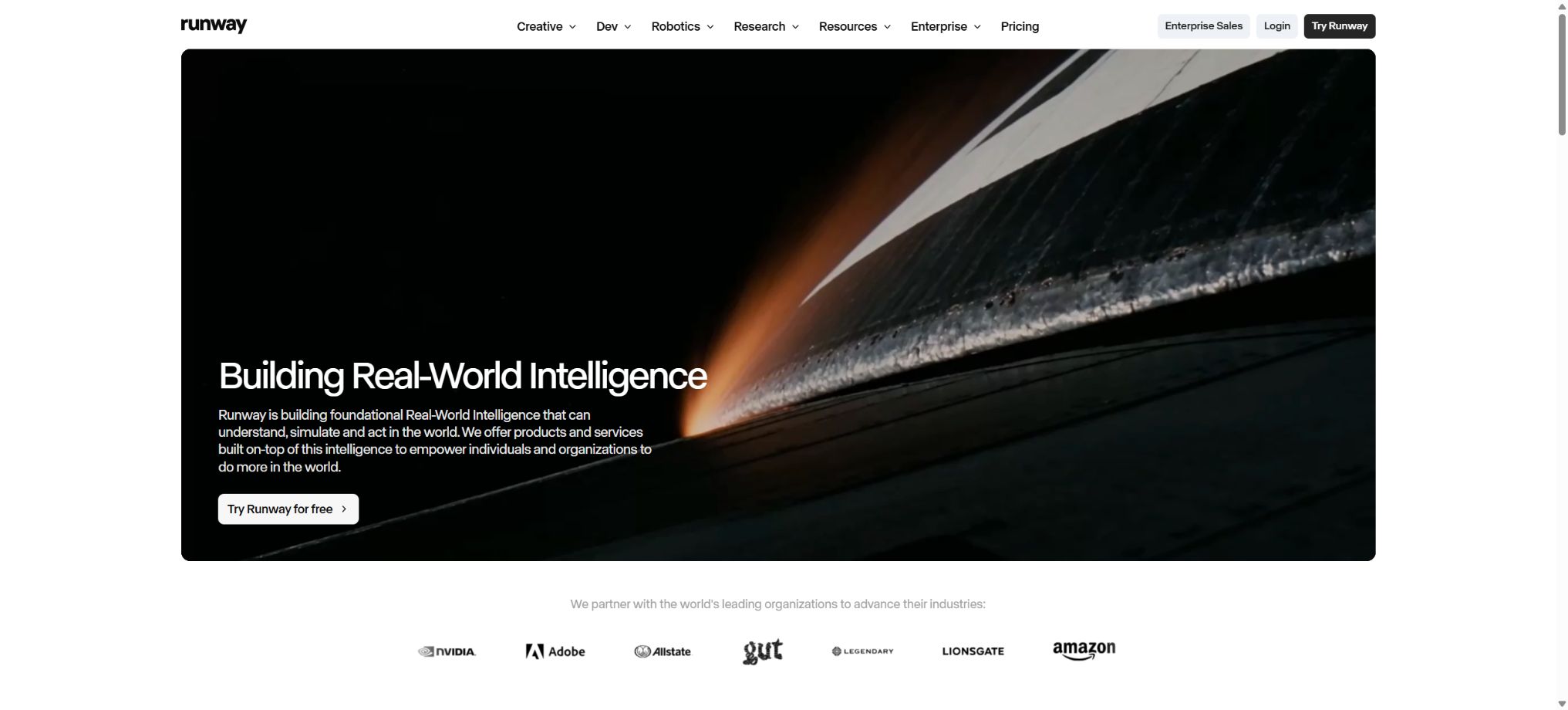
A generative video and visual platform designed for film, television, and creative teams
Tags:AI video toolsWhat is Runway?
Runway is an integrated AI platform for creating images and videos, developed by Runway AI. It offers its own Gen series of video and image models, while also bringing together various third-party models, video effects, audio tools, and advertising workflows within a single creation interface.
Users can create footage from text, images, or existing videos, and then perform operations such as background replacement, motion control, styling, color adjustment, object removal, frame expansion, and zooming. It is not intended to be a complete substitute for traditional timeline editors; rather, it aims to assist teams working in film, advertising, design, and social media in quickly generating footage, visual concepts, and materials that can be further edited.
Core functions
- AI video generation:It supports short videos driven by text or images; models such as Gen-4.5 place emphasis on adherence to prompts, motion quality, and visual quality. Different models, video lengths, and levels of clarity result in different amounts of points being consumed.
- Consistency reference:Gen-4 Image References allows up to three reference images to be used in order to maintain consistency in terms of characters, objects, scenes, and style, with the resulting image then being fed into the video model.
- Video editing apps:It offers Aleph-style video transformation tools, as well as functions for removing objects, replacing backgrounds, altering weather and time conditions, adjusting lighting, color grading, stylization, and super-resolution; it is ideal for quickly creating variations from existing footage.
- Roles and Performances:Capabilities such as Act-Two allow the movements, expressions, and rhythm from performance videos to be transferred to character assets, which can then be used for virtual characters, short videos, and voice-over content.
- Brands and Advertising:The Brand Kit allows for the management of characters, products, logos, fonts, colors, and visual references; advertising applications can combine reference ads, product images, and copy to create creative ideas in various styles.
- Audio and collaboration:The platform offers features such as voice and sound effects, as well as workspaces, projects, asset management, comments, and team collaboration.
- Developer API:The Runway API has its own separate account and point system, which allows models to be integrated into products and automated processes; points earned through web subscriptions cannot be transferred to the API account.
Price and points
| Package or version | Prices, quotas, and core benefits |
|---|---|
| Free | $ |
| Standard | The annual plan amounts to 12 dollars per user per month, while the monthly plan costs around 15 dollars. Users receive 625 points per month in their workspace; additional points can be purchased to remove watermarks. |
| Pro | The annual plan costs 28 dollars per user per month, while the monthly plan is around 35 dollars; it grants 2,250 points per month, making it suitable for those who need to create content on a continuous basis and have larger storage requirements. |
| Max | The annual plan amounts to 76 dollars per user per month, while the monthly plan costs around 95 dollars; 9,500 points are awarded each month, and it is possible to carry over any unused points from one month to the next for up to a full month. |
| Enterprise | Custom quotes and annual point pools to enhance enterprise security, administrator control, analytics, support, and higher usage levels. |
Gen-4.5 currently calculates points at a rate of 12 points per second; therefore, 625 points should theoretically correspond to approximately 52 seconds, 2,250 points to about 187 seconds, and 9,500 points to around 791 seconds. In reality, this time decreases due to other factors such as different models, attempts to retry failed tasks, as well as image and audio processing tasks.
Monthly points for Standard and Pro plans are not carried over, while Max allows carryover for up to one month; points purchased separately do not expire.
The package points in the workspace are shared among all editors; adding additional paid seats does not automatically grant extra points. The old Unlimited plan is being replaced by Max, and the description of \"infinitely slow generation\" mentioned in previous reviews does not apply to new subscribers.
Commercial use, copyright status, and open-source status
According to the official guidelines regarding usage rights, users of the Free, Standard, Pro, Max and other plans have the right to upload and create content. The results generated can be used in commercial projects, and it is not required to indicate Runway as the source. However, users must ensure that the input materials, portraits, trademarks, music, and the final works do not violate the rights of any third parties.
Obtaining a license to use the platform does not mean that the work automatically receives copyright protection in all regions.
The platform carries out content moderation on inputs and outputs, and this moderation process cannot be disabled by customer service for specific accounts.
The core platform of Runway, as well as the Gen models and their weights, are not made available under an open-source license. The official GitHub repository contains SDKs, API examples, and research-related projects; however, this does not allow Runway to be classified as an open-source video model.
When using third-party models, companies should also verify the data processing settings, the list of suppliers, and the terms of the contract.
Runway usage tutorial
Complete a basic task.
- Identify the audience, platform, format, duration, and the information that needs to be conveyed;
- Prepare scripts, shots, or reference materials that can be used in Runway;
- Select AI video generation to create a low-cost preview;
- Use consistent references to adjust the visuals, rhythm, subtitles, and sound;
- Check each frame for characters, text, logos, lip movements, and factual accuracy;
- Export in the desired format after confirming the licensing for music, portraits, and materials;
Create reusable professional workflows
- Create scripts, shot lists, brand assets, and a list of elements that are prohibited from use;
- Save unified parameters for AI video generation, consistency referencing, and video editing applications;
- First, use representative shots to test the model and the quota;
- Transfer the failed shots to manual editing or regenerate them;
- Uniformize subtitles, volume, colors, and end credits;
- Record the version and reviewer before publishing in batches;
Which users are it suitable for
- Film and television creators who produce storyboards, concept videos, advertisements, and music visuals
- Brand teams that need to generate product showcases and short social media videos in bulk
- Post-production staff who wish to change the scene, lighting, style, or objects using existing footage.
- Developers and enterprises that integrate video generation capabilities into their products via APIs
Usage restrictions
- AI-generated videos may still suffer from issues such as changes in the identity of the characters, distorted hands, incorrect physical relationships, unstable text, and inconsistencies across different shots.
- For high-quality projects, it is necessary to first use images as a reference to establish the visual concept, then proceed with iterative use of short shots, and finally complete the final version using traditional editing, color correction, and audio software.
- Points are accrued based on generation, and frequent attempts to use high-cost models will quickly deplete the quota.
- Free is suitable for trying it out;
- For mild trauma, use Standard;
- Continuous commercial production allows for the evaluation of Pro;
- Teams that are active on a high frequency and require buffer carryover are better suited for Max;
Frequently Asked Questions
Is Runway free?
There is a free option available, but the 125 points are a one-time allowance; the videos come with watermarks, and it is not possible to purchase more points under this free plan.
Can content generated by Runway be used for commercial purposes?
The authorities impose no non-commercial restrictions on the various packages, but users must have the rights to use the materials they input, and they are responsible for addressing any issues related to portraits, trademarks, music, and local copyright requirements.
Can website points be used with APIs?
No. Web applications and APIs have separate account balances and billing systems.
Tools similar to Runway




 Guigong Network Security Registration No. 45132202000164