






Piktochart AI
AI design tools for quickly creating infographics, reports, and data-driven visual content
Tags:AI design toolsWhat is Piktochart AI?
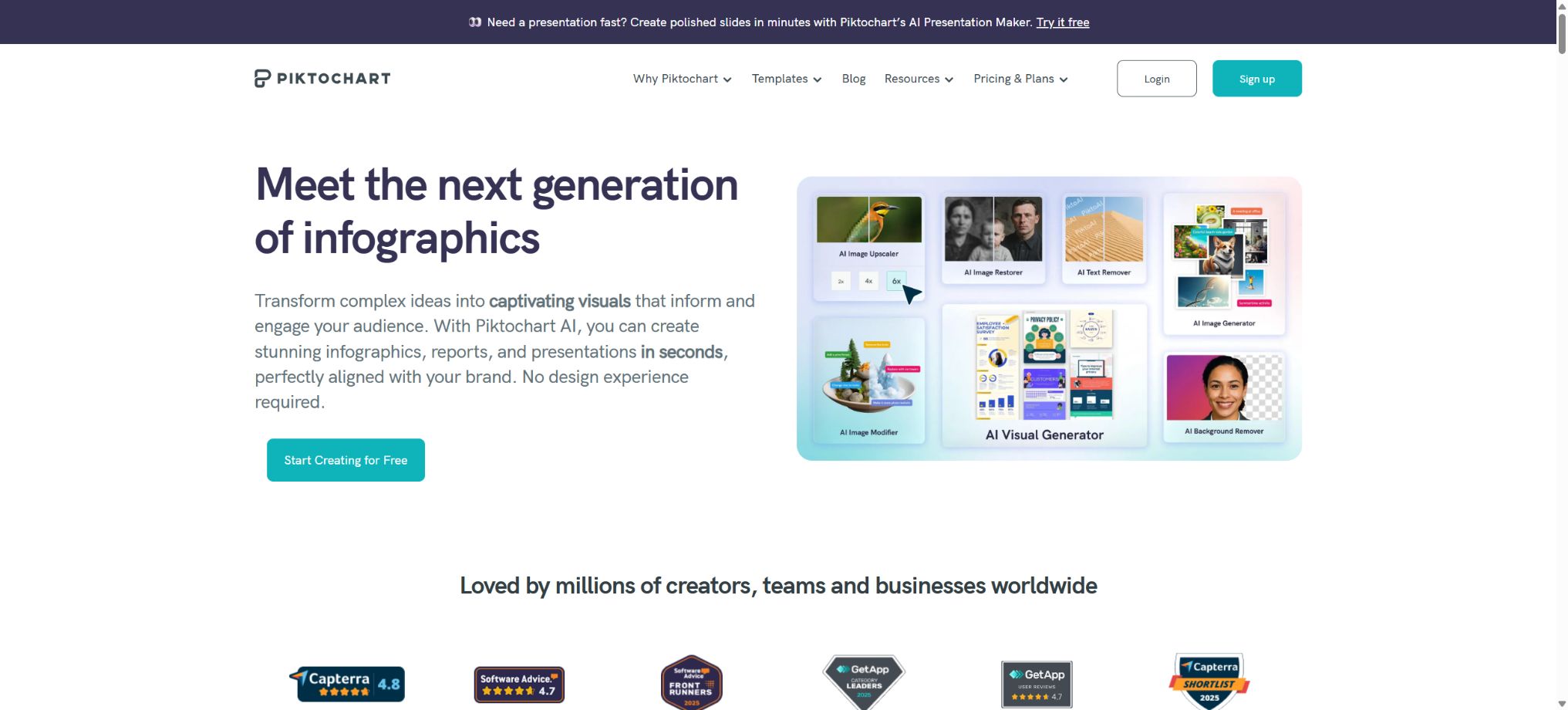
Piktochart AI is an intelligent visual creation and editing tool built into Piktochart; it allows prompts, notes, reports, or uploaded documents to be converted into infographics, reports, presentations, and printed visuals. The resulting content can be further edited in terms of text, colors, images, icons, charts, and layout.
Its purpose is not to offer pure AI-based image generation, but rather to assist people who are not designers in turning business information, educational content, and public messages into readable visual materials. The platform also provides charts, maps, timelines, flowcharts, brand kits, as well as tools for team collaboration.
Main features of Piktochart AI
- AI infographics:Generate long-form images and structured visual summaries from topics, pasted text, or files.
- AI Report:Convert business updates, KPIs, market notes, and project status into editable reports.
- AI presentation:Generate slides for business, teaching, training, roadshows, and project presentations.
- AI document to visual conversion:Upload TXT, DOCX, or text-based PDF files and convert them to supported visual formats.
- AI outline:Organize the information into levels, sections, key points, and action calls, then generate the page.
- Charts and maps:Use editable charts, tables, and interactive maps to display data and geographical information.
- Design element library:Provides icons, shapes, illustrations, photos, timelines, comparison components, and flowcharts.
- AI image generation:Use Imagen or OpenAI’s models to generate realistic or stylized images.
- AI image editing:Modify objects, zoom in, repair, remove backgrounds, eliminate text, and delete distractions.
- AI icon generation:Generate scalable SVG icons and brand visual elements from text.
- Brand suite:Save brand colors, fonts, logos, and team templates to establish a consistent visual style.
- Publishing and exporting:It supports online sharing, embedding, presentation, as well as export in PNG, PDF, and PPT formats.
Available visual types
| Visual type | Appropriate content | Typical uses |
|---|---|---|
| infographic | Processes, steps, comparisons, statistics, and knowledge explanation | Websites, social media, and public communications |
| Business report | KPIs, project status, market and operational analysis | Reporting to management, customers, and stakeholders |
| Presentation | Contents of roadshows, courses, training, and conferences | Live demonstration, online sharing, and PPT output |
| Posters and flyers | Events, recruitment, philanthropy, and product information | Digital Communication and Printing |
| Social visuals | Data summaries, insights, and marketing content | Social media platforms and content management |
| Flowcharts and timelines | Processes, organization, history, and project milestones | Training, planning, and business instructions |
Piktochart price comparison
The following are the reference prices in US dollars as shown on the official page during verification; differences may occur due to region, currency, promotions, and page version. The annual payment option is displayed on a monthly basis, but the payment for the entire year is usually made in one go; it is necessary to refer to the payment details page associated with the account before making a purchase.
| Package | Monthly reference | Monthly average for annual payment reference | AI Credits per Seat | Main exports |
|---|---|---|---|---|
| Free | Free | Free | 60/month | A total of 2 PNG downloads. |
| Pro | $ | 10 dollars per month | 500/month | Infinitely scalable PNGs with transparent background |
| Business | $ | 17 dollars per month | 1000/month | Unlimited PNG, PDF, and PPT |
| Enterprise | Customization | Customization | In accordance with the contract | Business capabilities and corporate governance |
| Education | Qualification-specific | The official page once showed an annual fee of around 39 dollars per seat. | 250/month | PNG, PDF, PPT, and limited brand suites |
| Nonprofit | Qualification-specific | The official page once showed $60 per seat per year. | 250/month | PNG, PDF, PPT, and limited brand suites |
Different official pages have shown higher prices for the Pro and Business versions, which indicates that pricing can vary depending on the region or promotional offers. Prices for educational and nonprofit use require verification of eligibility; it is not possible to determine the final amount based solely on the figures listed publicly.
How to choose between Free, Pro, and Business?
| Usage requirements | Recommended package | Reason for selection |
|---|---|---|
| Occasionally test AI infographics | Free | 60 monthly credits, offering a verifiable experience for creation and editing |
| Individuals continuously create PNG visuals. | Pro | Unlimited PNGs, Premium assets, 500 credits, and 100GB of storage |
| PDF, PPT, and brand kits are required. | Business | Full export, 1000 credits, brand, and 250GB of storage |
| Large teams and strict governance | Enterprise | SSO, management controls, security reviews, and dedicated support |
| Colleges or non-profit organizations | Education or Nonprofit | Gain professional export capabilities and brand strength through qualification programs. |
Rules for using AI Credits
- Monthly refresh:The credits included in the subscription are refreshed at the start of each billing cycle and are not carried over automatically.
- Workspace sharing:Multiple seat credits are pooled in the workspace for members to use together.
- Additional packages:The additional credits purchased can be added together, and they are handled separately from the monthly renewal quota.
- AI images:Creating, modifying, enlarging, repairing, removing the background or text costs 25 credits per image, usually.
- Multiple variants:Generating multiple image options at once will result in a charge applied to each one separately.
- Reuse:Materials that have been saved to AI Images can be inserted again without the need to generate them once more.
- Insufficient dosage:You can wait until the next cycle, upgrade your package, or purchase additional credits.
Tutorial on Creating AI Infographics
- Select format:From the AI creation interface, select Infographic and choose between long format, comparison, or process layout.
- Preparation content:Specify the audience, purpose, key data, sections, and call to action.
- Generate draft:Enter a topic, paste text, or upload a document so that the AI can first create the structure and visuals.
- Check facts:Check whether the numbers, units, proportions, source years, and conclusions are accurate.
- Adjust hierarchy:Shorten paragraphs, highlight titles, key figures, and the visual reading order.
- Replacement materials:Use brand images, icons, and colors to replace irrelevant AI visuals.
- Select output:For online distribution, long images or embeds can be used; for printed versions, posters, flyers, or reports should be employed.
Generate visual tutorials from documents
- Prepare files in TXT, DOCX, or text-based PDF format; scanning PDFs as well as JPEG and PNG documents is not suitable for this process.
- Individual files must not exceed 10MB, and attachments as well as duplicate content that are not related to the visual target should be removed.
- After entering the AI tool, select formats such as Infographic, Presentation, or Document that support uploading.
- Upload only one file at a time, indicating the chapters, images, conclusions, and tone that need to be retained.
- Select the visual suggestions that best fit the content structure, then go to the editor to make further adjustments.
- Long documents need to be checked page by page; the Business format is suitable for retaining complete content that exceeds 5 pages.
Tutorials for creating AI reports and presentations
- Make a clear decision:First, write a report or presentation to help the audience understand what needs to be done, approve it, or take certain actions.
- Organize data:Clearly state the KPIs, time range, comparison baseline, and key findings.
- Generated structure:Enable AI to create a narrative sequence of background, discovery, explanation, risks, and recommendations.
- Manual map creation:Pikto AI does not currently generate accurate charts directly from raw CSV files or data tables.
- Branding:Use logos, color palettes, fonts, and team templates to standardize reports and pages.
- Export acceptance:Check the font, page layout, aspect ratio, and clarity in the target PDF or PowerPoint.
Pikto AI Studio image tool
- Image Generator:Choose from the Imagen or OpenAI models to generate realistic, creative, and conceptual images.
- Image Modifier:Use text commands to add, replace, or restructure objects in the image.
- Upscaler:Improves image resolution and clarity, suitable for low-quality materials.
- Restorer:Fix blurry, noisy, or damaged images and enhance details.
- Background Remover:Automatically separates the main subject, suitable for people, products, and logos.
- Text Remover:Remove text and overlay elements from the image, but this must not be used to remove copyright watermarks.
- Object Eraser:Remove people, objects, or distracting elements and complete the background.
- Icon Generator:Generate SVG icons, logos, and scalable design elements.
Who is Piktochart AI suitable for?
- Marketing and Content Team:Create event visuals, social content, and data summaries.
- Business analyst:Convert KPIs, research, and recommendations into management reports.
- Teachers and students:Create course demonstrations, knowledge infographics, and displays of research findings.
- Human resources and internal communication:Create policy documents, provide training, handle recruitment, and update employee information.
- Public welfare and government agencies:Convert complex public information into easy-to-read visuals.
- Small businesses:It is possible to continuously produce brand content without the need for a professional design team.
Product advantages
- Focused on information graphics, reports, and data visualization – it doesn’t just create standard images;
- The text, images, icons, and layout in the AI draft can all be edited further;
- Components such as charts, maps, flowcharts, timelines, and tables are fairly comprehensive;
- AI image generation and restoration tools are directly integrated into the same workspace;
- Business offers brand kits, team templates, and downloads in multiple formats;
- It supports online publishing, embedding, demonstration, and social sharing.
Usage restrictions and precautions
- Free accounts allow only 2 PNG downloads, and the official help page provides different descriptions regarding the rules for permanent free access.
- Subscription credits are refreshed on a monthly basis but are not carried over, and high-frequency image processing consumes them quickly.
- AI cannot directly and reliably convert raw CSV files or data tables into accurate charts;
- Document uploads are only supported in TXT, DOCX, and text-based PDF formats; one document at a time, with a maximum size of 10MB.
- The numbers, facts, and citations generated by AI may be incorrect, and the reports must be verified manually;
- The prices displayed on different pages may vary by region; the amount charged should be based on the account balance.
- Long infographics are not suitable for direct printing; the appropriate format should be chosen based on the medium of distribution.
Copyright, Commercial Use, and Data Security
The official help documentation states that images generated by Pikto AI that meet the specified criteria can be used for both personal and commercial projects. This license does not imply that the input materials, portraits, brand logos, or third-party content have been authorized for use.
- Do not use text removal tools to remove copyright watermarks or circumvent licensing terms for the materials;
- Customer data, employee information, and unpublished reports should be anonymized before being uploaded;
- Business charts should retain the actual data, time range, and verifiable sources;
- When using characters, trademarks, and brand assets, verify the authorization and scope of use;
- The team should restrict access to brand templates, downloads, and public links.
API and open-source information
The current documentation for Piktochart AI does not promise the provision of a public API for ordinary developers; the official recommendation is that users who need an API should contact support to describe their use cases. The web generation interface cannot be used as a stable, public API.
The Piktochart platform and its AI design system are not open-source products; the official GitHub repository contains only a few independently developed projects and does not provide the complete source code for these products. Other repositories on GitHub with the same name also do not represent the official Piktochart service.
Frequently Asked Questions
Is Piktochart AI free?
The Free plan offers 60 AI credits per month as well as 2 downloads in PNG format, which are sufficient for testing purposes and for carrying out basic editing tasks. For working with PDF files, PowerPoint presentations, full brand assets, and performing numerous downloads, a paid plan is required.
How much does Piktochart Pro cost?
According to the information on the official page, the monthly fee is 15 dollars, which translates to an average of 10 dollars per month when paying annually. Fees may vary depending on the region and any ongoing promotions; the details shown on the current payment page should be taken as reference.
What is the difference between Pro and Business?
Pro is suitable for unlimited PNG files and Premium materials, while Business adds support for PDF and PPT files, a complete brand package, more credits, and greater storage capacity. It is the better choice for those who need professional reports and brand-related collaboration.
Can I upload a PDF to create an information diagram?
Text-based PDF files can be uploaded; TXT and DOCX files are also supported. The size of a single file should not exceed 10 MB, and only one file can be processed at a time. Conversion of scanned PDFs and image-based documents is not currently available.
Is Piktochart AI open source?
No, the core platform and AI systems are commercial products. The few projects available in the official GitHub repository do not constitute the complete source code of Piktochart.
Tools similar to Piktochart AI



 Guigong Network Security Registration No. 45132202000164