






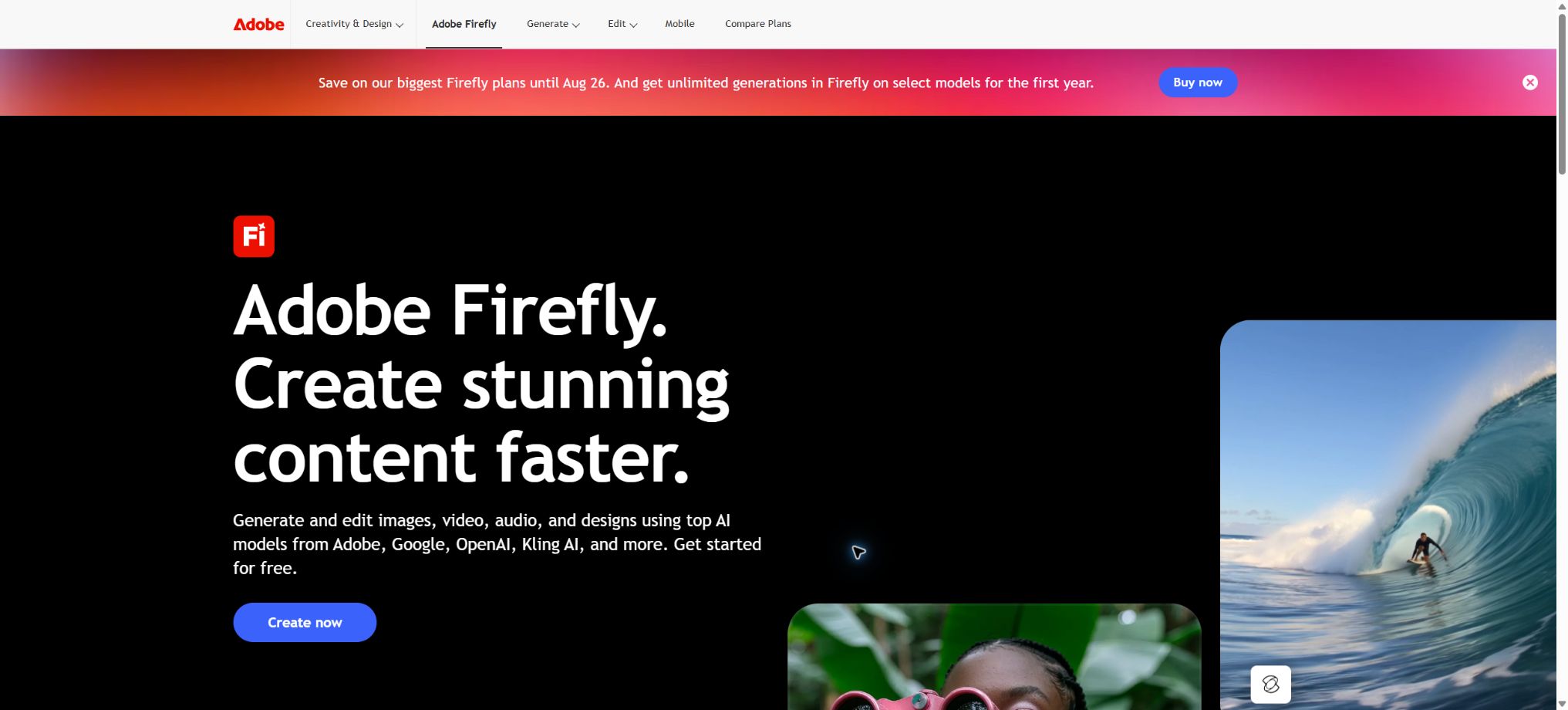
Adobe Firefly
Create and edit images, videos, and audio within the Adobe creative ecosystem.
Tags:AI design toolsWhat is Adobe Firefly?
Adobe Firefly is an integrated creative AI platform launched by Adobe, capable of generating and editing images, videos, vectors, and audio. It exists as a standalone web app and mobile app, and it also brings these generation capabilities to Photoshop, Illustrator, Express, and other Creative Cloud tools.
Firefly not only offers Adobe’s own models but also provides access, from the same interface, to models developed in partnership with Google, OpenAI, Runway, Luma, Kling, ElevenLabs, and Topaz. Users should be aware that the points required, the capabilities of these models, and their data-related terms vary from one model to another.
Main features of Adobe Firefly
- The Firefly Image Model 5 supports native 4MP image generation and natural language editing;
- Generative Fill and Generative Expand allow for adding or removing objects as well as expanding the canvas;
- Convert text or images into videos, and control the first and last frames, as well as the camera angles and frame dimensions.
- Firefly Boards are used for mood boards, storyboards, reference organization, and collaborative work within teams;
- The timeline video editor allows for the combination of clips, live footage, subtitles, and audio.
- Generate sound effects, music, voiceovers, and translate the language in audio or video;
- Create editable vectors, text effects, templates, and design assets;
- The collaboration models can be switched between and compared within one Adobe account;
- Content Credentials records the information regarding the sources of AI-generated and edited content;
- The Firefly Services API enables enterprises to generate, synthesize, and create brand models in bulk.
Firefly Image Model 5
Image Model 5 is Adobe’s current image model; it can generate images with a resolution of around 4MP, with an emphasis on realistic details, lighting, composition, as well as characters and text within the image. Instruct Edit allows for precise addition, deletion, or modification of elements using text, while striving to maintain the integrity of the other areas of the image.
Images may still contain errors such as hands, small text, brand details, or repeated textures. Before using them officially, it is necessary to zoom in for inspection and apply layers, masks, and local repairs in Photoshop.
Generative filling and expansion
Generative Fill allows for adding, replacing, or removing content within a selected area, while Generative Expand fills in new content based on the surrounding image to achieve a different scale. These tools are suitable for changing backgrounds in e-commerce contexts, adapting images to vertical or horizontal formats, removing unwanted elements, and creating composite images quickly.
AI video generation and editing
Firefly supports the creation of videos from text as well as from images; it allows for the inclusion of a starting frame, an ending frame, different shooting angles, and camera movements. On the current interface, it is also possible to choose from video models provided in partnership with Firefly, such as Firefly Video, Veo, Ray, Runway, and Kling.
The generated videos can be used as B-roll, transitions, product concepts, or storyboard materials, which can then be combined on the timeline. Different models vary significantly in duration, resolution, audio quality, and credits; it is advisable to check the model selector before generating a video.
Firefly Boards
Boards are collaborative, infinite canvases used for gathering references, creating visual variations, building mood boards, storyboards, and defining brand directions. Users can combine multiple assets to form a contextual prompt, which is then used to generate content via different models.
Boards are suitable for initial exploration, but they do not constitute the final asset management or a complete design system. After finalization, it is still necessary to organize the versions, handle licensing, manage colors, and prepare the delivery documents.
Sound effects, voiceovers, and audio translation
Firefly can generate sound effects, music, and voice tracks based on the rhythm of text or video; it can also translate audio into more than 20 different languages while striving to preserve the original tone and rhythm. Multiple target languages can be selected for a single translation task, though the duration and number of languages available are limited by the functionality.
Voice output requires manual verification of pronunciation, proper nouns, pauses, and tone. It is not allowed to pretend to be a real person or to use restricted voices and lines without permission.
Cooperation model
The collaboration model allows users to utilize capabilities such as GPT Image, Gemini, Veo, Runway, Luma, Kling, etc., within Firefly. These tools make it easy to compare styles and visual effects; however, the commercial security training methods used for Adobe Firefly models cannot be applied automatically to third-party models.
Creative Cloud workflow
The results generated by Firefly can be imported into Photoshop, Illustrator, Premiere, and Express, where professional post-processing can be carried out using layers, vectors, timelines, and templates. Packages such as Pro may also include the web and mobile versions of Photoshop as well as Express Premium; the exact details depend on the purchase page specific to each region.
Comparison of Adobe Firefly’s capabilities
| Ability | Enter | Output | Suitable scenarios |
|---|---|---|---|
| Generate Image | Text and reference figures | Bitmaps and variants | Concepts, advertising, e-commerce |
| Instruct Edit | Images and editing instructions | Locally modify images | Image editing and version adaptation |
| Generate Video | Text, images, first and last frames | Video clip | B-roll, storyboards, and social media content |
| Boards | References, materials, and tips | Emotion board and storyboard | Creative exploration and collaboration |
| Audio | Text, audio, or video | Sound effects, voice, translation | Localization and post-production audio |
| Firefly Services | API requests and brand assets | Batch generation and processing | Enterprise content supply chain |
Price of Adobe Firefly
Firefly offers a limited number of free generations per month, along with four main paid subscription tiers for individuals. The following are the current regular monthly prices for the United States; taxes, currency options, group pricing, promotions, and bundled benefits are subject to the details on Adobe’s pricing page.
| Package | Regular monthly price | Monthly Generative Credits | Main positioning |
|---|---|---|---|
| Free | $ | A limited number is generated per day, displayed by account. | Experience curated images, videos, and audio content. |
| Firefly Standard | 9.99 dollars | 2,000 | Lightweight creation of images, videos, and audio |
| Firefly Pro | 19.99 dollars | 4,000 | Frequent individual creation, including certain benefits related to Adobe applications |
| Firefly Pro Plus | 49.99 dollars | 10,000 | A large number of advanced models and professional content |
| Firefly Premium | 199.99 dollars | 50,000 | High-volume videos and advanced collaboration models |
| Teams / Enterprise | By seat or contact sales | Configure according to the plan | Management, branding, APIs, and content supply chain |
Generative Credits and promotional rules
| Project | Rules | Precautions |
|---|---|---|
| Monthly credits | Resetted at the end of each billing cycle | It generally does not accumulate permanently due to lack of use. |
| Standard features | Some of the current paid plans allow unlimited generations. | It covers only the models, resolutions, and features specified by Adobe. |
| Advanced Models and Media | Deduction based on model, resolution, and task. | Videos and collaboration models usually consume more. |
| Pro Plus promotion | Limited-time discounts on some first-year prices and model permissions | The renewal price will be restored upon expiration. |
| Premium promotion | Some advanced models or videos can be used unlimitedly during the event period. | It does not mean that all models are permanent and unlimited. |
Adobe’s current unlimited generation offer applies only to the standard features and specific models listed officially; other models will still require credits. Before making a purchase, it is necessary to check the end date of the promotion, the price for the first year, the renewal price, and the list of available models.
Adobe Firefly usage guide
Create and refine a commercial image.
- Define the purpose, proportions, brand requirements, and target audience;
- Choose Adobe Firefly or an appropriate partnership model;
- Specify the subject, environment, composition, lighting, and style;
- Upload reference images or brand assets for which you have usage rights;
- Generate a small number of variants and select the one with the most accurate structure;
- Use Instruct Edit or Generative Fill to make local corrections;
- Go to Photoshop to check the details, colors, text, and licensing.
Create video materials from images
- Prepare a high-quality first frame without any distortions and with a clear composition;
- Select the target frame size, model, resolution, and duration;
- Describe the subject’s actions, the camera angle, speed, and changes in the environment;
- It is necessary to ensure that the final frame is uploaded at the end;
- First, test the movement and composition at a low cost;
- After selecting a version, add sound effects, voiceovers, or music;
- Complete editing, subtitles, and mixing on the timeline or in Premiere.
Establish a traceable team workflow
- List the permitted models, materials, and uses for the project;
- Organize reference sources and licensing status in Boards;
- Use approved brand assets and Custom Models;
- Record the prompt, model, version, and manual modifications;
- Retain the Content Credentials and the original files;
- Release review is carried out by the design, branding, and legal teams;
- Archive the final assets and their scope of use.
Who is Adobe Firefly suitable for?
- Graphic and brand designers: create concepts, backgrounds, and design variations;
- Photography and e-commerce team: scene switching, image enlargement, and batch processing of products;
- Video creators: Produce B-roll, animations, sound effects, and multilingual versions;
- Marketing team: Plans campaigns on Boards and creates content for multiple channels;
- Creative Cloud users: Direct access to Adobe’s professional tools;
- Agency: Compares multiple models and prepares proposals for clients;
- Enterprise developers: Establish a branded content creation process through APIs.
The advantages of Adobe Firefly
- Images, videos, vectors, audio, and design workflows are all gathered together;
- Image Model 5 supports native 4MP resolution and precise text editing;
- It is possible to invoke multiple mainstream collaborative models on a single platform;
- Integration with Photoshop, Illustrator, Premiere, and Express;
- Adobe’s proprietary models emphasize licensing and training data from the public domain;
- Content Credentials enhances transparency regarding the source of generation;
- Enterprise APIs, custom models, and batch processing capabilities are all available.
Usage restrictions and precautions
- The collaboration model does not automatically inherit the training and compensation policies of the Adobe model.
- Due to differences in models, resolution, and features, the amount of credits consumed varies greatly.
- Unlimited generation for a limited time does not mean that all functions will remain unlimited forever;
- AI-generated characters, text, hands, and product details may still contain errors;
- Creating videos usually requires editing, sound processing, and quality improvement;
- The monthly credits are reset, so it is necessary to assess video tasks with high costs in advance;
- Custom models can only use training assets with sufficient permissions;
- Content credentials provide clues as to the source, but they cannot prove ownership or authenticity.
Commercial security, data, and Content Credentials
Adobe has developed its own Firefly model using licensed content as well as content that is in the public domain due to expired copyrights; the company states that it does not use customer data to train its core models. The outputs generated by Firefly that meet the specified criteria can be used in commercial projects, but third-party materials and collaborative models require separate approval.
Adobe assigns Content Credentials to the content created by Firefly, providing information regarding its AI-generated or edited nature. This helps ensure transparency, but it cannot replace contracts, copyright assessments, permissions for the use of portraits, or verifications of the accuracy of the facts.
- Before generation, verify that the uploaded materials, fonts, trademarks, and permissions for using characters are in order;
- The collaboration models assess business and data risks in accordance with their respective terms.
- Retain content proofs, prompts, models, and edit versions;
- Avoid misleading synthetic content when real people and news scenes are involved;
- Companies use approved assets to train Custom Models and restrict access;
- Indicate AI involvement according to the distribution channel and regional regulations.
API, GitHub, and open-source information
Adobe Firefly Services offer image generation, Custom Models, object synthesis, image enlargement, image cropping, zooming functions, as well as APIs for Photoshop, Illustrator, and Express. Enterprises need to configure credentials, storage options, and usage plans through the Adobe Developer Console.
The Firefly base model, web platform, and inference services are not open-source projects. Although Adobe makes the SDKs, examples, and content authenticity tools available on GitHub, this does not mean that the weights for Image Model 5 or Firefly Video can be downloaded for private use.
Frequently Asked Questions
Is Adobe Firefly free?
There is a free option that provides a limited number of daily generation attempts to work with selected models. If you need to create content on a continuous basis, use advanced collaboration models, or generate a large number of videos, then you must purchase a paid plan.
How much are Firefly Standard and Pro?
The regular monthly prices in the United States are 9.99 and 19.99 dollars, corresponding to 2,000 and 4,000 monthly credits respectively. Regional taxes, promotions, and renewal prices may vary.
Can the content generated by Firefly be used for commercial purposes?
The qualified outputs from Adobe’s proprietary models can be used in commercial projects, but the user must have the rights to the input materials. Collaborative models and third-party assets require separate verification in accordance with the relevant terms.
Does Firefly have an API?
Yes, Firefly Services offers APIs for creation, brand customization, synthesis, and Creative Cloud processing, aimed primarily at enterprise and developer workflows.
Is Adobe Firefly open source?
No, the core model and the hosting platform are not open source. The publicly available SDKs, examples, and Content Credentials tools cannot be used for privately deploying the Firefly model.
Tools similar to Adobe Firefly



 Guigong Network Security Registration No. 45132202000164