






Napkin AI
Convert text into charts, flowcharts, and infographics with just one click.
Tags:AI design toolsWhat is Napkin AI?
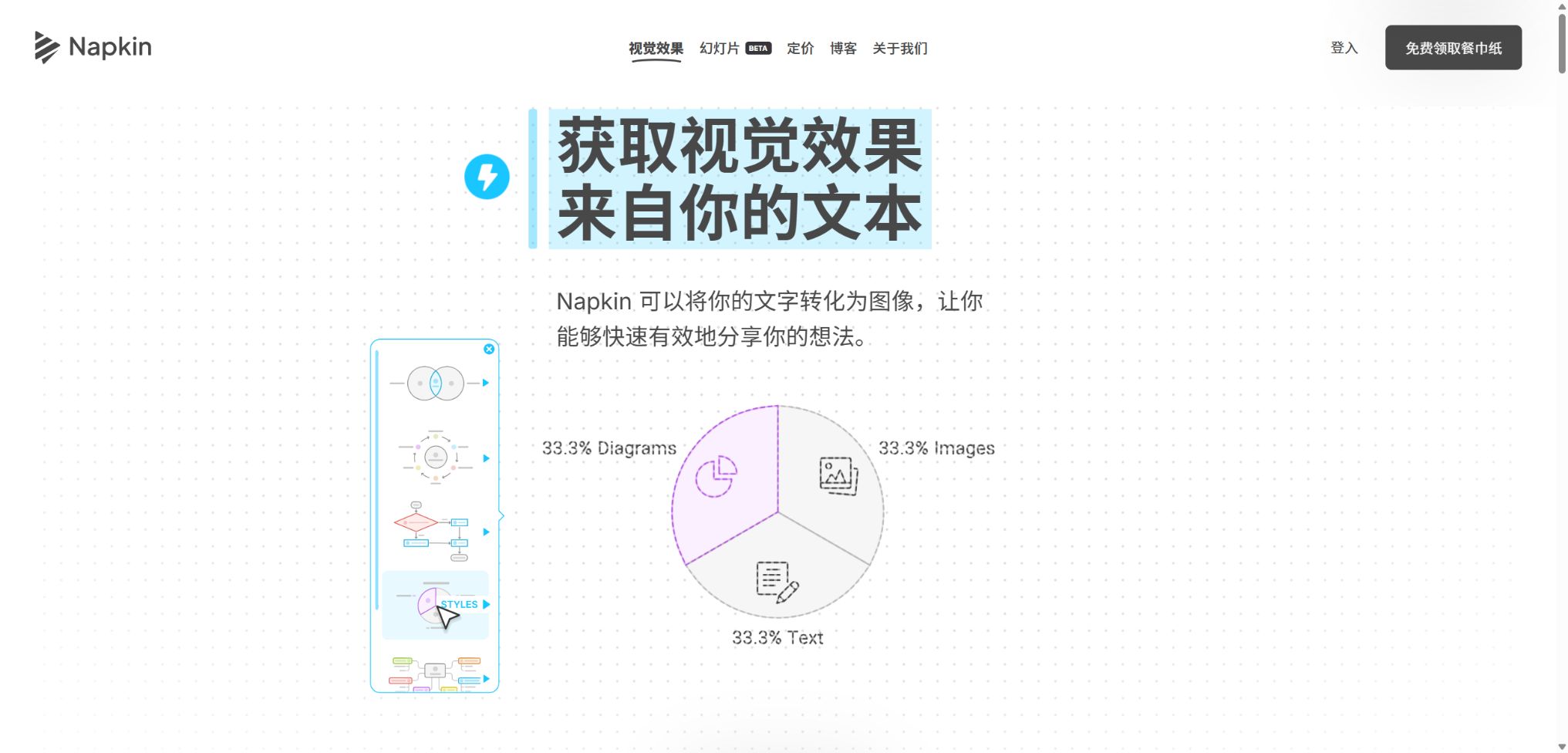
Napkin AI is a text-to-visual platform designed for business communication. After users paste or import content, they can select a portion of it to generate flowcharts, mind maps, timelines, comparison charts, hierarchy diagrams, and infographics, after which they can continue editing those visuals in a browser.
The platform currently offers two modes of operation: Napkin Visuals and Napkin Slides. The former is suitable for adding individual visual elements to articles and documents, while the latter uses AI agents to create complete presentations based on a topic, relevant materials, or prompt words.
Main functions of Napkin AI
- Automatically convert selected text into various charts and infographics;
- Multiple layout and design options are provided to facilitate quick comparison;
- Specify the visual type, direction, and details through Custom Generation;
- Edit text, icons, colors, fonts, connection lines, and graphic structure;
- Use Brand Studio to define brand colors, fonts, and visual styles;
- Import PPT, DOC, PDF, HTML, Markdown, and images;
- Export individual visuals as PNG, PDF, SVG, or PPT;
- Export the entire document as a PDF in long-page, A4, or 16:9 format;
- Create and edit complete presentations using Napkin Slides;
- Collaborate through Teamspace and generate visuals in bulk using APIs.
Text to visuals
Users can paste existing text, or they can ask the AI to create a draft first. After selecting a segment of text and clicking ‘Generate’, Napkin will analyze the relationships between the various concepts and provide several visual options suitable for that content.
The resulting output is not just a flat image that can be downloaded; the text and most design elements can still be modified. Users can replace icons, adjust colors, change layer order, and move components in order to bring the content closer to the standards required for official publication.
Custom Generation
Custom generation allows users to specify the desired format, such as flowcharts, mind maps, tables, timelines, or comparison charts, and to choose between horizontal, vertical, square, or automatic orientation. Users can also control the level of summary or detail, and request that the original wording be retained as much as possible.
For terms, brand expressions, and standard procedures, it is safer to keep the original text rather than rewriting it entirely. Even when a type is specified, AI may still misinterpret the relationships, so the key logic needs to be verified manually, item by item.
Napkin Slides
Napkin Slides can start with a single prompt, existing content, or imported material; by asking additional questions, it helps to determine the objectives and target audience. Users can first edit an outline, after which the system generates the complete slides. The official documentation is available in over 60 languages.
Slides and individual visuals serve different purposes: the former are responsible for the overall narrative and page structure, while the latter are better suited for images to accompany articles, partial illustrations, or as additions to existing PPTs. Before presenting formally, it is still necessary to check the facts, the logical flow between pages, and brand consistency.
Brand and team collaboration
Plus allows for the creation of 3 brand styles, while Pro offers unlimited customization options for the brand and enables the uploading of custom fonts. Teamspace administrators are responsible for managing members, subscriptions, permissions, and data settings; paid plans are charged based on the number of members who have accepted an invitation.
Sharing permissions include various levels such as editing by team members, editing by visitors who have accessed the link, and viewing only by those who possess the link. Content that contains internal information should not be shared via public links, and permissions for members who are no longer needed should be revoked regularly.
Input, editing, and export capabilities
| Stage | Supported content | Suitable uses | Precautions |
|---|---|---|---|
| Text input | Paste, AI drafting, document extraction | Articles, reports, and course content | Deleting irrelevant paragraphs first can reduce the score. |
| File import | PPT, DOC, PDF, HTML, Markdown | Reuse existing materials | The main content is extracted; the original layout is not guaranteed to be preserved. |
| Visual editing | Text, icons, colors, fonts, shapes, and connection relationships | Refinement of charts and infographics | Complex adjustments still require manual design and judgment. |
| Export single image | PNG, PDF, SVG, PPT | Websites, documents, social media, and presentations | SVG and PPT are part of the paid services. |
| Document export | Continuous long pages, A4, 16:9 PDF | Reading, printing, and displaying | DOCX is not exported directly at the moment. |
Napkin AI price
Napkin AI offers three public plans: Free, Plus, and Pro; it also provides enterprise-level consulting services for larger organizations. The current monthly pricing on its official website is as follows – choosing an annual payment plan can save 25% compared to a monthly payment, with the final amount depending on the details shown on the settlement page.
| Package | Monthly price | AI points | Primary interests |
|---|---|---|---|
| Free | $ | 500 per week | Unlimited editing and file import, unlimited PNG and PDF export, built-in styles, with Napkin brand |
| Plus | $ | 10,000 per month | SVG and PPT export, 3 brand styles, bold icons, brand removal, team billing |
| Pro | $ | 30,000 per month | Exclusive design, unlimited brand customization, font uploading, point-based additions, and team management |
| Enterprise | Contact sales | In accordance with the contract | The procurement, scale, and management requirements specific to an organization need to be determined separately. |
AI points are primarily used for generating visual content; the official estimate is that about 1 point is required for each word selected, though different rules may apply to more complex outputs and additional functions. The free tier’s points are updated on a weekly basis, while those in the paid plans are updated on a monthly basis. Unused monthly points are not carried over to the following month.
Comparison of package features
| Functions | Free | Plus | Pro |
|---|---|---|---|
| Visual editing | Infinity | Infinity | Infinity |
| File import | Infinity | Infinity | Infinity |
| PNG and PDF export | Infinity | Infinity | Infinity |
| Export to SVG and PPT | Not included | Infinity | Infinity |
| Remove the Napkin brand | Not supported | Support | Support |
| Brand style | Built-in styles | 3 | Unlimited customization and uploading of fonts |
| Extra points | Upgrade plan | Available for purchase | Available for purchase |
Napkin AI Usage Guide
Convert a piece of text into a flowchart
- Register in the desktop browser and create a new Napkin document;
- Paste the text that needs to be illustrated and remove any duplicate content;
- Select the target paragraph that describes the step or relationship;
- Click to generate visuals and view different layout options;
- Customized flowcharts and directions can be generated as needed;
- Modify node text, connection relationships, colors, and icons;
- After verifying the logic, select the appropriate format for export.
Create a branded presentation
- First, determine the audience, objectives, range of page counts, and key conclusions;
- Go to Napkin Slides, enter the topic or import materials;
- Answer the system’s follow-up questions regarding the scenario and the target audience;
- Check each page and adjust the outline before generation;
- Generate a complete set of slides and replace any inaccurate content;
- Apply the brand’s colors, fonts, and visual style;
- After exporting, perform a final review of the presentation in the demonstration software.
Automatically generate visuals via API
- Go to the Developers page within the account or Teamspace settings;
- Create an API token and store it in the server’s key management system;
- Prepare a concise text, context, language, and output format;
- Submit an asynchronous visual generation request and save the request number;
- Poll the status interface until a successful or failed result is obtained;
- Download the returned visual files in a timely manner and handle rate limiting;
- Record the points consumed and arrange manual review for abnormal content.
Which users are it suitable for
- Content creators: Add infographics to articles, white papers, and social media posts;
- Marketing staff: Create event workflows, value propositions for products, and comparative visuals;
- Consultant: Convert complex frameworks into diagrams that are easy for clients to understand;
- Teachers and students: creating knowledge structures, timelines, and course materials;
- Product team: Organize the user journey, processes, and relationships between requirements;
- Sales team: Prepare client proposals and presentations;
- Developer: Use APIs to add charts to content systems in bulk.
The advantages of Napkin AI
- Starting from the existing text, there is no need for users to learn professional drawing first;
- The same content allows for a quick comparison of various visual structures and styles;
- The generated result can be further edited, rather than being a fixed image;
- It supports extending from a single chart to a complete presentation;
- Free includes unlimited editing, import, and export in PNG and PDF formats;
- Plus and Pro offer brand control as well as export in PPT and SVG formats;
- Official APIs can be integrated into automated content creation processes.
Usage restrictions and precautions
- Registration and full editing are primarily done on desktop computers, with limited functionality on mobile devices.
- It must be used connected to the internet, as there is no offline mode at present.
- File import focuses on extracting the content, and it does not equate to a lossless restoration of the layout.
- Free exports retain the Napkin brand, while SVG and PPT versions require payment;
- It is not possible to export directly in DOCX format; images or SVG files must be inserted into Word.
- Facts, figures, and logical relationships in visual content can lead to errors;
- Paid points are reset each month, and generating long texts directly may consume those points.
- The API is in developer preview; its version, quotas, and interfaces may change.
Copyright, Privacy, and Data Processing
The official help center states that users can use the visuals created by Napkin on websites, social media platforms, presentations, books, and marketing materials. For actual commercial use, it is still necessary to verify the rights related to the images, trademarks, fonts, characters, and any third-party materials used, as the official statements should not be interpreted as offering copyright protection in all jurisdictions.
The platform passes on the necessary information to AI service providers in order to have the services carried out, and contracts are in place to prevent these providers from using customer data to train models. Users can disable data sharing, while Teamspace administrators have control over the team’s data privacy settings as well as settings related to product improvements.
- Before uploading customer documents, ensure that the organization permits cloud-based AI processing;
- Remove internal numbers and personal information before sharing publicly;
- Team documents have restricted access rights to prevent anyone with the link from making edits;
- Brand output inspection checks for risks related to trademarks, icons, fonts, and similar designs;
- API Tokens must not be written to the client, saved in screenshots, or uploaded to public code repositories.
API, GitHub, and open-source information
Napkin offers an official visual generation API that utilizes an asynchronous process for submitting tasks, checking status, and downloading files; charges are deducted from the same AI credit pool associated with the account. The development documentation is currently marked as Developer Preview, and the API comes with version and rate limits – in production environments it is necessary to stick to a specific version and handle failures by attempting retries.
The core platform of Napkin AI is not an open-source product, nor is the full generation engine released as an official GitHub project. The Napkin AI MCP, Python clients, and API projects available online are mostly developed by the community; before using them, it is necessary to examine their licensing terms, security aspects, and interface compatibility.
Frequently Asked Questions
Is Napkin AI free?
It can be used for free. Free offers 500 AI points per week, unlimited visual editing, unlimited file imports, and the ability to export in PNG and PDF formats; however, the output will bear the Napkin brand.
How much are Napkin AI Plus and Pro?
The monthly cost for Plus is $9 per person, while it is $22 per person for Pro. Paying annually saves 25% compared to monthly payment; fees are calculated based on the number of members in the team as per the invitations received.
Can Napkin AI generate PPTs?
A complete presentation can be created using Napkin Slides, and individual visuals can also be exported as PPT files. The export of single-image PPTs and SVG files is available for users with a Plus plan or higher.
Does Napkin AI support Chinese?
According to the official documentation for Napkin Slides, more than 60 languages are supported, and it is possible to create presentations in Chinese. However, the Chinese wording and line breaks in complex charts still require manual verification.
Is Napkin AI open source?
No, the core products and visual generation services are not fully open-source. The official API is available, but the clients with the same name on GitHub, as well as the MCP projects, are mostly maintained by third parties.
Tools similar to Napkin AI



 Guigong Network Security Registration No. 45132202000164