






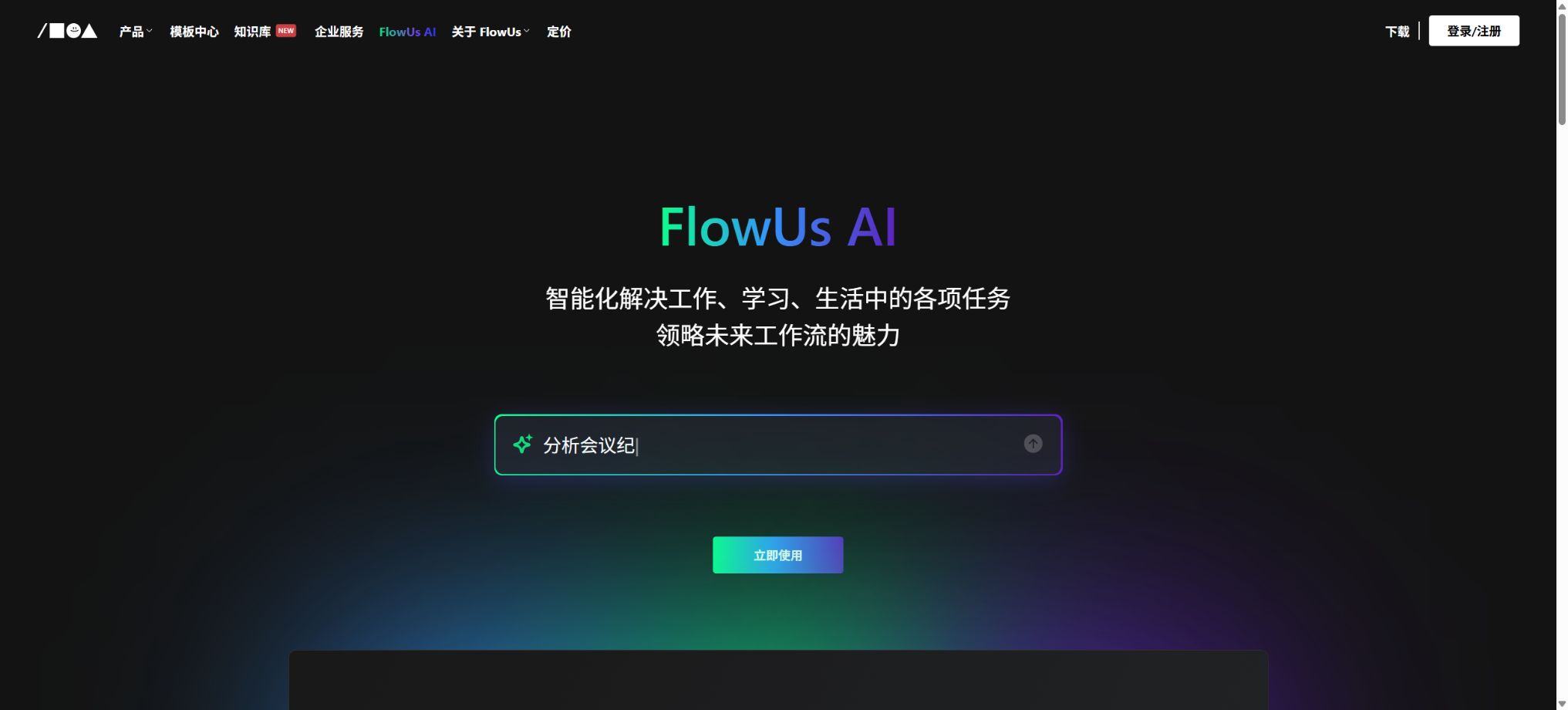
FlowUs AI
A domestic workspace that integrates AI-driven writing with knowledge bases, documents, and project collaboration.
Tags:AI document toolsWhat is FlowUs AI?
FlowUs AI is an intelligent writing, content processing, and knowledge-querying feature built into the FlowUs platform for knowledge management and collaboration. It can understand documents, projects, meeting notes, and subscribed content in a structured format, thereby helping users save time on searching and organizing information.
FlowUs integrates documents, multi-dimensional tables, files, mind maps, team spaces, and public knowledge bases in one platform. Its AI capabilities are built directly into these elements, and it can connect to external AI agents through APIs, MCP, and Skill.
Main functions of FlowUs AI
- Article writing:Generate articles, plans, outlines, and preliminary drafts of content based on the theme and requirements.
- Text polishing:Correct grammar, spelling, and structure to improve clarity and flow.
- Style rewrite:Rewrite the content according to different contexts, audiences, and language styles.
- Summary:Extract the key points and action items from page, column, and space content.
- Content analysis:Explain, classify, extract, or reorganize the selected text.
- Multilingual translation:Identify the original text and translate it into the target language or for a specified use case.
- Code processing:Explain, generate, and optimize code to improve readability and development efficiency.
- Table processing:Identify, parse, and reorganize table data information.
- LaTeX formula:Generate, identify, and interpret mathematical formulas, variables, and formatting.
- Knowledge base Q&A:Answer knowledge questions by combining curated columns with RAG retrieval.
- Space Q&A:Search for documents, projects, and records in individual or team spaces.
- AI Agent integration:Search, read, and write workspaces using FlowUs Skill or MCP.
Three ways of AI-based Q&A
| Q&A format | Search range | Suitable scenarios |
|---|---|---|
| Ask the knowledge base | FlowUs’s curated knowledge section and model-related information | Learn new topics, obtain professional content and general advice |
| Subscribe to Wenwen | Columns subscribed to by users and publicly shared pages | Create more focused private think tanks centered around specific areas of interest. |
| SpaceAsk | Current content of the individual or team space | Search for work manuals, meeting minutes, notes, and project progress |
Ask the knowledge base
Knowledge Base Q&A generates answers by combining large models with FlowUs’ curated content, covering topics such as AI, personal development, language learning, the workplace, product management, technology, and lifestyle. It is ideal for quickly extracting methods and insights from high-quality content.
Subscribe to Wenwen
Subscribing to Q&A services means that responses are given only in relation to the specific topics or public pages chosen by the user, so it is more focused than general Q&A systems. Once the creator updates the content, subscribed users can continue to ask questions related to the new information.
SpaceAsk
SpaceAsk provides access to users’ own FlowUs data, allowing them to view documents, knowledge resources, projects, and meeting records. When used by teams, the quality of the answers depends on the structure of the space, the version of the content, and the permissions of the current user.
AI writing and task handling
- Generate a draft of the article from the title, keywords, or outline;
- Continue, abbreviate, refine, or change the tone of the selected paragraph;
- Summarize the meeting notes and identify the responsible persons as well as the next steps;
- Explain industry jargon, workplace terminology, and complex concepts;
- Reorganize the table contents and assist in data analysis;
- Generate code snippets or explain existing code;
- Processing mathematical formulas and LaTeX expressions;
- Translate between multiple languages and adapt to specific contexts.
AI-generated content can be left on the page for further editing, commenting, and collaborative work. Important facts, formulas, and business conclusions still need to be verified manually; it cannot be assumed that they are accurate just because the content comes from an internal platform.
Documents, knowledge bases, and multidimensional tables
FlowUs supports unlimited nesting of pages, bidirectional linking, reference to other pages, mind maps, file preview, and multi-dimensional tables. Users can place projects, knowledge, and structured data in the same space, and then use AI to search through and organize this information.
- Documents and pages:Record notes, plans, knowledge, and project materials.
- Multi-dimensional table:Use table, board, gallery, timeline, calendar, and form view.
- Knowledge base:Organize multiple pages and files into a subscription-based, Q&A-ready content repository.
- File management:Upload Office files, PDFs, images, audio and video files, and other attachments.
- Import migration:It supports sources such as Markdown, CSV, HTML, Word, and Notion.
- Public sharing:It is possible to create public homepages, share links, and offer paid subscription content.
Comparison of FlowUs prices and versions
FlowUs offers a free version, a professional version, and a team version, categorized by space and number of users. The prices listed on the official pricing page are for annual subscriptions in RMB; they do not include additional seats, AI-related benefits, or discounts for events.
| Version | Price | Pages and storage | Collaboration and Security |
|---|---|---|---|
| Free version | 0 yuan | 5,000 pages/block, 200MB of storage, 2MB per file | 5 external collaborators, basic space and page permissions |
| Professional Edition | 159 yuan per person per year | Unlimited pages, 200GB of storage, with a maximum size of 5GB per file | 100 external collaborators, 30 days of history and advanced sharing |
| Team Edition | 269 yuan per person per year | Unlimited pages, 300GB of storage, with a maximum size of 5GB per file | 250 external collaborators, 180 days of historical and spatial security settings |
Although the number of space members can be increased, additional seats usually need to be purchased. The price page does not specify a fixed number of AI calls that are allowed; the actual amount of AI usage, as well as the ways in which members can have their membership expanded, are indicated on the benefits page after logging in.
Differences in features between versions
| Project | Free version | Professional Edition | Team Edition |
|---|---|---|---|
| Mind map nodes | 300 | Infinity | Infinity |
| Page history | Foundation | 30 days | 180 days |
| Public templates | 5 | Infinity | Infinity |
| Copy to space | 3 times a month | Infinity | Infinity |
| Spatial watermarking and prohibition of sharing | Not included | Lacks comprehensive team security. | Support |
How to choose a version
| Demand | Suggested version | Reason for selection |
|---|---|---|
| Personal notes and a lightweight AI experience | Free version | Verifiable editing, knowledge base, and Q&A methods |
| Personal knowledge base and content creation | Professional Edition | More generous benefits in terms of pages, storage, history, and sharing options. |
| Collaboration on small team projects | Team Edition | More comprehensive external collaborators, history records, and security settings |
| Content-based pricing and public knowledge bases | Professional or Team version | Supports public homepages, subscriptions, and advanced sharing features. |
| AI Agent automation | Select by space permissions | API, MCP, and Skill capabilities require configuration in conjunction with the data scope. |
FlowUs AI Usage Guide
Use SpaceAsk to find information.
- First, organize project, meeting, and institutional documents into a clear hierarchical structure.
- Remove duplicate pages, and mark outdated versions along with their responsible persons.
- Open the AI Q&A interface and specify the topic and time range you wish to search for.
- Have AI list the pages on which the evidence is based, the key conclusions, and the information that remains uncertain.
- Open the original page to verify the numbers, dates, tasks, and permissions.
- Write the confirmed results to the project page or to the to-do list.
Use AI to organize meeting minutes
- Place the original meeting minutes on the FlowUs page and retain the complete version.
- Ask the AI to summarize the decisions, objections, and items pending confirmation by topic.
- Extract tasks, responsible persons, deadlines, and dependencies.
- Write tasks to a multidimensional table or project template.
- Invite participants to provide comments for confirmation, in order to correct any omissions or misunderstandings by AI.
- Subsequently, use SpaceAsk to inquire about the decision-making background and progress of execution.
Connect to FlowUs MCP or Skill
- Confirm that the AI Agent being used supports Skill, CLI, or MCP.
- Give priority to authorizing specific FlowUs workspaces through browser OAuth.
- Check only the read, insert, or update permissions required to complete the task.
- First, let the AI query the current space name and carry out a read-only test.
- Test creating pages, updating content, or querying multidimensional tables again.
- Delete the client configuration and FlowUs-authorized applications when they are no longer in use.
API, MCP, and FlowUs Skill
FlowUs offers APIs for pages, blocks, multidimensional tables, users, and searching; version V2 is the currently recommended version. External applications can use OAuth for authentication, and API keys can also be created when a browser is not available, but these keys must be kept securely.
| Access method | Features | Suitable scenarios |
|---|---|---|
| FlowUs Skill | Install locally and load it as needed; the official recommendation is to use it preferentially. | AI Agents that support skills such as Codex and Claude Code |
| FlowUs MCP | Connect to official cloud services without the need for local software. | Clients that support MCP but not Skill |
| FlowUs API | Developers write their own code to control pages, blocks, and multi-dimensional tables. | Enterprise integration, plugins, and custom automation |
Skill and MCP can perform tasks such as searching, reading and writing pages, querying multidimensional tables, and uploading files. They are merely authorized channels for operating FlowUs data; they do not automatically improve the factual accuracy of AI-generated answers.
Which users are it suitable for
- Knowledge workers:Manage notes, projects, documents, and long-term knowledge systems.
- Students and researchers:Organize courses, literature, experiment records, and academic materials.
- Content creator:Write, publish, subscribe to, and manage paid knowledge bases.
- Product and Operations Team:Manage requirements, meetings, content, and project progress.
- Small businesses:Establish systems, provide training, manage customer data, and create collaboration spaces.
- Developer:Automatically process workspace content via API, MCP, and Skill.
Product advantages
- AI-powered writing and Q&A are directly integrated into document and knowledge management workflows;
- Knowledge Base Q&A, Subscription Q&A, and Space Q&A cover different ranges of information;
- Centralized management of documents, multidimensional tables, mind maps, files, and project collaboration;
- It supports public knowledge bases, paid subscriptions, and content distribution;
- The pricing in RMB for the Professional and Team versions is clear;
- The official API, MCP, and Skill support external AI Agents in reading from and writing to storage spaces;
- Supports synchronization across Web, desktop, and mobile devices.
Usage restrictions and precautions
- The official price page does not specify a fixed number of AI uses; the quota can be viewed only after logging in.
- The free version provides only 5,000 pages per block and 200MB of storage, with a maximum size of 2MB for a single file.
- Additional purchases may be required for space member seats in the Professional and Team versions.
- AI may misinterpret the context of a page, use outdated information, or generate incorrect formulas;
- A chaotic spatial structure and duplicate pages reduce the accuracy of knowledge-based queries.
- Once MCP, Skill, and API gain write permissions, they can modify or overwrite content;
- When sharing publicly or through paid subscriptions, attention must be paid to content copyright and user privacy.
Suggestions on permissions and data security
- Split the space by project and department to prevent all members from accessing all data;
- The team version includes security features such as watermarks, restrictions on sharing, and member grouping.
- The AI Agent first grants read-only access, and only after verification does it allow writing.
- Do not paste API keys in public conversations, code repositories, or pages;
- It is important to save the page history or create an independent backup before performing automated writing.
- Regularly delete authorized applications and external collaborators that are no longer in use.
Open-source instructions
The FlowUs online platform, as well as the AI writing and knowledge Q&A systems, are not open-source products. The fact that official APIs, cloud-based MCP, and Skill integration methods are made available does not mean that the source code for the core services, RAG systems, or the collaboration platform is accessible.
On GitHub, there are fitness applications with the same name as FlowUs as well as third-party extension repositories; these are not the same project as FlowUs’ core product. Before using any community tools, it is necessary to check the ownership of the repository, its permission levels, and the license associated with it.
Frequently Asked Questions
Is FlowUs AI free?
The free version allows users to experience basic storage space and certain AI functions, but the number of AI operations that can be carried out, the available models, and the ways in which storage capacity can be increased are specified on the account page. The professional and team versions offer enhanced features such as increased storage space, better history tracking, improved sharing options, and better collaboration tools.
How much is the professional version of FlowUs?
The official pricing is 159 yuan per person per year, while the team version costs 269 yuan per person per year. The prices for additional members and for specific events are indicated on the settlement page.
What content is read by SpaceAsk?
SpaceAsk provides answers based on the knowledge, documents, projects, and meeting records available in the current FlowUs space. The actual range of access depends on permissions and page access rights.
Does FlowUs support MCP?
Support is available: the official platform offers cloud-based MCP, as well as the lighter-weight FlowUs Skill and developer APIs. When establishing a connection, OAuth or security keys should be used, along with proper permission restrictions.
Is FlowUs open source?
No, the core collaboration platform and AI systems fall under commercial services. APIs, MCP, and Skills are extension interfaces; they do not represent the full source code of the products being made available.
Tools similar to FlowUs AI




 Guigong Network Security Registration No. 45132202000164