






Humata
AI tools that support Q&A, summarization, and information extraction after document uploading
Tags:AI document toolsWhat is Humata?
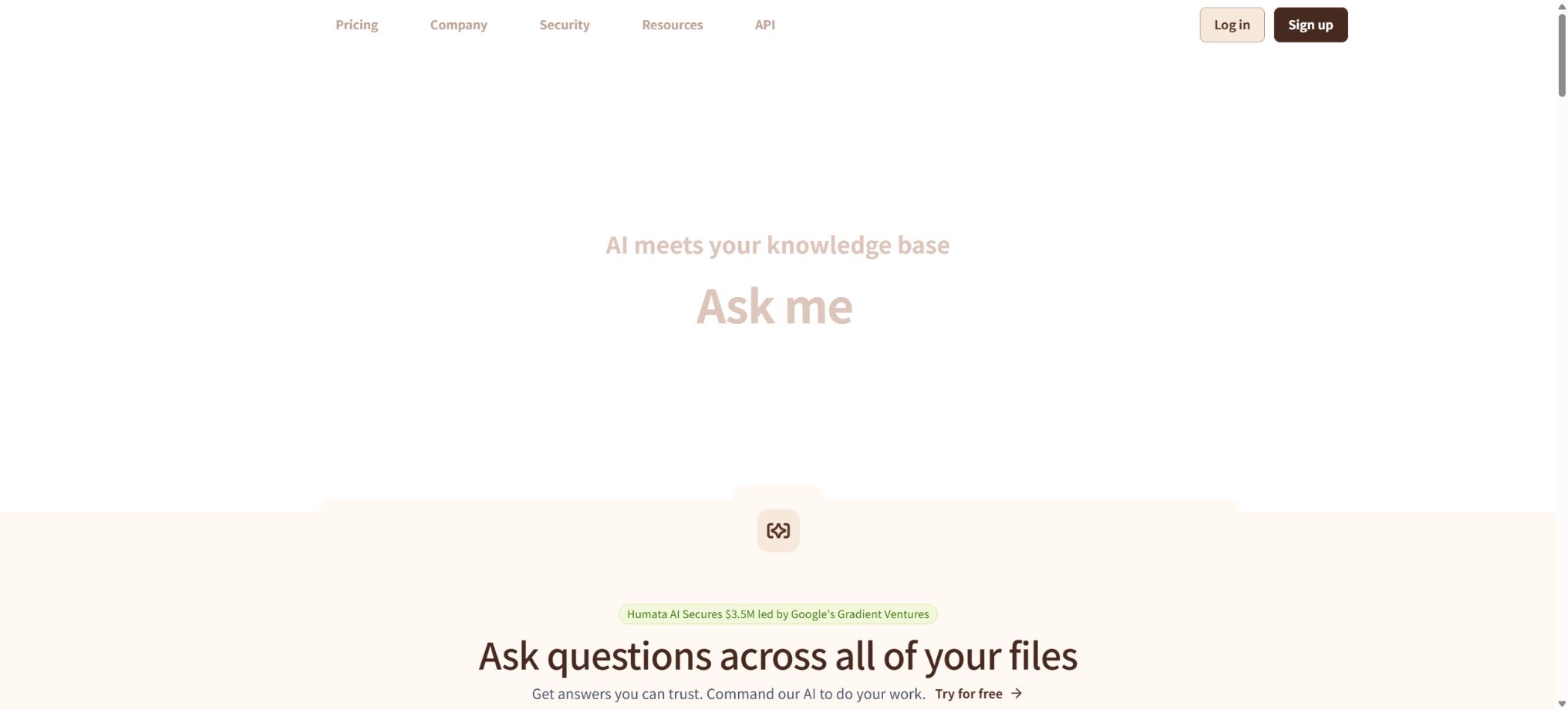
Humata is a file-centered AI tool for document-based Q&A and knowledge management. After users upload PDF files or a set of documents, they can pose questions, generate summaries, extract key points, compare multiple documents, and use the references included in the answers to go back to the relevant parts in the original texts.
Compared to general chatbots, Humata’s main difference lies in the fact that it first processes the files specified by the user and then provides answers based on that information. It is suitable for reading papers, reviewing contracts, examining technical documents, understanding corporate policies, accessing training materials, and consulting customer support databases; however, it cannot replace manual verification.
Upload PDFs and folders
Users can drag and drop individual files, multiple files, or folders into the workspace, and wait for the system to finish reading them before asking questions. Once the files are organized in the storage area, they can be moved around, shared, and their access rights can be set.
Scans, complex forms, formulas, and images may require OCR or manual verification. Before uploading, it is also necessary to check whether the files contain personal information, trade secrets, or content subject to licensing restrictions.
AI PDF Q&A
Humata can answer specific questions contained in a document, such as the methods used in a study, the termination clauses included in a contract, or the conclusions drawn regarding a particular market. It provides quick responses, making it suitable for first locating the relevant paragraphs and then reviewing the original text in detail.
The more specific the questions are, the more useful the results tend to be. It is necessary to specify the target file, sections, time range, comparison dimensions, and output format; otherwise, asking for a “summary” will result in overly general answers.
Document summary
Users can request short summaries, detailed summaries, key points organized by sections, action lists, or explanations tailored for different audiences. For long technical reports, it is more reliable to first have the AI outline the structure and then summarize each section separately, rather than trying to compress the entire document at once.
Summaries tend to overlook exceptions, limitations, and negative outcomes, and they cannot replace reading the full text. In medical, legal, financial, and research contexts, it is necessary to consult the original documents.
Multi-document comparison
Humata allows questions to be posed regarding multiple files, making it possible to compare the methods used in different papers, various contract terms, different versions of policies, or a set of product documents. Teams can use it to identify commonalities, conflicts, and gaps in information.
The comparison results depend on the paragraphs that are retrieved. If the file names are chaotic or the scope is too broad, it is necessary to create folders and tags first, in order to define the scope of the data.
Answer citation and original text location
The document answers generated by Humata include references to relevant sections of the files, and users can click on these references to see where the evidence can be found. This helps determine whether the AI has misunderstood the context, and it also makes it easier to share the conclusions with colleagues for review.
Citations do not guarantee correct reasoning. The system may select relevant but insufficient snippets, or ignore counterexamples within the same document; therefore, important conclusions require examination of the context and the entire section.
Ask All for cross-file questions
Ask All is used to find answers across multiple files or the entire knowledge base; it is suitable for corporate knowledge bases and bulk research. When posing a question, it’s best to specify folders, dates, departments, and topics in order to minimize interference from irrelevant information.
Grounded, Balanced, and Creative modes
Humata offers various response patterns. Grounded relies strictly on the uploaded documents and provides citations; if the information is not available in those documents, it will indicate that a response cannot be given.
Balanced gives priority to documents and may also include information outside those documents; Creative, on the other hand, uses the context of the documents more freely to generate answers.
For matters related to compliance, contracts, research, and corporate policies, Grounded should be given priority. Balanced and Creative are suitable for brainstorming and writing assistance, but any additional information must be verified separately.
Share team files
Teams allow members to share files, enabling them to ask questions based on the same documents and thus reducing redundant searches as well as version inconsistencies. Team and Enterprise offer enhanced capabilities for team management, support, and security.
User access control
- Humata allows control over which users can access and inquire about specific documents;
- Team includes permissions at the departmental and folder level, making it suitable for organizing files by project, client, or department.
- Permission configurations should be tested in accordance with the principle of minimum access, and members who leave the organization must be removed promptly.
- The fact that a file is not visible on the interface does not necessarily mean that the permissions on the backend are correct; important documents still require verification regarding the scope of access allowed.
Web embedding
Humata allows PDF AI to be integrated into web pages, providing visitors with a Q&A interface based on specific documents. It can be used for product manuals, course materials, internal help centers, and customer support.
Before making it publicly accessible, the information that can be answered should be restricted, in order to prevent internal documents, hidden hints, or sensitive content from being exposed to visitors. It is also necessary to implement mechanisms for indicating when there are no answers, for transferring requests to human operators, and for controlling misuse.
Humata API
The official documentation provides APIs for document import, PDF status checking, and creating conversations and posing questions. Developers can use a Bearer token for authorization to import PDFs from publicly accessible addresses or signed addresses, check the status periodically, and then proceed with asking questions and getting answers once everything is ready.
API keys must be stored on the server side only; they cannot be included in web pages, mobile applications, or public repositories. Import links should have a short validity period and limited permissions, and mechanisms should be in place to handle cases of reading failures, timeouts, missing files, and rate limits.
Import API documentation
The import interface enables Humata to download and process PDF files from specified file addresses, making it suitable for integrating an organization’s existing document systems into question-and-answer processes. During development, it is necessary to record the document ID, file version, upload date, and the folder to which it belongs, in order to avoid duplicate imports and unauthorized use of permissions.
Dialogue and retrieval applications
After a session is created through the API, applications can continue to ask questions related to a specific file, thereby creating customer service robots, research assistants, and internal knowledge bases. Responses should include citations, and explicit refusals to answer should be given when no evidence is available.
Comparison of Humata packages and prices
| Package | Price | Users and monthly page | Core competencies |
|---|---|---|---|
| Free | $ | 1 user; 60 pages per month | Q&A for basic documents and GPT-5 support; no additional pages can be purchased. |
| Expert | $ | Up to 3 people; 500 pages per month | Basic functions and chat support; additional pages cost $0.02 per page |
| Team | $ | Up to 10 people; 5,000 pages per month | Enterprise support, department and folder permissions, OCR, personalized responses; additional pages cost $0.01 per page. |
| Enterprise | Custom quote/User/Month | No limit on the number of users; page customization available | SOC 2 certification, SLAs, priority access to new features, and personalized services |
Humata offers monthly subscriptions; some plans also charge based on the actual number of pages processed. The page quota, additional fees, taxes, and corporate contracts may vary, so it is necessary to refer to the current pricing details before making a purchase.
Free free version
Free offers 60 pages per month as a basic quota, suitable for viewing a small number of papers and short documents. Once those pages are used up, it is not possible to increase the page count within the free plan; instead, it is necessary to upgrade to a paid plan that allows for more pages.
Expert Package
The expert version costs $9.99 per month and can be used by up to 3 people; it includes 500 pages per month, with additional pages costing $0.02 each. It is suitable for individual researchers, small professional teams, and those who need to ask questions about documents on a moderate frequency.
Team package
The Team plan costs $49 per user per month, with a maximum of 10 users; it includes 5,000 pages per month, and an additional charge of $0.01 per page for extra pages. This plan offers enhanced permissions for departments and folders, OCR functionality, personalized responses, as well as more comprehensive support.
Enterprise edition
Enterprise offers customized quotes based on user requirements; the amount of resources allocated can be negotiated. It also provides SOC 2 certifications, service level agreements regarding uptime, corporate support, and early access to new features. Before making a purchase, it is necessary to clarify the data processing protocols, identity management procedures, logging practices, retention periods, and support response times.
How should page-based billing be understood?
Humata primarily measures usage based on the pages that are processed or accessed; some approaches also take into account the number of queries made. Scanning large numbers of documents, using duplicate versions, and including irrelevant attachments can increase costs, so it is necessary to clean up the files and define the scope of the materials before uploading them.
File security and corporate data rooms
Humata stores team files in a controlled data space, emphasizing that only authorized members can access them. Enterprise offers more comprehensive security measures and service guarantees.
Users still need to verify the location where data is stored, the sub-processors, the providers of models, as well as the mechanisms for deletion and backup strategies. Compliance certifications do not cover errors in user permissions or improper data uploads.
GitHub and the open-source status
Humata has an official GitHub organization that provides ConceptsLM, example embeddings, search guidelines, as well as several branch projects. These repositories help developers understand how to integrate or reuse certain components.
Humata’s complete SaaS platform, the backend for document processing, as well as the account and billing systems are not available as self-hosted projects. The documentation should indicate that \"the core platform is closed-source; only some examples and components are provided by the official team\", and third-party tools claiming to be crack versions should not be considered official products.
Humata usage tutorial
Complete a basic task.
- Clarify the issue, time frame, location, source priority, and output format;
- Upload materials for which you have permission to use in Humata, or enter search queries;
- First, create a framework by uploading PDFs and folders, then use AI PDF Q&A to add evidence.
- It is necessary to distinguish between factual information from the source, the author’s opinions, and AI-generated conclusions.
- Check each item for dates, numbers, the original location, and any conflicting evidence;
- The conclusions are manually revised, the verification time is recorded, and then they are published;
Create reusable professional workflows
- Break down complex topics into four categories of questions: background, data, comparison, and conclusions;
- Uploading PDFs together with folders, as well as using AI for PDF Q&A and document summarization, constitute the standard steps in research;
- Give priority to using the official website, research papers, regulatory documents, and raw data;
- A second person is assigned to review conclusions that are considered high-risk;
- Save queries, evidence, versions, and unresolved issues;
- Re-run after the data changes and update the conclusions;
Which users is it suitable for?
- Students and researchers who read papers, reports, and textbooks;
- Professionals who review contracts, policies, and case documents;
- Enterprise teams responsible for maintaining product manuals and internal knowledge bases;
- Consultants who need multi-document comparison and reference location;
- Hope to have a team responsible for integrating Q&A content related to documents on the website;
- Developers who create file Q&A applications using APIs.
Product advantages
- The responses are focused on the user’s files, with a clear focus.
- The answers include citations to facilitate reference to the original text;
- It supports queries for single documents, multiple documents, and the entire database;
- The Grounded mode, which relies strictly on the document, can be selected;
- Provides team permissions, web embedding, and APIs;
- The quota on the package page and the price per excess usage are clearly displayed.
Restrictions and Precautions
- Humata may misinterpret scanned documents, forms, and complex layouts, and the information it provides does not guarantee complete accuracy of the answers.
- The free version contains only 60 pages, while the team version is priced per user, with additional pages incurning ongoing costs;
- Before uploading sensitive files, it is necessary to check the organization’s policies;
- AI summaries and Q&A systems cannot replace the judgment of lawyers, doctors, researchers, or other professionals;
Frequently Asked Questions
Is Humata free?
There is a free plan that includes 60 pages per month as part of the basic usage.
What is the difference between Humata and ChatGPT?
Humata focuses primarily on uploading files and cites relevant paragraphs in its responses, making it more suitable for document-based Q&A with traceability.
Can multiple PDFs be asked at the same time?
Yes, it is possible to use cross-file queries and data space retrieval to access multiple documents.
Does Humata provide APIs?
It allows PDF import, checking the reading status, creating sessions, and asking questions related to the document.
Is Humata open source?
The core platform is not open source; the official GitHub provides some components, guidelines, and integration examples.
Tools similar to Humata




 Guigong Network Security Registration No. 45132202000164