






Notion AI
Write, search, summarize, and carry out tasks in the Notion workspace.
Tags:AI document toolsWhat is Notion AI?
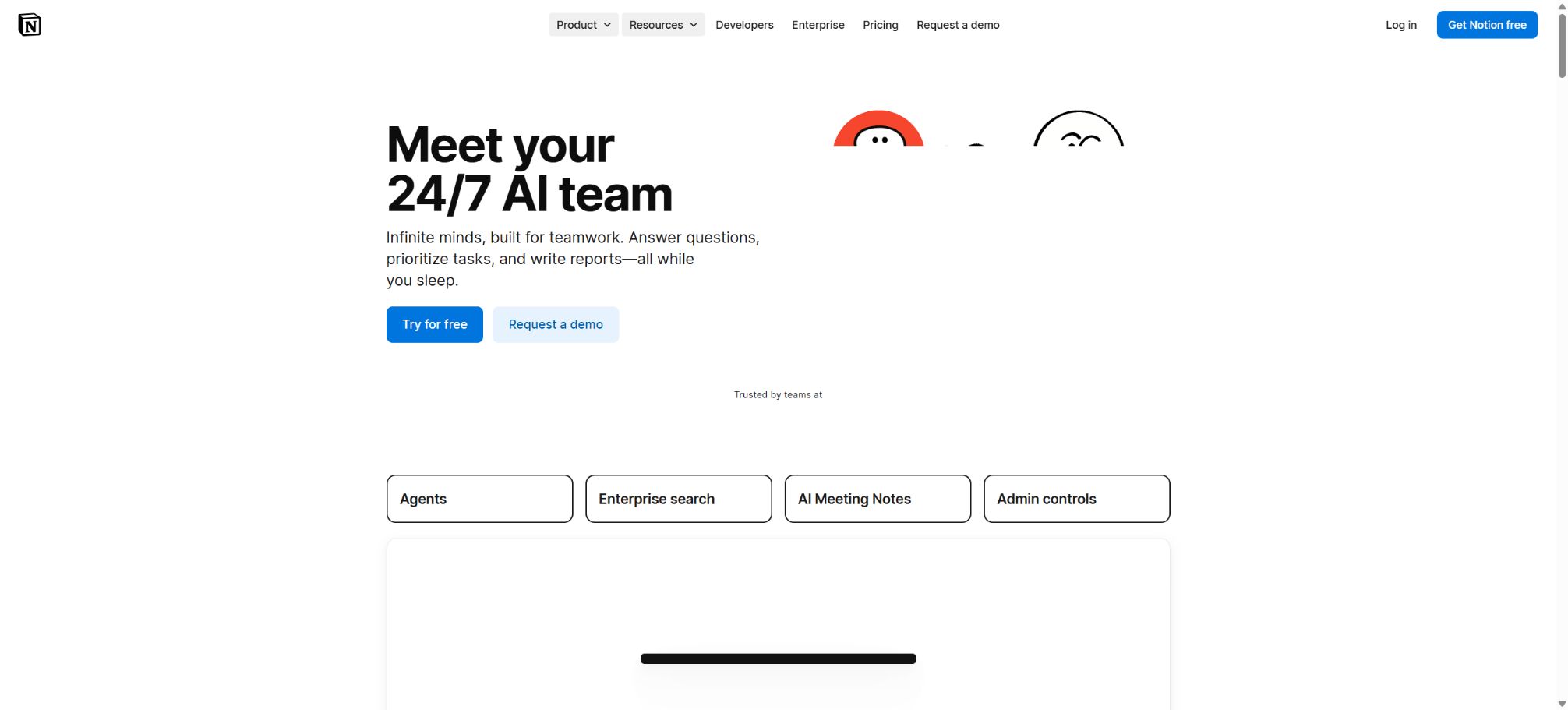
Notion AI is an intelligent work platform that is directly integrated into Notion documents, databases, projects, and knowledge bases.
It is not just the writing button on the page; it also includes Notion Agent, which can read the context of the workspace and create or edit content, Enterprise Search, which allows users to find answers across connected applications, Research Mode for generating complex reports, and AI Meeting Notes, which handles automatic transcription and summarization of meetings.
The team can convert search results into pages, tasks, databases, tables, presentations, or downloadable files within the same interface, thereby reducing the need to copy information back and forth between chatbots and work documents.
Core functions
- Notion Agent:Based on the user’s permissions, it is possible to read pages, databases, and connected applications; create or modify pages, attributes, views, charts, and tasks. Additionally, the working methods can be customized using commands and Skills.
- Writing and page handling:Drafting, rewriting, summarizing, translating, adjusting tone, extracting action items – AI Block can also be used to generate content in a specified format repeatedly on the page.
- Enterprise Search:Search for Notion content, Slack, Google Drive and other connection sources, as well as the public internet, to which the current user has access; include verifiable citations in the responses.
- Research Mode:Multiple steps of research are carried out on open-ended questions, with the integration of work areas, connected applications, and web-based information to produce a more comprehensive analysis report.
- AI Meeting Notes:It works with various meeting clients, records transcripts, summaries, decisions, and action items, and stores the details of the meetings in searchable Notion pages.
- Database AI:Generate database structures, formulas, and automation; use Autofill for sorting, summarizing, information extraction, and filling in custom fields.
- Document generation and analysis:It can read uploaded documents and tables, perform calculations, and generate downloadable outputs such as spreadsheets, PDFs, or slides.
- Custom Agents:It enables continuous execution based on schedules or events; it can be connected to Notion, Slack, Mail, Calendar, and MCP tools, making it suitable for 24/7 operation and tasks that involve multiple applications.
Price and Notion Credits
| Package or version | Prices, quotas, and core benefits |
|---|---|
| Free | At $0, individuals can use basic pages, databases, and a limited amount of storage space; only a few AI trial responses are available. |
| Plus | The cost is around 10 dollars per member per month for an annual subscription, or about 12 dollars per month for a monthly subscription; this allows for an expansion of the available documents, historical records, and collaboration features. However, full Notion AI capabilities are not part of the ongoing benefits offered by this plan. |
| Business | The annual fee is around 20 dollars per member per month, while the monthly fee is about 24 dollars; it includes Notion Agent, AI Meeting Notes, Enterprise Search, and core AI features, along with enhanced permissions and team management tools. |
| Enterprise | Custom quotes are available, including advanced security, auditing, SCIM, domain management, data retention, and enterprise support; the core AI capabilities are configured according to the terms of the contract. |
| Custom Agents | It is available for purchase only in the Business and Enterprise versions; the standard reference price is 10 dollars per 1,000 points per month. Simple tasks require fewer points, while complex tasks with multiple steps, long contexts, and frequent triggers require more points. |
Starting from May 4, 2026, Custom Agents will use Notion Credits; the monthly credits are shared across workspaces, reset on a monthly basis, and do not carry over. Notion Agents, AI Meeting Notes, and Enterprise Search remain part of the Business and Enterprise plans, and they do not consume these credits for continuous automation.
Basic Autofill is also included in the package, but enabling a more advanced version of Autofill with Custom Agent capabilities will result in point deductions. Administrators can view the usage panel, set limits on the number of agents used, receive alerts, or pause the operation of certain agents.
Platform, connectivity, and open-source status
Notion offers web versions as well as apps for Windows, macOS, iOS, and Android. The specific way to access the AI features may vary depending on the client used, the region, and the workspace settings.
Complete meeting recording and management are usually more suitable for desktop versions.
The connector will respect the access permissions set by the user in the source system and in Notion, but administrators should still control which applications can connect, as well as oversee permissions for employees who leave the company, visitors, and external parties.
The Notion client and its core cloud platform are not open-source software. The official GitHub repository provides API SDKs, integration examples, MCP-related tools, and some components, but it does not include the Notion AI models, the full editor, or hosting services.
Developers can use public APIs and MCP to extend workflows, but they cannot use them to deploy Notion AI in a private manner.
Notion AI Usage Guide
Complete a basic task.
- Clarify the issue, time frame, location, source priority, and output format;
- In Notion AI, upload materials for which you have permission to use, or enter search queries;
- First, use Notion Agent to create a framework, and then add evidence through writing and page management.
- It is necessary to distinguish between factual information from the source, the author’s opinions, and AI-generated conclusions.
- Check each item for dates, numbers, the original location, and any conflicting evidence;
- The conclusions are manually revised, the verification time is recorded, and then they are published;
Create reusable professional workflows
- Break down complex topics into four categories of questions: background, data, comparison, and conclusions;
- A fixed set of research steps is formed by combining Notion Agent, writing and page processing, with Enterprise Search.
- Give priority to using the official website, research papers, regulatory documents, and raw data;
- A second person is assigned to review conclusions that are considered high-risk;
- Save queries, evidence, versions, and unresolved issues;
- Re-run after the data changes and update the conclusions;
Which users are it suitable for
- Teams that provide unified management of documents, projects, knowledge bases, and meeting minutes
- Organizations that need to search for information across Slack, Drive, and internal pages
- Operations and product team members who want AI to create databases, tasks, and reports directly
- Business teams that need to carry out knowledge updates, task allocation, and reporting on a regular basis as planned
Restrictions and safety precautions
- NotionAI may generate incorrect conclusions, wrong references, formulas, or database modifications;
- Before allowing the Agent to perform batch updates, it is necessary to review the plan and the pages that can be modified, and to implement manual approval for operations such as deletion, data export, permission changes, and adjustments to key fields.
- The consent of the participants must be obtained before transcribing the meeting;
- When connecting to corporate knowledge sources, it is necessary to audit the existing permissions, as AI search expands the range of information that can be easily found.
- The cost of CustomAgents is related to the frequency of operation, the number of sources, as well as the complexity of the models and tasks; it cannot be estimated solely based on the number of Agents.
- First, run it on a test database on a small scale to observe the scoring and the quality of the output, before enabling scheduled execution.
- Contents related to law, finance, human resources, or customer commitments must be reviewed manually.
Frequently Asked Questions
Does Notion AI need to be purchased separately?
Core AI is included in Business and Enterprise versions; Free and Plus versions offer only a limited trial period.
Custom Agents that run automatically on a continuous basis require additional Notion Credits.
Can Notion AI search Google Drive and Slack?
Supportable external sources can be searched through connectors, but the visibility range depends on the workspace schema, administrator settings, and user permissions.
Does Notion AI support Chinese?
It supports writing in Chinese, Q&A, summarization, and translation; however, professional terms, meeting transcripts, and key data still require manual verification.
Tools similar to Notion AI




 Guigong Network Security Registration No. 45132202000164