






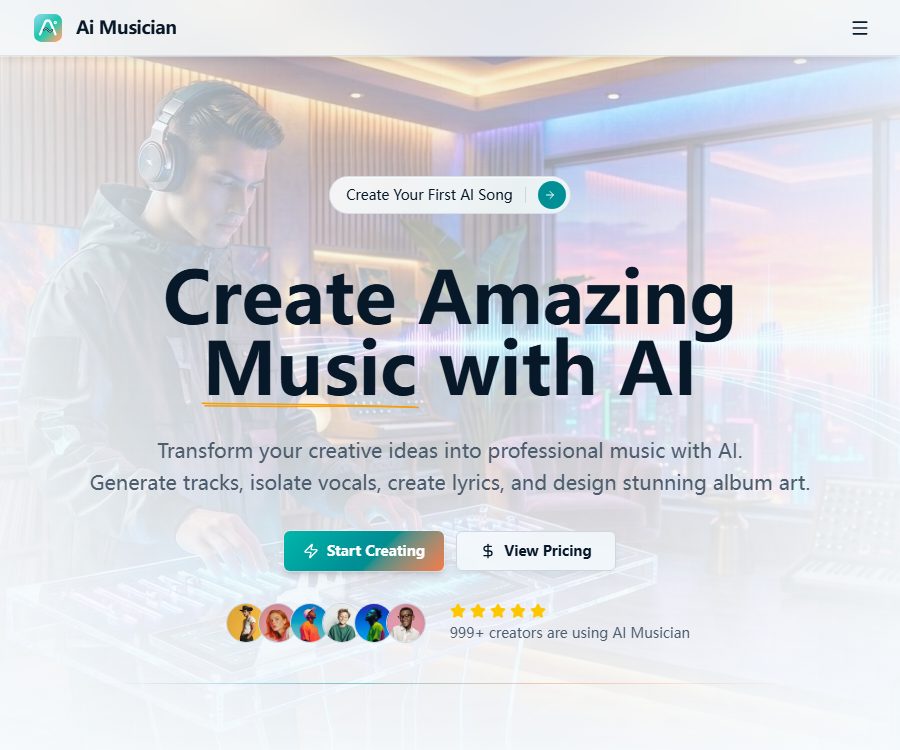
aimusician
Aimusician: makes AI-based audio processing more efficient and simpler.
Tags:AI audio toolsWhat is AI Musician?
AI Musician is an online creation platform that combines music generation, audio processing, and visual design. It is intended for ordinary users who lack professional production experience, and it can also be used to create prototype materials for music artists, podcasts, videos, and video game projects.
The platform offers nine types of AI tools that cover a wide range of functions, from generating music from text or images to separating vocal tracks, splitting audio tracks, and creating lyrics and album covers. The website is available in both Chinese and English; it can be used directly on smartphones and tablets, while a native mobile app is still under development.
Main functions
Generating complete music from text
Users can describe the genre, mood, speed, instruments, and singing style to create tracks with vocals or pure music. The Pro version allows for tracks of up to 5 minutes in length, while the free version limits tracks to 1 minute.
Converting images into music
After an image is uploaded, AI analyzes its colors, atmosphere, and composition, then generates music that matches the visual theme. It is suitable for use as background music for albums, short videos, presentations, and social media content.
Recreation based on reference audio
Audio to Music allows users to upload existing audio files and create new musical versions while preserving the core melody of those files. When using songs that are protected by copyright, it is still necessary to obtain permission for adaptation, sampling, or uploading.
Voice removal and track separation
Vocal Remover can separate a song into the vocal part and the accompaniment, while Stem Splitter allows for further separation of the vocals, drums, bass, and other instruments. According to the official documentation, the number of tracks that can be separated is usually between 4 and 6.
Sound isolation
Audio Isolation is used to extract clear speech and reduce background noise; it is suitable for podcasts, interviews, and audio cleanup. It cannot fix severe distortion, clipping, or recordings taken from great distances.
Sound effects, lyrics, and cover art
The platform can generate audio clips lasting from 1 to 30 seconds based on text, and it also supports the creation of lyrics in multiple languages. The album cover tool is capable of producing high-resolution images, with a maximum resolution of 4000×4000 pixels in the Pro version.
Which users are it suitable for
- Independent musicians who can quickly create song prototypes and musical ideas
- Video creators who need background music, opening sequences, and sound effects
- Producers who remove human voices from podcasts or create brand-specific voiceovers
- Game developers who need level music and ambient sound effects
- Users who create backing tracks, karaoke materials, and mixing assets
- At the same time, a team is needed to handle the lyrics and the album cover design.
AI Musician User Guide
- Register an account and select music generation, track separation, or other desired tools.
- When creating music, specify the genre, mood, BPM, instruments, and whether vocals are needed.
- When processing audio, upload clear files and ensure that their format and size comply with the specified requirements.
- First, use short content for testing to check the generation speed, sound quality, and integral consumption.
- Test issues such as melodies, lyrics, rhythm, noise, and track crosstalk.
- When unsatisfied, only one key parameter is adjusted, which makes it easier to determine the source of the change.
- Select available formats such as MP3, WAV, or FLAC to download the result.
- Before commercial release, verify the subscription status, scope of authorization, and rights to the input materials.
Format for music prompts
The prompt should include information regarding the musical purpose and the audible elements, such as “upbeat electronic pop music at 120 BPM, with a synth melody – suitable for use as an introduction to technology products”. Specifying a clear structure usually yields better results than simply writing “nice music”.
- Genre: Pop, Rock, Electronic, Classical, Jazz, or film score
- Emotions: warm, tense, dreamy, cheerful, or melancholic
- Speed: Indicate slow, medium, fast, or a specific BPM.
- Instruments: piano, guitar, string instruments, drum set, or synthesizer
- Vocal tracks: male vocals, female vocals, chorus, rap, or instrumental music
- Structure: Prelude, verse, chorus, bridge, and ending
Supported formats and processing limitations
The input formats listed in the official FAQ include MP3, WAV, FLAC, M4A, and OGG. For output, options are 320kbps MP3, WAV at 44.1kHz and 16 bits, as well as lossless FLAC.
| Plan | Maximum file size for upload | Longest song | Commercial use | API |
|---|---|---|---|---|
| Free | 25MB | 1 minute | For personal, non-commercial use only, with a required signature | Not available |
| Pro | 100MB | Up to 5 minutes | Support | Support |
| Enterprise | 200MB | Based on corporate capabilities | Support | Support |
Music generation usually takes 30 to 60 seconds, voice removal about 30 to 120 seconds, and track separation 60 to 180 seconds. A busy server, damaged files, and network issues can all prolong processing time or lead to failure.
Price and plan status
As of August 25, 2026, official documents confirm the three plans – Free, Pro, and Enterprise – along with their main permissions; however, the pages from which information can be retrieved do not consistently display the current amount and point total for the Pro plan. The pricing details should be indicated as subject to the settlement page, rather than relying on old quotes from third parties.
The platform uses a points system, with different tools requiring varying amounts of points depending on the complexity of their processing. Whether unused points are carried over or expire varies depending on the plan; it is necessary to check the currency used, whether payment is monthly or annual, as well as the rules regarding automatic renewal and cancellation before subscribing.
Free plan
New users can try out the basic functions for free; some tools come with daily usage limits. The content generated for free is intended for personal, non-commercial use only, and any public sharing must indicate that it was created by AI Musician.
Pro and Enterprise solutions
Pro offers an unlimited or higher number of tools, priority handling, commercial use, and API access; the enterprise version also allows for customized limits and training options to be agreed upon. Even when the usage is unlimited, it is still subject to constraints such as reasonable use, fair scheduling, and security policies.
Commercial licensing
According to the official commercial licensing agreement, paid subscribers receive a non-exclusive, permanent, global license for both commercial and non-commercial use, and they are allowed to modify, distribute, and monetize the content created during their subscription period. The content produced during the paid subscription period can still be used after it expires.
Free users are allowed to use the services for personal, non-commercial purposes only, and any public release must include attribution. When users insert songs, lyrics, recordings, or cover art belonging to others, they must obtain the necessary rights for adaptation, sampling, performance, and use of such content.
Privacy and file storage
According to the official FAQ, the generated content is temporarily stored on the server for users to download it, and it is automatically deleted after a period of inactivity. Since the specific duration for which this data is stored is not disclosed, important files should be downloaded to local devices as soon as possible.
- Do not upload unauthorized commercial master tapes or confidential client recordings.
- Obtain the consent of the recording participants before processing interviews and audio.
- Splitting tracks and removing vocals does not equate to obtaining rights for cover versions, sampling, or distribution.
- For important projects, save the original files, prompts, and the generated versions simultaneously.
- Avoid using online processing when dealing with minors or sensitive conversations.
- When recommendations are made publicly, it is advisable to indicate that AI assistance was used, in order to increase the transparency of the content.
Product advantages
- Nine types of tools are grouped within a single account, covering music, audio, and cover design processes.
- It supports various methods of creation, including text, images, and reference audio.
- It takes into account voice removal, separation of four to six tracks, and noise isolation.
- Supports common audio formats and high-quality downloads
- Pro and Enterprise editions provide commercial licenses and APIs.
- The interface supports both Chinese and English, and the website can be used on smartphones and tablets.
Usage restrictions and precautions
- When generating music, repetitive structures, unnatural lyrics, and unstable mixing may occur.
- Even after splitting complex songs into separate tracks, hums may remain or phase issues can occur.
- Free content cannot be used for commercial purposes, and it requires attribution in accordance with the agreement.
- The specific prices and the amount of points required are not consistently displayed in the public documents.
- Online files are only stored temporarily; the platform is not suitable as a long-term repository for materials.
- AI-generated content may still give rise to disputes regarding similarities or platform copyright issues.
Open-source status
As of the time of verification, no official repository released under an open-source license for the AI Musician core platform was found, nor were any instructions for self-deployment available. Among the search results, there are project names such as musAIc and Microsoft Muzic that are similar in name, but none of them have a verifiable connection to this commercial website.
The catalog should label AI Musician as an online commercial service, and consider API access as a feature available in the Pro and Enterprise subscriptions, rather than as part of an open-source project.
Frequently Asked Questions
Is experience in music production required?
It’s not necessary; users can describe music in plain language. To obtain a consistent final product, it is still advisable to understand rhythm, sections, and basic copyright concepts.
Can music generated for free be used for commercial purposes?
No. Official permits restrict the free version to personal, non-commercial use; any public sharing requires attribution.
Can the content generated by Pro be used after its subscription expires?
Yes, the content created during the regular subscription period enjoys ongoing commercial usage rights. If the license is terminated due to violation of the terms, those rights may be lost.
Which audio formats are supported?
Input supports MP3, WAV, FLAC, M4A, and OGG; output provides MP3, WAV, and FLAC in high-bitrate formats. The specific formats supported by different tools may vary slightly.
Whether API is provided
The comparison of Pro and Enterprise features indicates that API support is available in both versions, but it is not provided in the free plan. The call limits, interface documentation, and prices are subject to what is displayed on the developer page associated with the account.
Is AI Musician an open-source tool?
No official open-source code or local deployment version was found. It is an online music service that operates on a subscription and point-based system.
Summary
AI Musician is suitable for creators who wish to carry out music creation, track separation, audio cleanup, as well as lyrics and cover design all in one platform. When choosing a plan, it is important to distinguish between free, non-commercial licenses and paid, commercial licenses; moreover, it is necessary to check the current prices, points system, and rules regarding file storage before making a payment.
Tools similar to Aimusician




 Guigong Network Security Registration No. 45132202000164