






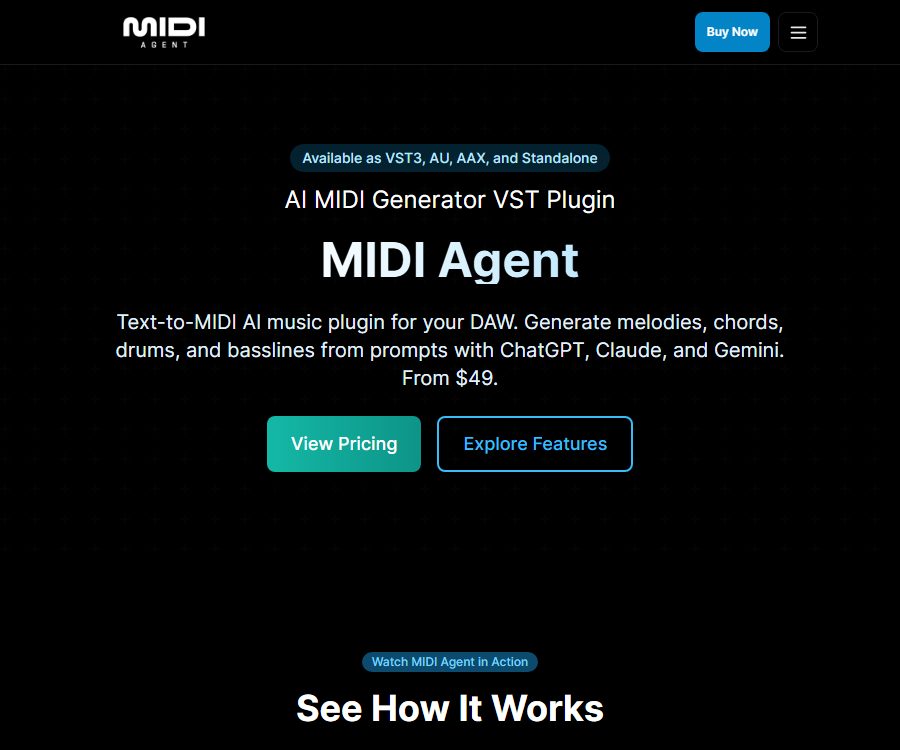
AI MIDI Generator VST Plugin
AI MIDI Generator VST Plugin – makes AI-based audio processing more efficient and simpler.
Tags:AI audio toolsWhat is a MIDI Agent?
MIDI Agent is a MIDI plugin that introduces AI-based composition capabilities into digital audio workstations. Producers can describe musical elements such as key, tempo, rhythm, and mood using natural language, and in return they obtain editable data regarding notes, durations, dynamics, and expression.
It outputs MIDI rather than fixed audio, which allows users to change instruments, move notes, modify harmonies, and rearrange the music. Rather than generating a complete song with just one click, it emphasizes giving producers more control over sound design and post-production.
Main functions
Natural language generation of MIDI
- Generate melodies, chord progressions, bass lines, drum beats, and arpeggios.
- Describe the requirements in terms of key, scale, length, rhythm, and musical style.
- Outputs MIDI clips that can be dragged into a DAW track.
- Use your own virtual instruments and effects to listen to and arrange the results.
Extensions and variations of existing MIDI
Users can import existing MIDI drafts so that the AI can continue to create subsequent sections or generate variations. It is suitable for developing verses, choruses, transitions, and different rhythmic versions from short motifs.
Convert audio to MIDI
MIDI Agent can convert MP3, WAV, and other common audio formats into editable MIDI files. The official recommendation is to use clear clips that are no longer than 30 seconds and feature a single instrument; pianos, clean guitars, vocals, and acoustic instruments are suitable choices for getting started.
Audio with complex mixtures, strong reverb, multiple instruments playing together, or a high volume of drum sounds is more prone to errors in pitch, rhythm, and polyphonic recognition. After transcription, it is necessary to check for incorrect notes, overlapping notes, and unnecessary control information in the piano roll.
Flexible AI integration methods
- Connect your ChatGPT account in the supported versions.
- Use keys provided by providers such as OpenAI, Anthropic, Gemini, xAI, DeepSeek, or OpenRouter.
- Use compatible local models through tools such as Ollama or LM Studio.
- Subscribe to MIDI Agent Pro to get managed models and advanced providers, without the need to manage keys yourself.
When a custom key is used, the costs associated with calling the model, as well as the quotas and data policies, are determined by the respective provider. The models that are available after connecting to a ChatGPT account, along with any usage restrictions, also depend on the user’s own plan and workspace.
Plugin format and DAW compatibility
| Format | Support system | Typical uses |
|---|---|---|
| VST3 | Windows, macOS | Ableton Live, FL Studio, Cubase, Studio One, Reaper, Bitwig, Reason, and others |
| AU | macOS | Logic Pro, GarageBand, and hosts that support AU |
| AAX | Windows, macOS | Pro Tools |
| Standalone | Windows, macOS | Generate and export MIDI files without launching a DAW. |
The specific DAW version, the path used for scanning plugins, and the MIDI routing methods can vary. Before making a purchase, it is necessary to confirm that the host system supports the corresponding 64-bit plugin formats, with particular attention paid to AU, VST3, and AAX.
System requirements
- 64-bit Windows 10 or a later version.
- macOS Sequoia or later.
- At least 4GB of RAM is required; 8GB is recommended by the manufacturer.
- Using cloud AI services requires an internet connection.
- When using a local model, it is also necessary to meet the model’s own memory and computing requirements.
Price and version
The prices listed below were verified on the official website as of August 25, 2026. Time-limited discounts, taxes, and the details provided by the service providers may change; the final amounts will be those indicated on the settlement page.
| Version | Reference price | Main content |
|---|---|---|
| MIDI Agent Plugin | One-time purchase price of 49 dollars; the original price on the page was 99 dollars. | VST3, AU, AAX, standalone application, lifetime updates; capable of connecting to ChatGPT, with built-in keys or local models available |
| MIDI Agent Pro | $ | 500 uses per month for AI-generated models, hosted models, advanced music and audio services, as well as priority support. |
Pro is not a substitute for a plugin license – it is necessary to first purchase the basic plugin in order to subscribe. When choosing an API key that is included as part of the service, additional fees may apply for each call to the model; using local models may require hardware with higher performance.
Free trial and refund
The official website clearly states that there is no free trial available at the moment. The refund policy applies only to confirmed product defects that cannot be fixed; issues related to unfamiliarity with the product, problems with third-party API keys, or subscription fees incurred during normal operation of the service are generally not eligible for a refund.
To process a refund due to a defect, it is necessary to provide the order number, a description of the problem, the steps to reproduce it, as well as information on the operating system, DAW version, and plugin versions. The team usually reviews such requests within 5 working days; once approved, the refund is issued via Stripe, and it may take 5 to 10 working days for the funds to arrive.
Installation and Usage Guide
- Ensure that your computer system, 64-bit architecture, and DAW support VST3, AU, or AAX, before purchasing plugin licenses.
- Download the installation package and install it in the required format; after restarting the DAW, perform a scan for plugins.
- Load the MIDI Agent into a track that is capable of sending or receiving MIDI, in order to handle MIDI routing.
- Choose between a ChatGPT account, a provider’s API key, a local model, or Pro-hosted access.
- First, it is suggested to create a short excerpt that specifies the role of each musical instrument, the key, the tempo, the time signature, and the duration.
- Drag the result onto the instrument track, listen to it, and then edit the notes, dynamics, rhythm, and chord configuration.
- Use Extend to develop satisfactory phrases, or use clear short audio clips to test the transcription function.
- Save MIDI, project, and model settings to facilitate reproduction or further modification in the future.
Prompt writing format
- Define the roles, such as melody, bass, drums, chordal foundation, or arpeggios.
- Indicate the key, scale, BPM, time signature, and number of measures.
- Describe rhythm density, syncopation, range, and dynamic changes.
- Describe styles using musical characteristics, avoiding direct requests to replicate living artists.
- Generate one focused segment at a time, then gradually extend and adjust it.
Copyright, Commercial Use, and Data
The official website states that the MIDI files generated by the plugin belong to the user and can be used for both personal and commercial projects. This statement does not automatically resolve issues related to copyrighted melodies, samples, lyrics provided by the user, or any imitation of specific works; a similarity check is still required before the files are released.
MIDI Agent does not train its models using user interactions, input files, or output files. However, the services connected to it, such as OpenAI, Anthropic, Google, and other providers, have their own policies regarding data processing and storage, which users should check separately.
Local models can usually reduce data transmission to the cloud, but this does not mean that the entire workflow automatically meets security requirements. Project files, plugin logs, third-party downloaders, and model services still need to be subject to security assessments.
API and open-source status
As of this verification, no independent public API provided by MIDI Agent to developers has been found, nor is there any official open-source repository representing this commercial plugin. The ability to use third-party API keys or to run local models does not mean that MIDI Agent itself is open source.
Product advantages
- Editable MIDI is generated directly within the DAW, rather than being locked as fixed audio.
- Supports major plugin formats and offers standalone applications.
- You can use your own cloud keys, or employ local models or Pro hosting services.
- It supports extending MIDI, creating variations, and converting audio to MIDI.
- The one-time plugin license includes lifetime updates.
Usage restrictions
- There is no free trial, and refunds are only available in case of confirmed product defects.
- Pro requires the purchase of additional plugins; it cannot be used as a complete product on its own.
- Cloud models may incur additional costs and be subject to third-party quota limitations.
- Converting audio to MIDI has limited effectiveness for complex mixes and large files.
- The minimum requirements for macOS are relatively recent, so users with older Macs need to check carefully.
- Music generated by AI still requires manual selection, editing, and copyright verification.
Frequently Asked Questions
Which DAWs are supported by MIDI Agent?
It can be used in DAWs that support the corresponding format, such as Ableton Live, FL Studio, Logic Pro, Pro Tools, Cubase, Studio One, Reaper, Bitwig, Reason, and GarageBand; there is also a standalone application available.
Is it necessary to buy Pro?
It’s not necessary. The basic plugin can be connected to ChatGPT, use built-in API keys, or work with local models; the Pro version offers hosted models and 500 generation requests per month, while the premium version provides additional features.
Can audio be converted to MIDI?
It can handle common audio formats such as MP3 and WAV. Materials that are clear, short, and feature a single prominent instrument tend to yield more editable results.
Can the generated MIDI be used for commercial purposes?
Officials state that the MIDI files produced are the property of the users and can be used for commercial purposes. Users still need to ensure that the input materials are legal and to avoid creating content that is substantially similar to protected works.
Tools similar to the AI MIDI Generator VST Plugin




 Guigong Network Security Registration No. 45132202000164